Free OnlineAI Tree Generator
How to Generate Tree Art With AI
Set the Species and Purpose
Generate a Deliberate Composition
Refine Canopy, Roots, and Light
Prepare and Export the Image

Why Use Mew Design for AI Tree Art
Direct the Species and Silhouette
Go beyond “make a tree.” This online AI tree generator can use cues such as oak, baobab, willow, pine, or cherry blossom to shape the trunk, crown, bark, and foliage around your brief.
Guide the Look With References
Upload a photo, sketch, palette, or style reference when words are not enough. Mew Design can use the image as visual guidance while creating a new tree composition.
Edit the Tree, Not Just Regenerate
Use Chat Edit to target one issue at a time: open the canopy, strengthen the roots, replace the sky, shift the season, or simplify the scene without rebuilding the entire idea.
Make Clean, Isolated Tree Assets
Need an AI tree generator with a transparent background? Generate a readable silhouette, ask Mew Design to remove the background, inspect the fine branch edges, and export a transparent PNG.
Keep a Series Visually Related
Create several species, seasons, or campaign images in one art direction. Turn a successful approach into a reusable Mew Skill to reduce repeated briefing and improve continuity across later tree artwork.
Create for Real Visual Destinations
The AI tree art generator supports practical creative work, from vertical wall art and book illustrations to nature campaigns, social graphics, moodboards, and game-environment concepts.
What to Include in a Strong Tree Image Brief
- Name the Tree and Structure: Specify the species or defining form, age, trunk shape, branch spread, roots, and canopy density. If botanical accuracy matters, identify the traits you plan to verify.
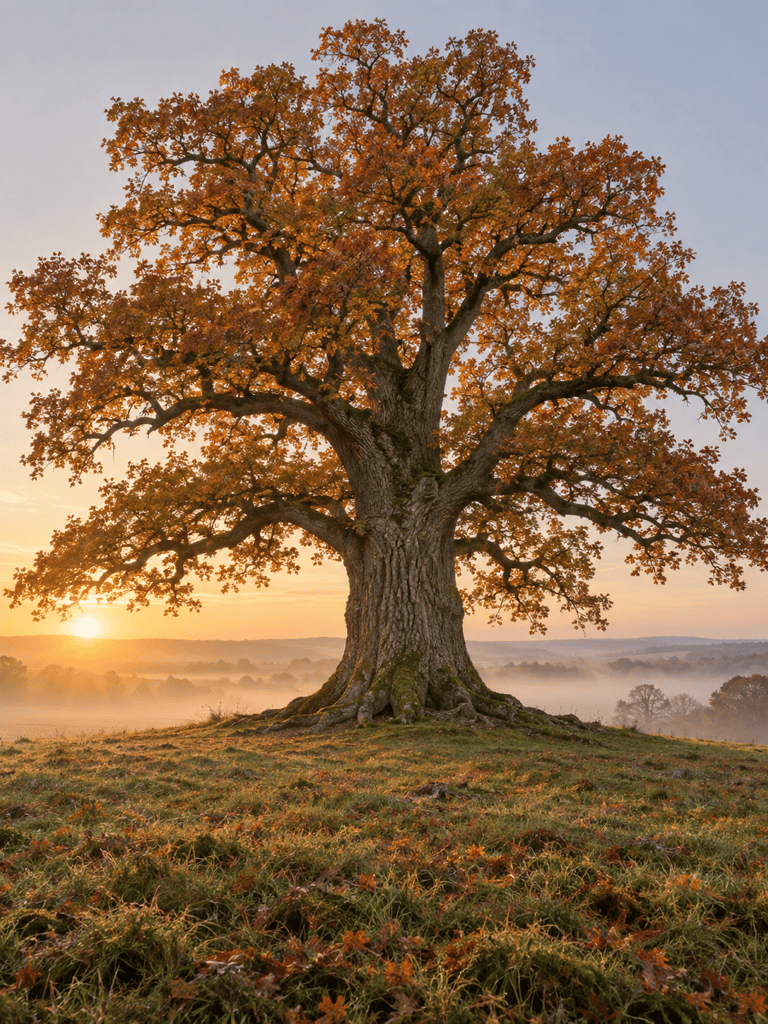
- Choose the Season and Medium: State spring blossom, dense summer foliage, autumn color, bare winter branches, or another stage, then choose photography, watercolor, ink, low-poly 3D style, or digital painting.
- Set the Scene and Light: Add geography, terrain, weather, time of day, atmosphere, camera distance, and light direction so the tree belongs to a deliberate environment.
- Define the Destination and Limits: Name the aspect ratio and use, such as poster, cover, wallpaper, or isolated asset. Exclude unwanted people, buildings, text, logos, borders, or clutter.
Tree Art Prompts for Distinct Visual Styles
Create a photorealistic portrait of a monumental baobab on the Madagascar savanna at sunset. Show the full bottle-shaped trunk, sparse upper branches, dry grass, a low horizon, warm rim light, realistic bark texture, and no people, text, or watermark. Use a vertical 3:4 composition.
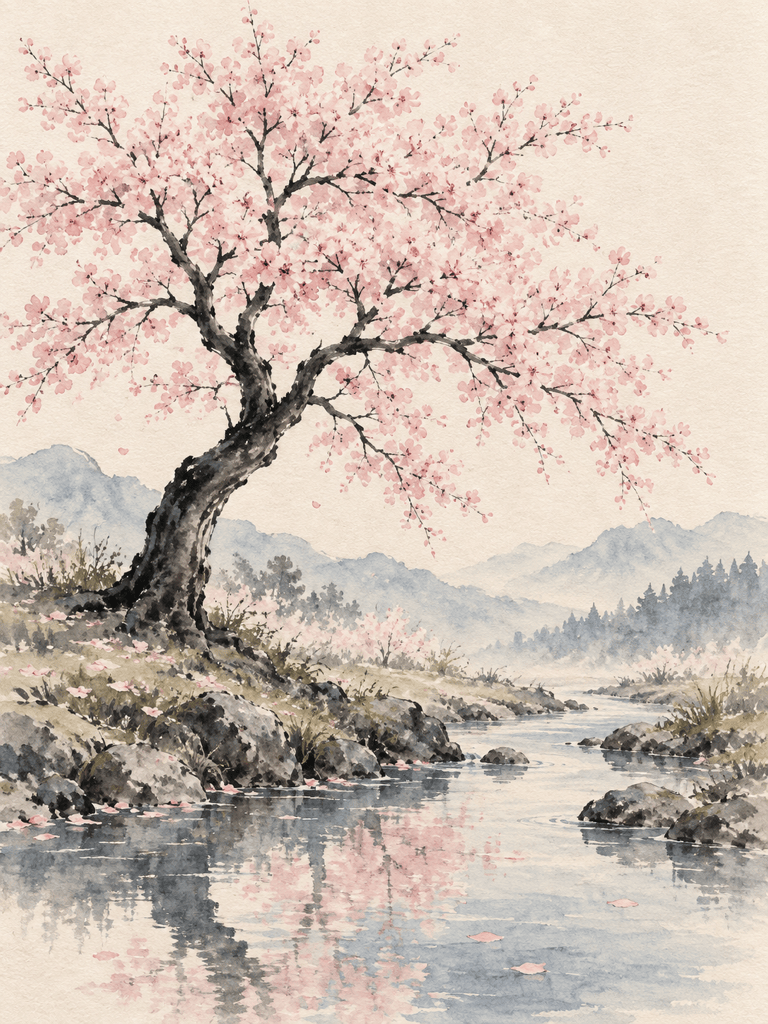
Paint a Japanese cherry blossom tree beside a quiet stream in loose watercolor and ink. Use pale pink blossoms, a dark graceful trunk, soft paper texture, restrained blue-gray washes, generous negative space, and no lettering. Prepare it as vertical botanical wall art.
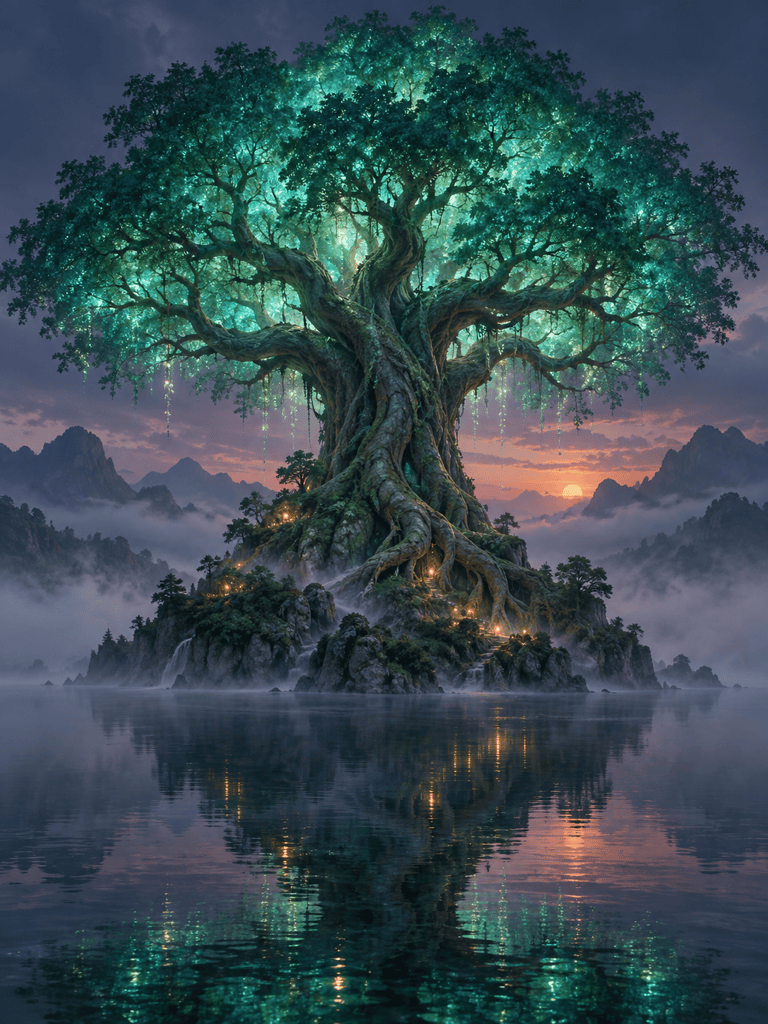
Create an original fantasy world tree on a rocky island at twilight. Give it enormous twisting roots, an expansive luminous teal canopy, tiny warm lights for scale, layered mist, cinematic depth, and a clear central silhouette. Avoid recognizable franchise imagery, text, and logos.
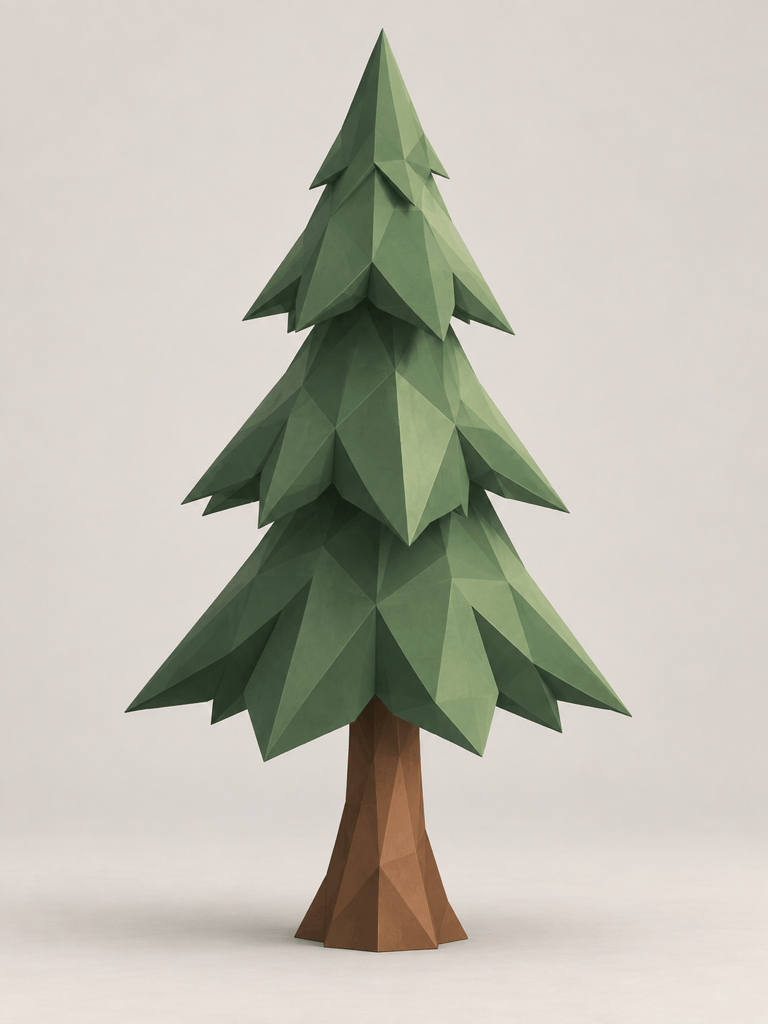
Design a low-poly pine tree asset for a cozy exploration game. Use a tapered trunk, three readable tiers of angular evergreen foliage, muted forest green and warm brown materials, soft ambient shadows, and a clean light background. Keep the full silhouette centered with no text.
Create a refined tree-of-life emblem for a fictional wellness studio. Interweave the roots and branches into a balanced circular silhouette using elegant single-weight lines in deep green and warm gold. No brand name, letters, mockup, border, or copied symbols.
Create four related tree images for a seasonal nature campaign: the same solitary maple in spring rain, summer sun, autumn color, and winter snow. Preserve the camera angle and trunk silhouette while changing foliage, weather, and light. Use one calm editorial color treatment across the series.





