Free OnlineAI Toy Generator
How to Create Toy Designs with AI
Describe the Toy
Add a Reference If Needed
Generate and Refine
Export the Concept

Why Make Toy Concepts with Mew Design
From Idea to Toy Image
The online AI toy maker turns a short character brief into a visual concept, so you can explore an idea before commissioning a physical prototype.
Photo and Sketch References
Upload a reference image when you want a figure inspired by a face, outfit, pet, or drawing. Describe the details that matter most and review the result.
Materials That Read as Toys
Ask for stitched plush, molded vinyl, painted wood, or articulated plastic, then refine the texture and shape with Chat Edit.
Display-Ready Variations
Try a clean product shot, a shelf scene, or a toy packaging mockup while keeping the same character concept.
Simple Image Exports
Save the generated toy image as PNG or JPG for a creative brief, social post, or presentation.
Free Credits to Try
Sign up for free AI credits to test a custom toy direction. The exported design is watermark-free; available credits and options are shown in the product.
What to Specify for a Better Toy Concept
- Choose a material: Plush needs visible seams and fabric pile; vinyl needs a molded surface; wooden toys need simple shapes and believable joins.
- Control the silhouette: State whether the toy should be chibi, tall and articulated, soft and rounded, or easy for small hands to grasp.
- Use references carefully: For a photo-based figure, specify the hairstyle, outfit, and accessories to keep. Generated likeness can vary, so review it before sharing.
- Keep packaging legible: Request short, exact box text and enough blank space around the figure. Inspect spelling in the final image.
Toy Ideas to Generate
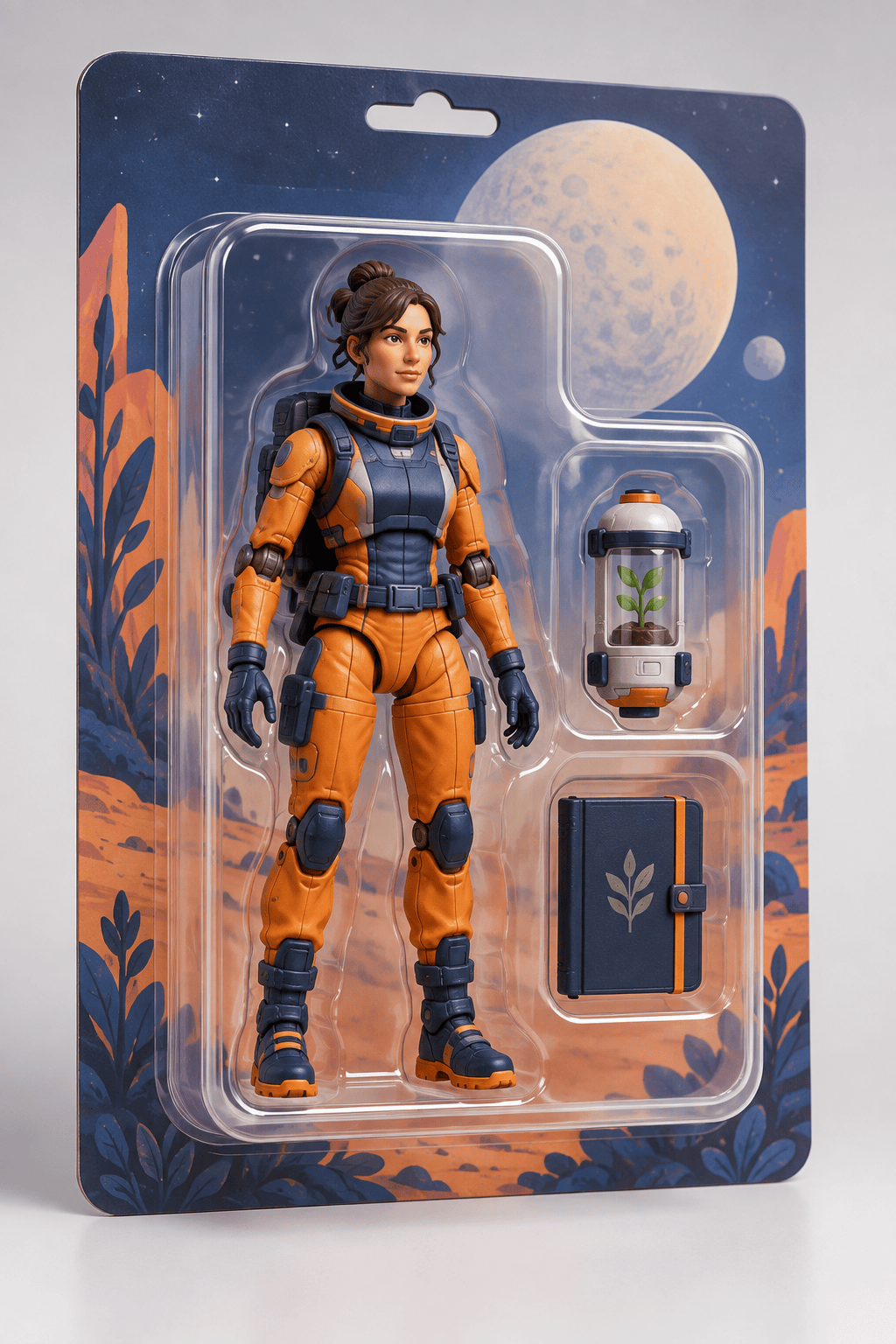
Create an original space botanist action figure in a clear blister pack, with a seed capsule and field notebook in separate accessory slots. Use believable articulated joints and a clean product-photo background.
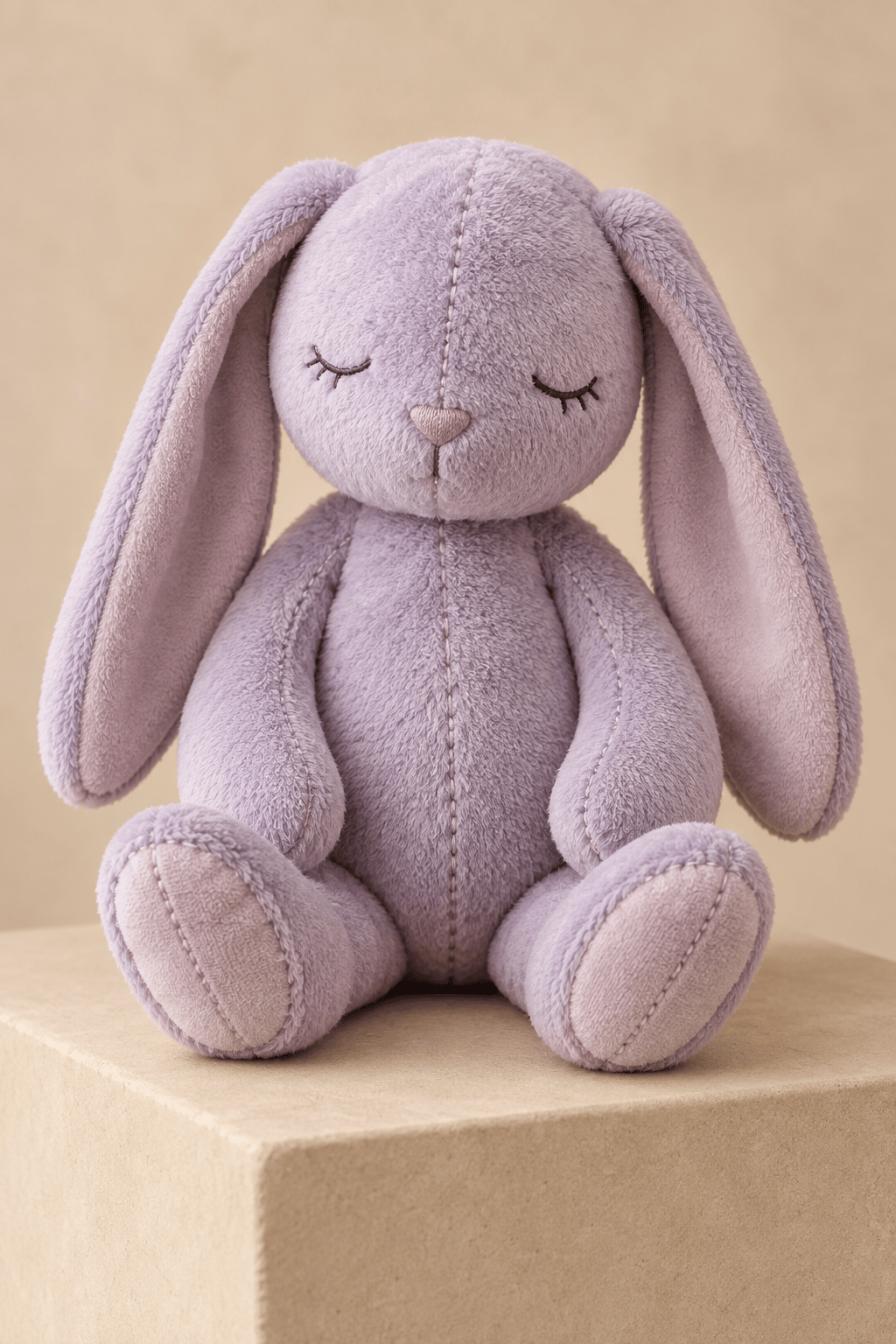
Design a sleepy lavender rabbit plush with embroidered eyes, short velour fabric, soft floppy ears, and visible stitched seams. Show one complete toy on a warm neutral studio backdrop.
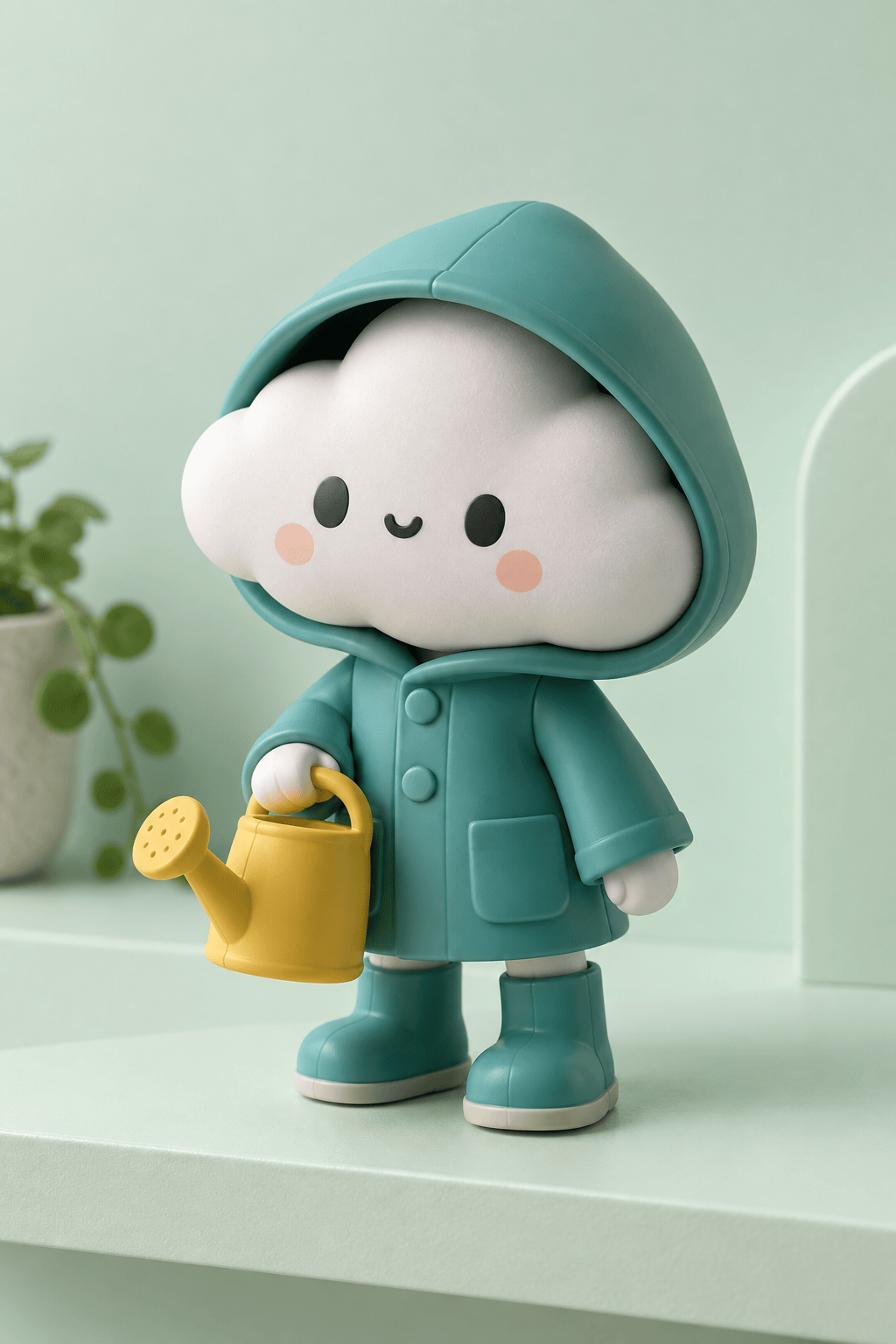
Make a small vinyl art toy of a raincoat-wearing cloud gardener. Use a bold rounded silhouette, matte surface, two simple colors, and a three-quarter shelf-ready product view.
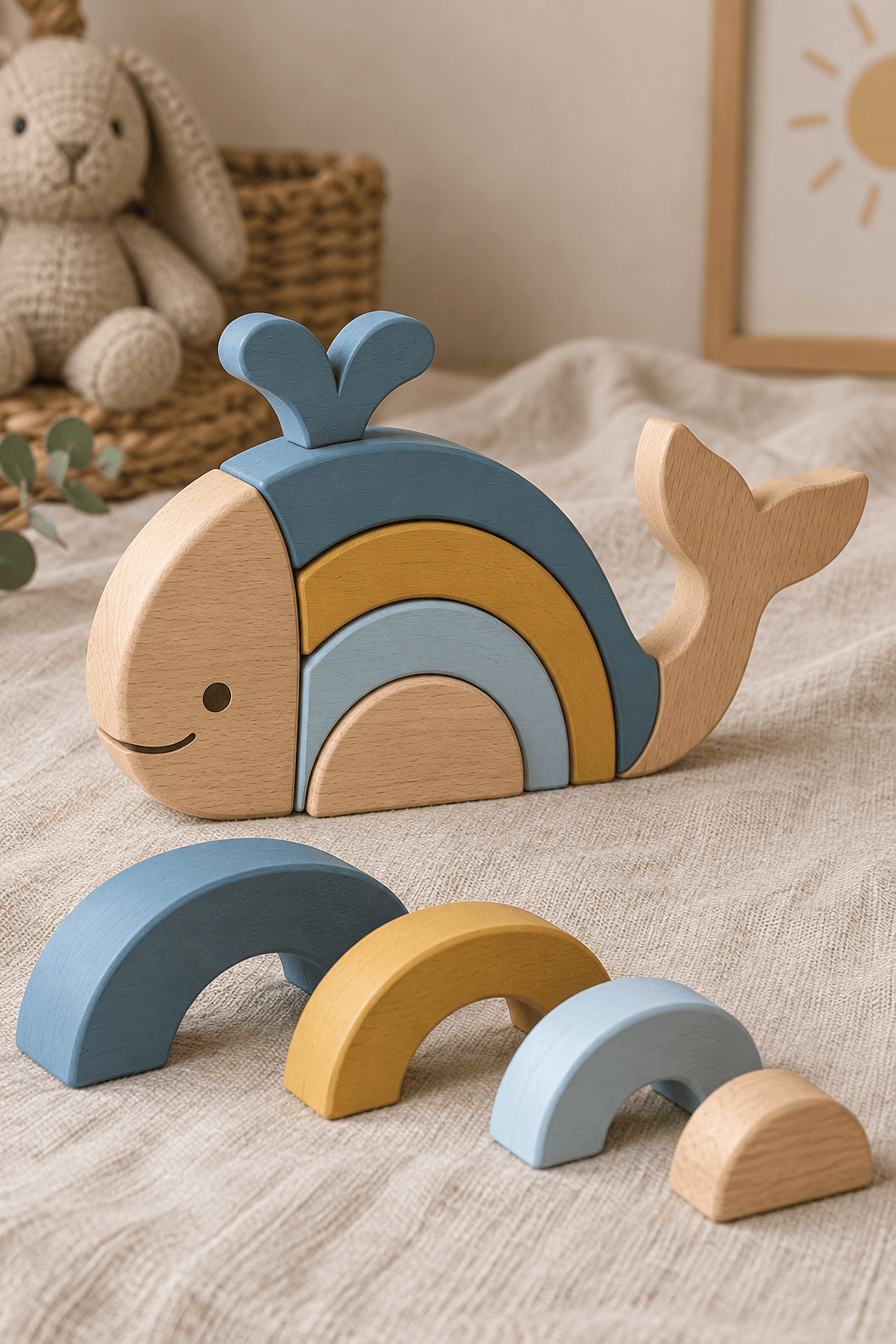
Create a wooden stacking whale toy with smooth beech pieces, softly painted arcs, stable proportions, and no tiny detachable details. Show the assembled toy and its separate pieces in one clear product scene.
Turn my original character description into a collector-box toy image. Put the figure in a window box with two accessories, restrained typography, and enough clear space for the character name.
Use my uploaded portrait as a reference for a friendly desk-size action figure. Keep the hairstyle, glasses, and jacket recognizable, add a coffee mug accessory, and show the finished figure on a plain display stand.





