Online FreeAI Timeline Generator
How to Create a Timeline with AI
Describe Your Timeline
AI Builds the Timeline
Edit and Refine
Export and Share

Why Choose Mew Design as Your AI Timeline Generator
Create Timelines From Text or Link
Start with a simple idea, detailed text, or even a webpage URL. Our AI timeline maker understands your input and turns it into a structured timeline without forcing you into a fixed template.
Clear Structure and Accurate Text
Dates, labels, and descriptions stay exactly as you write them. The AI focuses on readable timeline visuals without missing or distorted text.
Easy Editing with Full Control
Click the Chat Edit to change the flow, spacing, or emphasis by typing simple instructions. You can also fine-tune visually if you want hands-on editing.
Strong Understanding of Chronology
The AI design agent understands sequence, cause-and-effect, and time ranges, making it suitable for history timelines, project plans, and educational use.
Visual References and Custom Assets
Upload reference images, charts, logos, or illustrations. You can also recreate a timeline style you like or build one that matches your brand or project.
Free to Start, Flexible to Scale
You can create timelines free online with included AI credits after signing up. It’s easy to explore ideas, test layouts, and build timeline visuals before deciding how far you want to go.
How to Write a Good AI Timeline Prompt
- Content: List all events or milestones you want on the timeline
- Time format: Dates, months, years, or phases
- Order: Chronological, grouped, or segmented
- Purpose & Style: For education, planning, storytelling, presentation. With simple, professional, narrative, or creative style
Timeline Prompt Examples You Can Modify and Use
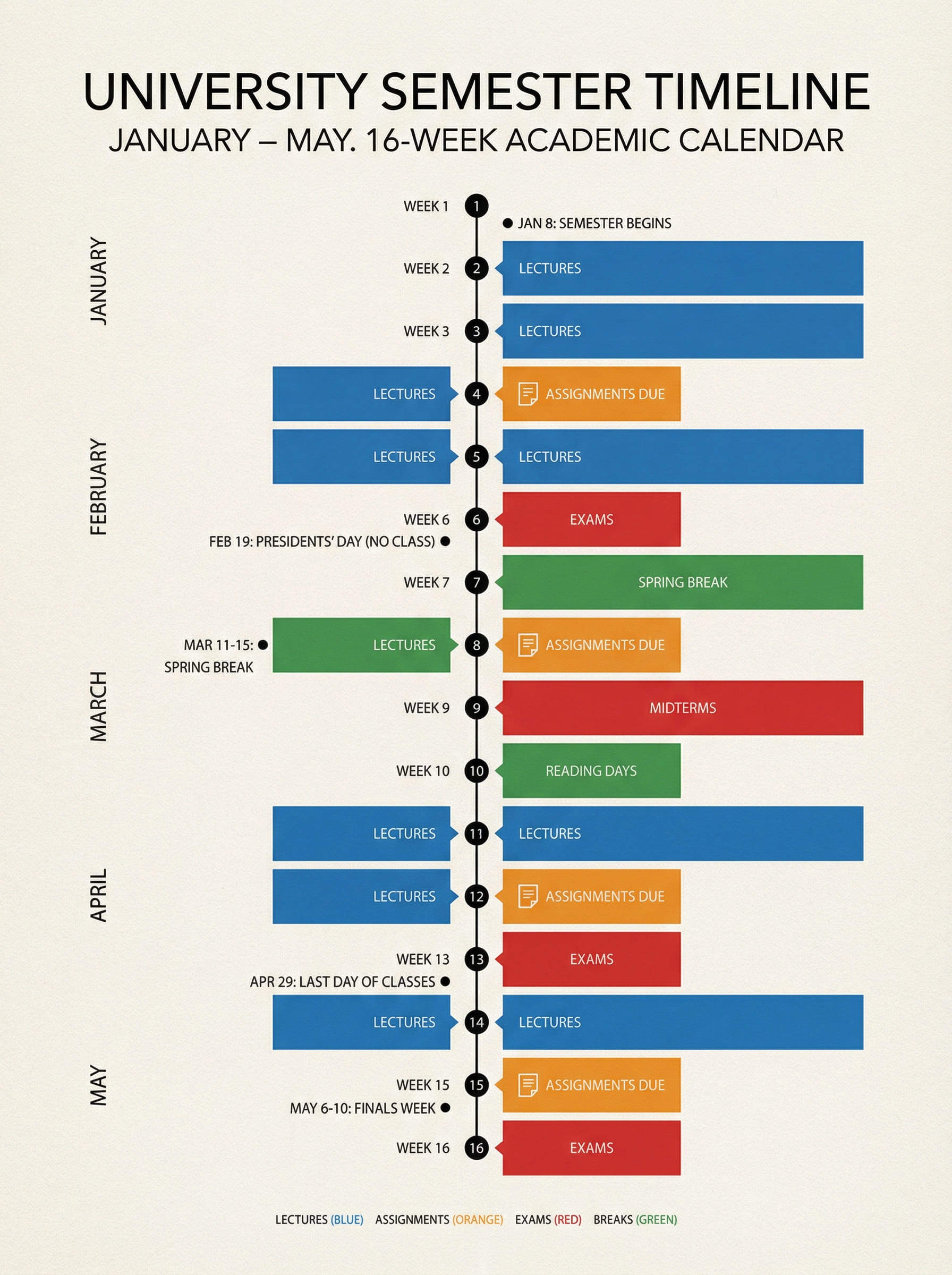
Business Project Timeline: Create a project timeline for launching a mobile app over six months. Include planning, UI design, development, beta testing, marketing, and launch [Insert your app launch timeline]. Use a professional timeline chart format.
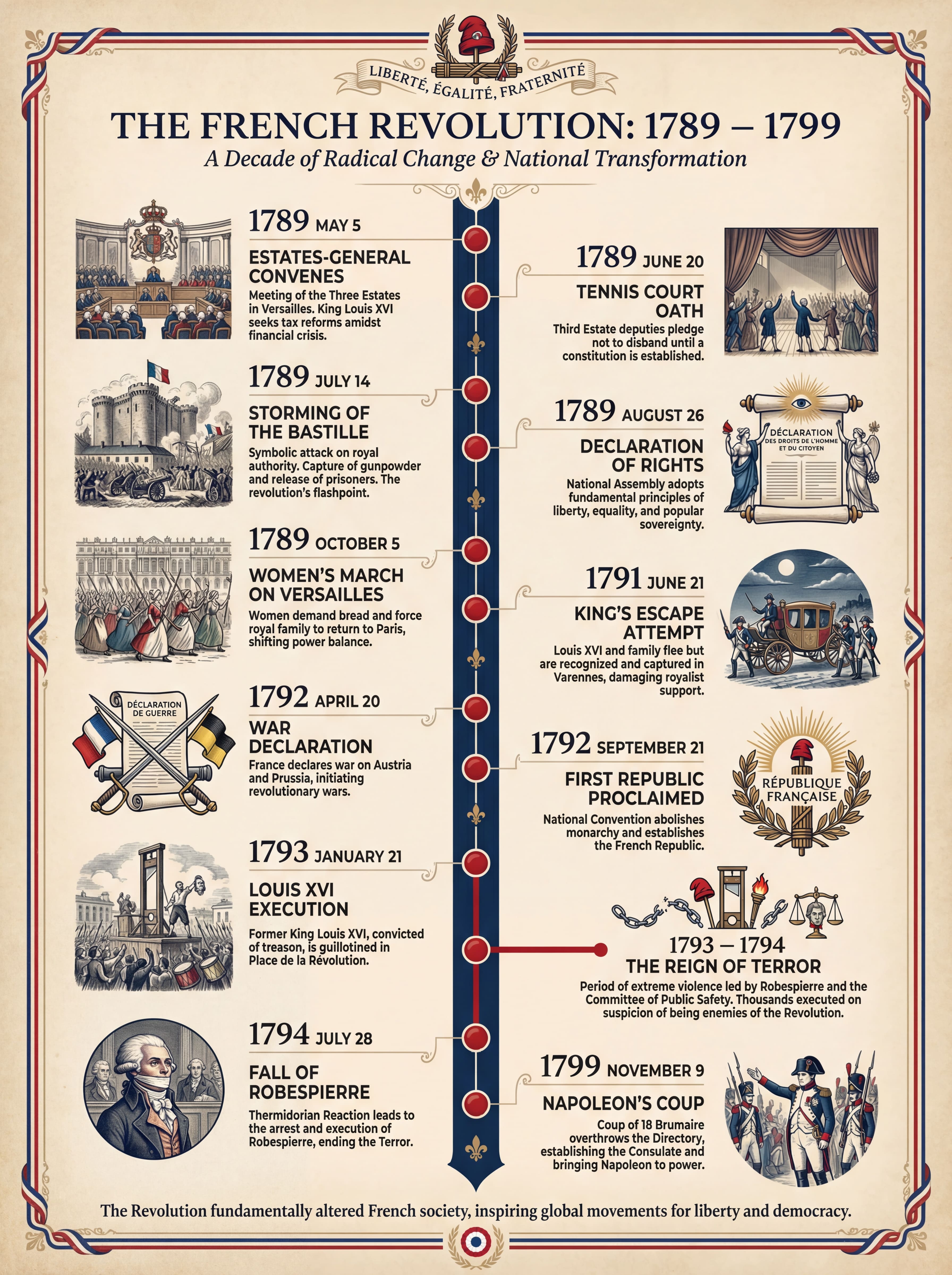
Historical Timeline: Use aiImageTool to generate a historical timeline of World War II, highlighting major events by year with short explanations. Design it for classroom use with clear visual separation.
Personal Life or Career Timeline: Use aiImageTool to create a personal timeline showing key milestones in my life and career. Timeline information: Education: [add schools and years], Career roles: [add job titles, companies, and dates], Major achievements: [add key milestones], Timeline style: clean and easy to read, suitable for sharing or printing.
Company or Startup Growth Timeline: Create a company timeline showing our growth and major milestones. Timeline content: Company founded: [year], Product launches: [dates and names], Funding or key achievements: [add milestones, revenue charts]. Timeline style: professional and modern, suitable for presentations or pitch decks.
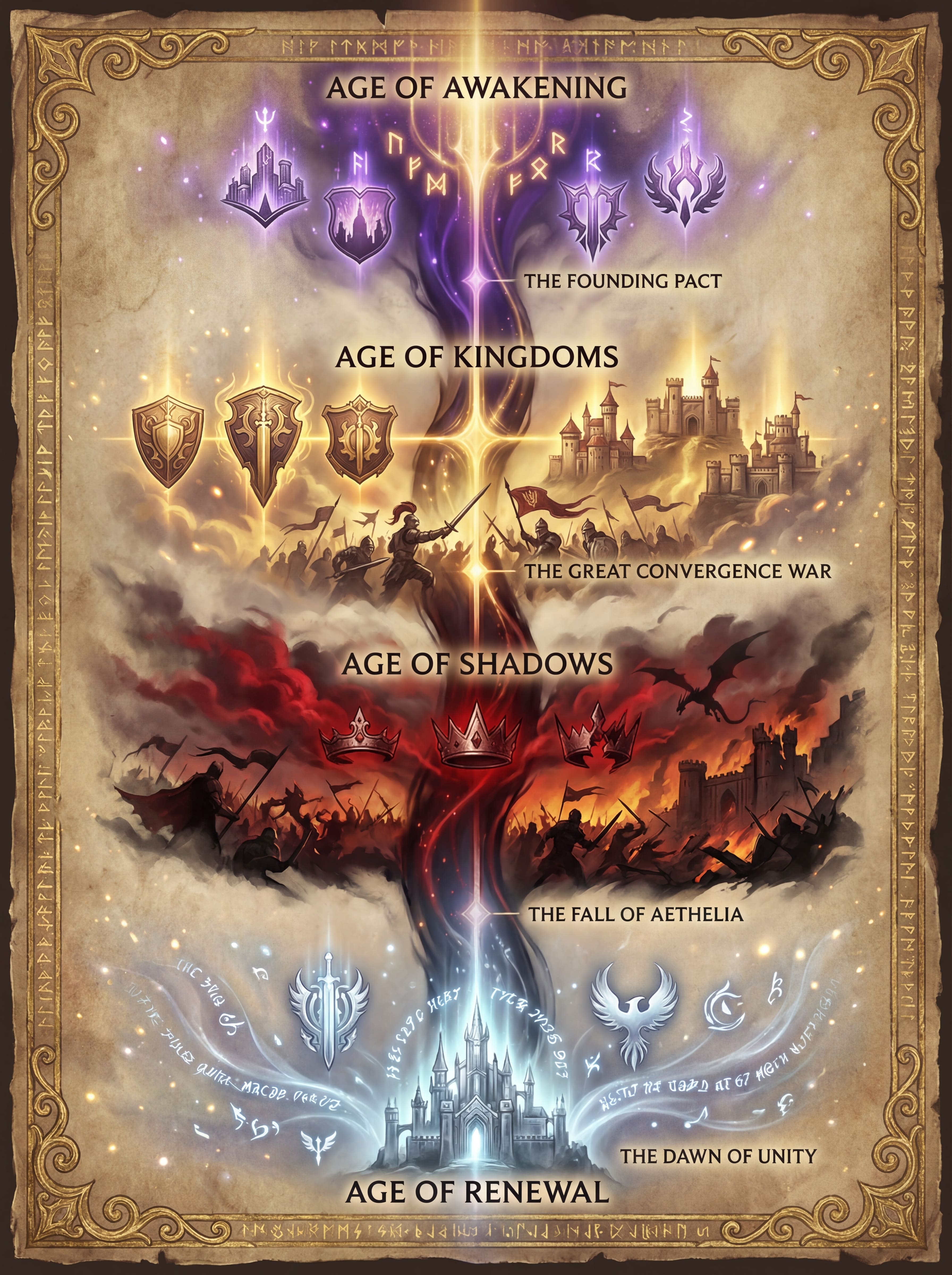
Fantasy World Timeline: Use aiImageTool to create a timeline infographic for a fictional world. Timeline information: Major eras or ages: [add names], Important events: [add events and order], Current timeline point: [present moment in the story]. Timeline style: narrative and visually engaging, suitable for world-building.
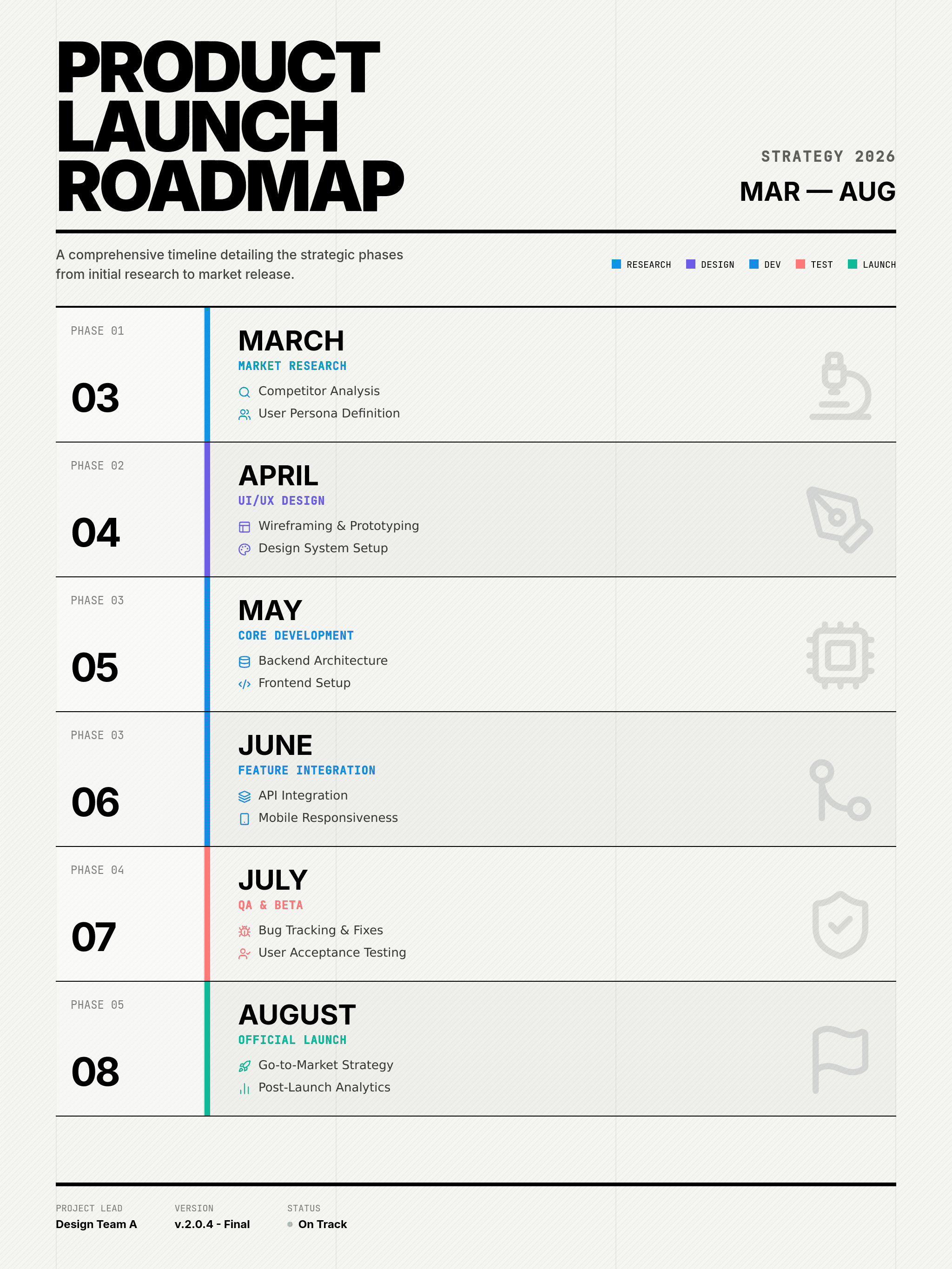
Monthly or Project Planning Timeline: Create a month-by-month timeline for my project. Project details: Project name: [name], Start and end month: [date range], Key tasks for each month: [add tasks]. Timeline style: simple and organized, suitable for planning and tracking progress.





