Free OnlineAI Tiger Generator
How to Create Tiger Images With AI
Choose the Tiger and Its Meaning
Stage the Power Clearly
Inspect Anatomy and Stripe Flow
Finish for Screen, Print, or Skin

Why Choose Mew Design as Your AI Tiger Generator
Respect Big-Cat Structure
A convincing tiger needs a broad muzzle, powerful shoulders, grounded paws, a long balanced tail, and species-appropriate proportions. Use Chat Edit to correct any weak anatomical detail.
Direct the Stripe Language
Stripes change with form and purpose. Ask for natural irregular coat stripes in wildlife art, simplified mirrored marks in a mascot, or intentional contour-following lines in a tattoo concept.
Build Strength Without Visual Noise
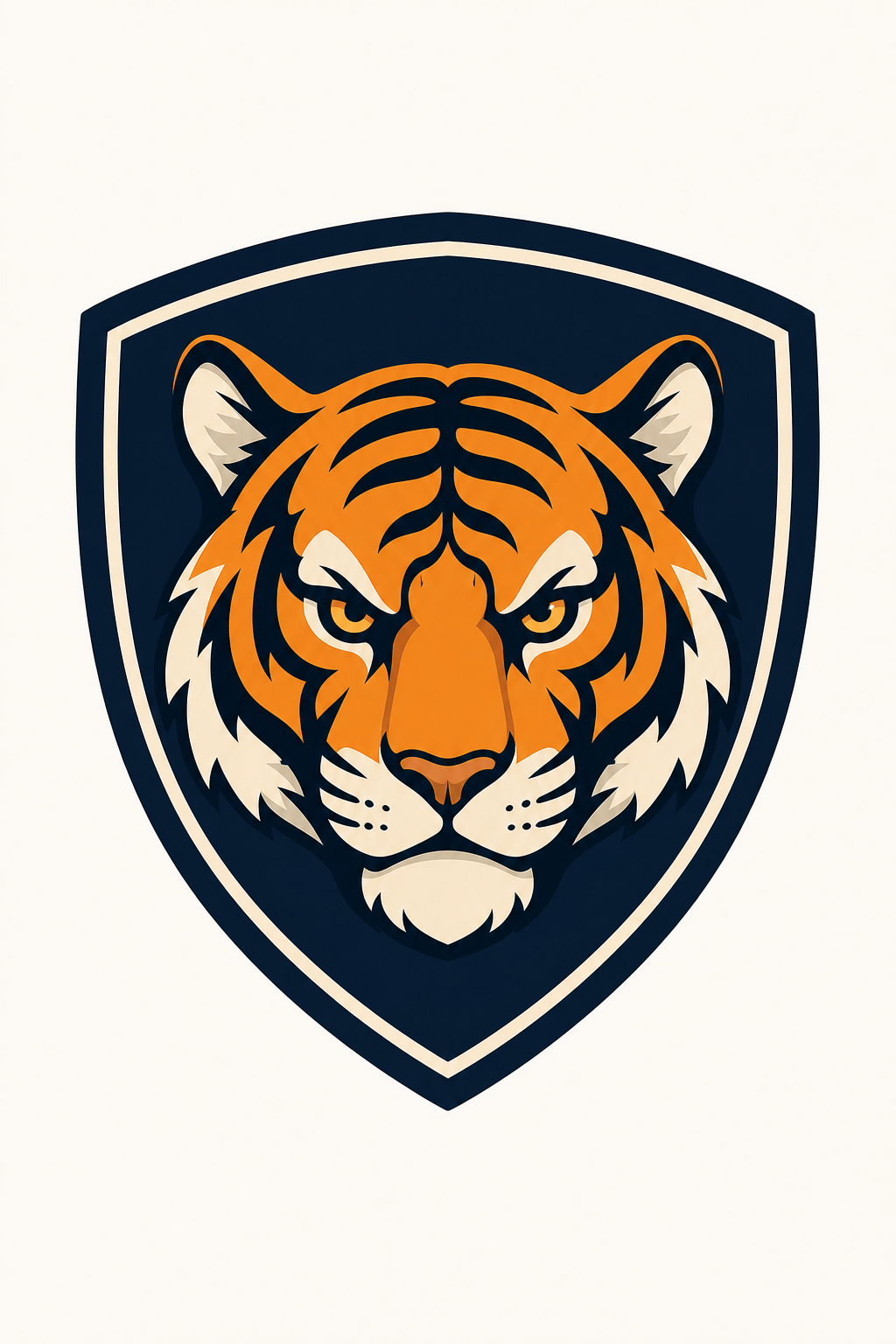
The online tiger mascot generator can compress facial planes, eyes, cheek fur, and stripe blocks into a mark that remains readable on jerseys, avatars, banners, and stickers.
Explore Symbolic Art Directions
Create blackwork, ink wash, geometric, ornamental, mythic, neon, or painterly tiger concepts. Upload a mood board or palette to guide an original result without copying a protected design.
Generate Purpose-Built Variations
Compare calm and roaring expressions, head and full-body views, orange and white coats, or light and dark backgrounds in one creative thread before choosing the strongest direction.
Keep Editing After the First Draft
This free AI tiger image generator is conversational. Change only the eyes, remove a crown, separate a paw from the background, simplify a badge, or create more negative space without rebuilding the brief.
How to Write Effective Prompts for AI Tiger Images
- Choose the body view: Frontal head, three-quarter bust, side-profile prowl, seated full body, or leap each creates a different sense of power and different anatomy risks.
- Separate mood from aggression: Majestic, vigilant, protective, focused, playful, or roaring are clearer directions than simply asking for a 'powerful tiger.'
- Describe stripe behavior: Request irregular natural stripes for photography, limited bold stripes for a mascot, flowing contour lines for tattoo art, or soft broken marks for watercolor.
- Set practical constraints: Mention small icon, jersey print, upper-arm tattoo, vertical poster, children’s worksheet, or wall art so detail, padding, and contrast match the use.
AI Tiger Image Prompt Examples You Can Customize
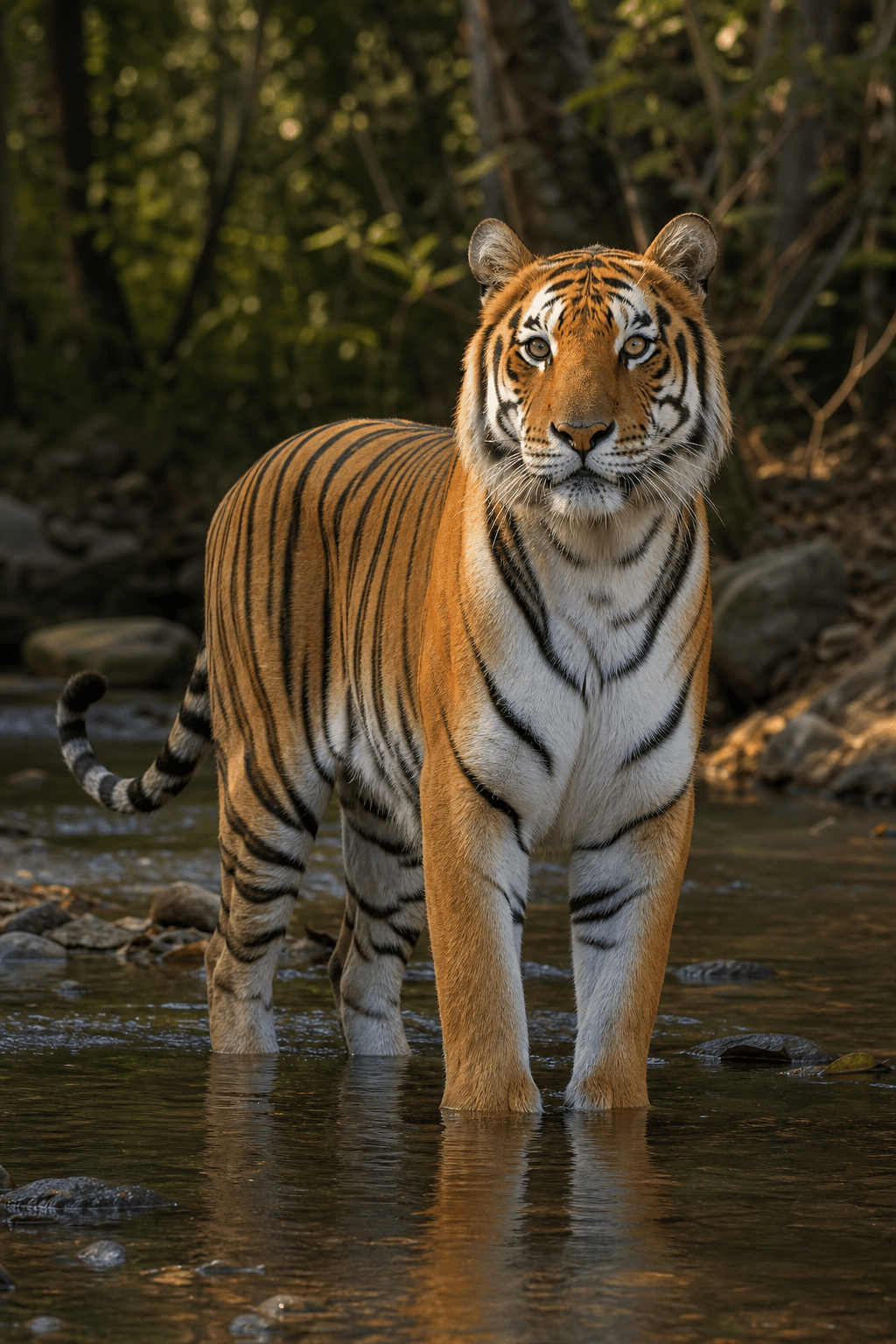
Photorealistic Bengal tiger walking through shallow rainforest water at dawn, low eye-level camera, powerful natural anatomy, long tail visible, wet coat and irregular stripes, soft mist, vertical wildlife portrait.
Create an original tiger mascot badge for a high school athletics concept, determined expression rather than roaring, orange face with black and cream blocks, navy shield, thick clean outlines, square icon, no letters.
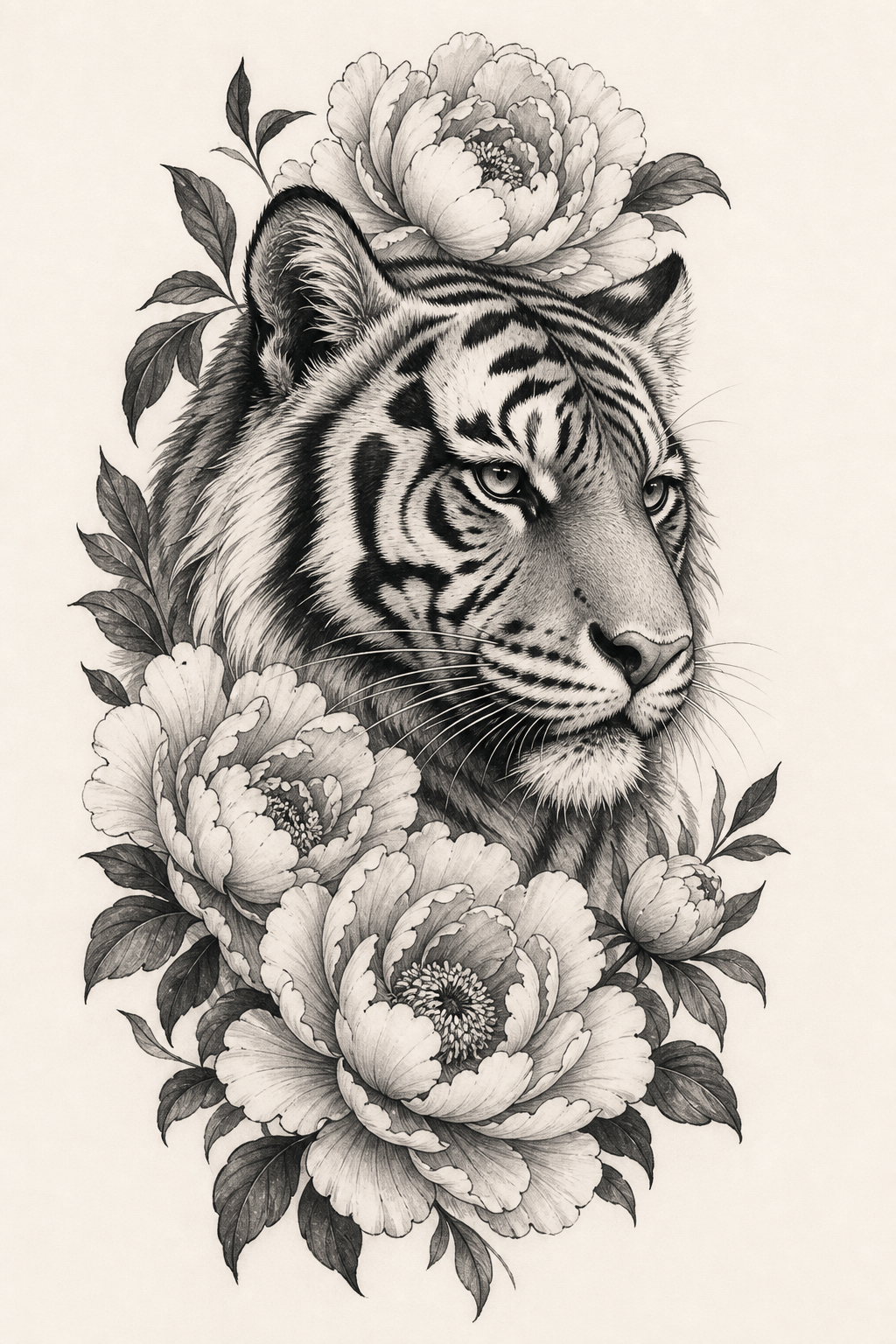
Design a tiger tattoo concept for the outer upper arm, three-quarter head framed by peonies, black-and-gray ink, stripe lines following facial planes, controlled negative space, stencil-aware contrast, plain paper, no body mockup.
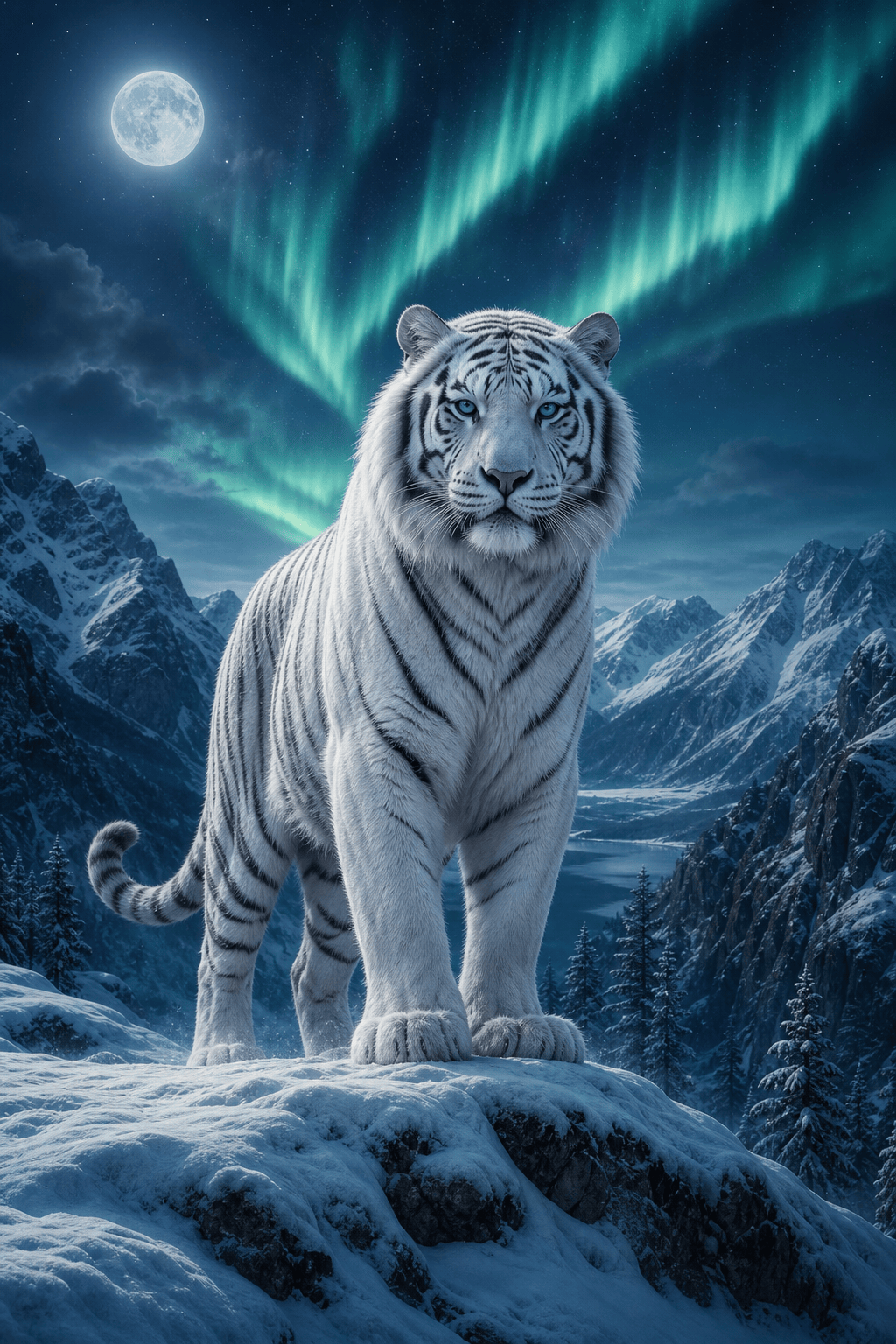
Paint a white Siberian tiger standing on a snowy ridge beneath an aurora, pale blue eyes, realistic heavy winter coat, calm guardian mood, cinematic fantasy realism, vertical wall-art composition.
Illustrate a friendly tiger cub learning to paint in a jungle classroom, spilled blue paint, broad expressive shapes, warm gouache picture-book style, landscape spread, original character and no text.
Create a minimalist geometric tiger face poster using symmetrical amber, charcoal, and cream planes, strong eyes, centered composition, generous cream border, modern editorial print, no typography.





