Free OnlineAI Thumbnail Generator
How to Make a YouTube Thumbnail With AI
Define the Video Promise
Generate a 16:9 Concept
Refine and Compare Variations
Review, Export, and Test

Why Use Mew Design as Your AI Thumbnail Maker
Start From a Title or Brief
Turn a video title, topic, audience, and visual hook into a complete thumbnail concept. You can begin with plain language instead of arranging a blank canvas or learning a layer-based editor.
Feature Your Face or Product
Upload an owned portrait, product image, screenshot, logo, or reference. The AI thumbnail generator with face and reference-image support can build the layout around assets viewers already associate with your channel.
Plan for a Small Preview
Create a 16:9 hierarchy with one dominant subject, restrained copy, strong separation, and readable type. This makes it easier to judge the design in Home, Search, Suggested, and mobile previews.
Keep Series Branding Consistent
Reuse your colors, typography direction, framing, and brand assets across a tutorial, gaming series, podcast, or product-review channel while giving each episode a distinct visual idea.
Edit the Thumbnail Through Chat
Ask to replace the background, move the subject, revise exact text, reduce clutter, adjust color, or try a new composition. Continue from the current design instead of rebuilding it from the beginning.
Create Real Test Alternatives
Generate outcome-led, subject-led, and curiosity-led versions of the same video idea. Download watermark-free PNG or JPG options and choose with audience context and test data—not a guaranteed CTR claim.
How to Write a Strong AI Thumbnail Prompt
- Choose One Focal Subject: Name the face, product, object, result, or moment viewers should recognize first. Describe a relevant expression or action rather than adding a generic shocked face to every topic.
- Control the Headline: Provide the exact words and ask for large, high-contrast type. Two to five words is a useful starting point; let the thumbnail complement the title instead of repeating the full title.
- Design for the Feed: Request 16:9, strong subject/background separation, a limited palette, safe margins, and a layout that remains understandable in a small mobile preview.
- Add References and Variants: Upload only faces, logos, screenshots, or products you may use. Ask for three genuinely different compositions so an A/B test can compare ideas rather than tiny color changes.
AI Thumbnail Generator Prompt Examples
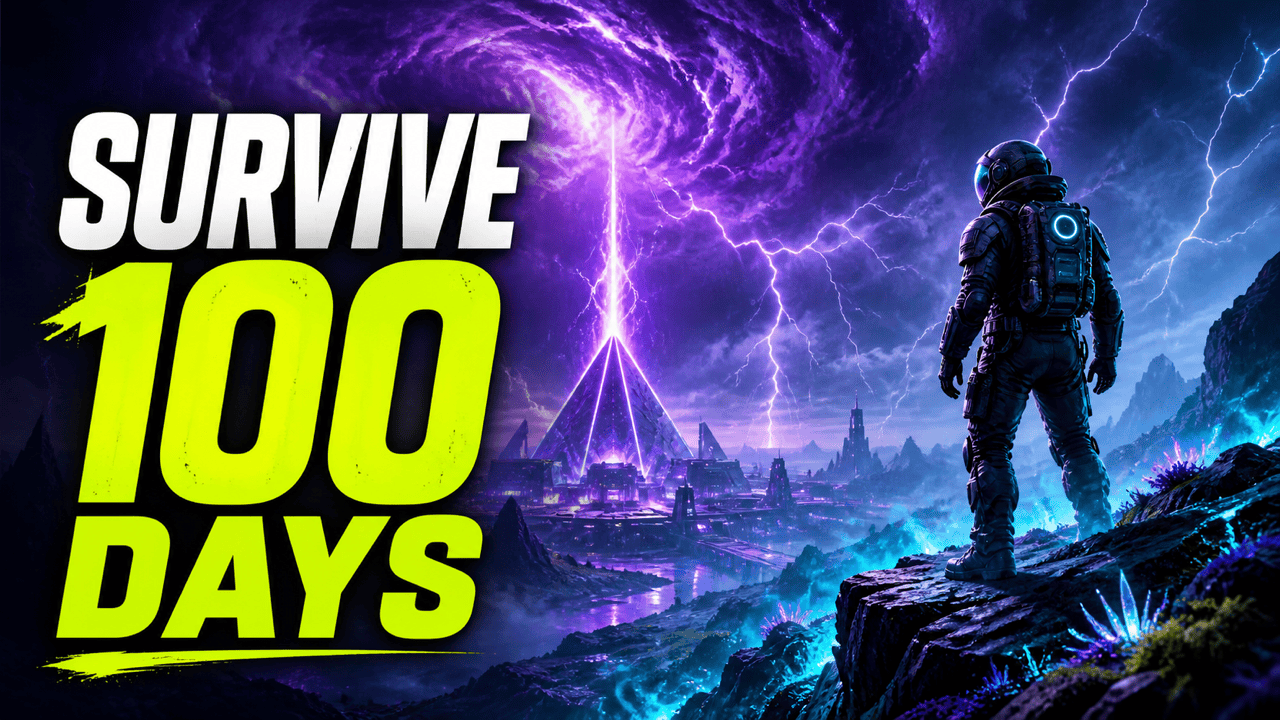
Create an original 16:9 gaming thumbnail for a science-fiction survival challenge. Show a lone explorer on a glowing alien ridge facing a huge storm, with a clear scale contrast. Add the exact text 'SURVIVE 100 DAYS' in bold white and electric-lime type. Use dramatic cyan and violet lighting, a simple background, no game logos, and no copyrighted characters.
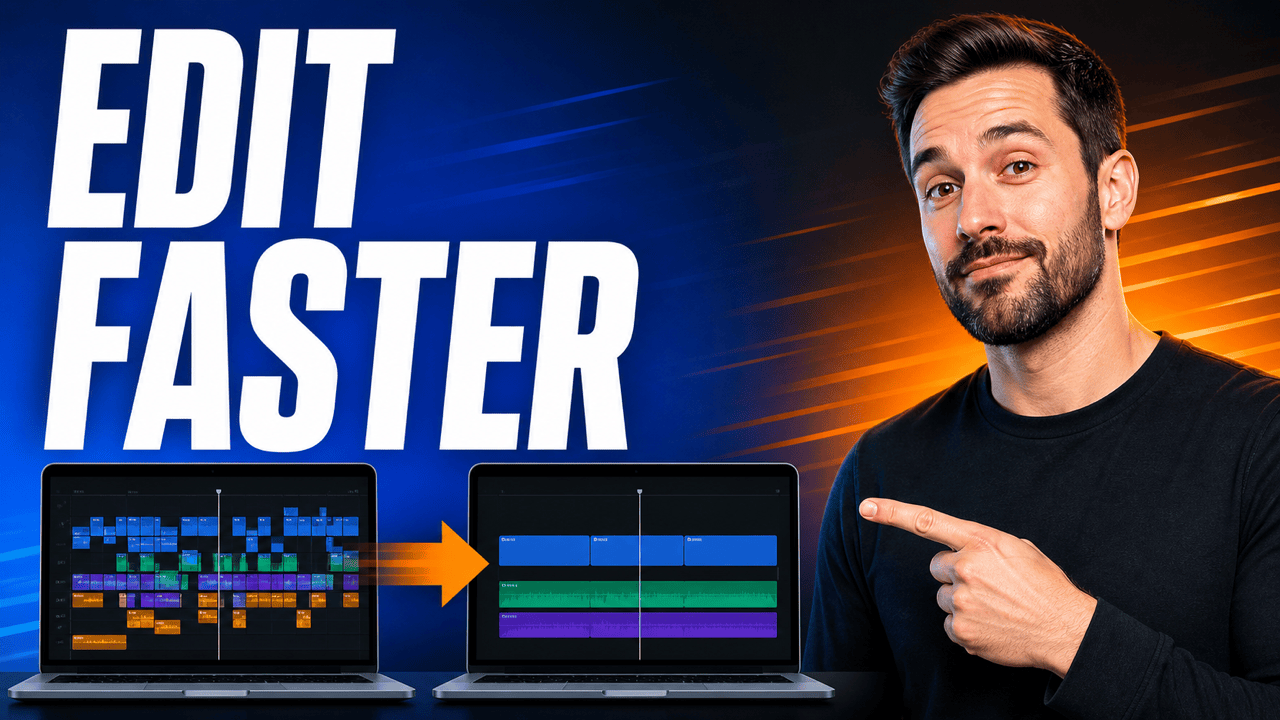
Design a YouTube tutorial thumbnail for a video about editing videos twice as fast. Show a clean before-and-after timeline on a laptop with a confident original creator pointing toward the improved side. Add the exact text 'EDIT FASTER' in large white letters, use cobalt blue and warm orange, keep the composition uncluttered, and leave wide safe margins.
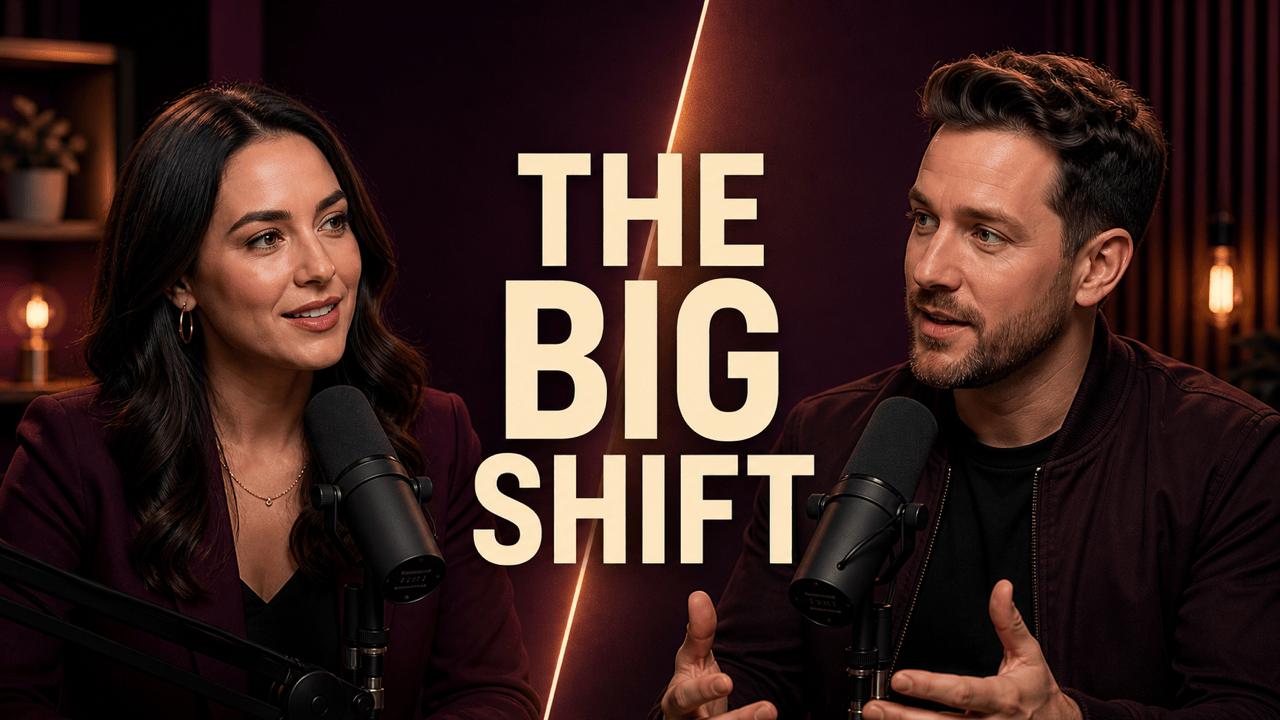
Make a polished 16:9 podcast interview thumbnail featuring two original adult hosts with studio microphones and natural, engaged expressions. Use a deep plum background, warm rim light, and a slim geometric divider. Add the exact headline 'THE BIG SHIFT' in cream uppercase type. Keep both faces large and avoid third-party logos.
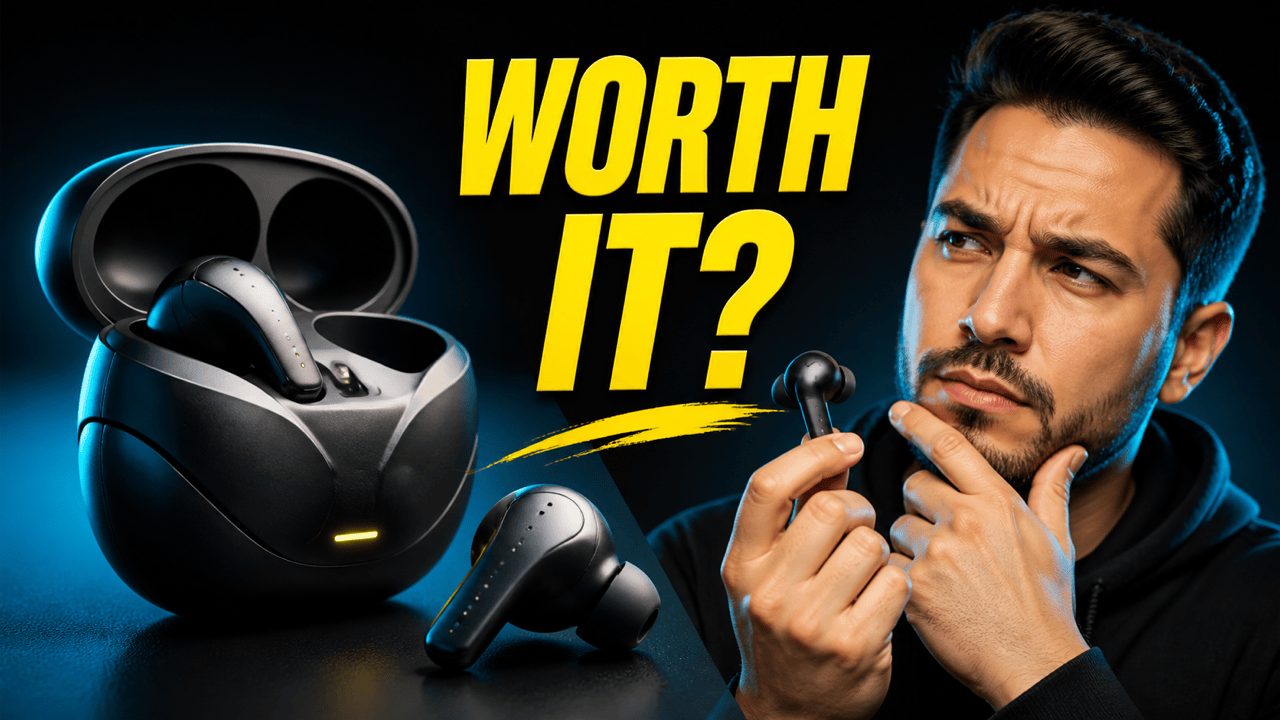
Create a product review thumbnail for generic wireless earbuds with no visible brand. Place the product large on the left with crisp studio lighting and an original reviewer on the right studying it thoughtfully. Add the exact text 'WORTH IT?' in bold yellow type. Use charcoal, cyan, and yellow with one clear focal path and no fake rating badges.
Create a bright cooking challenge thumbnail for a video about making a restaurant-style meal with five ingredients. Show one dramatic finished plate, five simple ingredient silhouettes, and an original cook with a focused expression. Add the exact text 'ONLY 5 INGREDIENTS' in large white and coral type. Keep the food realistic, the counter clean, and the layout readable on mobile.
Design a cinematic travel-documentary thumbnail about a quiet mountain railway at sunrise. Show an original red train crossing a high stone bridge above misty valleys, with one tiny traveler for scale. Add the exact text 'THE HIDDEN LINE' in large ivory type. Use teal shadows and golden light, avoid flags or travel-brand logos, and keep the image honest to the documentary topic.





