Free OnlineAI Text Bubble Generator

How to Create a Speech Bubble Design with AI
Describe the Scene and Speaker
Choose the Bubble Language
Generate and Check Reading Order
Edit, Layer, and Export

Why Use Mew Design for AI Text Bubble Design
Dialogue That Fits the Artwork
Describe the panel and the line together. The AI design agent leaves breathing room around faces, hands, and action instead of dropping a bubble on top of the focal point.
Speech, Thought, Shout, and Caption Styles
Switch between an oval speech balloon, cloud thought bubble, jagged shout bubble, whisper outline, or narration box so the shape supports the character's emotion.
Tail Direction and Reading Flow
Ask for a short tail that points toward the speaker's mouth, then place bubbles along a clear left-to-right or top-to-bottom reading path for comics and webtoons.
Clean Lettering for Short Lines
Keep names, reactions, and one- or two-sentence dialogue legible with a strong outline, generous inner margin, and a font mood that matches the panel.
Reference-Image and Photo Editing
Upload a photo, manga panel, storyboard, or style reference. This online AI speech bubble generator can add a callout while preserving the subject and background you want to keep.
Layer-Friendly Exports
Request a clean edge or transparent background, then export PNG, JPG, or PDF. Use the result as a comic overlay, meme caption, classroom callout, or social graphic.
How to Write a Prompt for AI Text Bubble Design
- Name the bubble type: Say speech, thought, shout, whisper, narration box, manga balloon, or comic callout so the outline carries the right tone.
- Protect the reading path: Describe who speaks first, where the bubble should sit, and how the tail should point. Keep tails short and away from faces, hands, and panel borders.
- Set lettering constraints: Include exact words in quotation marks, a readable font mood, high contrast, line breaks, and a safe inner margin. Avoid paragraphs inside a small balloon.
- Plan the handoff: Ask for a transparent speech bubble overlay when compositing, or request a full meme, comic panel, webtoon frame, or educational callout when the background should be generated too.
AI Text Bubble Prompts for Comics, Memes, and Photos
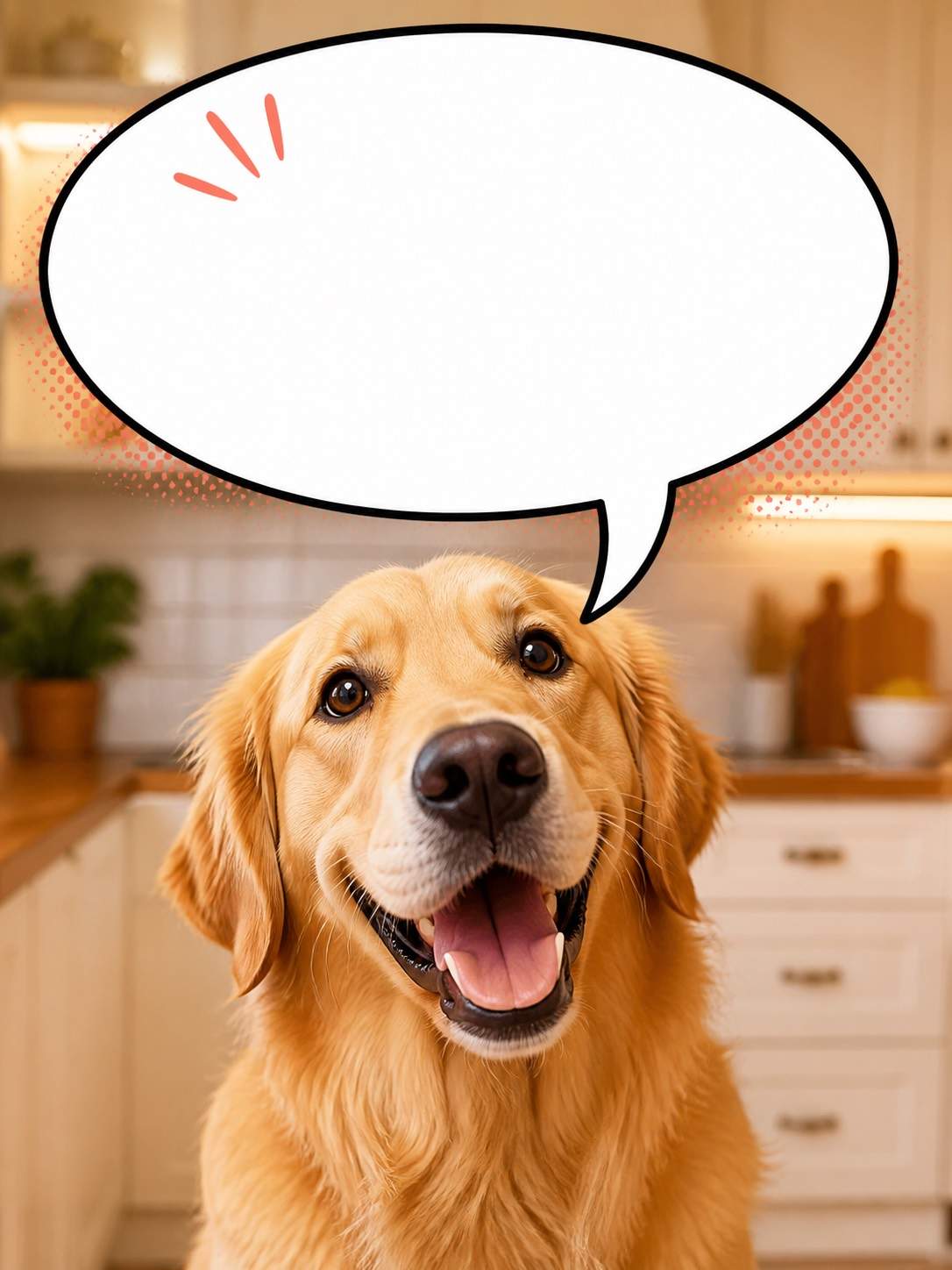
Add a bold white speech bubble to a funny dog photo. The dog says “Who moved my snack?” Use a thick black outline, a compact tail toward the dog's mouth, clean meme framing, and no extra text.
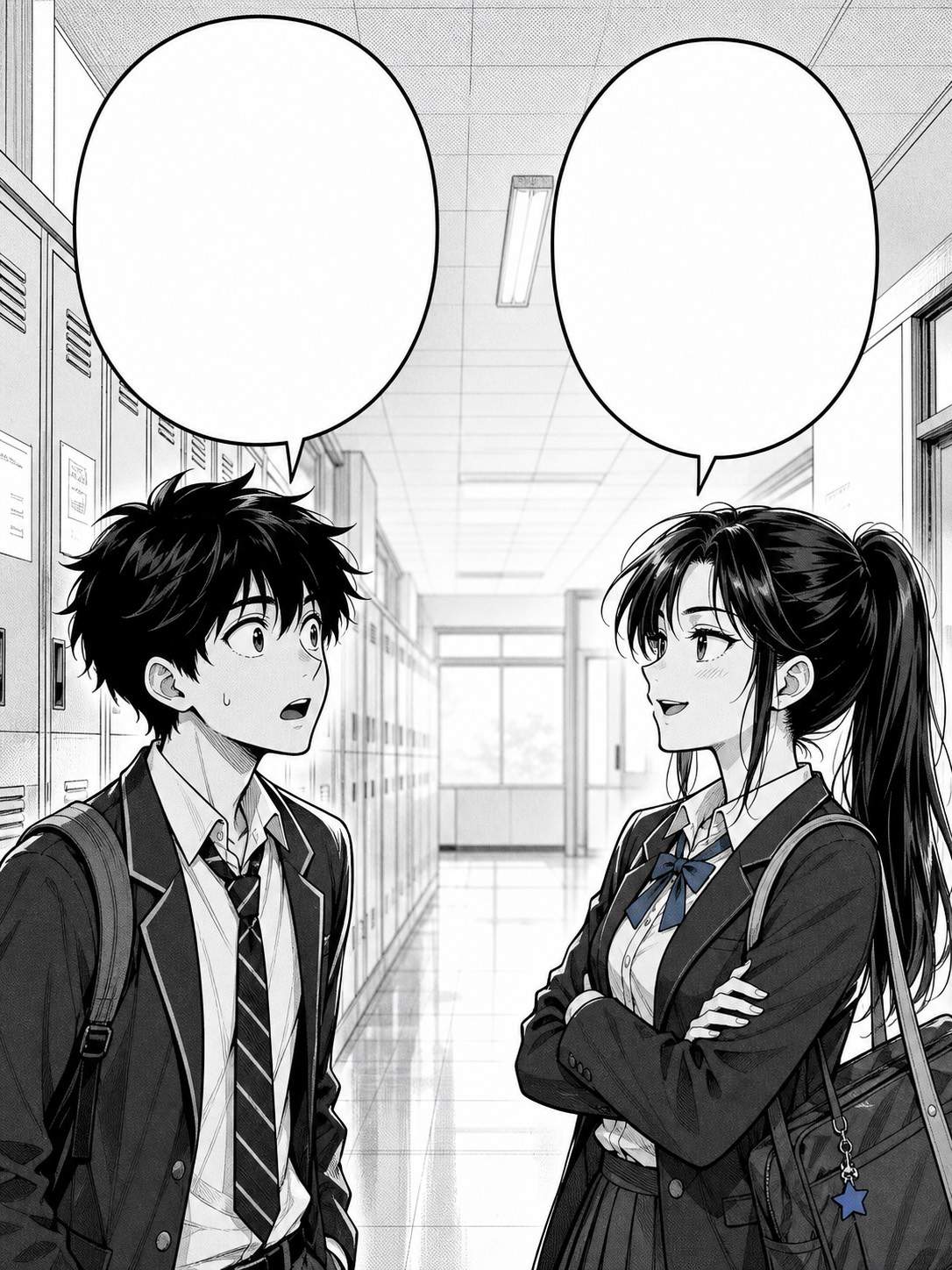
Create a black-and-white manga panel of two classmates arguing in a hallway. Leave clean space above their heads for two oval dialogue balloons, assign the left character the first line, point each tail to the correct mouth, and keep the background quiet for readable lettering.
Design a transparent PNG thought bubble overlay for a product storyboard. Use three small linking circles, a soft rounded cloud, the exact text “Maybe a simpler checkout,” and enough padding to place it over a screenshot without covering the interface.
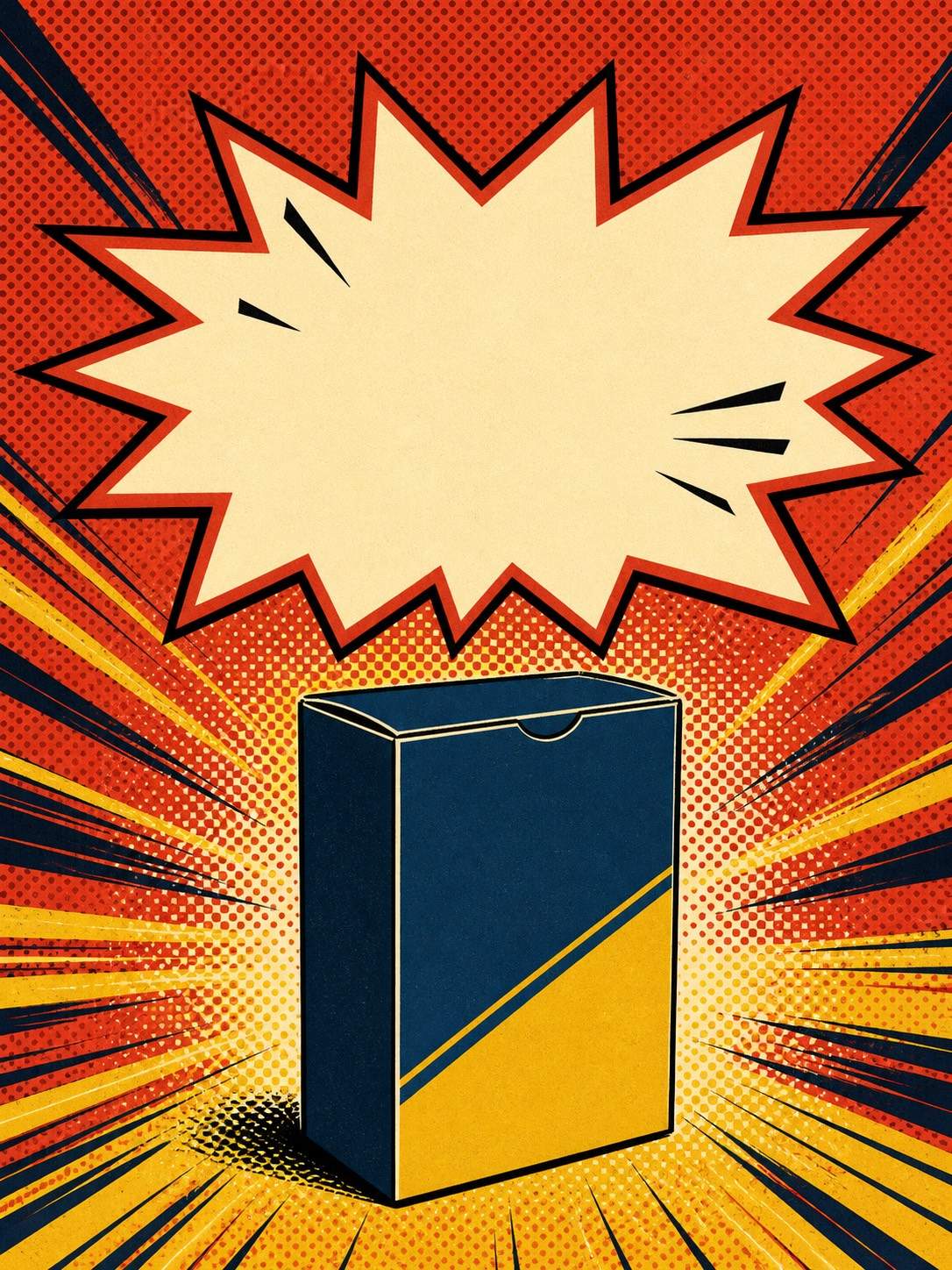
Make a retro comic shout bubble for a social launch graphic with the exact words “NEW DROP!” Use a jagged starburst edge, red and cream ink, a dark offset outline, strong contrast, and open space around the bubble for the product image.





