Free OnlineAI Sunset Generator
How to Create Sunset Images with AI
Set the Scene
Generate Your Sunset
Fine-Tune the Glow
Download for Your Screen

Shape the Sky, Light, and Mood with Mew Design
Start Without a Photo
Our AI sunset maker creates new scenery from text. Imagine a coastline, mountain lake, or rooftop view without finding a source photo first.
Choose Your Kind of Sunset
Move between realistic sunset images, soft watercolor, and anime backgrounds. Describe the cloud shapes, color palette, and atmosphere you want.
Leave Room for Your Layout
Use the sunset background generator to request open sky for a headline or a quiet area for desktop icons. Plan the composition around its destination.
Adjust More Than the Sky
Ask Chat Edit to balance sky color, foreground warmth, and water reflections together, then review whether the lighting feels consistent.
Bring a Photo or Reference
Upload a landscape to request a sunset edit, or use a reference for color and mood. Specify what should stay, then check important details after editing.
Explore a Coordinated Series
Request related sunset scenes with a shared palette for a collection. For decor projects, explore our AI wall art generator.
Give Your Sunset Believable Light and Depth
- Light Direction: Place one sun and ask for shadows and reflections that agree with its position. Avoid competing light sources in a realistic scene.
- Color Balance: Pair warm highlights with cooler shadows. Ask for softer saturation if the whole image turns orange.
- Depth and Detail: Use a foreground shoreline, trees, or rooftop to frame distant scenery. Keep haze in the distance rather than blurring everything.
- Space and Crop: Name the destination. A wide wallpaper needs a different composition from a tall phone background; leave key details clear of icons or text.
Sunset Ideas for Wallpapers, Backgrounds, and Photo Edits
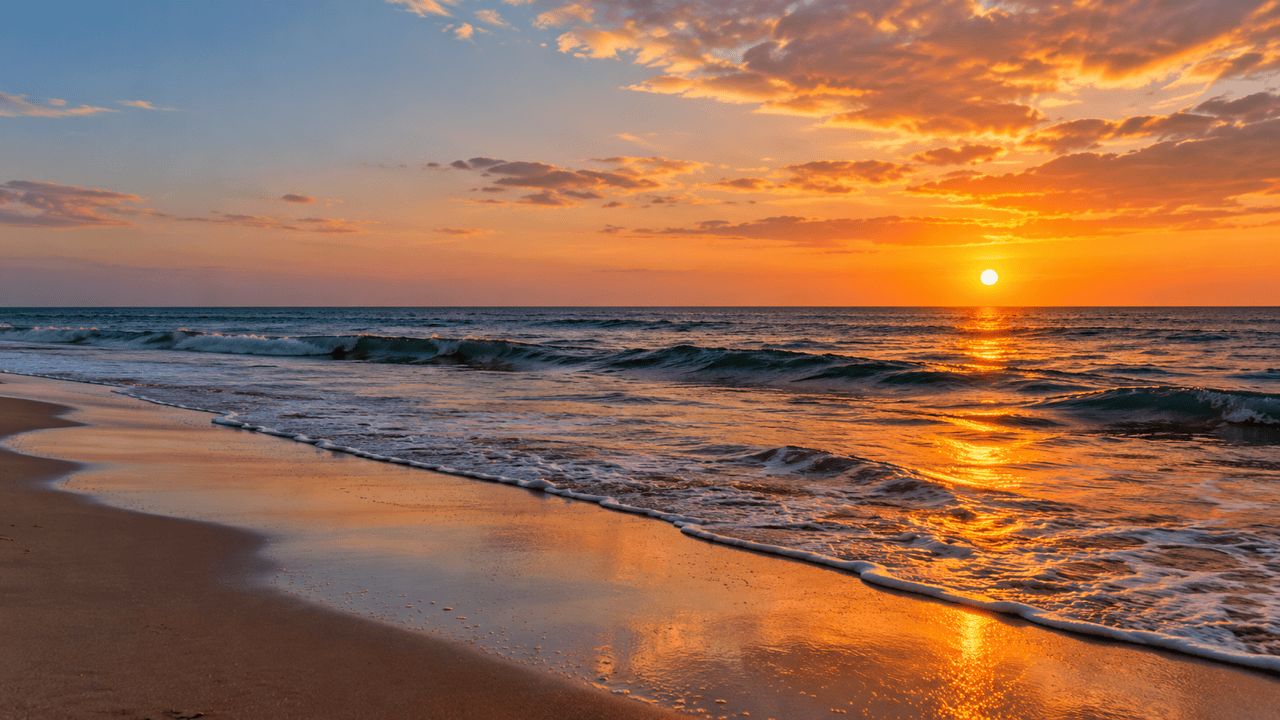
Create a realistic beach sunset background with amber light, small waves, and a clean horizon. Place the sun off-center and leave open sky on the left for a future headline. No text.
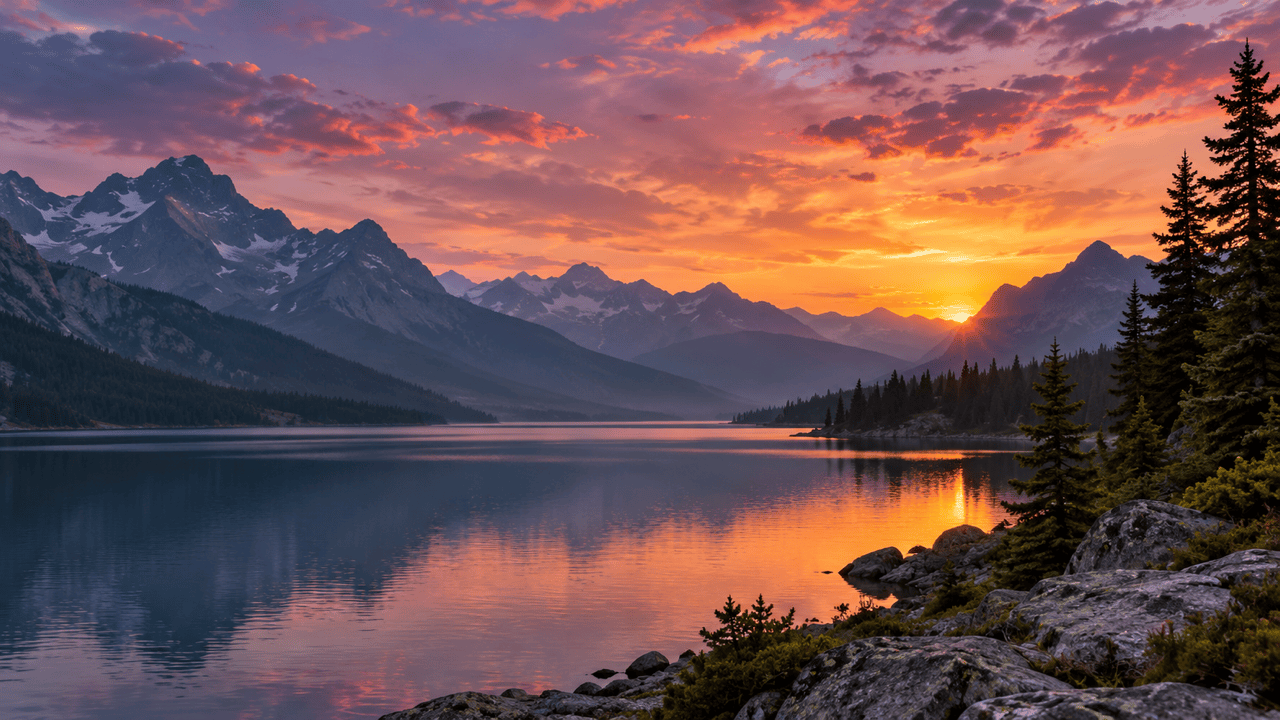
Generate a 16:9 mountain sunset wallpaper. Show layered ridges, a still lake, and a small warm glow beneath purple clouds. Keep the left side quiet for desktop icons. No text.
Create a 9:16 pastel sunset phone wallpaper with blush clouds and a calm lavender sea. Keep the upper third simple for the clock and place the horizon below center. No text.
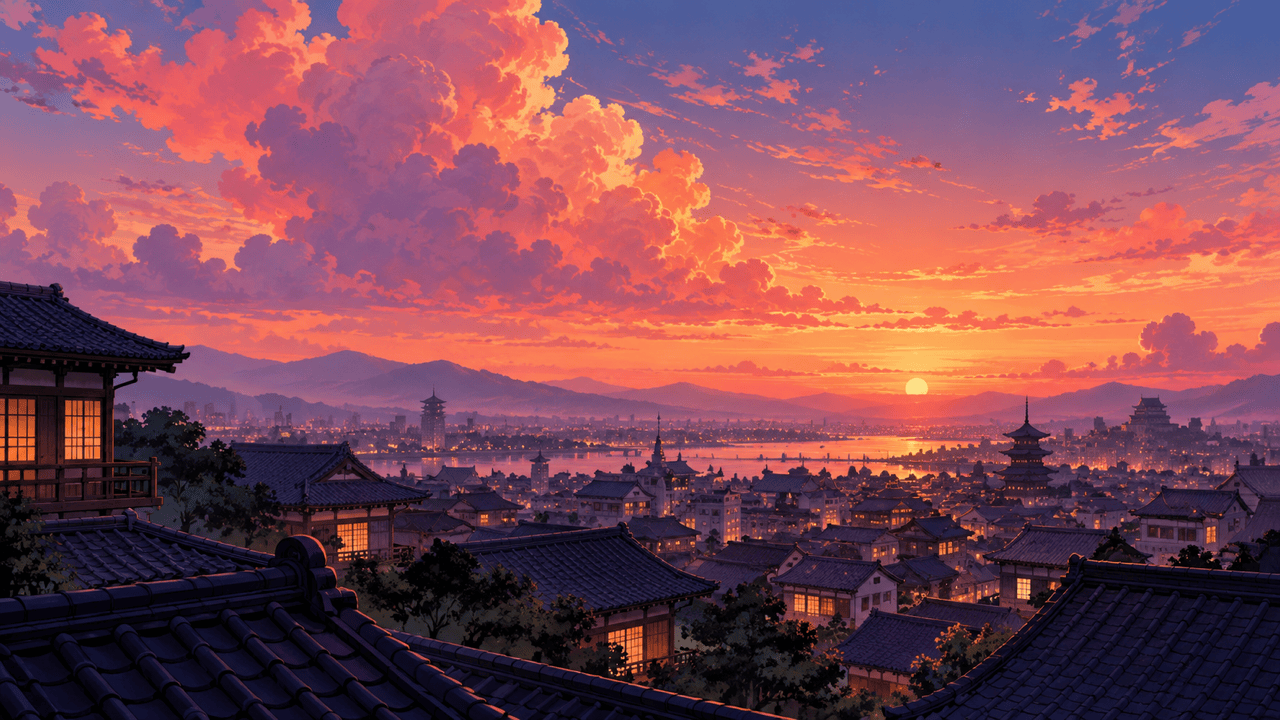
Create an anime sunset background from a rooftop overlooking a city. Use coral clouds, violet shadows, and warm window lights. Keep the architecture clear and the sky spacious. No characters or text.
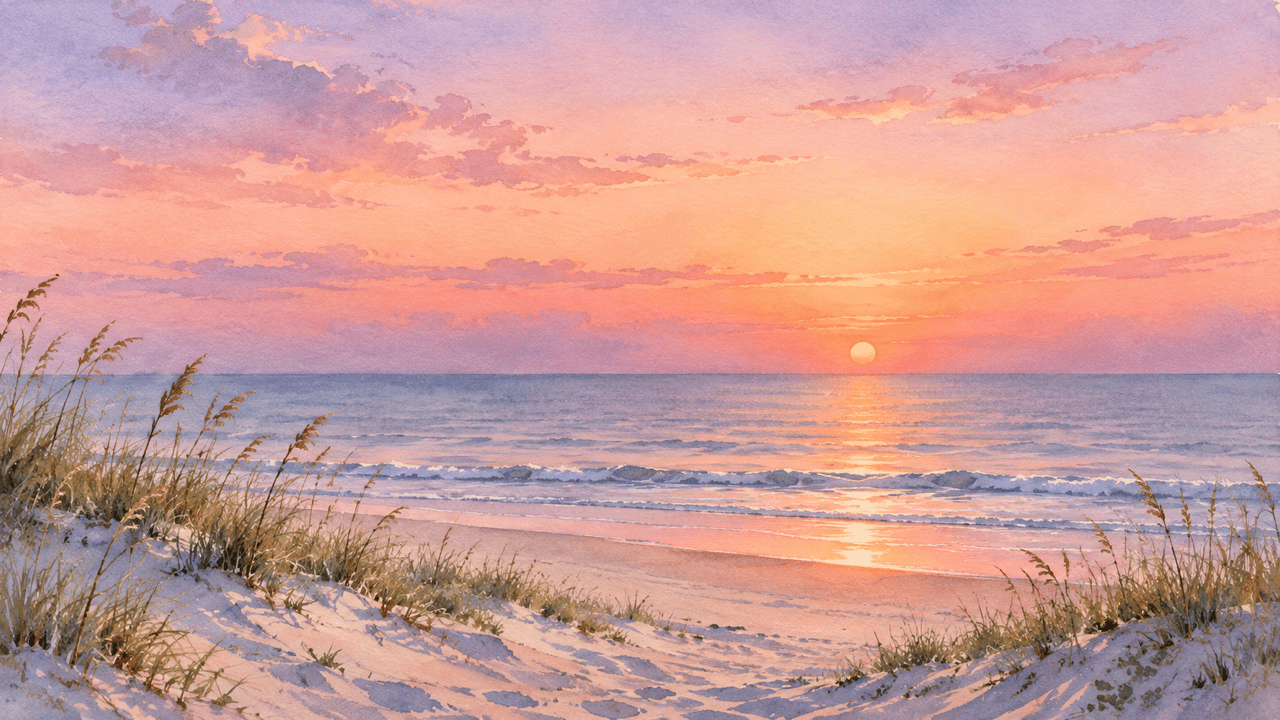
Create a watercolor sunset over coastal dunes, with muted peach washes, blue-gray shadows, and visible paper texture. Keep the scene airy and the edges soft. No frame or lettering.
Add a subtle sunset to my uploaded landscape photo. Preserve the terrain and buildings as closely as possible. Match foreground warmth and water reflections to the new sky; avoid an orange cast over the whole image.





