Free OnlineAI Style Generator
How to Restyle an Image with AI
Upload the Source and References
Direct the Look in Plain Language
Generate and Compare the Restyle
Refine, Reuse, and Export

A More Controllable AI Style Maker
Set the Style with Words or Images
Describe watercolor, ink, collage, 3D, cinematic, or another visual direction, or upload a reference image when color, texture, and lighting are easier to show than explain.
Tell the AI What Must Stay
This AI image style generator lets you spell out preservation rules for identity, composition, products, interiors, and other defining details instead of accepting a generic filter.
Correct Style Drift Through Chat
If the first pass changes too much, use Chat Edit to ask for lighter texture, closer facial features, the original camera angle, or a more restrained palette while keeping successful parts intact.
Explore Distinct Variations Faster
Create several style directions from one source to compare a subtle editorial treatment with a bold artistic transformation before committing to the final look.
Build a Cohesive Visual Series
Generate related images with shared references and instructions, then package a proven visual method as a reusable Mew Skill to reduce repeated briefing across future assets.
Start Free and Export Cleanly
Try the free AI art style generator with signup credits, refine the result online, and download finished images without a watermark for your personal or professional workflow.
How to Direct an AI Image Style Transfer
- Assign Each Image a Role: Say which upload is the source to transform and which is only a style reference. This reduces accidental content mixing.
- Protect the Essentials: List the face, pose, proportions, product features, layout, or background elements that should remain recognizable.
- Describe a Visual System: Combine medium, palette, texture, line quality, lighting, and mood instead of relying on one broad style word.
- Name the Destination: Mention whether the result is for a profile image, ad, product page, cover, presentation, or consistent content series.
Style Transformations to Try
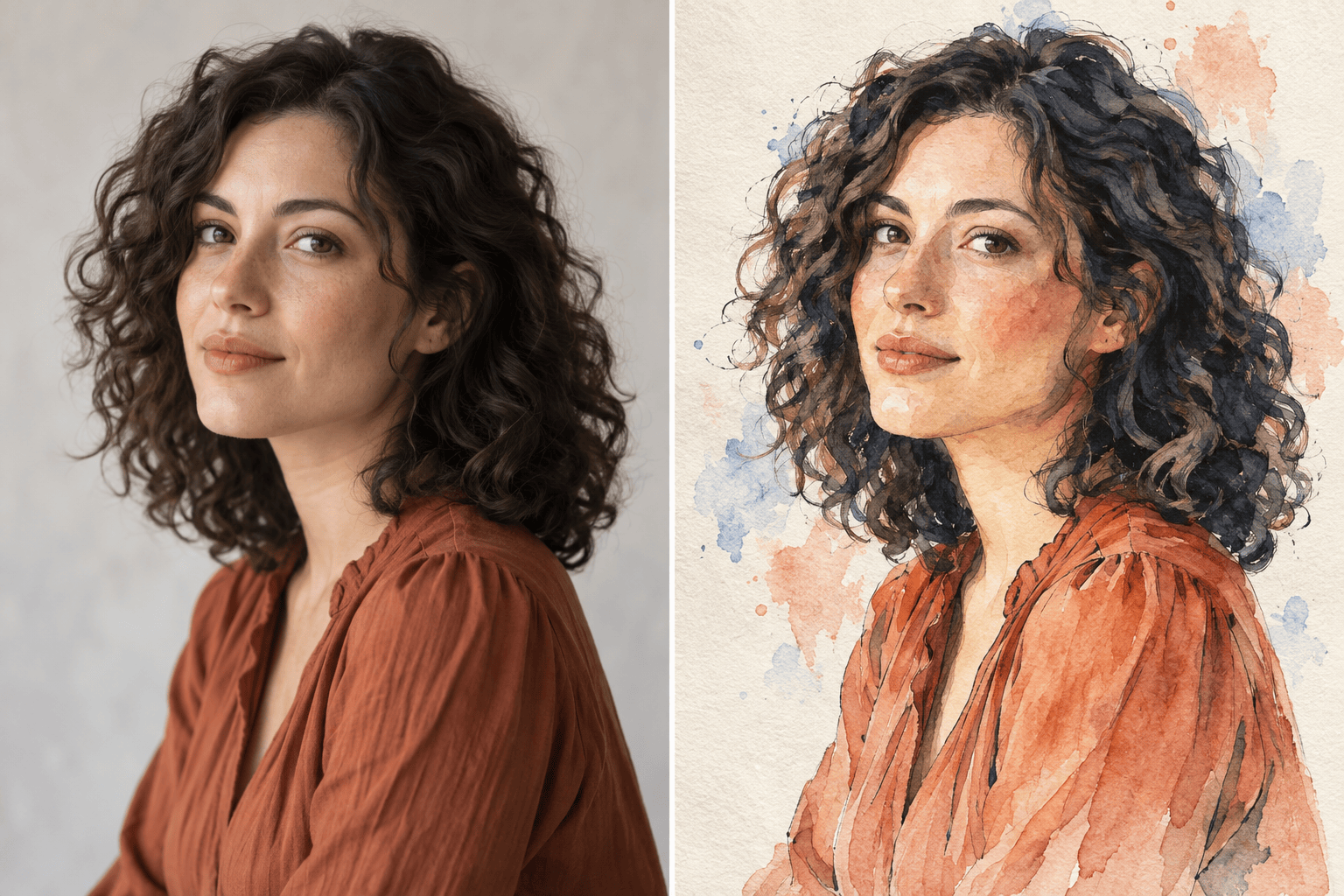
Restyle my uploaded portrait as a watercolor editorial illustration. Preserve facial features, pose, and clothing shape. Use loose ink outlines, translucent blue and coral washes, subtle paper grain, and natural skin tones.
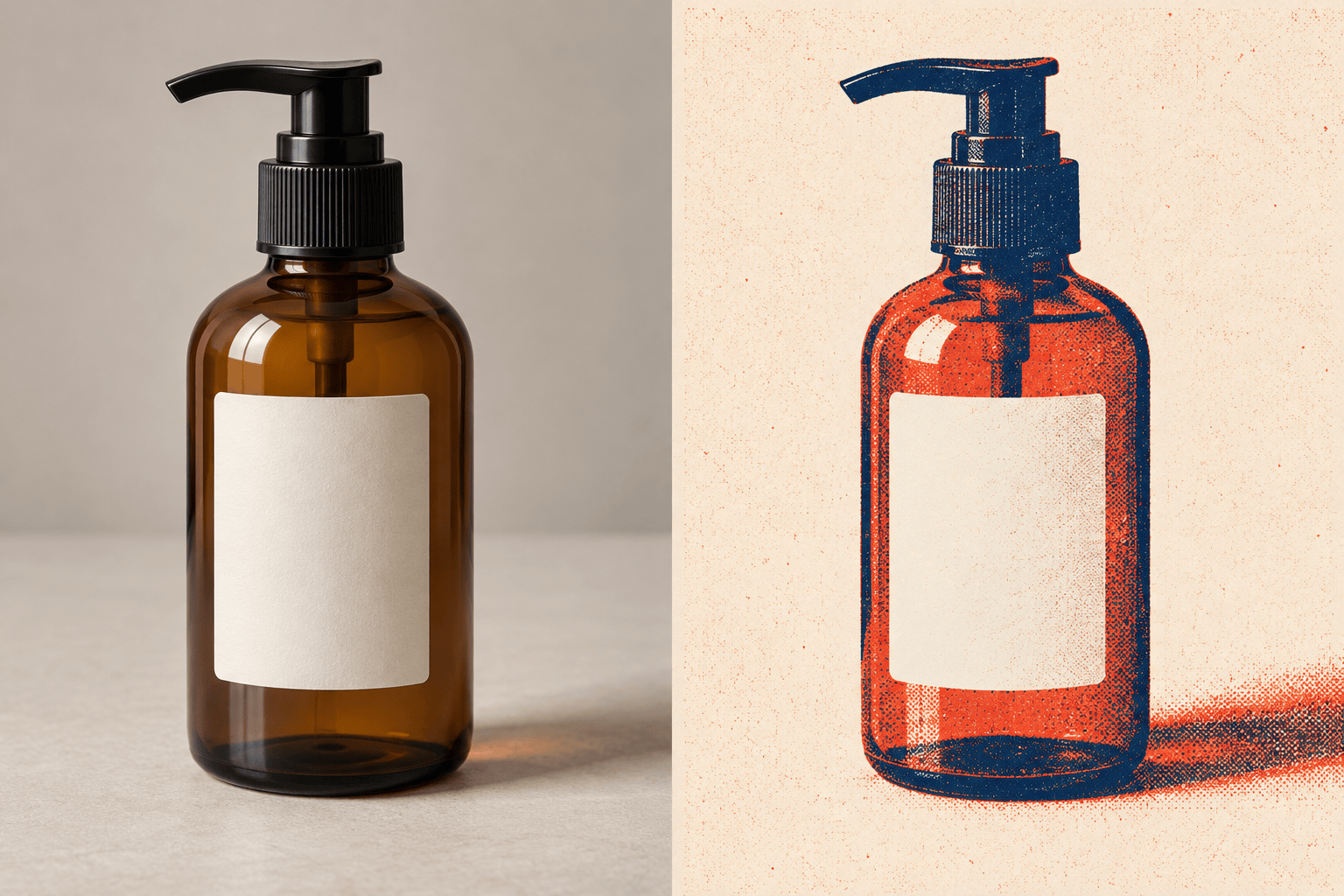
Transform my skincare bottle photo into bold retro risograph campaign art. Keep the bottle silhouette, cap, label placement, and viewing angle unchanged. Use two-color ink texture, visible halftone grain, and a clean graphic backdrop.
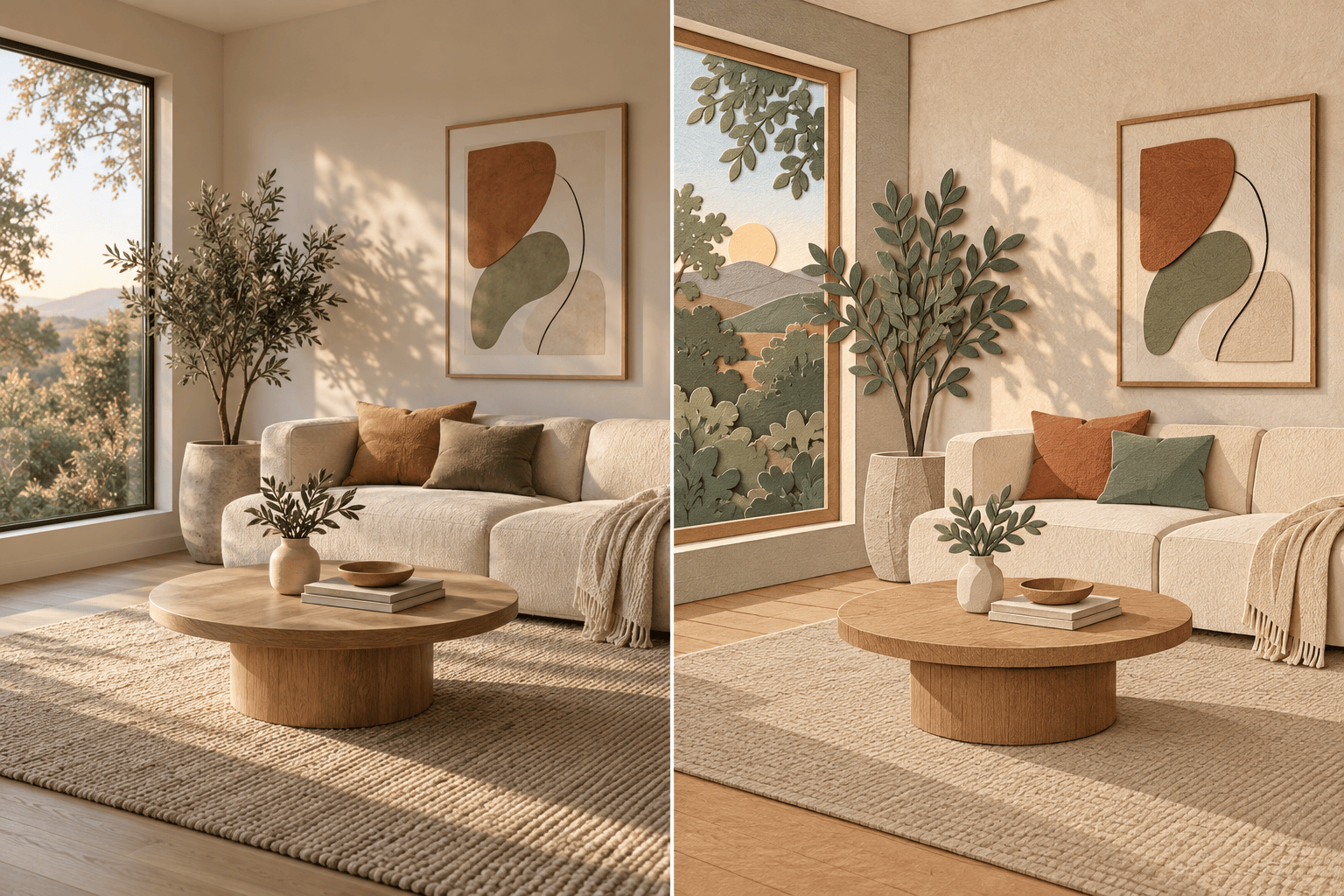
Reimagine my living room photo as a layered paper-cut illustration. Preserve the floor plan, window positions, furniture arrangement, and perspective. Use warm earth tones, crisp cut edges, soft depth shadows, and tactile paper texture.
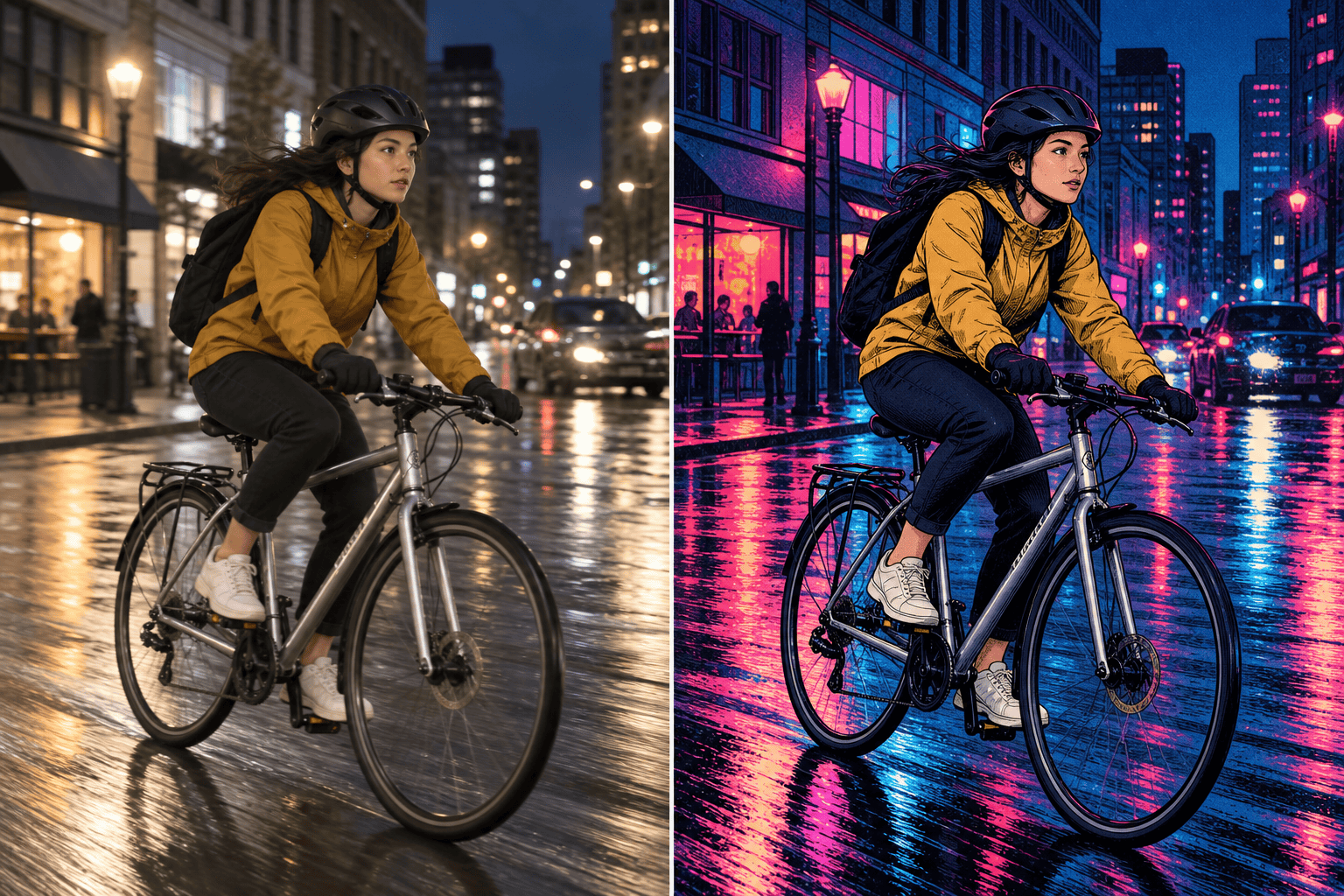
Turn my city cyclist photo into a neon cinematic graphic-novel scene. Keep the rider, bicycle geometry, motion, and street composition recognizable. Use deep indigo shadows, magenta and cyan light, inked contours, and controlled rain reflections.
Create three square campaign images for the same ceramic mug using my reference mood board. Keep the mug shape and glaze color consistent while varying the setting. Reuse the same warm daylight, muted palette, fine film grain, and quiet editorial mood.
Generate a new botanical illustration in the visual direction of my licensed reference. Use its restrained palette, flat shapes, fine linework, and generous negative space without copying its subject or composition. Format it as a vertical book cover background.





