Free OnlineAI Studio Ghibli Filter
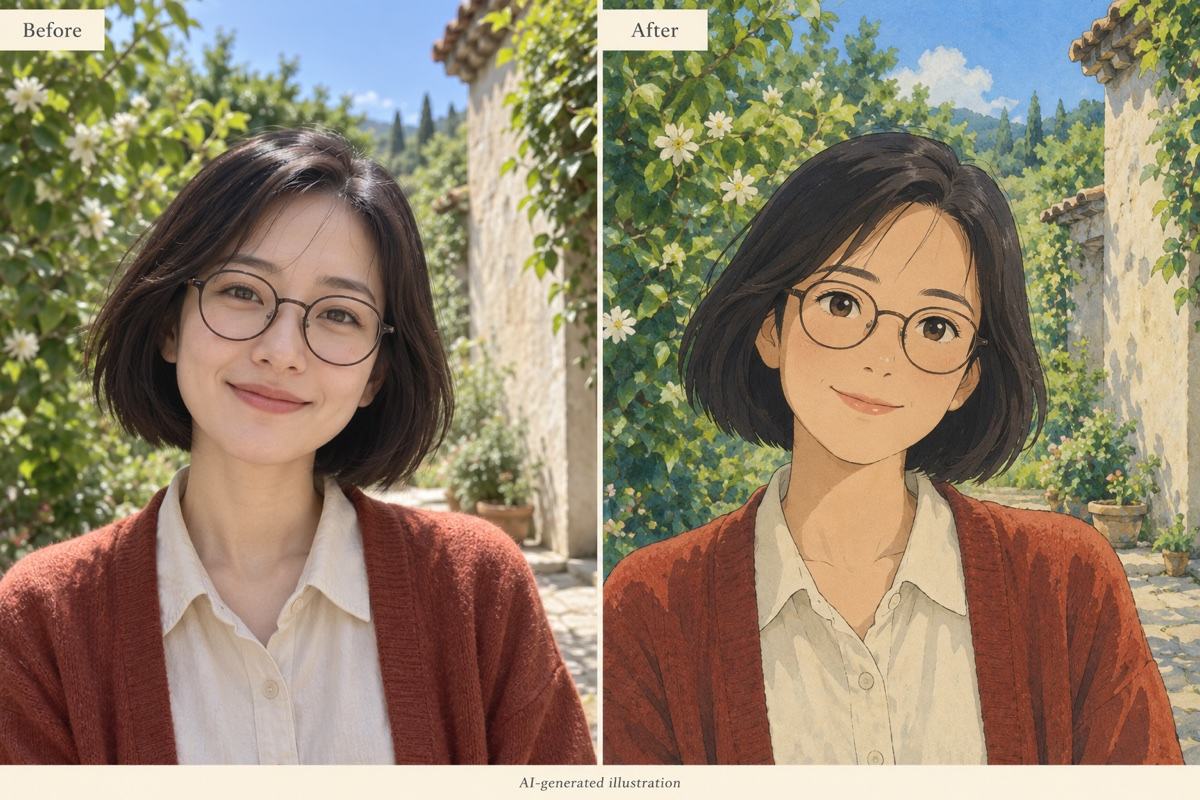
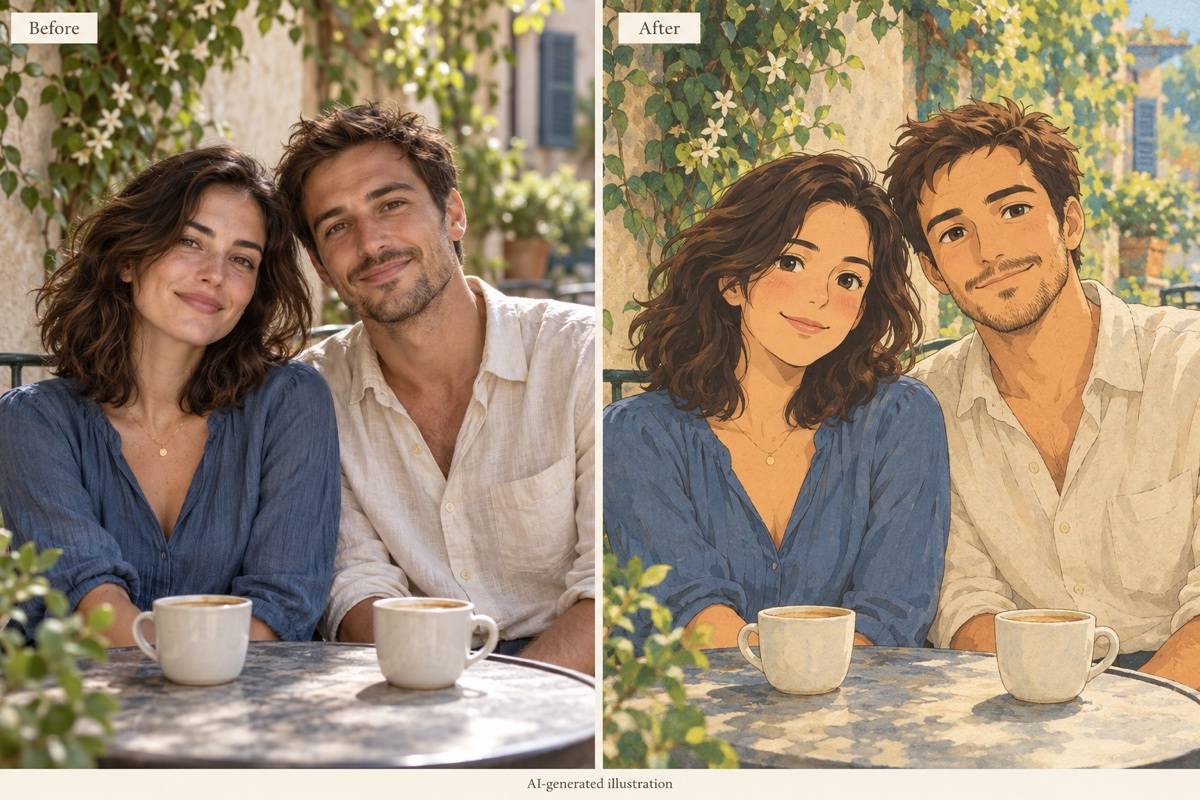
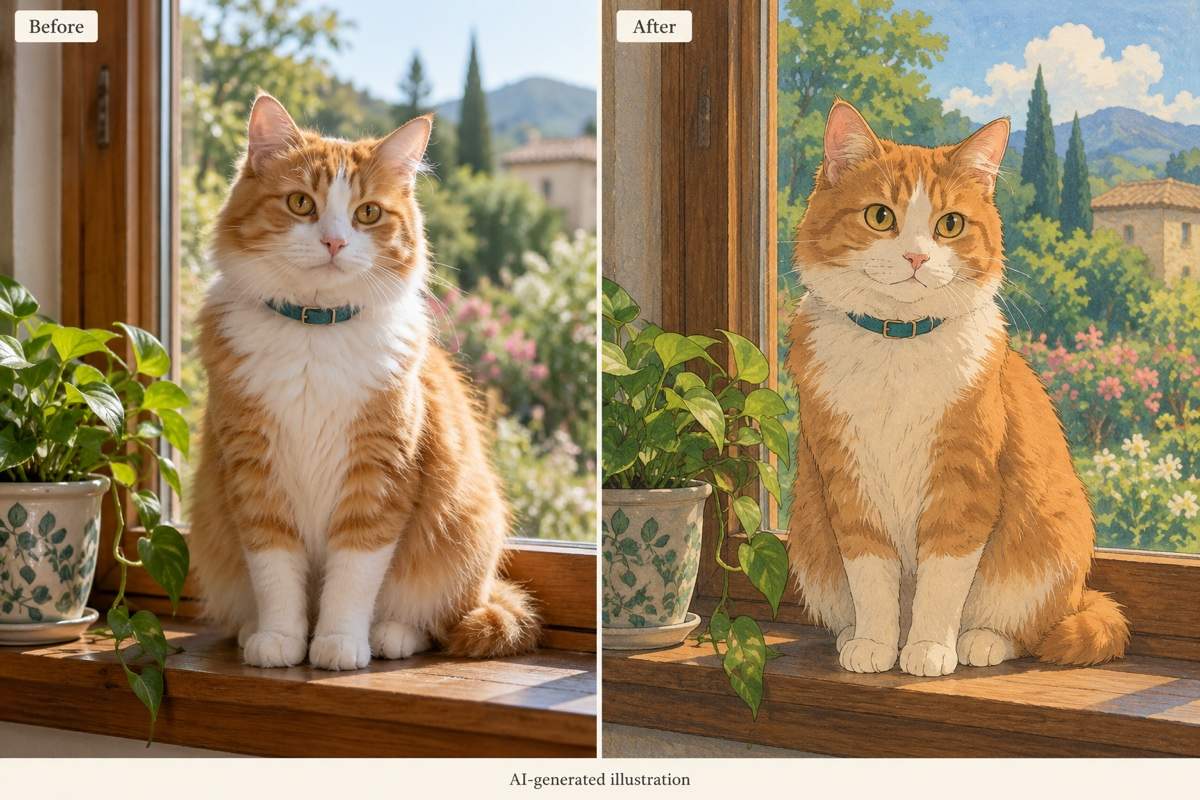
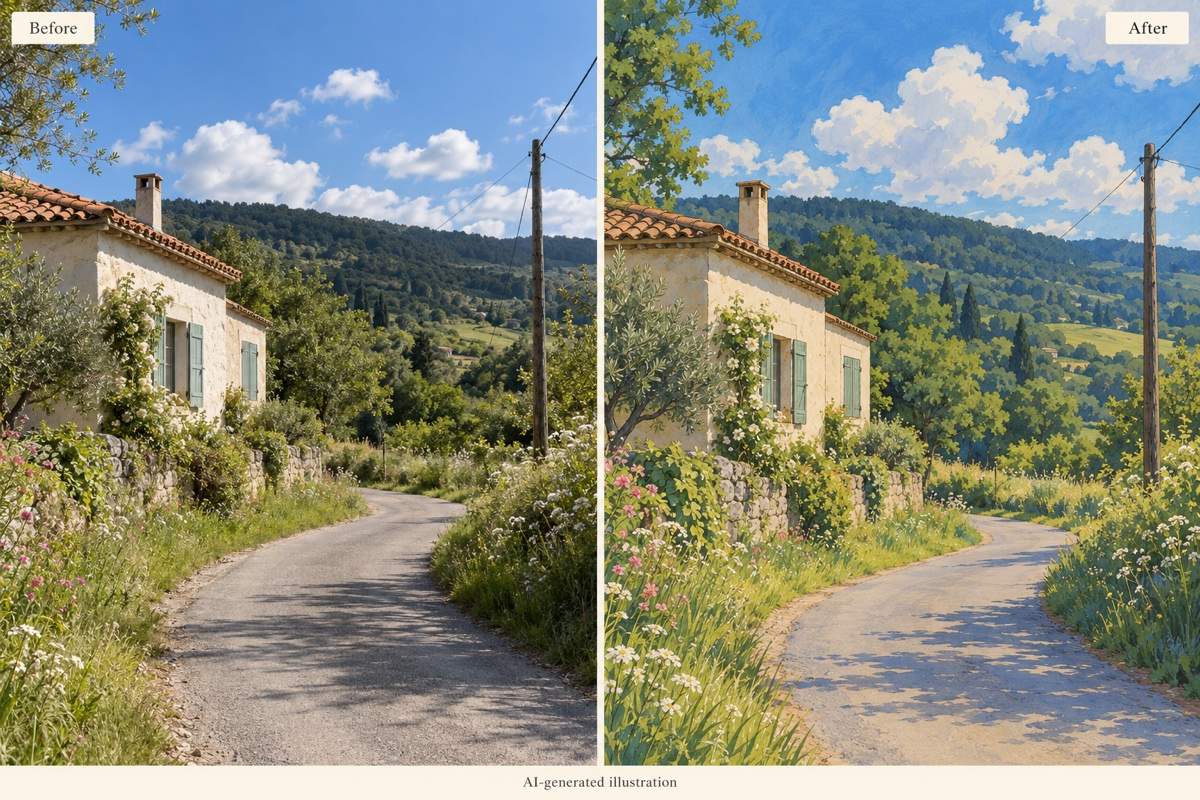
How to Create Ghibli-Style Photos with AI
Upload a Clear Photo
Reimagine the Scene
Refine Faces and Details
Download and Share

Your Photo, Your Version of the Story
Start with a Real Memory
Use this photo-to-Ghibli AI tool with your own images. Give the portrait, pet, or place a new visual treatment while using the original as your reference.
Guide What Stays Familiar
Ask to retain glasses, hairstyle, clothing, and pose. You can compare and refine the result instead of settling for an unfamiliar face.
Shape the Mood in Chat
Choose sunlit greens, rainy blues, or a cozy interior. Describe the atmosphere you want without learning complex editing software.
Bring More Than Selfies
Create a Ghibli-style pet portrait, a couple illustration, or painted travel scenery. Match the treatment to the subject rather than using one look for every image.
Make Versions for Different Uses
Explore a softer portrait or a richer landscape, then ask for a crop suited to your profile or wallpaper. Keep your preferred version as a reference.
Try It with Free Credits
Test the online Ghibli AI generator with free credits after signup. Download watermark-free images; further generation depends on your available credits.
Choose a Photo That Translates Well
- Visible Faces: Choose sharp, well-lit faces without heavy filters or obstructions. Tiny faces in a distant group shot are harder to interpret.
- Details to Keep: Mention distinctive glasses, hair, clothing, or pet markings. State the number of people for a family or couple photo.
- Background Choice: Say whether to keep the original setting or replace it. A painted version of the same place often preserves the memory better.
- Final Check: Review faces, hands, group size, and important objects before sharing. AI restyling can change details, so likeness is not guaranteed.
Small Fixes for Better Ghibli-Style Photos
Make the face closer to my original photo. Restore the face shape, hairstyle, glasses, and expression while keeping the soft illustrated treatment.
Match the exact number of people in my uploaded group photo. Keep their positions and distinct outfits; remove any extra figures.
Restore my pet’s coat colors, markings, ear shape, and collar from the source photo. Keep the painted background and gentle linework.
Reduce the yellow cast. Use natural skin tones, fresh greens, and a soft blue sky while keeping the warm, hand-painted atmosphere.
Bring back the buildings, path, and horizon from my travel photo. Preserve the original composition and change only the illustration style.
Make a square Ghibli-style profile picture from this portrait. Center the face, leave room around the hair, and simplify the background for a small circular crop.





