Free OnlineAI Streetwear Design Generator
How to Create a Streetwear Collection with AI
Build the Drop Brief
Generate the Hero Pieces
Direct the Details
Stage the Collection

Designed for More Than a Single T-Shirt Graphic
Shape the Garment and the Graphic
Describe the silhouette, fabric weight, wash, graphic scale, and placement together. The AI streetwear clothing design starts with the complete piece rather than floating artwork alone.
Start From Sketches and References
Upload a garment sketch, mood board, fabric photo, original logo, or visual reference. Explain what to preserve and what to reinterpret in the new streetwear direction.
Keep a Capsule Visually Connected
Develop coherent variations across a tee, hoodie, jacket, cargo pant, and accessory by carrying a palette, symbol system, material story, or graphic hierarchy through the collection.
Edit Placement, Wash, and Finish in Chat
Use Chat Edit for focused revisions such as shrinking a chest mark, moving a back graphic, fading a wash, changing rib trim, or testing an embroidery-style finish.
Preview the Drop in the Right Context
Request flat lays, front and back garment studies, full-body model views, campaign editorials, or collection boards to match a design review, lookbook, store page, or social launch.
Explore Online With Free Credits
Start the free AI streetwear generator after signup, test a first direction without specialist software, and export watermark-free images when the concept is ready.
How to Write a Streetwear Design Brief AI Can Use
- Garment and Fit: Specify an oversized tee, heavyweight hoodie, cropped jacket, wide cargo pant, baggy denim, or accessory. Add boxy, dropped-shoulder, relaxed, cropped, longline, or layered proportions.
- Graphic Hierarchy and Placement: State what belongs on the chest, back, sleeve, leg, pocket, or label area. Describe scale, spacing, symbol style, and whether the graphic should be bold, minimal, distressed, reflective, or tonal.
- Fabric, Wash, and Production Intent: Name heavyweight jersey, brushed fleece, canvas, ripstop, denim, nylon, or knit, plus washed, faded, coated, raw, or garment-dyed finishes. Mention screen-print-style, embroidery-style, appliqué, or patch details as visual intent to verify later with a producer.
- Collection View and Destination: Ask for a flat lay, front and back study, ghost mannequin, full-body model editorial, lookbook, or social crop. Say whether the image supports a design review, brand pitch, product page, campaign, or drop announcement.
AI Streetwear Prompts for Different Drop Directions
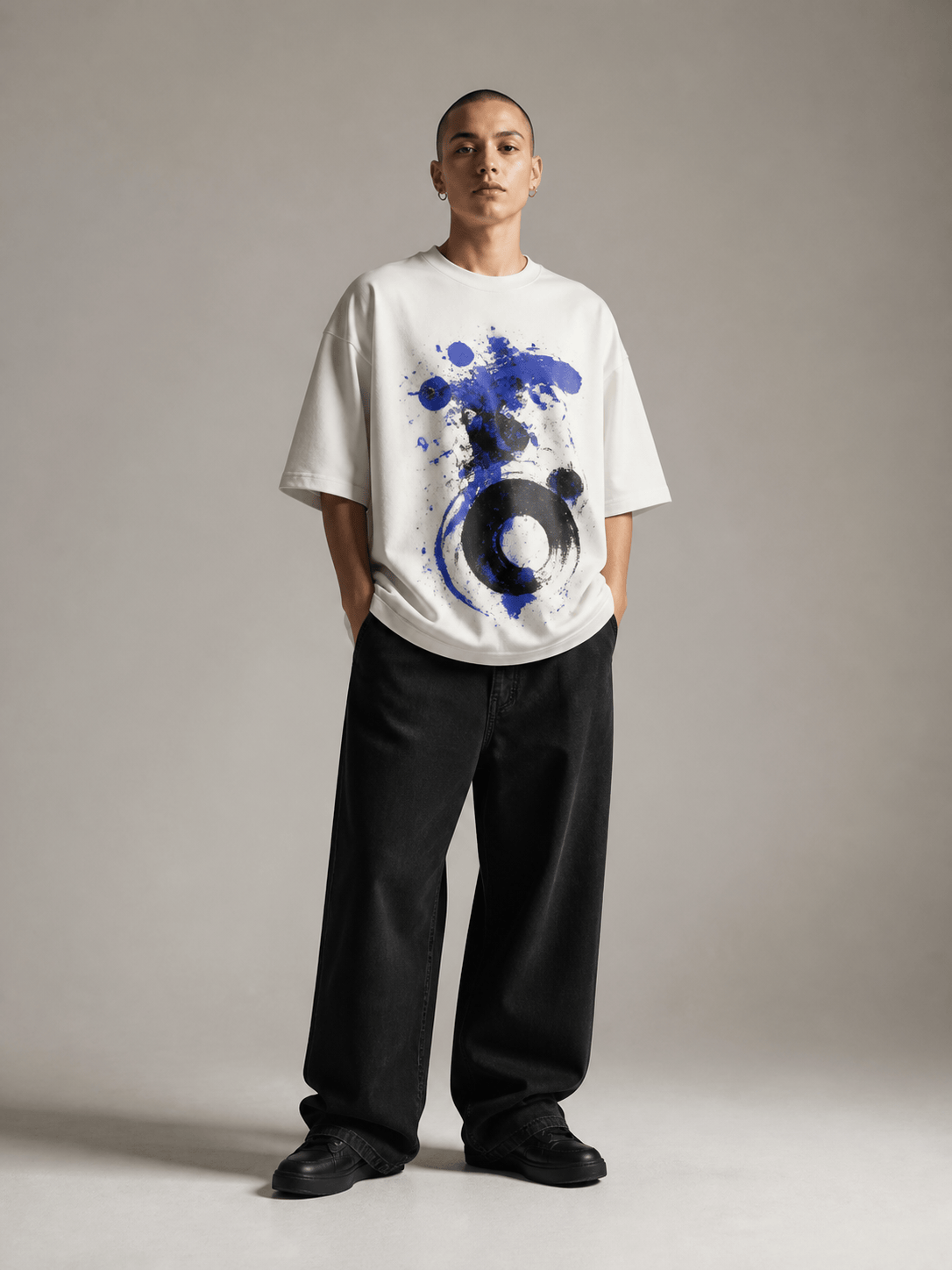
Oversized graphic T-shirt: Design a heavyweight washed-cream boxy tee with dropped shoulders, a small cobalt abstract chest symbol, and a large two-color screen-print-style back composition with distressed texture. Show front and back garment views, no logos, and no readable text.
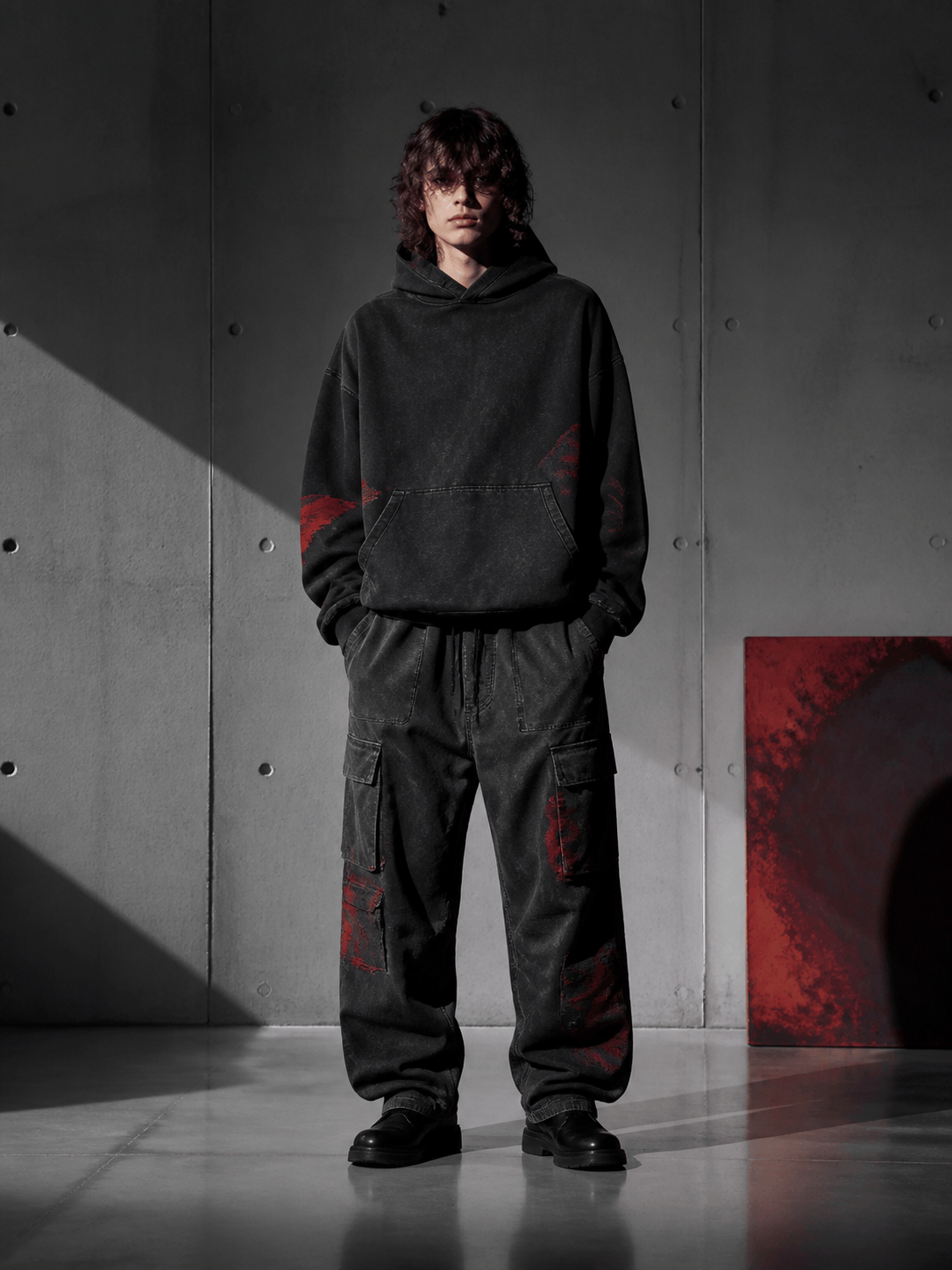
Y2K hoodie capsule: Create a charcoal cropped zip hoodie and baggy indigo jean set with contrast silver piping, faded panel washes, a small original starburst patch, and long pooled hems. Present a full-body studio model view and a clean flat lay.
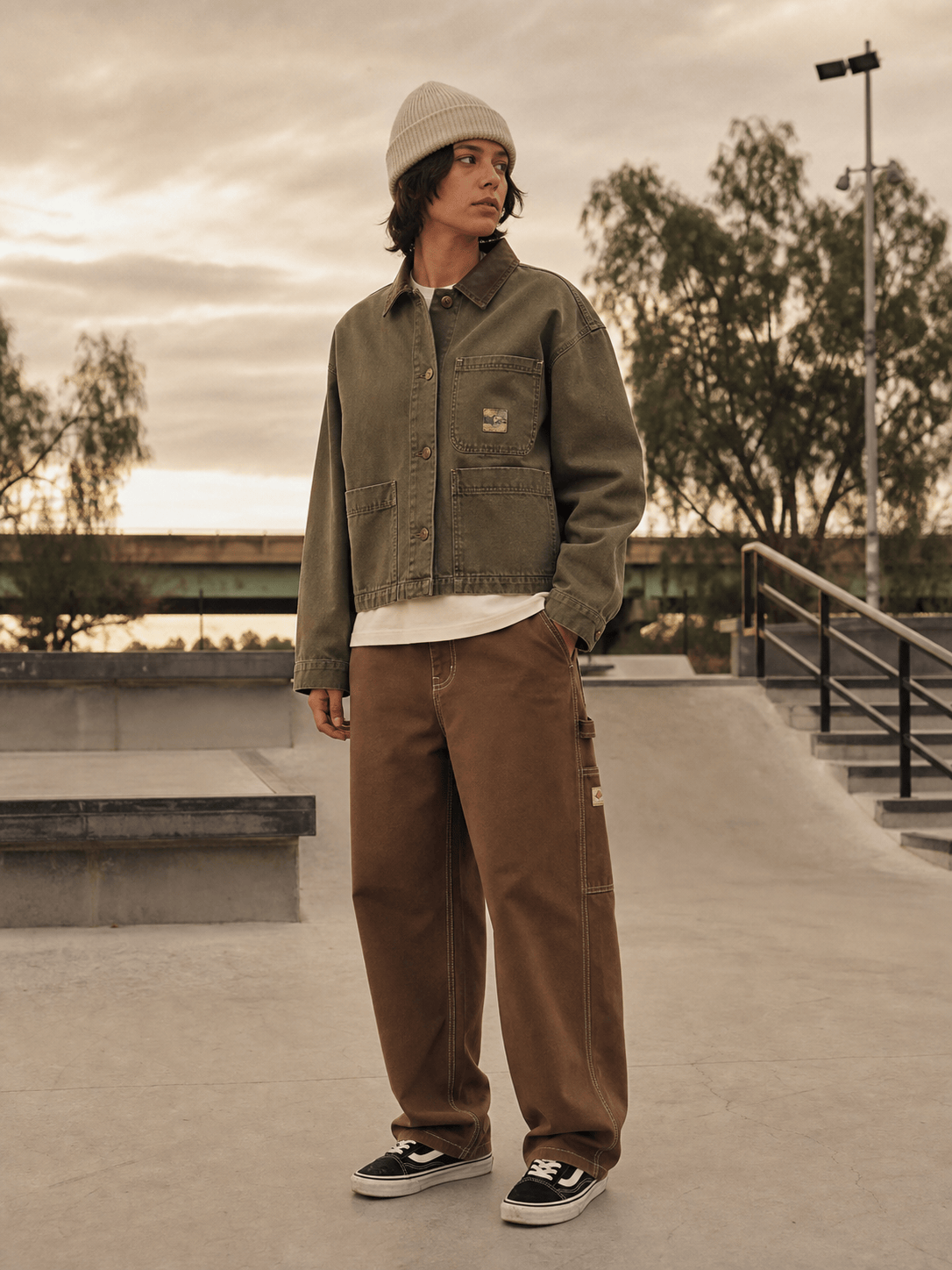
Skate-inspired workwear: Design a washed-olive canvas chore jacket with reinforced pockets and loose brown carpenter pants with contrast stitching. Add one small abstract woven-label-style mark and show an editorial scene at a concrete skate plaza.
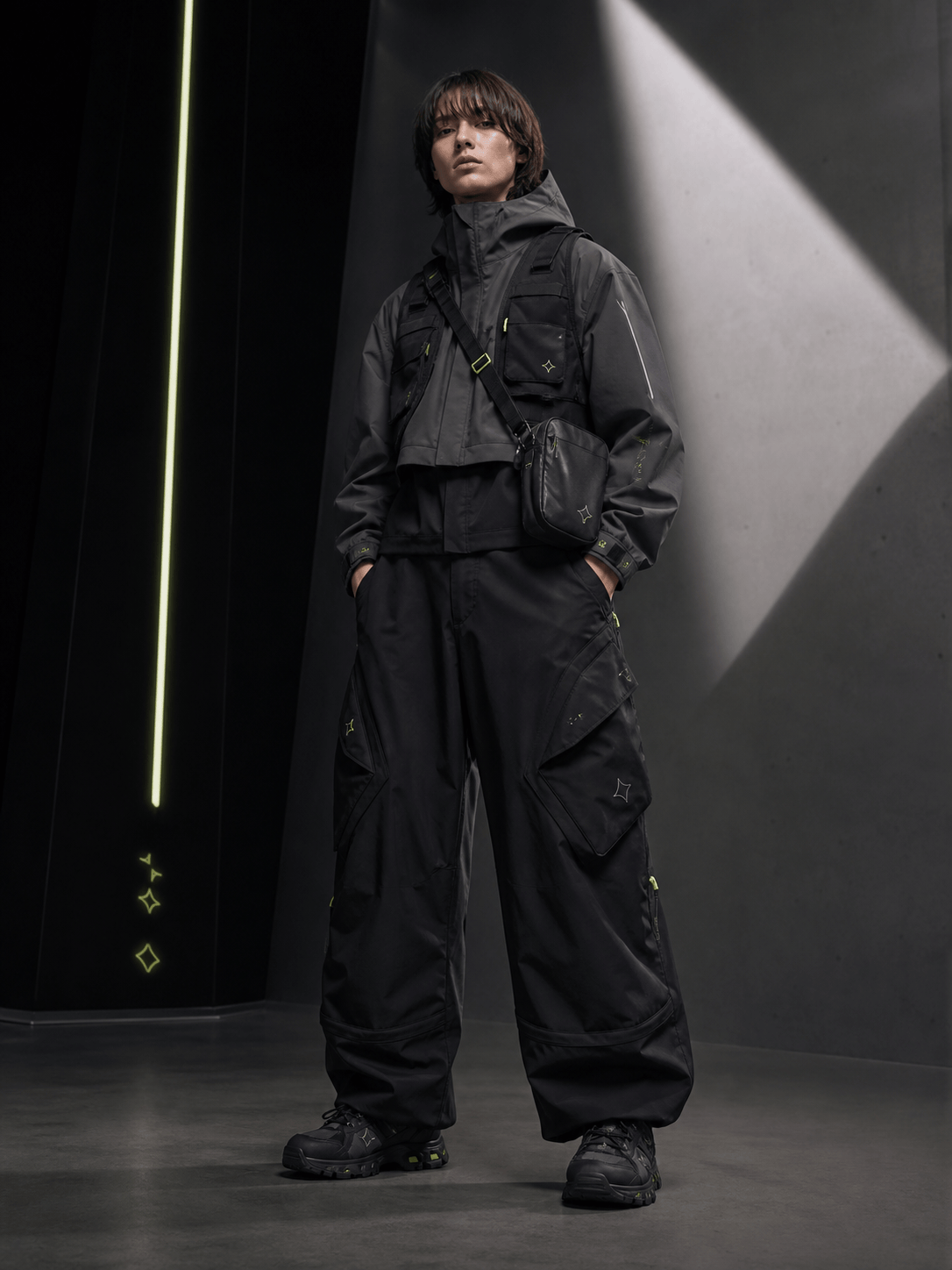
Technical streetwear set: Create a graphite cropped shell, modular vest, wide articulated cargo pants, and compact shoulder bag in black, gray, and acid lime. Use matte ripstop, reflective piping, functional pocket geometry, and an original symbol system.
Minimal premium streetwear: Build a tonal stone capsule with a dense knit polo, structured nylon overshirt, pleated wide trousers, and a soft leather crossbody. Keep branding nearly invisible and show refined front, side, and fabric-detail views.
Streetwear brand launch lookbook: Use the uploaded original mood board and logo to art-direct a six-image launch story for a four-piece capsule. Keep one palette and graphic hierarchy across flat lays, front-and-back studies, two full-body model images, and vertical social crops.





