Free OnlineAI Statue Generator
How to Create a Statue Image with AI
Upload a Photo or Describe the Subject
Choose the Statue Form and Material
Generate and Inspect the Sculpture
Refine, Download, and Share

A More Controllable AI Statue Maker
Create from Photos or Words
Upload a portrait or reference image when likeness matters, or use text to explore an original sculpture concept. The same online AI statue maker supports people, pets, objects, and imagined subjects.
Direct the Material and Finish
Move beyond a single marble filter. Describe veining, chisel marks, bronze patina, stone weathering, clay tool marks, polished ceramic, or another finish to make the surface feel intentionally sculpted.
Protect the Details That Matter
Tell Mew Design what must stay recognizable, including facial features, hairstyle, expression, pose, clothing silhouette, or a pet's markings. Use Chat Edit to correct drift without rewriting the entire brief.
Control the Sculpture Presentation
Specify a bust or full figure, pedestal shape, camera angle, gallery backdrop, architectural setting, lighting, and crop. These choices help an AI sculpture generator produce a convincing object rather than a flat texture effect.
Explore Distinct Art Directions
Compare classical Greek or Roman marble, commemorative bronze, minimalist stone, fantasy clay, metallic abstract, and collectible-style looks. Generate fresh versions while keeping the central subject and purpose consistent.
Try and Export Without a Watermark
Sign up for free AI credits, test a custom statue generator workflow, and export finished images without a watermark. Use the result for social posts, avatars, posters, gift concepts, or a visual reference for later production.
How to Get a More Convincing Statue Result
- Prepare a Clear Reference: Use a sharp, well-lit photo with an unobstructed face or body, a readable pose, and minimal background clutter. Add more than one angle when the unseen profile or costume details matter.
- Name the Sculpture Type: Choose a bust, full-body statue, relief, monument, garden figure, or collectible-style display piece so the AI can plan the silhouette and crop.
- Describe Physical Material: Specify marble grain, bronze patina, rough granite, terracotta tool marks, polished ceramic, wood grain, or metal reflections, plus the lighting that should reveal those textures.
- Lock Important Details: State which facial features, expression, pose, clothing shape, pet markings, props, and camera angle must remain unchanged, then refine one issue at a time.
AI Statue Prompts for Popular Styles
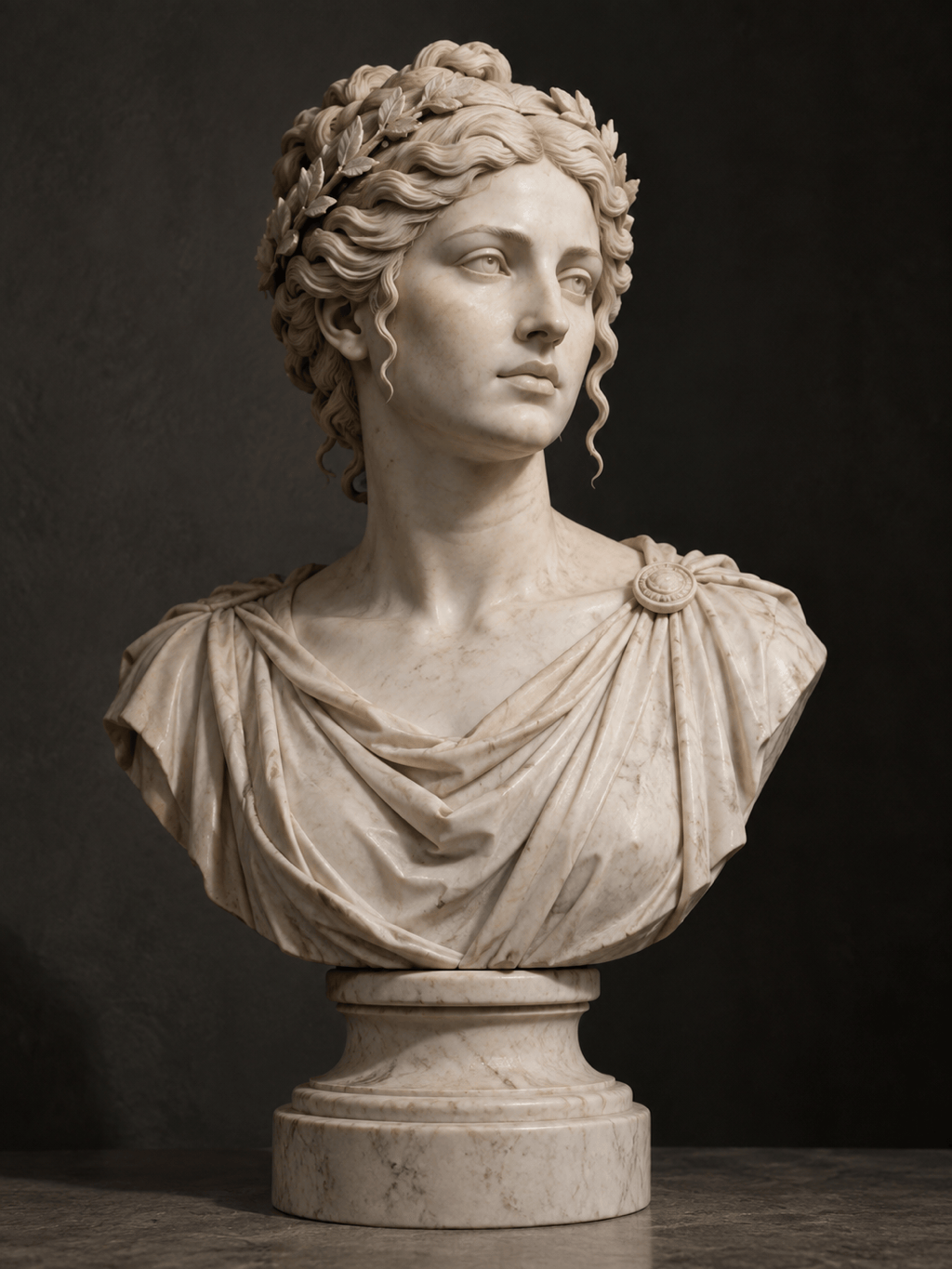
Marble Portrait Bust: Turn my uploaded portrait into a classical Greek marble bust. Preserve the face, hairstyle, expression, and head angle. Use clean white marble with subtle veins, precise carved curls, a museum pedestal, soft side lighting, and a dark gallery background. 3:4 portrait composition; no text.
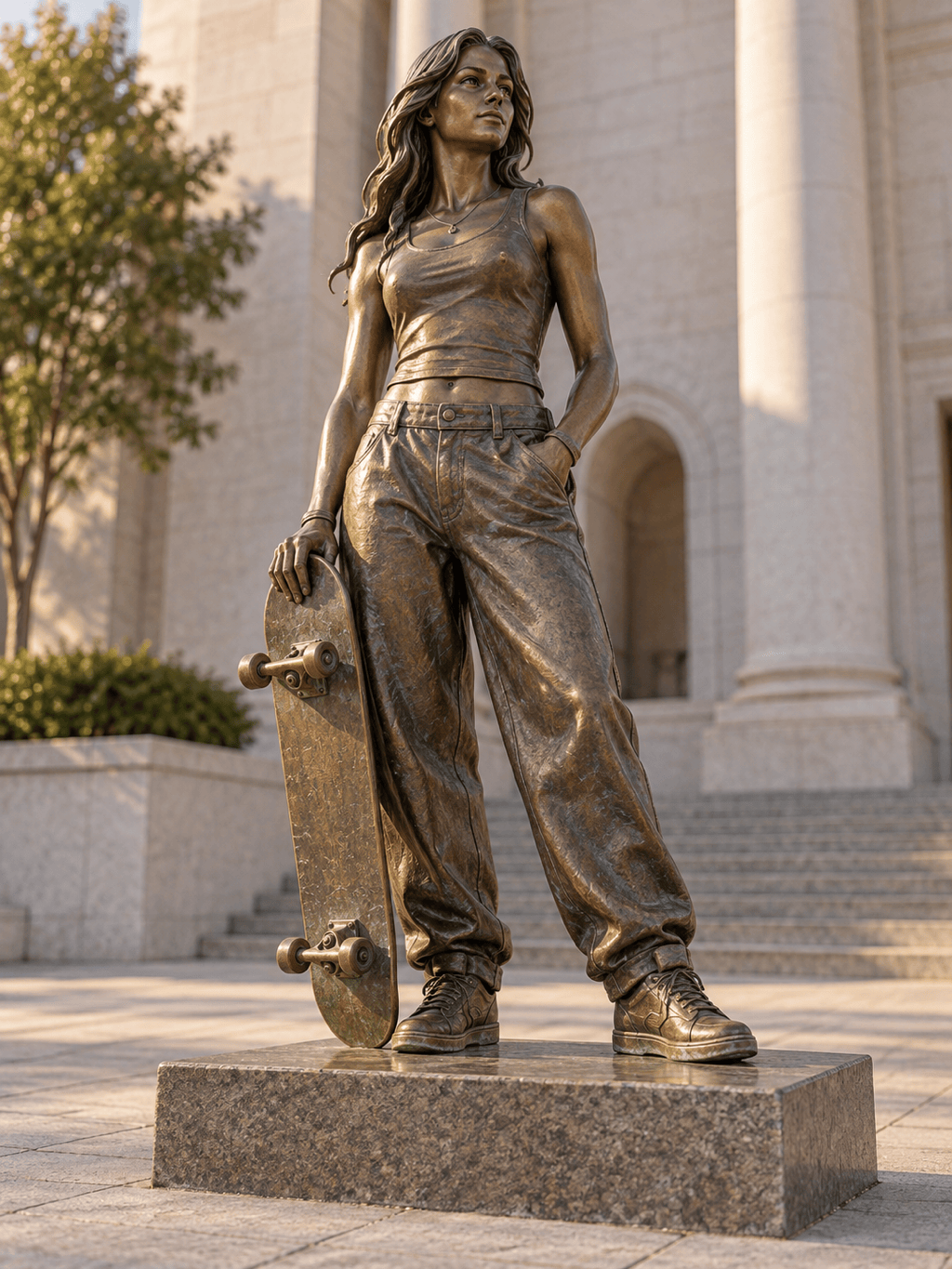
Bronze Commemorative Figure: Create a full-body bronze statue from my uploaded photo. Keep the same standing pose and clothing silhouette. Add an aged brown-and-green patina, a low stone plinth, realistic metal highlights, and a civic plaza at golden hour. Do not add symbols, names, or extra people.
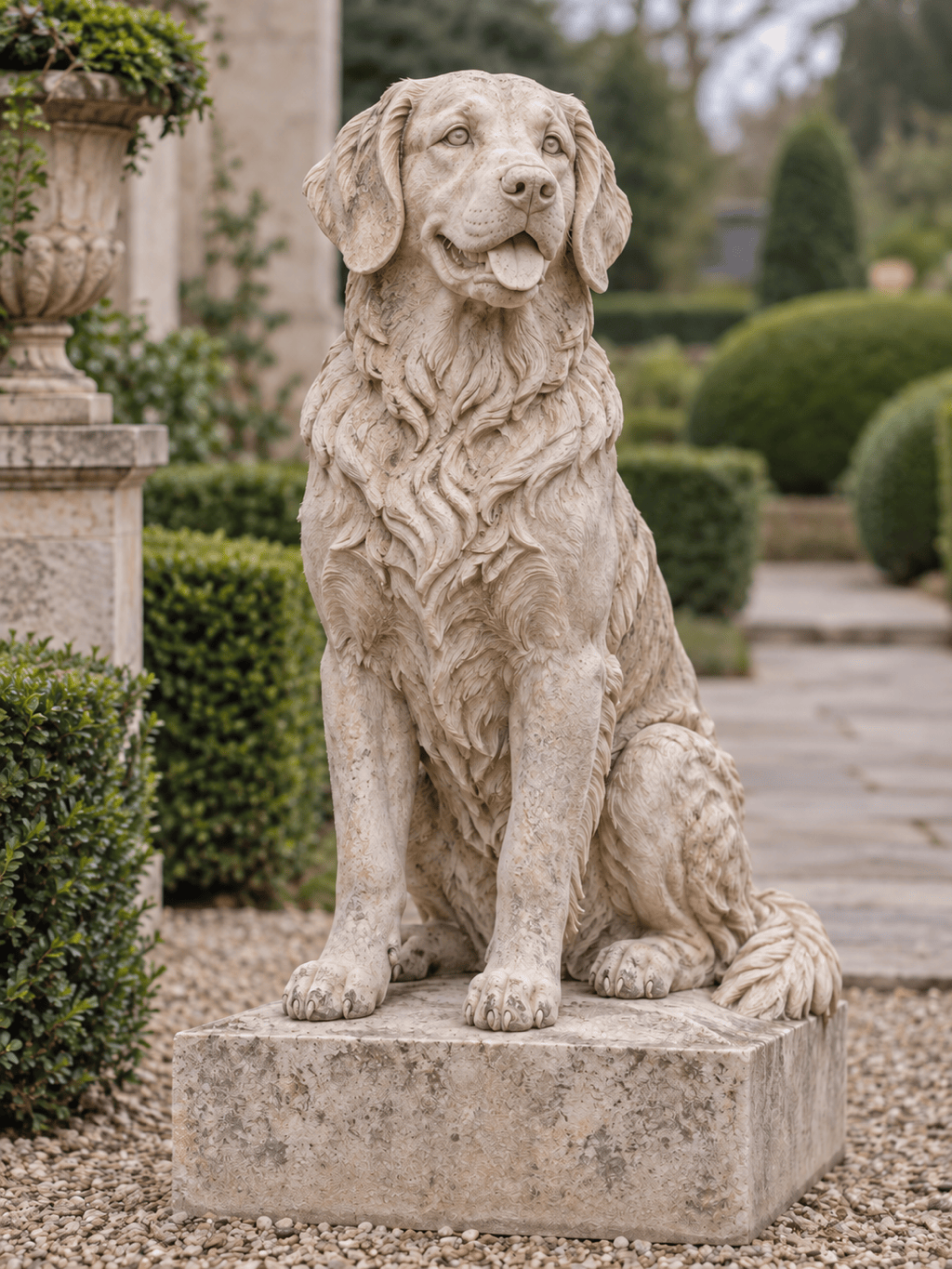
Pet Stone Sculpture: Transform my pet photo into a dignified carved-stone garden statue. Preserve the ears, muzzle, markings, seated pose, and friendly expression. Use pale limestone with fine weathering, a simple square base, soft outdoor light, and a restrained garden background.
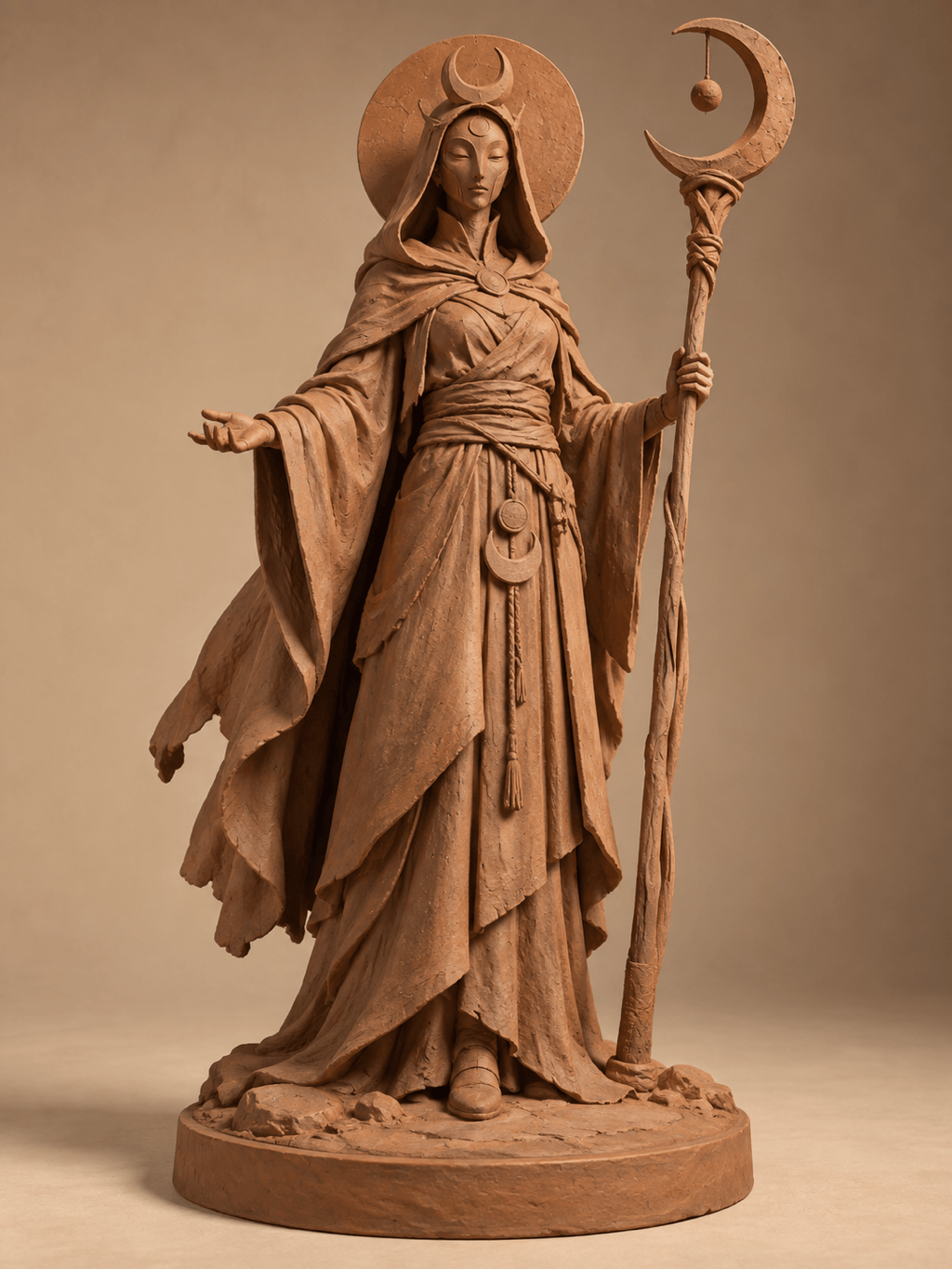
Fantasy Clay Sculpture: Create an original terracotta sculpture of a moon guardian with layered robes and a crescent staff. Show visible hand-shaped clay texture and delicate tool marks, a balanced full-body silhouette, a circular base, and warm studio lighting against a plain background.
Modern Abstract Statue: Reinterpret my uploaded dancer as a minimalist polished-metal sculpture. Preserve the exact gesture and body line while simplifying the anatomy into flowing forms. Use brushed silver with controlled reflections on a white gallery plinth; clean background, no text.
Giant Architectural Statue: Turn the person in my reference into a monumental stone statue in a public square. Preserve the face, clothing shape, and raised-arm pose. Use weathered granite, believable scale, small distant pedestrians for context, overcast daylight, and a wide cinematic view.





