Create Your Galaxy with anAI Star Wars Generator
How to Create Star Wars Art with AI
Choose Your Subject
Build the First Scene
Refine the Galactic Details
Download Your Fan Art

Give Your Star Wars Characters More Detail
Characters Beyond a Costume
Use this Star Wars AI character generator to describe species, clothing, and personality. Build an original roleplaying character with a distinct silhouette.
A Photo as Your Starting Point
Upload a portrait or sketch to guide your character. Ask for Jedi robes or a pilot suit, then review how closely the result follows your reference.
Control the Lightsaber Glow
Use Chat Edit to soften a harsh glow, reveal a face in shadow, or simplify a busy background without rewriting the whole brief.
Explore Different Art Directions
Try cinematic realism, painted concept art, or comic illustration. This Star Wars AI image generator lets you explore how the same idea looks in different styles.
Carry a Look Across Your Crew
Reuse references for related portraits. Save your preferred palette, costume rules, and composition approach as a Mew Skill for later projects; review each image for continuity.
Art for Profiles and Screens
Ask for a square avatar, a vertical cover, or a wide wallpaper. Export PNG or JPG images with framing suited to where you will use them.
Make Your Star Wars AI Art Feel More Believable
- Define the Character: Specify species, role, clothing, and one distinctive feature. Keep the first scene focused on one main subject.
- Give Surfaces Some History: Worn fabric, scratched armor, and dusty machinery help a scene feel lived in.
- Keep the Lighting Coherent: Describe how the lightsaber or sunset lights the face and clothing. Avoid asking for several competing light sources.
- Check the Small Details: Review fingers, lightsaber hilts, helmets, and ship symmetry. Request one correction at a time and name the details to preserve.
Six Star Wars Art Ideas to Make Your Own
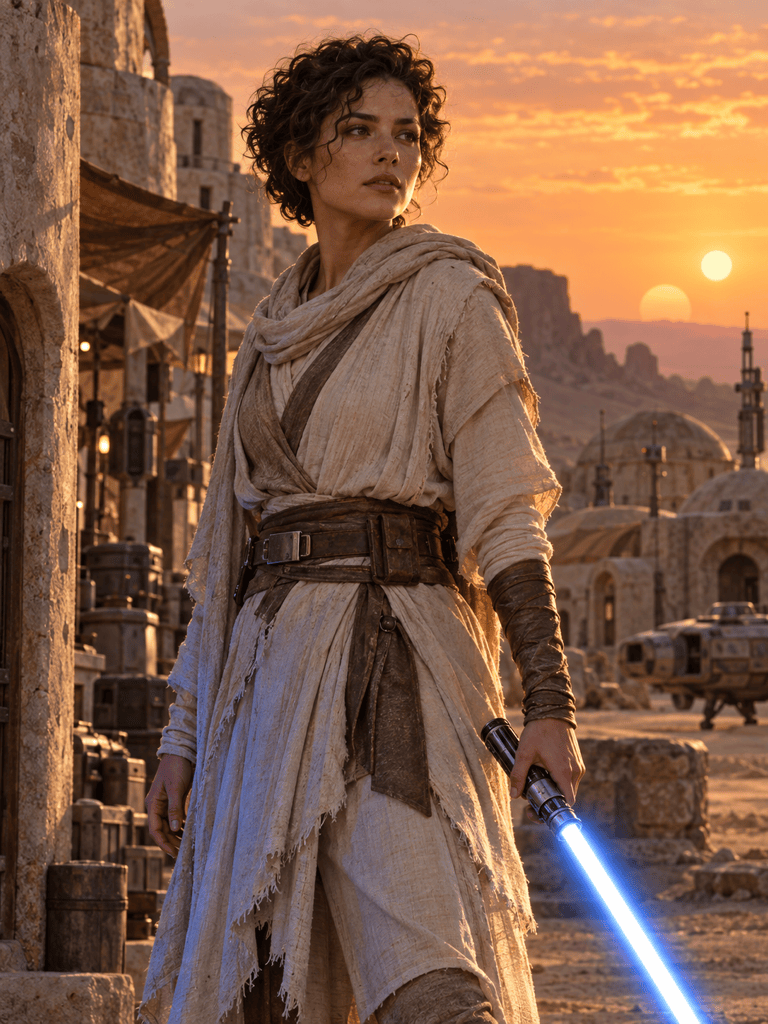
Create an original Jedi character portrait for a roleplaying profile: a calm explorer with weathered robes and a blue lightsaber, standing in a desert outpost at sunset. Keep the face clear and the background simple.
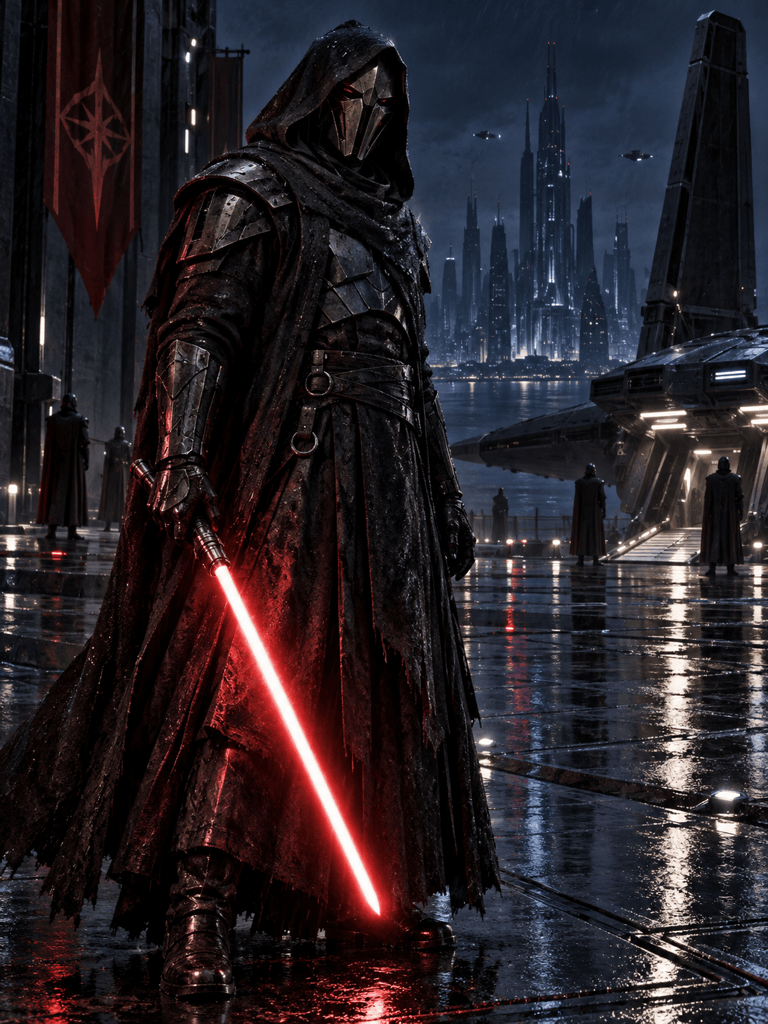
Create an original Sith character in dark armor on a rainy landing platform. Use a red lightsaber as the main accent, a readable silhouette, and cinematic shadows. Include no text.
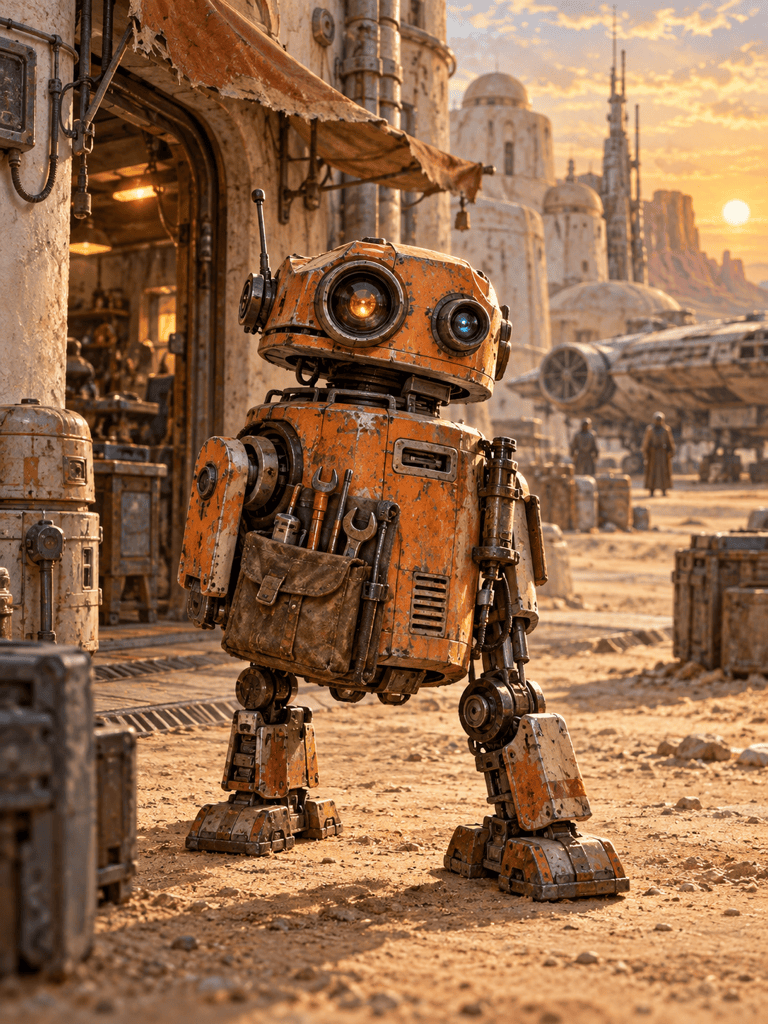
Illustrate a small repair droid outside a desert workshop. Give it scratched orange panels, expressive optics, and a tool pouch. Use warm light and a hand-painted concept-art look.
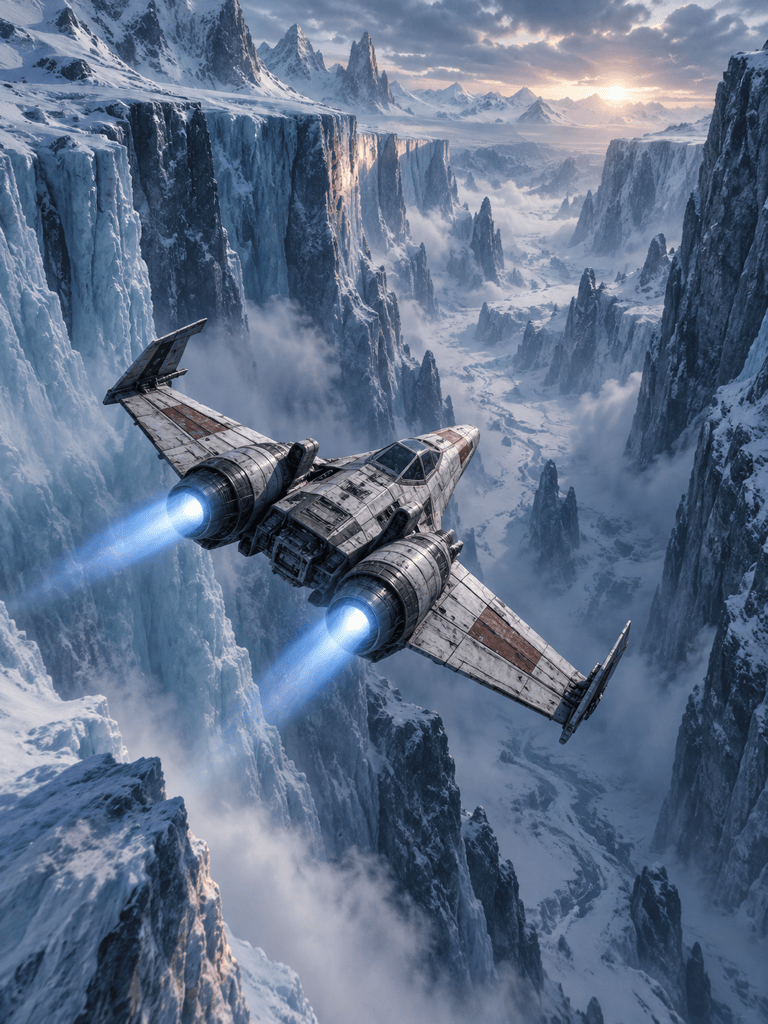
Create a Star Wars-inspired desktop wallpaper of an original starfighter flying through an icy canyon. Use a wide 16:9 composition with open space on the left for desktop icons. Include no text.
Use my uploaded portrait as the reference for a Star Wars-inspired avatar. Keep my recognizable facial features, add Jedi robes and subtle blue lighting, and compose a square portrait with a simple background.
Create vertical cover art for a Star Wars-inspired fan-fiction story: a lone pilot and a small droid watching ships leave a distant city. Use painted textures and leave clear space at the top for a title; do not add text.





