Free OnlineAI Square Image Generator
How to Create a Square Image with AI
Choose Your Starting Point
Generate the Square Composition
Refine the Framing in Chat
Check the Crop and Export

Why Use Mew Design for Square Image Creation
Compose for 1:1 from the Start
Tell the online AI square image generator where the visual will appear. It can plan subject scale, focal position, negative space, and edge safety for the square rather than treating 1:1 as an afterthought.
Start from Text or a Photo
Create a fresh square AI image from a written brief, or upload a permitted portrait, product shot, or reference and explain what should stay recognizable and what may change.
Reframe Without Crude Stretching
Ask Mew Design to reposition the subject or extend the scene instead of squeezing a rectangular photo into a square. Review the generated edges and important details before use.
Fix the Part That Feels Wrong
Use Chat Edit to change the crop, lighting, background, object placement, or color while keeping the useful parts of the current direction in view.
Build a Cohesive Square Series
Create related 1:1 variations for a product grid or social campaign. For repeat work, turn successful palette, spacing, subject, and delivery rules into a reusable Mew Skill.
Try It Online and Export Cleanly
New users can test the free AI square image maker with signup credits. Refine the result, then export an approved PNG or JPG without a watermark.
How to Brief a Well-Composed 1:1 Image
- Name the destination: Say Instagram post, ecommerce tile, profile image, ad, or thumbnail so the composition can support the real use case.
- Protect the focal point: Request the full product, face, outfit, or object inside safe margins. Mention circular-crop safety when the same portrait will become an avatar.
- Direct the open space: Ask for simple background area above, beside, or around the subject when you need room for later text or platform overlays.
- List fragile details: Call out identity, hands, packaging, labels, logos, reflections, and anything the AI should not invent, crop, or duplicate.
Square Image Prompts for Real-World Use Cases
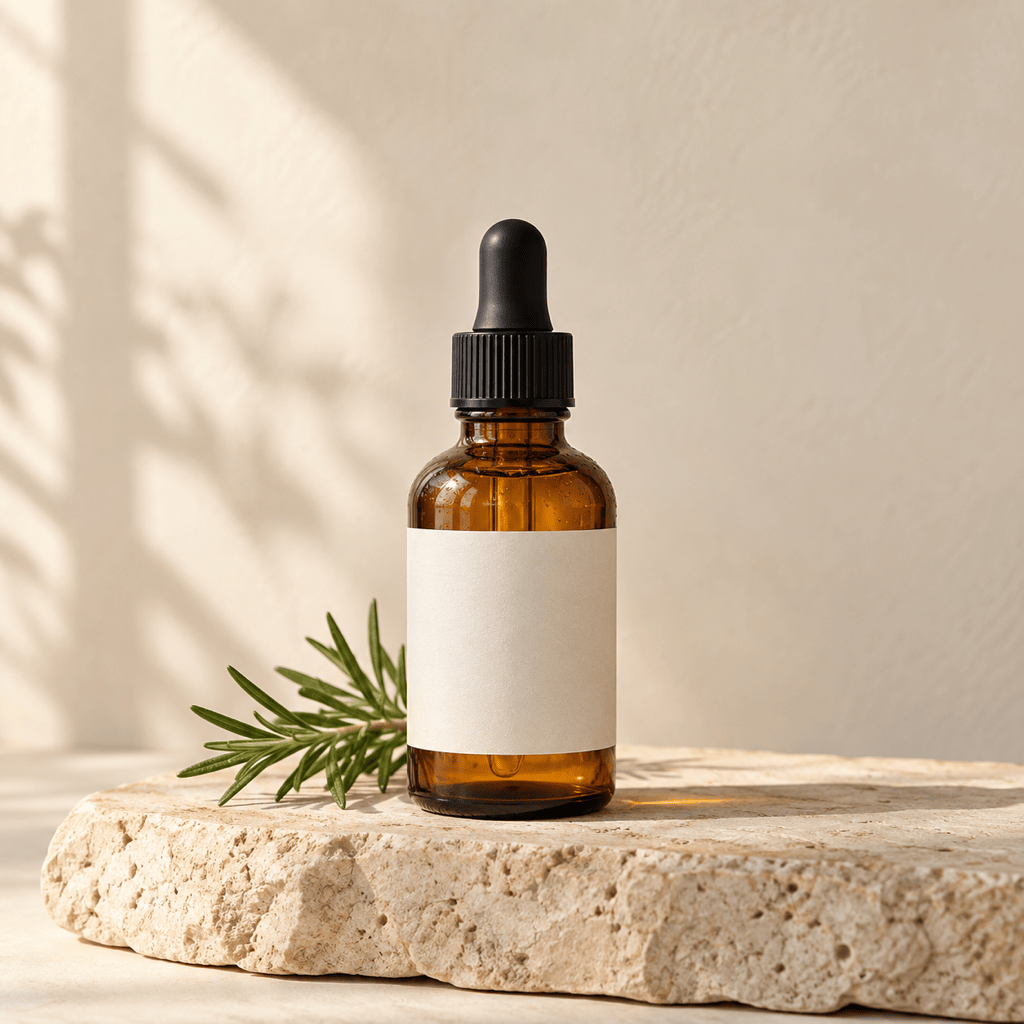
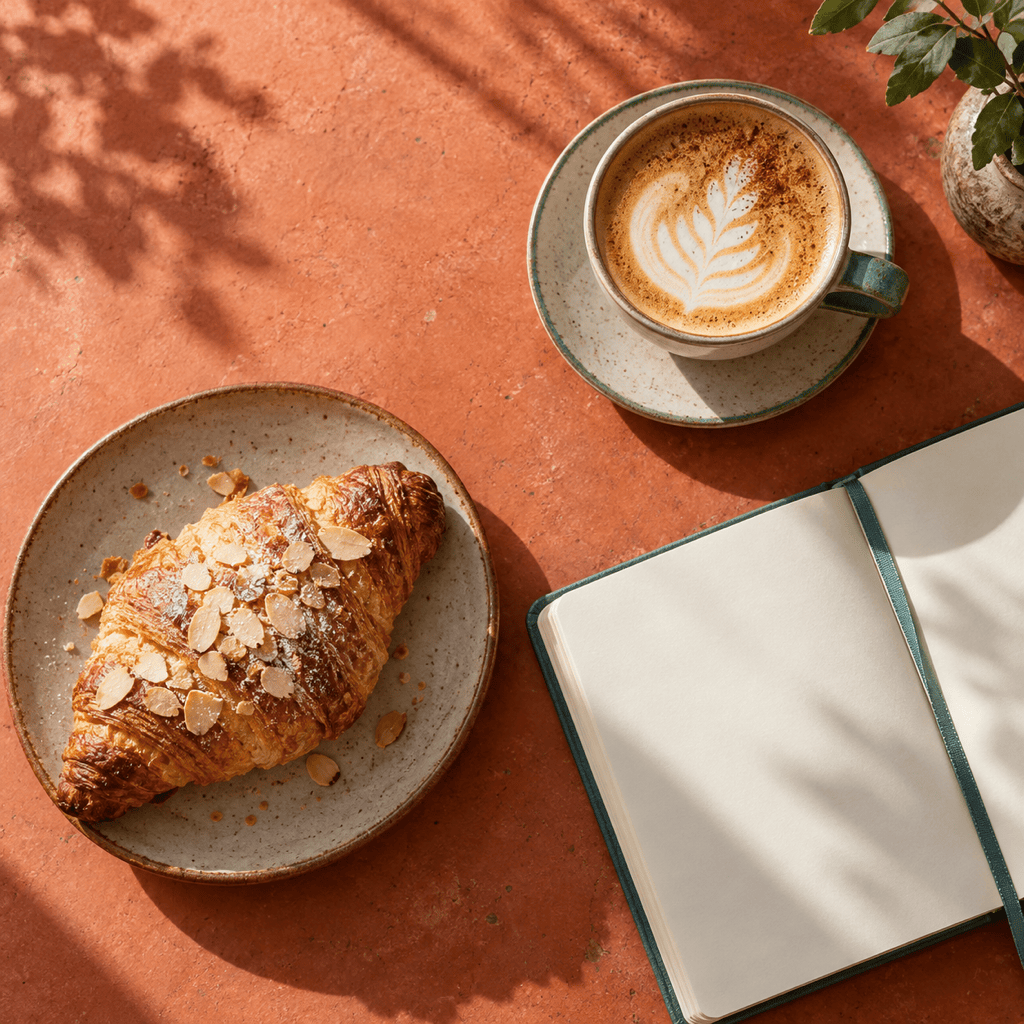
Instagram Product Post: Create a 1:1 image of my uploaded ceramic mug on a sunlit breakfast table. Keep the whole handle visible, use a warm cream and terracotta palette, leave clear space in the upper-left corner for later copy, and add no text or extra products.
Ecommerce Listing: Turn my uploaded shoe photo into a clean square product image. Preserve the shoe's shape, material, color, and logo placement; center the full product with even margins; use a soft off-white studio background and realistic grounding shadow.
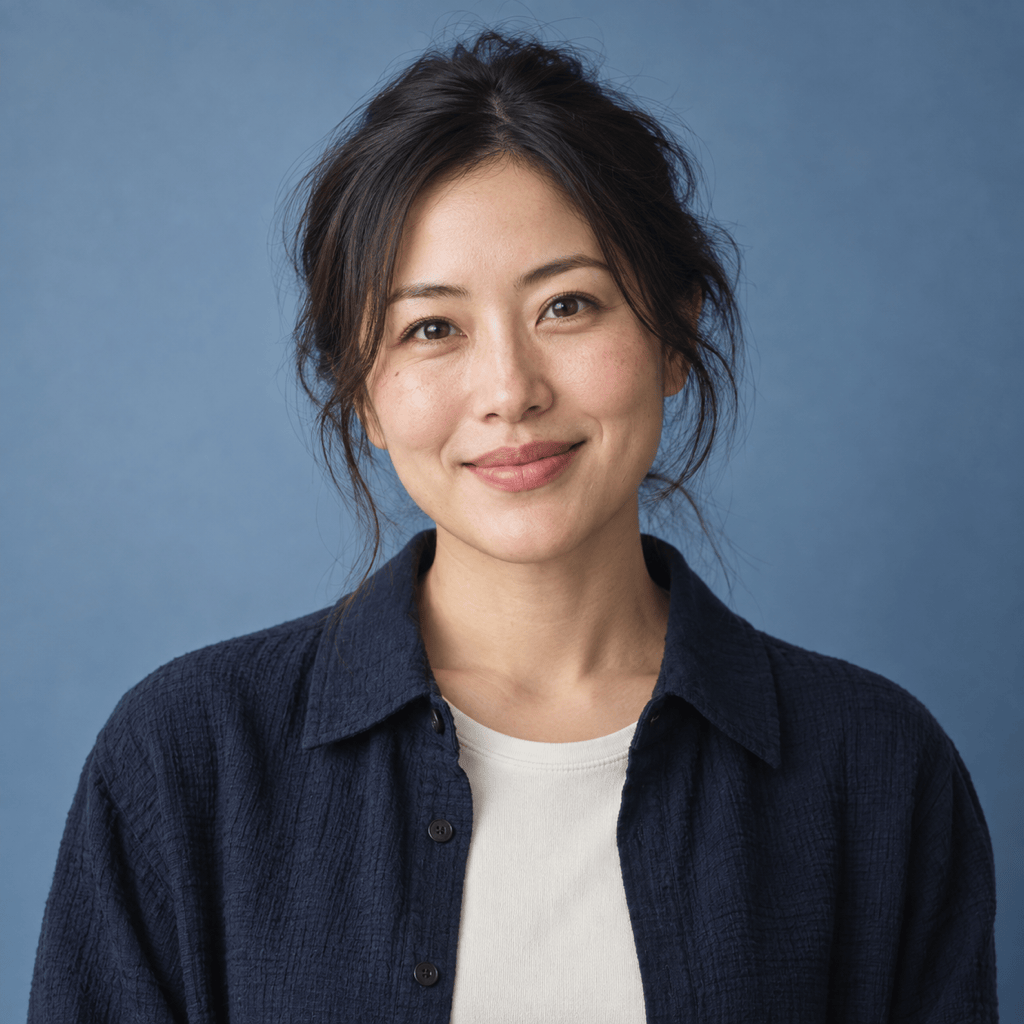
Circular-Safe Profile Photo: Reframe my uploaded portrait as a square head-and-shoulders image that also works inside a circular crop. Keep facial features and hairstyle recognizable, center the eyes, add space around the head and shoulders, and use a simple muted blue background.
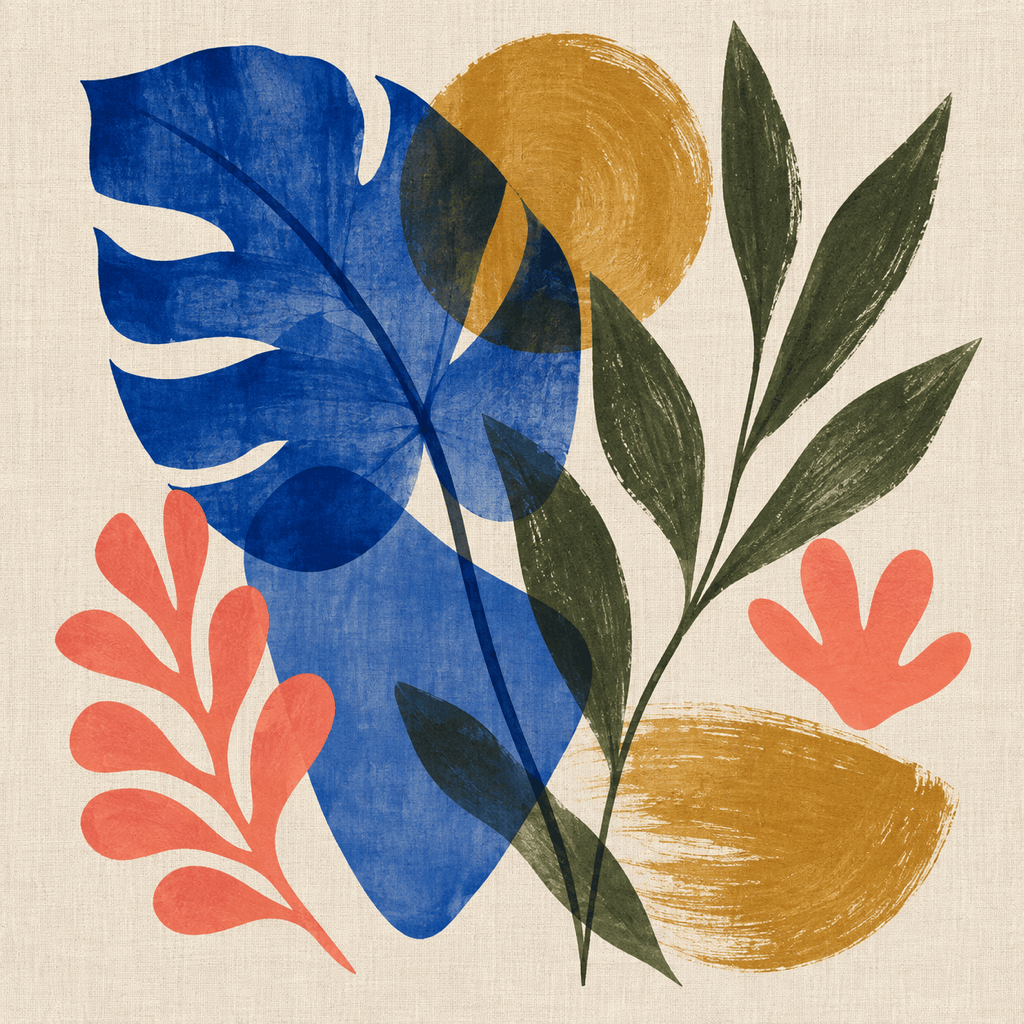
Square Editorial Illustration: Create a 1:1 editorial image about focused remote work: one person at a compact desk, bold geometric window light, calm navy and coral palette, clear focal point, balanced negative space, no lettering, interface screenshots, or brand marks.
Make a Landscape Photo Square: Convert my uploaded landscape photo to a 1:1 composition without stretching the people or cutting off their bodies. Keep the original group recognizable, extend the surrounding park naturally, match the light and perspective, and remove any awkward seams.
Text-Safe Social Ad: Create a square lifestyle image for a reusable water bottle campaign. Put the bottle in the lower-right third, use a misty hiking background, leave the left half calm and uncluttered for later ad copy, and include no embedded words, logos, or watermark.





