Free OnlineAI Spider-Man Filter
How to Create a Spider-Man Portrait with AI
Upload a Clear Selfie
Generate Your Hero Look
Check the Face and Suit
Save Your New Portrait

Your Photo, Your Version of a Spider Hero
Build on Your Own Selfie
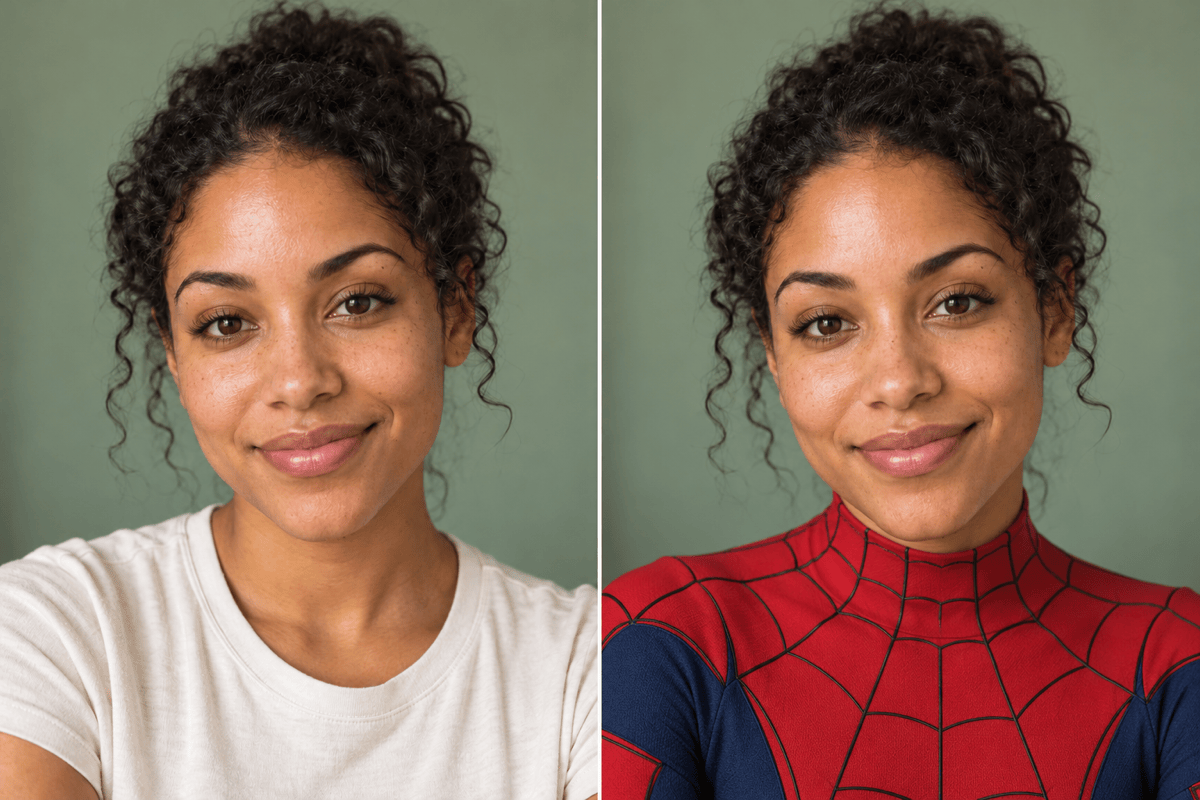
Use your photo as the starting point for a Spider-Man-inspired edit. Describe the facial features, hairstyle, and expression you want to retain.
Choose How Much the Mask Covers
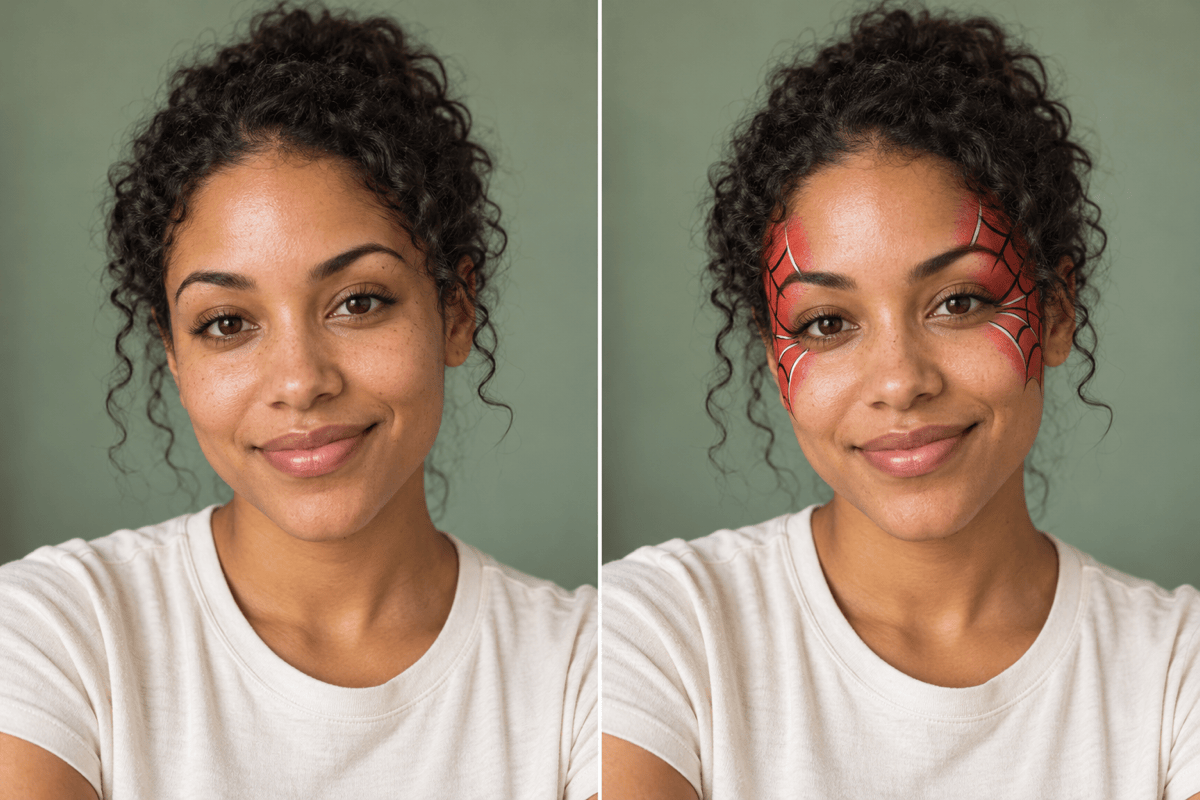
Request an uncovered face, a small face-paint design, or a full mask. This online Spider-Man photo filter lets you describe the coverage instead of settling for one preset.
Switch Between Realism and Comics
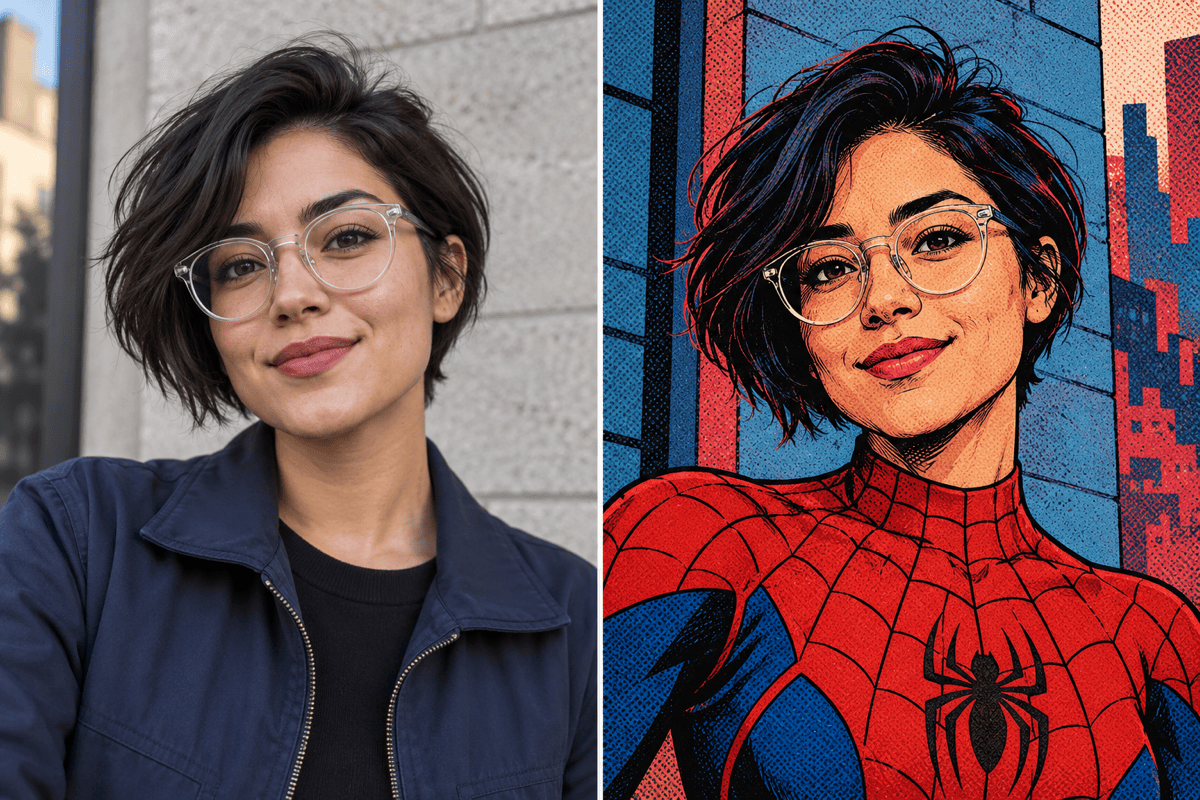
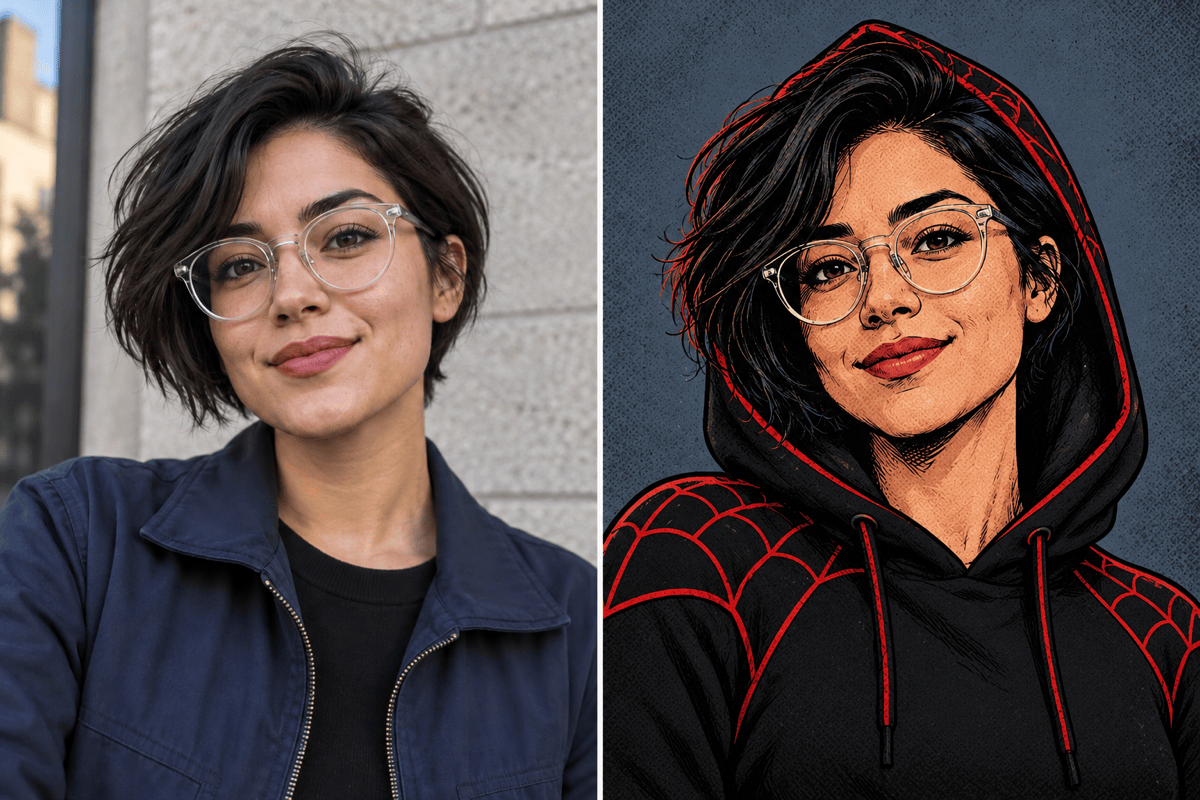
Ask for textured fabric and natural light, or a Spider-Verse-inspired portrait with halftone dots, ink outlines, and vivid color contrasts.
Refine Specific Details in Chat
Use Chat Edit to soften a harsh shadow, change the suit colors, or restore the background. Describe the correction and the parts you want to keep.
Compare Different Suit Ideas
Create several versions from the same reference photo. Compare red-and-blue, black-and-red, and illustrated looks before choosing your profile picture.
Try Online and Export Without Watermarks
Test your first hero look with free AI credits after signup. Generating and editing use credits; finished images can be downloaded without a watermark.
Choose a Photo and Decide What Stays
- Start with Visible Features: Choose a sharp, evenly lit portrait without sunglasses or heavy filters. Include more of your body only if the outfit needs to extend beyond your shoulders.
- Separate Paint from a Mask: For a face-paint effect, name the area to paint and leave the eyes and lower face visible. A full fabric mask will hide your facial features.
- State What Must Stay: Name the hair, expression, pose, and background you want to preserve. Keep the original photo available for comparison during edits.
- Review Before Sharing: Check the eyes, hairline, neck, and web pattern at full size. The gallery offers illustrative style comparisons; generated results can vary.
Fix Common Spider-Man Photo Edits
Restore my likeness: Compare this edit with my original selfie. Bring the face shape, skin tone, hairstyle, and expression closer to the source while keeping the new suit.
Reduce the face paint: Keep the red web design around my temples and upper cheeks only. Leave my eyes, nose, mouth, and chin uncovered, and keep my original clothing.
Bring back the background: Keep the Spider-Man-inspired suit, but restore the setting, camera angle, and lighting from my original photo. Do not add a skyline or action pose.
Make the suit look more natural: Replace the shiny plastic appearance with matte woven fabric, subtle seams, and fine web lines. Keep the existing face and pose.
Add a comic finish: Turn this portrait into Spider-Verse-inspired fan art with halftone shading, bold ink contours, and red-and-cyan accents. Retain the recognizable hairstyle and expression.
Fix the avatar crop: Make a square Spider-Man profile picture from this edit. Center the head and shoulders, leave room around the hair or mask, and simplify the background for a circular crop.





