Free OnlineAI Space Generator
How to Create Space Art with an AI Space Generator
Choose a Cosmic Subject and Purpose
Define Depth, Viewpoint, and Scale
Direct Cosmic Light and Color
Refine the Composition for Its Format

Why Mew Design Is a Flexible AI Space Art Generator
Compose a Whole Universe in Plain Language
Describe celestial bodies, camera position, depth layers, lighting, atmosphere, and output purpose in one brief. The agent interprets how those choices work together instead of turning every noun into a competing focal point.
Move from Realistic Cosmos to Stylized Space Art
Create a restrained astronomical look, painterly galaxy, retro science-fiction cover, anime planet vista, or minimalist cosmic background. Mew Design can explore different visual directions without changing the central scene idea.
Guide Color and Composition with References
Upload a palette, layout sketch, texture sample, or mood reference and explain what each image should control. This helps the AI outer space generator follow a visual direction while creating a new arrangement rather than copying the reference.
Change One Celestial Detail Through Chat
Keep the approved camera and lighting while enlarging one moon, softening the nebula, removing a spacecraft, or opening space for cover typography. Focused revisions protect the parts of the cosmic composition that already work.
Design for Screens, Covers, and Campaigns
Request a clean 16:9 AI space wallpaper, dramatic portrait book cover, square album image, ultrawide banner, or game mood-board frame. Describing the destination early gives the scene useful balance and negative space.
Create and Export Without a Watermark
New users receive free credits to test the online AI space generator, compare variations, and download finished PNG or JPG files without a watermark. The output is ready to place in a layout or continue through a production workflow.
How to Write an Effective AI Space Image Prompt
- Choose the Scale: Specify a planetary close-up, orbital vista, solar-system scene, or distant galactic panorama so the generator knows how large each object should appear.
- Build Three Depth Layers: Describe foreground, middle distance, and background separately. Even a sparse image gains scale when a moon, planet, and nebula occupy different planes.
- Control Light and Star Density: Name the star or rim light, shadow color, bloom level, and whether the star field should be sparse or dense. This prevents a uniformly bright, noisy background.
- Reserve Space for the Final Use: State the aspect ratio and request negative space on a specific side for icons, a title, a subject overlay, or a book-cover masthead.
Customizable AI Space Generator Prompt Examples
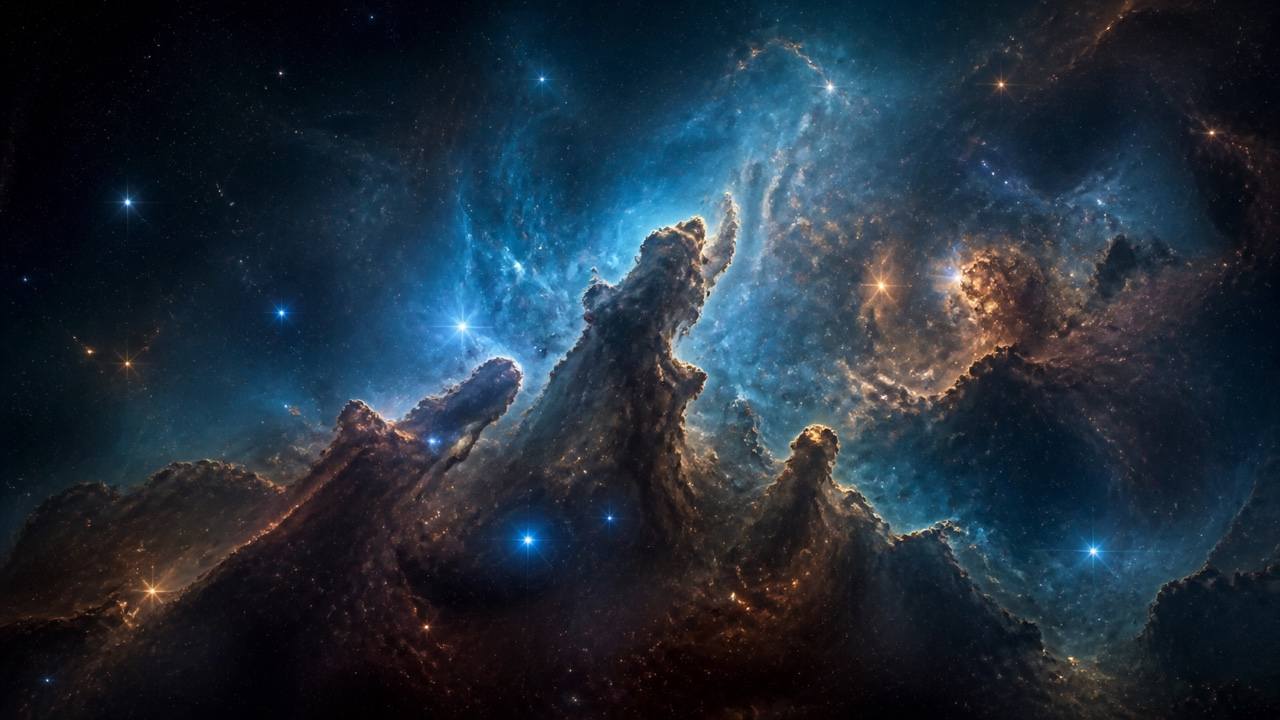
Realistic Nebula: Generate a wide view of a blue-and-copper stellar nursery with dark molecular-cloud pillars, scattered newborn stars, controlled glow, deep blacks, and fine dust texture. No planets or spacecraft; scientifically inspired visual language, cinematic 16:9 space background, no text.
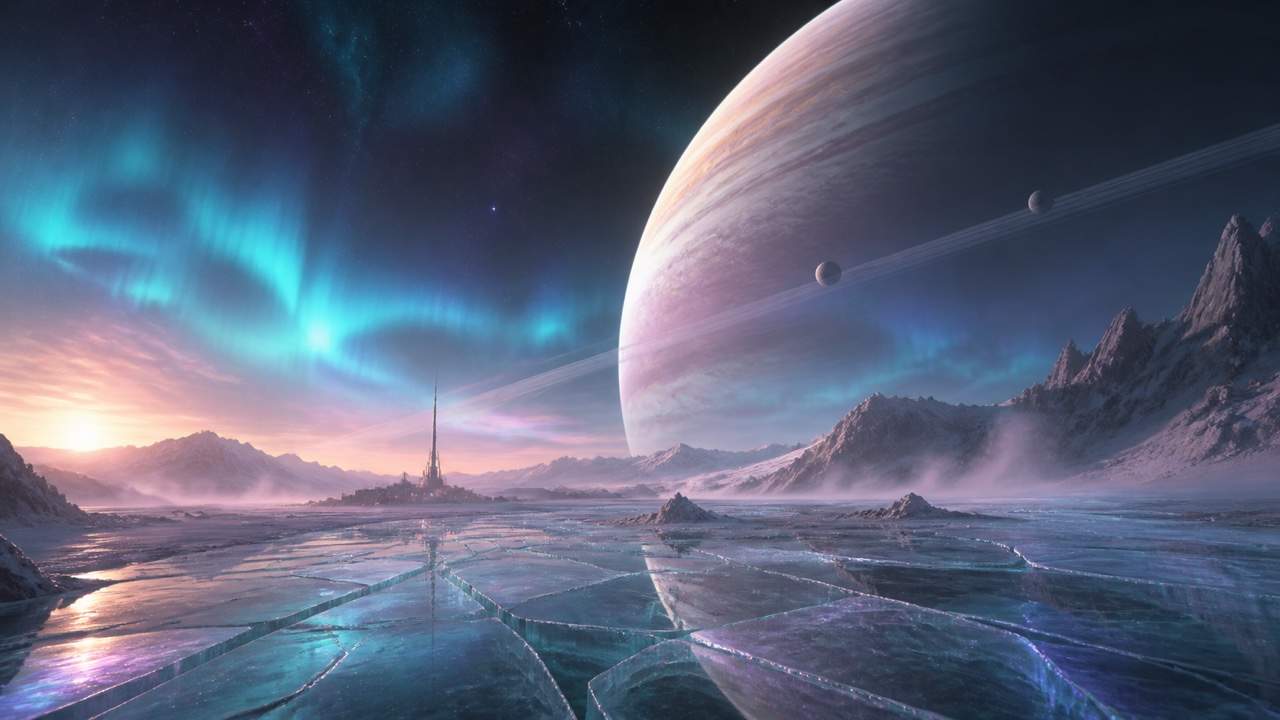
Alien Planet Horizon: Create a surface-level view from an icy exoplanet at twilight. A huge striped gas giant rises above fractured crystal plains, two small moons cross its rings, and cyan aurora lights low clouds. Realistic scale cue, quiet mood, wide game-environment concept art.
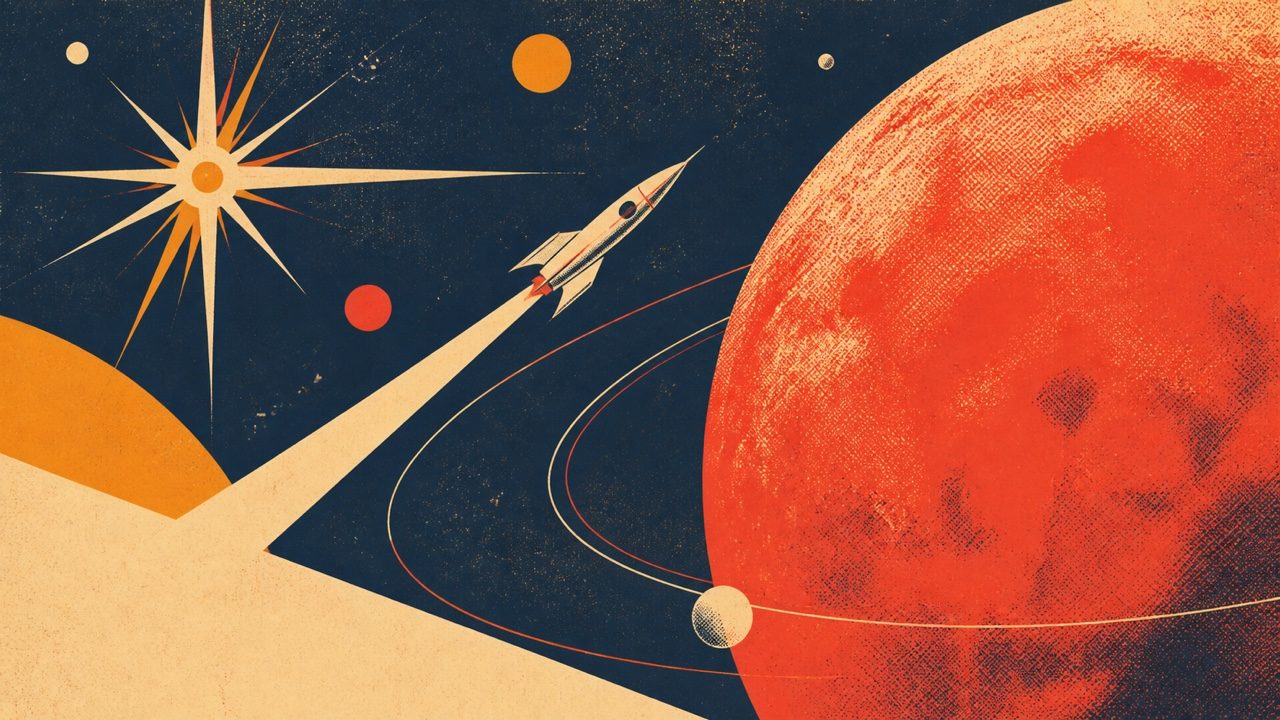
Retro Space Poster: Illustrate a 1960s screen-printed cosmic travel poster with a coral-red planet, tiny white rocket, geometric starburst, indigo sky, limited cream and orange inks, halftone grain, bold empty header area, portrait format, no words or logos.
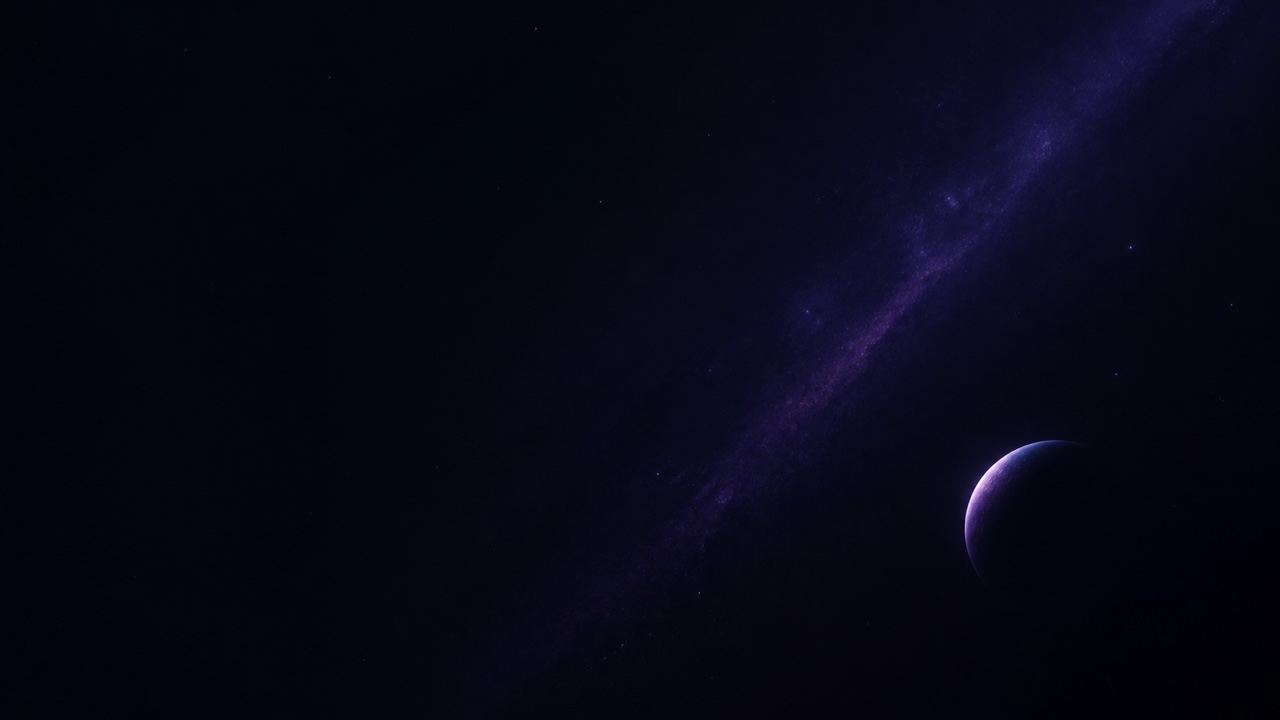
Minimalist Wallpaper: Design a dark ultrawide space wallpaper with one small crescent planet in the lower right, a thin lavender atmospheric edge, sparse stars, and a faint diagonal dust band. Preserve broad clean black space across the left for desktop icons, subtle and calm, no text.
Fantasy Galaxy: Paint a luminous spiral galaxy seen edge-on above floating obsidian islands, with silver waterfalls turning into stardust, violet clouds, tiny travelers for scale, dreamlike digital illustration, square album-art composition, no lettering.
Targeted Space Edit: Keep the approved space scene's camera, planet size, moon positions, shadows, and aspect ratio unchanged. Replace only the bright magenta nebula with a softer amber dust cloud, reduce star density by half, and leave clean negative space in the upper left. Change nothing else.





