Free OnlineAI South Park Avatar Generator
How to Make a South Park-Inspired Avatar with AI
Choose a Photo or Text Concept
Select Four Identity Anchors
Define Layers and Expression
Inspect the Cutout and Repair

Make Simple Shapes Look Deliberate
Preserve Likeness With Fewer Details
A South Park avatar generator from photo works best when you identify the few traits people notice first. Hair contour, eyewear, facial hair, skin tone, jacket color, and posture survive geometric simplification better than tiny skin or fabric details.
Control the Paper-Layer Construction
Describe the head, hair, eyes, mouth, torso, sleeves, and hands as separate overlapping shapes. Consistent edge weight and a restrained paper texture help the South Park character creator produce one coherent cutout instead of a flat drawing with random shadows.
Direct a Readable Deadpan Expression
Use eyebrow angle, pupil direction, mouth curve, and one simple gesture to communicate the joke. Limiting the expression to a few strong cues keeps an avatar clear at small size and avoids a crowded realistic face.
Keep Couples and Groups Organized
For a South Park couple avatar or group, list every person from left to right with a distinct height, hair shape, top color, and expression. Explicit spacing reduces duplicated subjects, swapped traits, merged arms, and faces hidden behind hats.
Frame a Strong Profile Picture
Keep the full hair or hat, eyes, mouth, shoulders, and focal gesture inside a square safe area. Use a single-color or simple outdoor background with enough value contrast, and leave side space only when the result needs a meme caption.
Repair One Shape Without Starting Over
If a hand detaches, an eye overlaps, or a sleeve changes color, select that region in Chat Edit and name the exact paper piece to replace. Preserve the other layers, expression, palette, and crop. Start with free credits and download without a watermark.
How to Prompt a Clean Paper-Cutout Avatar
- Keep Only the Strongest Identity Cues: Choose hair or headwear, eyewear or facial hair, skin tone, and one clothing color. Aggressive simplification becomes recognizable when those high-signal traits stay consistent.
- Describe the Layer Order: State which shapes sit in front or behind: hair behind glasses, pupils centered on eye discs, hands over sleeves, and the torso behind the coat. Ask for one shallow shadow direction across all pieces.
- Build the Reaction From Four Controls: Name eyebrow angle, pupil direction, mouth shape, and one gesture. A dry side-eye or small open-mouth surprise usually reads better than a long list of emotions.
- Protect the Square Crop: Keep hair, hat, eyes, mouth, shoulders, and the focal hand inside the safe area. Exclude official characters, logos, detached limbs, overlapping eye discs, broken glasses, duplicate people, text, and watermarks.
AI South Park Avatar Prompts for PFPs, Couples, and Reactions
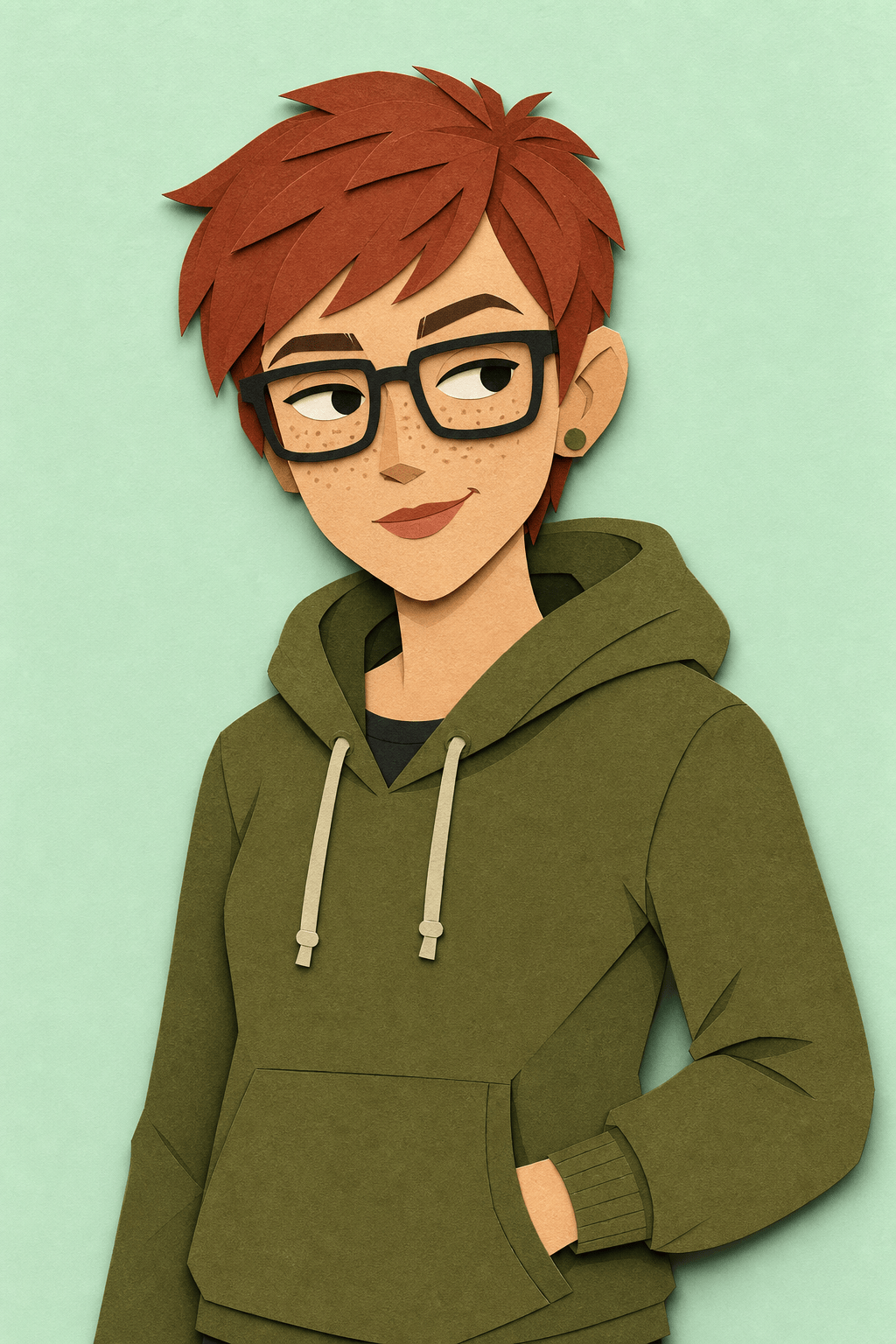
Selfie PFP: Turn my permitted adult selfie into an original flat paper-cutout avatar. Preserve my auburn pixie cut, square black glasses, freckles, olive hoodie, and amused side-eye. Clean overlapping shapes, flat colors, pale mint background, centered square crop, no official character, logo, text, or watermark.
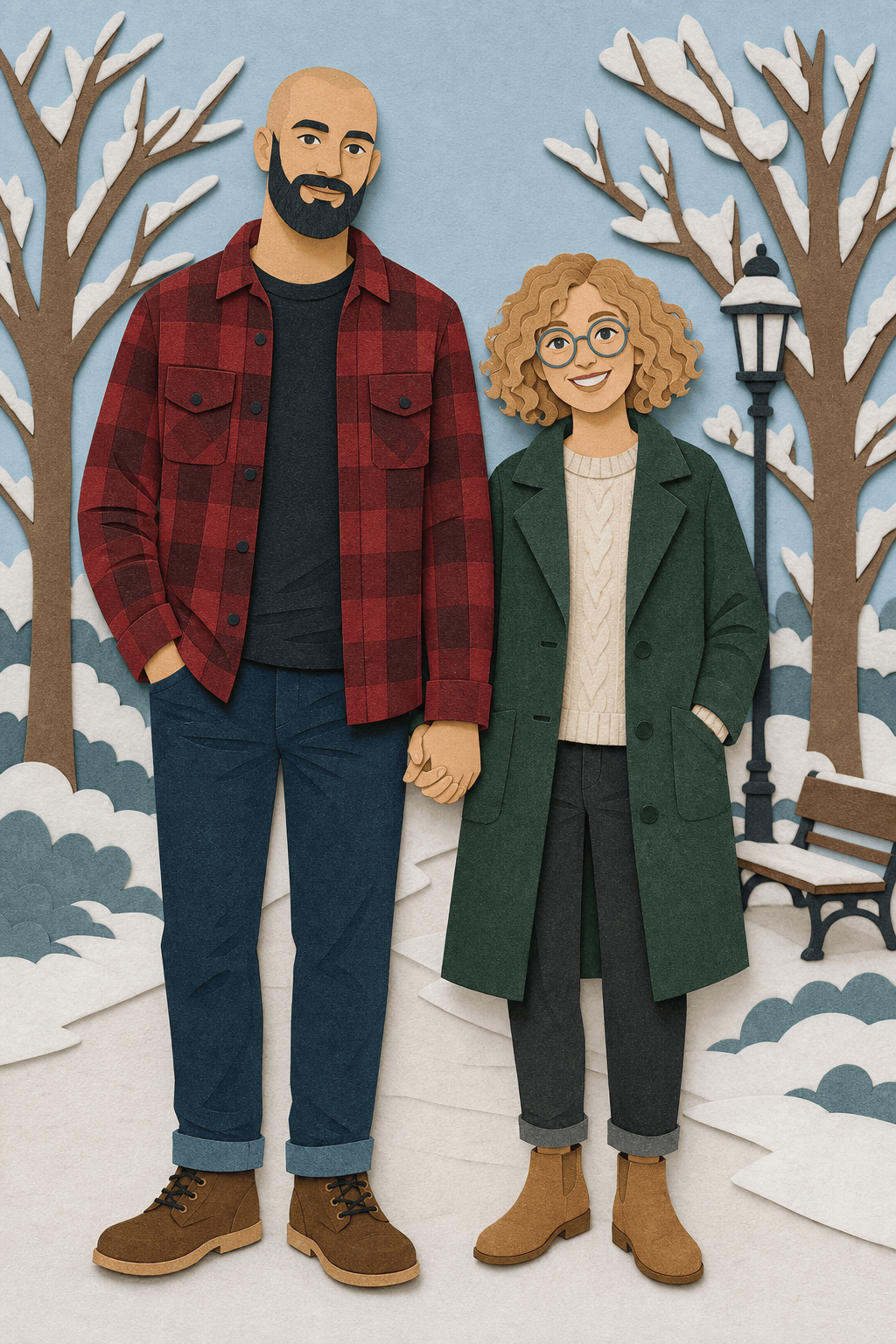
Couple Portrait: Create an original cutout couple from our permitted photo. Left: tall person with shaved head, navy beard, red flannel. Right: shorter person with curly blond bob, round glasses, green coat. Distinct eye and mouth shapes, linked hands fully attached, simple snowy park, square composition, exactly two people.
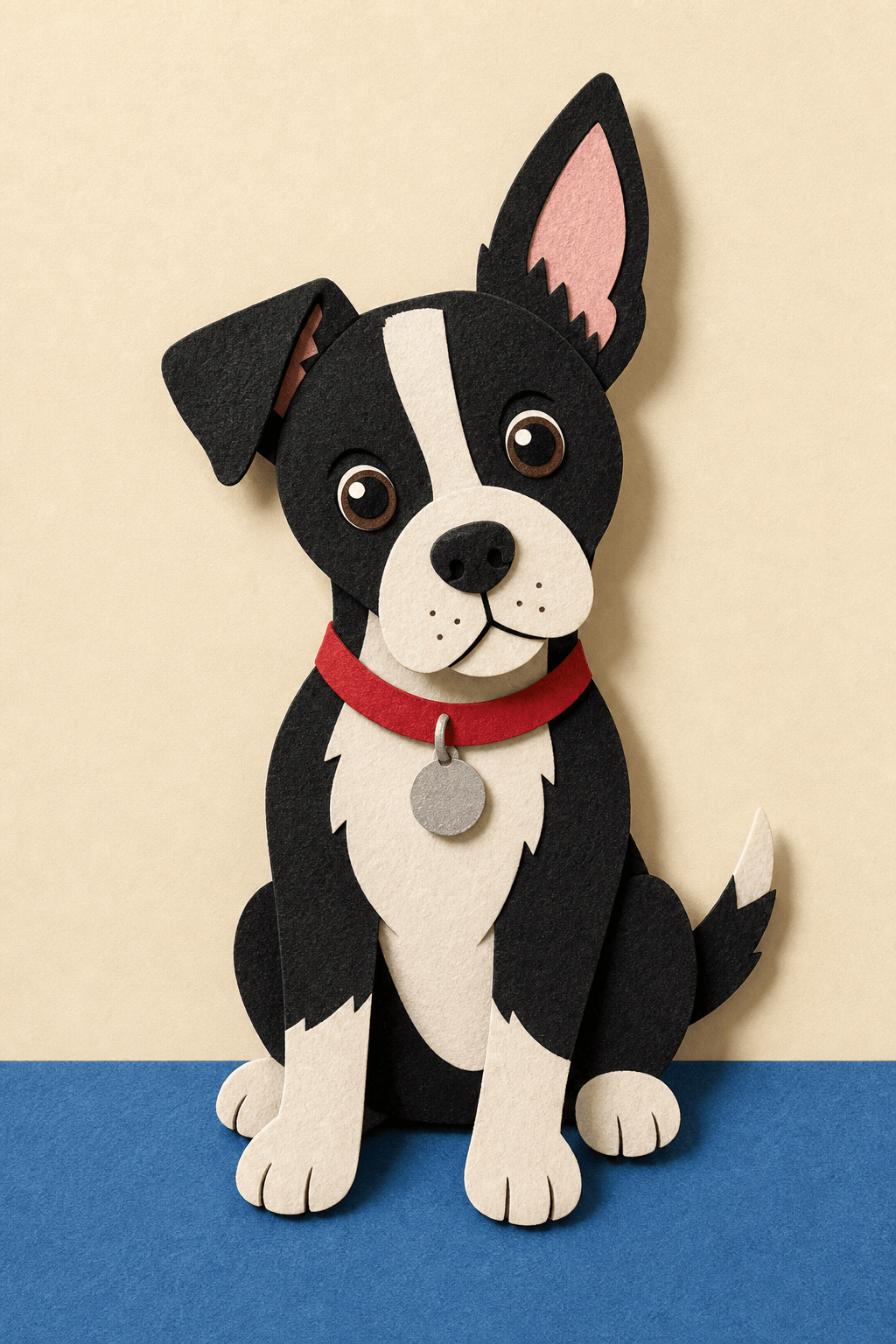
Pet Avatar: Reimagine my black-and-white terrier as an original paper-cutout pet. Preserve the white muzzle blaze, one folded ear, red collar, and curious head tilt. Layered felt-paper shapes, four attached paws, simple blue floor and cream wall, vertical sticker art, no human features or text.
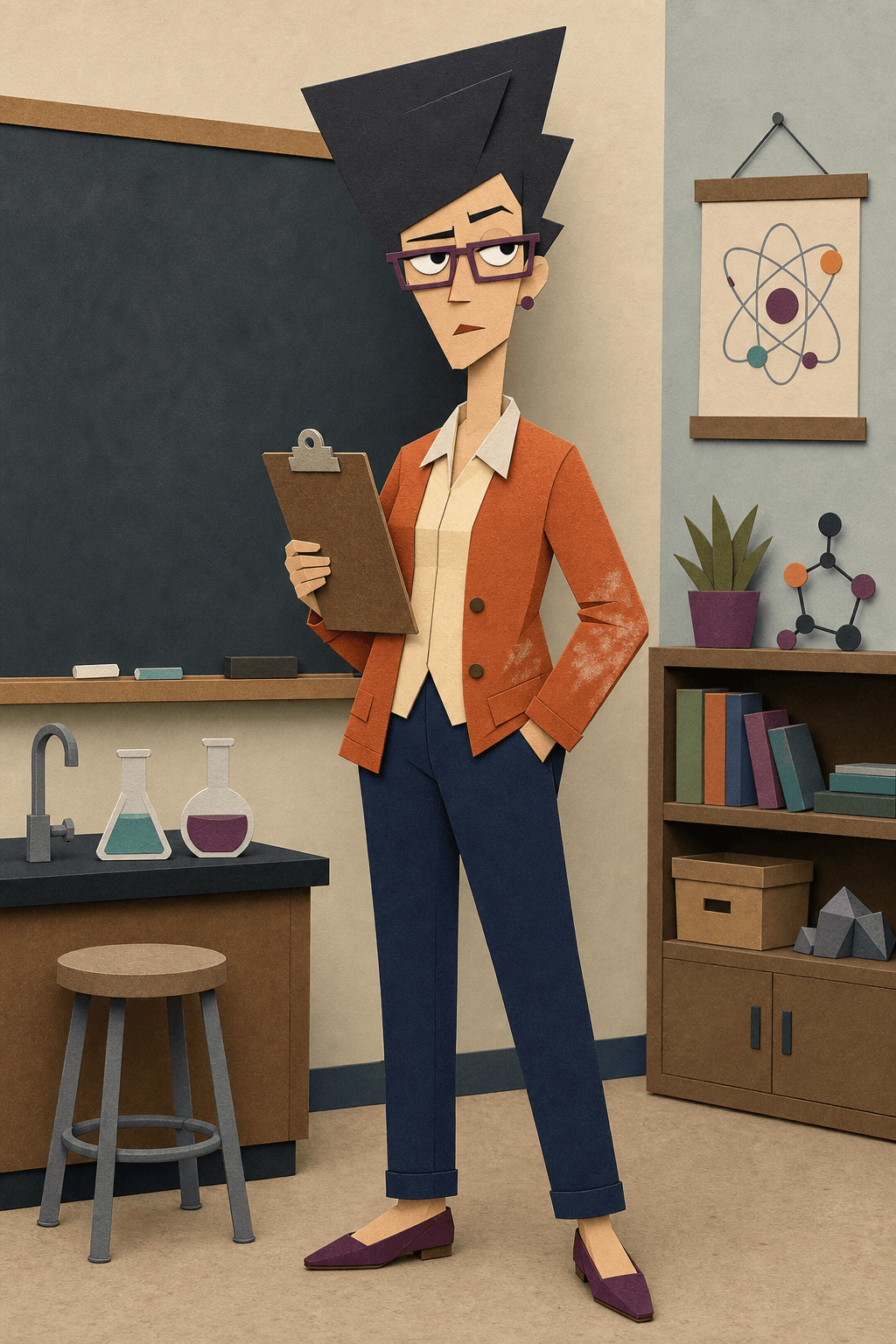
Original Teacher OC: Design a deadpan adult science teacher with a tall triangular hair silhouette, plum glasses, orange cardigan, chalk-stained sleeves, clipboard, and one raised eyebrow. Flat cutout construction, simple classroom shapes, front three-quarter pose, no official school, character, or logo.
Reaction Sticker: Create an original cutout office worker reacting with silent disbelief: short green-dyed hair, cream sweater, centered pupils looking left, one eyebrow raised, tiny straight mouth, one hand holding a paper cup. Transparent-look solid lavender background, square sticker crop, no words or watermark.
Group Meme Panel: Show exactly three original flat cutout friends waiting at a generic bus stop in light snow. Give each a unique height, hat, coat color, eye direction, and reaction. Wide panel with clean empty caption space above, separated arms and bodies, no official characters or location.





