Replace Dull Skies withAI Sky Replacement
How to Replace a Sky in a Photo with AI
Bring in the Original Photo
Set the Weather and Mood
Check the Join, Not Just the Sky
Export the Finished Atmosphere

Sky Editing That Respects the Rest of the Photograph
Tell the Foreground to Hold Still
Use image-to-image editing and plain-language constraints such as “change only the sky.” This helps the AI sky replacement workflow preserve people, buildings, landscaping, camera angle, and framing instead of redesigning the scene.
Give Difficult Skylines More Attention
Branches, roof antennas, hair, mountains, and glass edges expose weak composites. Call them out in your request, then inspect the result closely and use Chat Edit to correct halos or lost detail.
Match Light Below the Horizon
A convincing sunset sky replacement needs more than orange clouds. Ask for compatible color temperature, brightness, shadow softness, and reflections so the foreground feels photographed under the same sky.
Describe Any Atmosphere in Words
The online AI sky changer is not limited to a small preset list. Prompt for pale commercial blue, wispy clouds, pink dusk, an approaching storm, aurora, or a subtle Milky Way—and revise the intensity by chat.
Use a Sky Photo as Direction
Upload a reference sky or another image with the mood you want. Tell Mew Design which file is the edit target and which is visual direction, then ask it to retain the original foreground.
Test the Edit Before You Commit
Start the free AI sky replacer with signup credits, explore more than one variation, and export watermark-free images. Choose PNG or JPG according to the destination and review factual accuracy for property or commercial work.
Prompt for a Believable Sky Swap
- Name the sky: Specify blue, overcast, sunset, twilight, stormy, starry, or aurora conditions, then add cloud shape, density, horizon color, and intensity.
- Anchor the light: Mention time of day, direction of sunlight, color temperature, shadow softness, and whether water or windows should reflect the new sky.
- Protect the photograph: List the people, buildings, plants, products, framing, lens perspective, and foreground details that must remain unchanged.
- Ask for realism: Request clean edges around branches, roofs, and hair; natural haze at the horizon; no glow line; and no invented sky where the original photo shows none.
Sky Replacement Prompts for Real-World Photos
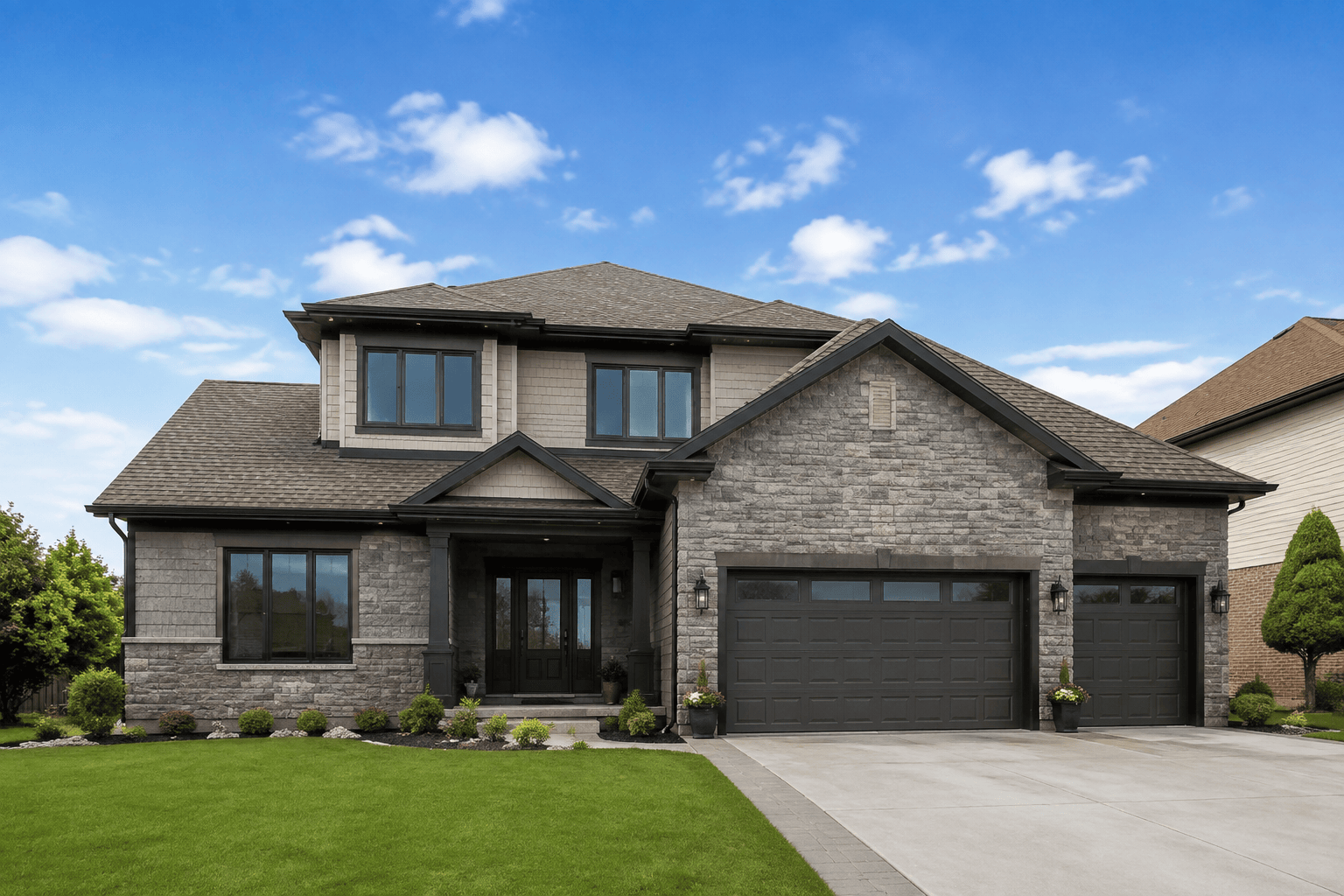
Replace the gray overcast sky in this real-estate exterior with a clean pale-blue midday sky and a few soft white clouds. Keep the house, roof shape, windows, lawn, driveway, trees, shadows, perspective, and crop unchanged. Blend carefully around branches and antennas; keep the result bright, natural, and suitable for a property listing.
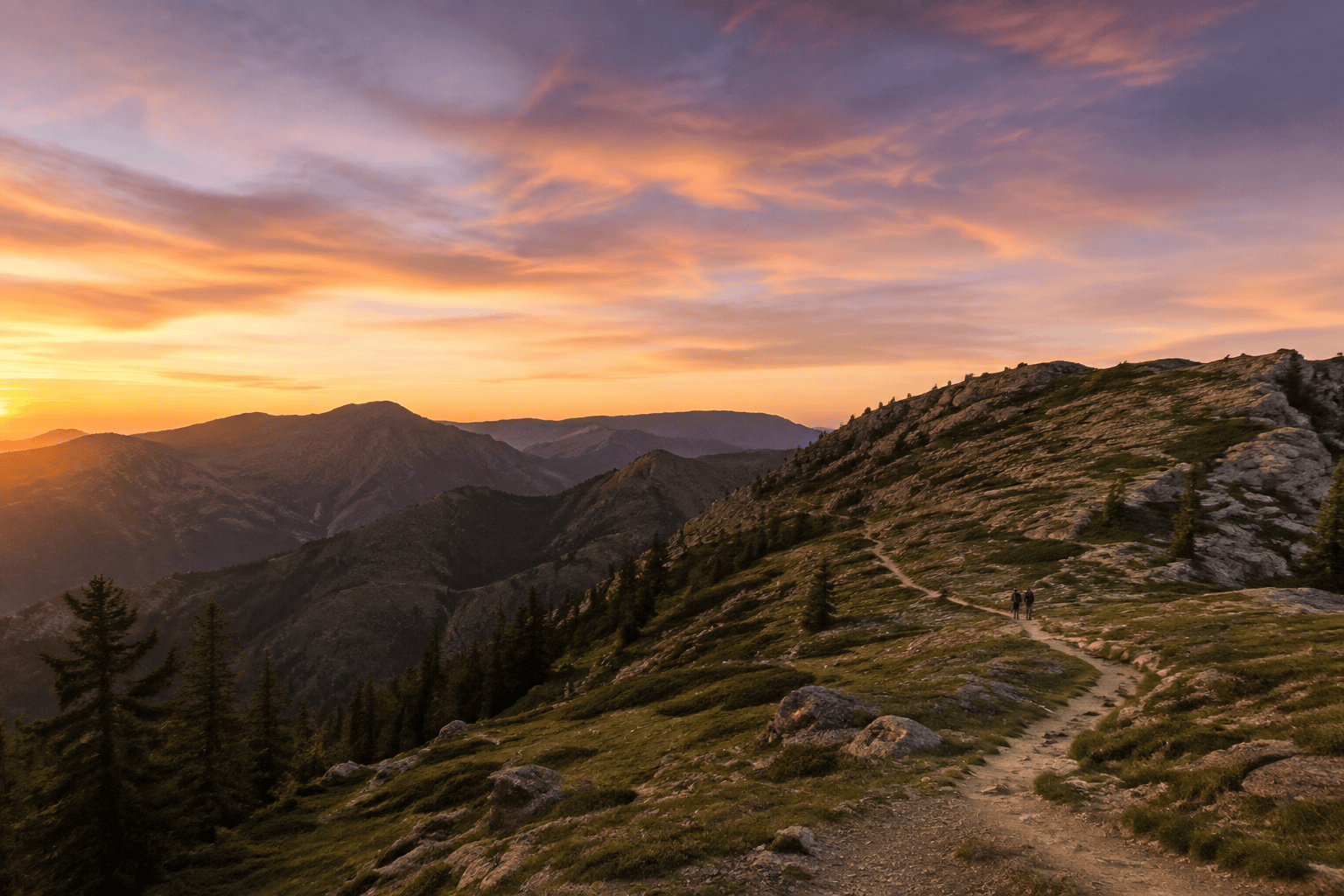
Change the washed-out sky in this mountain travel photo to a restrained golden-hour sunset, with amber light near the horizon fading into rose and soft violet. Preserve the trail, hikers, trees, mountain contours, and camera framing. Add only subtle warm light to the foreground and keep shadow direction physically consistent.
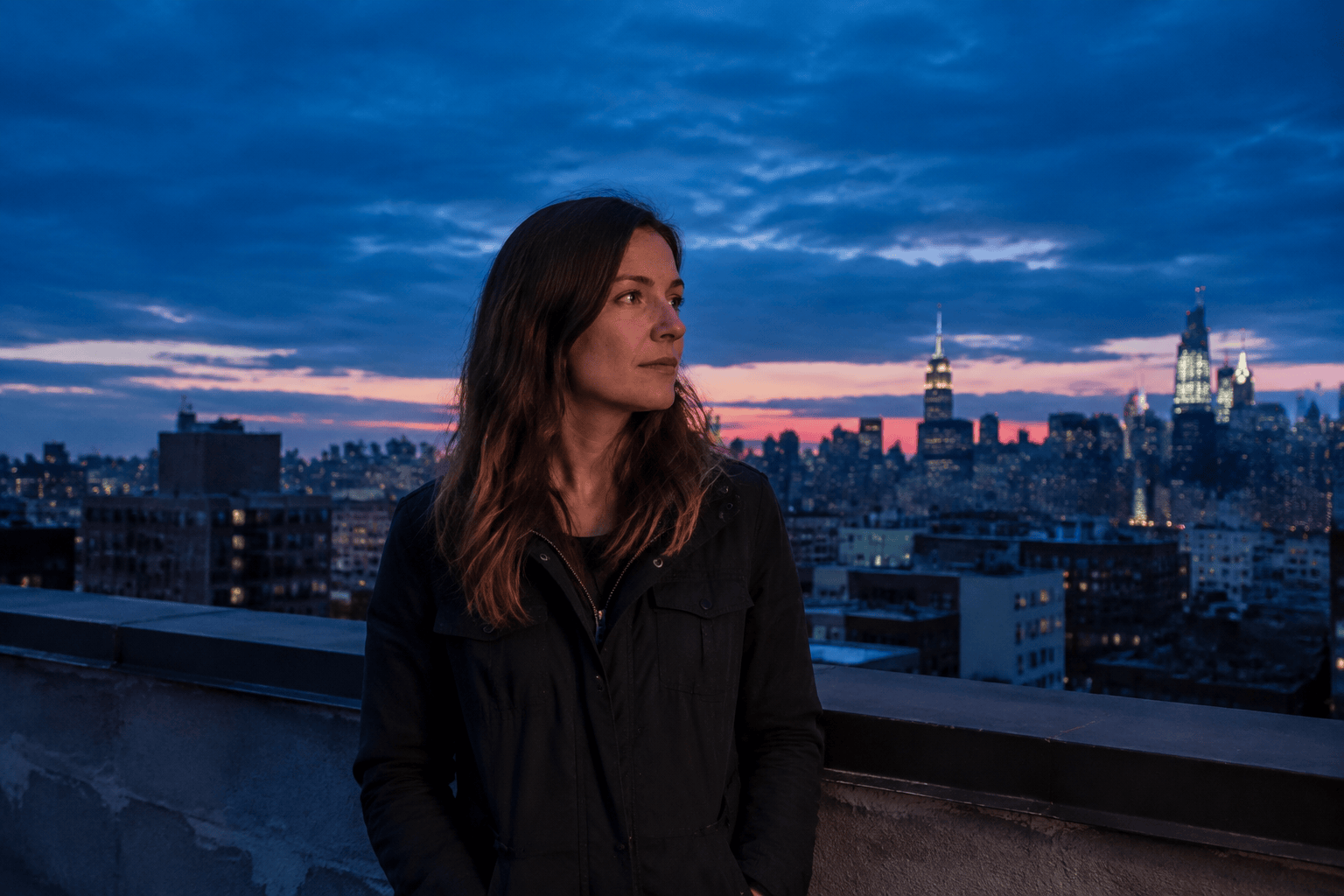
Replace the flat sky behind this rooftop portrait with a deep-blue twilight sky and a narrow band of pink-orange light near the city horizon. Keep the person's identity, face, hair, pose, clothing, skyline, and crop exactly the same. Match the ambient light on the face and avoid halos around hair.
Swap the dull sky above this coastal landscape for layered storm clouds with a distant break of sunlight over the sea. Preserve every cliff, wave, railing, and foreground object. Reflect the darker cloud tone softly in the water without changing wave shapes or making the scene unrealistically dramatic.
Replace the bright white sky in this wedding garden photo with a soft pastel sunset in peach, blush, and pale lavender. Do not alter either person's face, body, clothing, bouquet, pose, garden, or composition. Keep the edit romantic but realistic, with gentle edge detail around hair and foliage and no artificial glow.
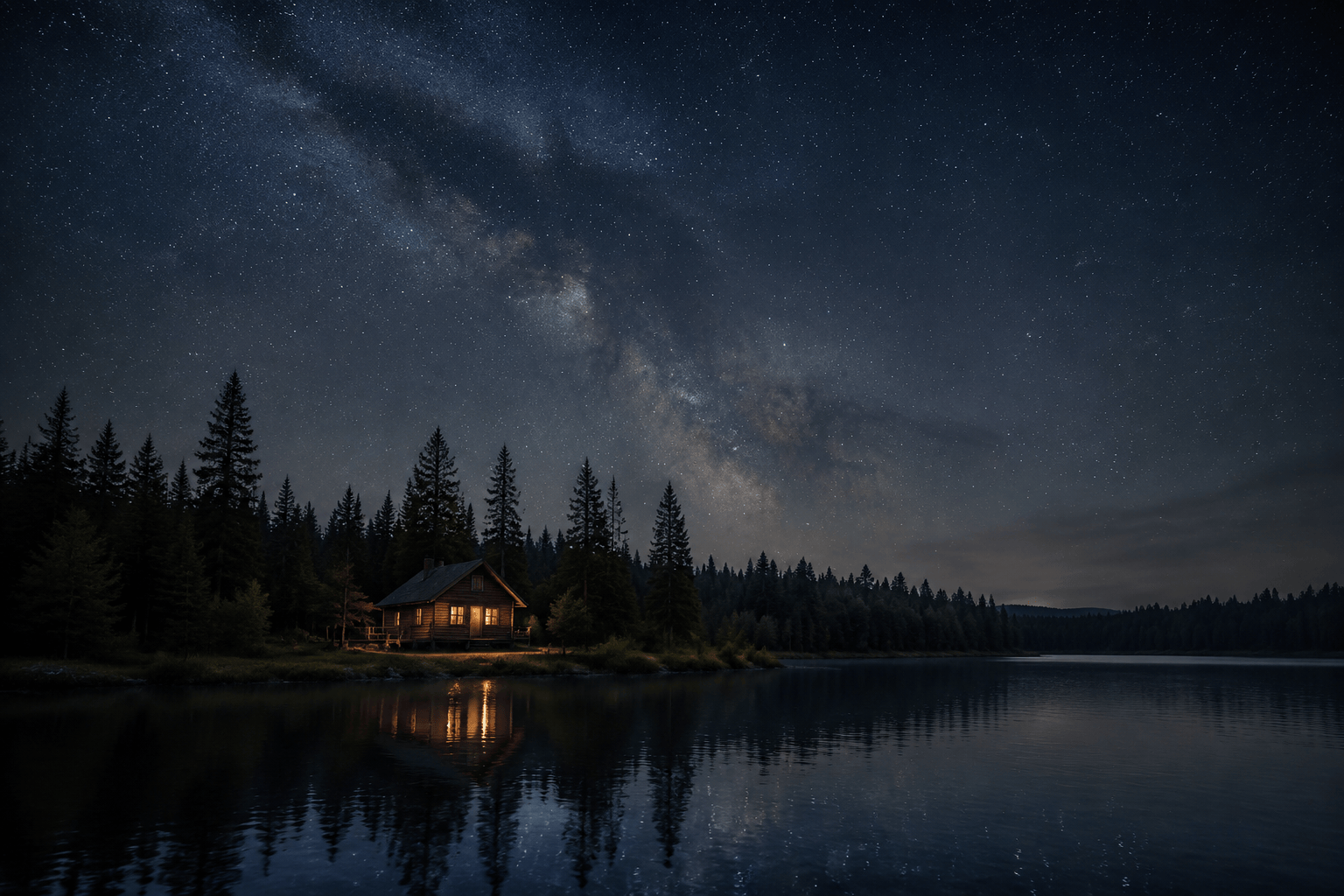
Change the night sky above this lakeside cabin to a subtle star field with a faint Milky Way, low natural contrast, and light atmospheric haze at the horizon. Keep the cabin, trees, shoreline, and framing unchanged. Add a restrained reflection in the lake that follows the existing water texture; do not add a moon or extra buildings.





