Free OnlineAI Skin Analyzer
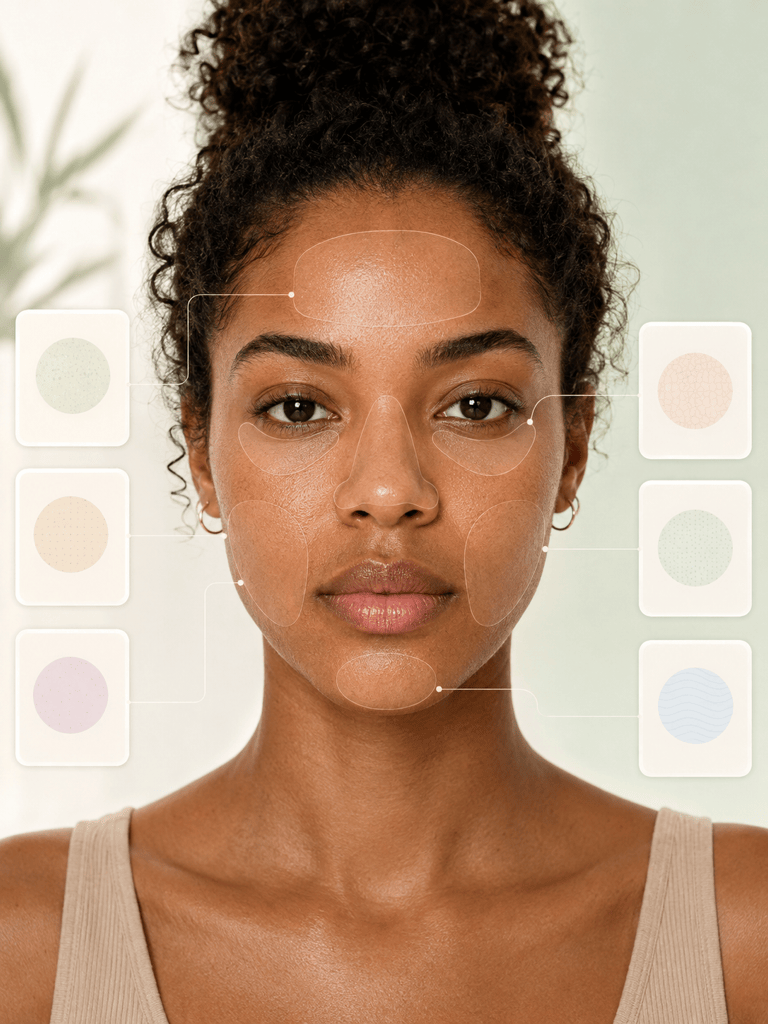
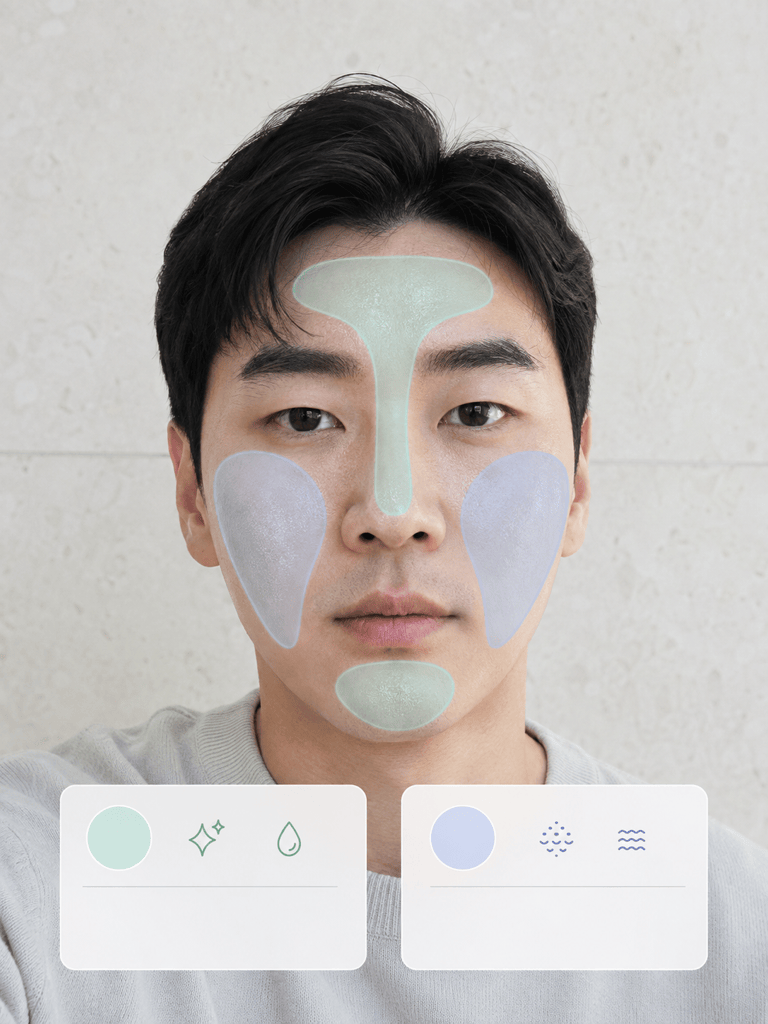
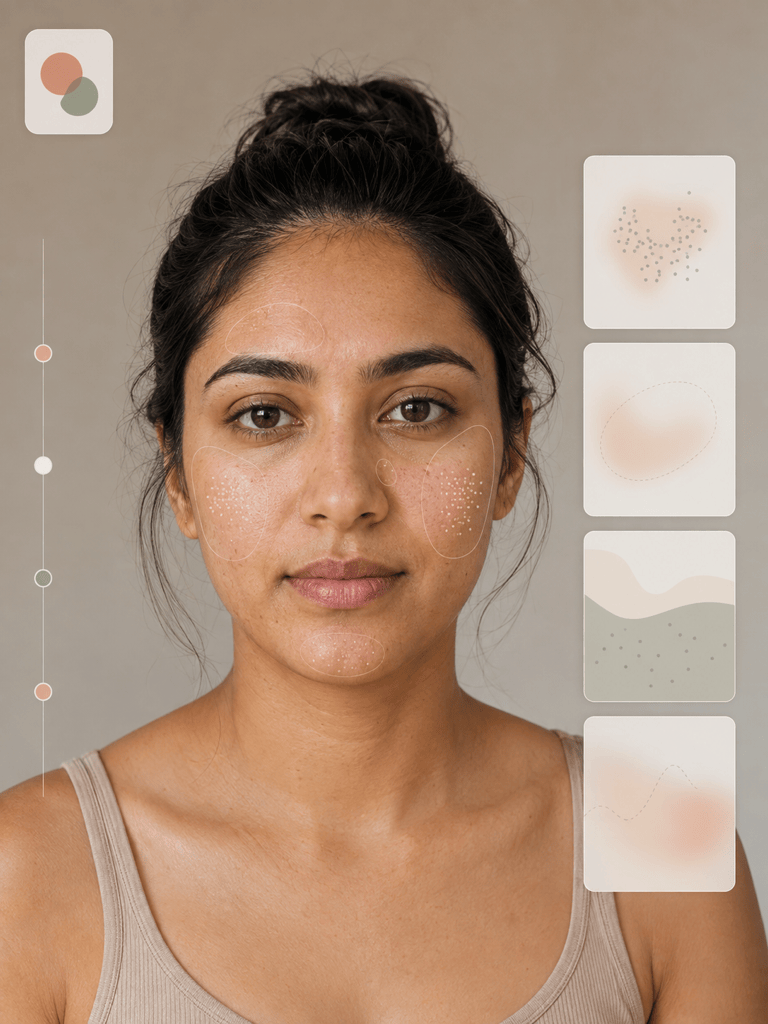
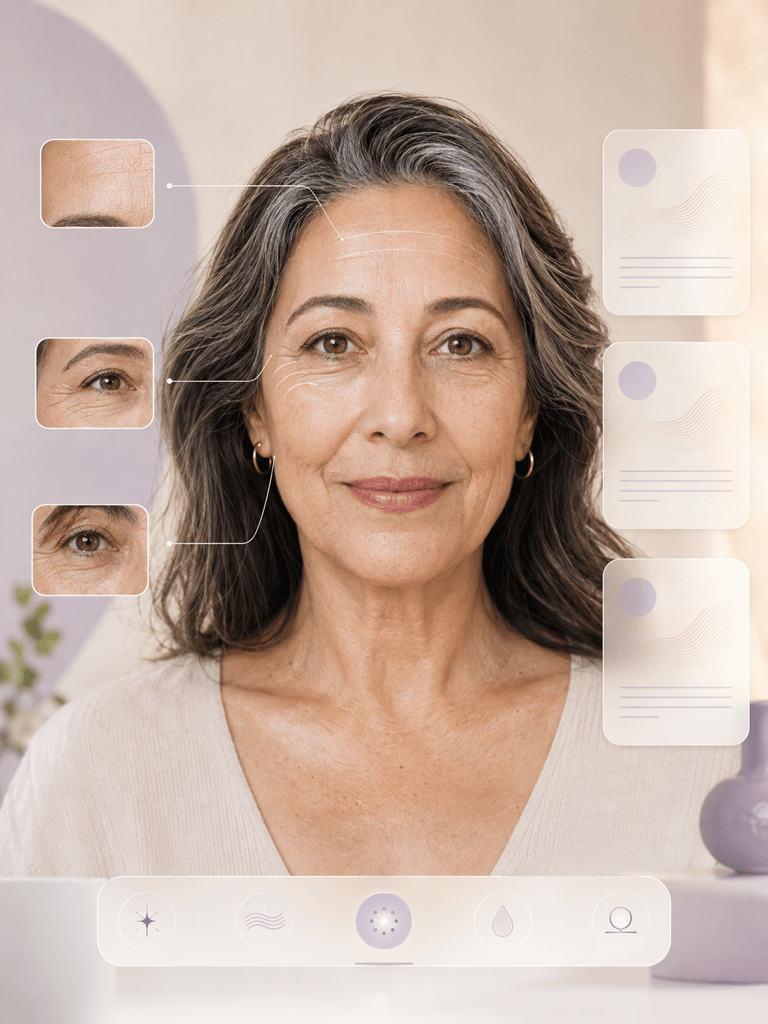
Mew Design - AI Design Agent works as a conversational AI skin analyzer for visible cosmetic features. Upload a clear selfie, choose the areas you want reviewed, and turn observations about texture, shine, dry-looking areas, blemishes, fine lines, and uneven-looking tone into a structured, non-medical summary.

How to Analyze Visible Skin Features with AI

Use a consistent selfie, set a visible-only scope, and keep every result in the context of the photo.
1

Upload a Suitable Selfie

Choose a sharp, front-facing photo in soft, even light. Use a clean lens, neutral expression, and minimal makeup or filters, and upload only an image you are comfortable sharing.
2

Set the Visible-Only Scope

Reference @[selfie] and name the zones and cosmetic features you want reviewed. Tell the AI skin analyzer to avoid diagnoses, severity scores, biological skin age, and treatment advice.
3

Generate a Structured Summary

Ask for an AI skin analysis from the selfie that separates visible observations, uncertain details, and features that cannot be assessed from the image.
4

Check the Limits and Next Step

Use Chat Edit to clarify the wording or reorganize the summary. Do not use the result to rule out disease; contact a licensed professional about persistent symptoms or a new, changing, bleeding, or painful spot.
how to review skin appearance with ai

A More Transparent Way to Review Skin Appearance

Visible Observations, Not Diagnoses

This online AI skin analyzer focuses on what a photo can show, such as visible texture, shine, dry-looking areas, blemishes, fine lines, and uneven-looking tone.

You Choose What Gets Reviewed

Direct the agent to the forehead, cheeks, nose, chin, or under-eye area, and specify which observable features belong in the summary.

Uncertainty Has a Place

Ask Mew Design to label details as visible, uncertain, or not assessable instead of forcing every pixel into a confident conclusion.

Photo Conditions Stay in Context

The summary can note when lighting, focus, makeup, filters, compression, camera processing, angle, or shadows may affect an observation.

Compare Like with Like

A face skin analyzer is more useful when two selfies share the same camera, distance, angle, expression, and lighting. Differences still remain visual, not clinical proof of change.

Refine the Summary in Chat

Turn the first review into a zone-by-zone card, a simple routine question list, or notes for a professional consultation without generating a diagnosis or prescription.

How to Prompt AI for a Useful Skin Appearance Review

Review @[selfie] only for visible cosmetic features. Describe observable texture, visible pores, shine, dry-looking areas, blemishes, uneven-looking tone, fine lines, and under-eye appearance by face zone. Use three sections: Visible observations, Uncertain because of the photo, and Not assessable from a selfie. Do not diagnose a condition, assign medical severity, estimate biological skin age, or prescribe treatment. End with general skincare questions I could consider or discuss with a licensed professional.
For better AI skin analysis from a selfie, use a sharp, unfiltered image with one face, soft even light, and no strong shadows.
  • Define the zones: Name the forehead, T-zone, cheeks, chin, lips, or under-eye area instead of asking for a vague full-face score.
  • Name observable features: Ask about visible texture, pores, shine, dry-looking patches, blemishes, tone variation, lines, or under-eye appearance—not hidden causes.
  • Ask for uncertainty: Request a note when glare, blur, makeup, white balance, or compression makes a detail hard to assess.
  • Exclude medical claims: Tell the AI not to diagnose acne, eczema, rosacea, infection, allergy, skin cancer, or any other condition and not to prescribe treatment.

AI Skin Analysis Prompts for Real Selfie Questions

Review @[front_selfie] for visible facial texture and pore appearance. Organize observations by forehead, nose, inner cheeks, outer cheeks, and chin. Use plain language and no numeric score. Explain where lighting or image detail limits the review.

Analyze skin from @[selfie] for visible shine and dry-looking areas. Compare the T-zone with the cheeks, describe only what is observable, and do not claim to measure oil, sebum, water content, or skin-barrier function.

Create a cosmetic appearance summary from @[selfie] covering visible blemishes, post-blemish-looking marks, redness-looking areas, and uneven-looking tone. Do not label acne, rosacea, pigmentation disorders, or a cause. Mark uncertain details clearly.

Use @[selfie] to review visible forehead lines, crow's-feet appearance, under-eye shadows, and puffiness-looking areas. Do not estimate biological skin age, firmness, collagen, or treatment needs. Suggest neutral questions for a skincare professional.

Compare @[baseline_selfie] and @[current_selfie] only for visible differences in texture, shine, blemishes, and tone. First check whether lighting, angle, distance, expression, focus, and camera processing are similar. If they are not, explain why no reliable comparison can be made.

Turn @[selfie] into a skincare consultation question checklist. List visible observations, photo-related uncertainties, and questions I may want to ask a licensed dermatologist or skincare professional. Do not suggest a diagnosis, prescription, or product-specific treatment.


AI Skin Analyzer Questions, Answered

An AI skin analyzer reviews pixels in a face photo and organizes visible cosmetic features into a readable summary. Mew Design can describe appearance and uncertainty, but it is not a clinical scanner or diagnostic device.
Yes. Upload a clear, front-facing selfie and ask for a visible-only review of areas such as texture, shine, dry-looking patches, blemishes, tone variation, fine lines, and under-eye appearance.
You can start with free AI credits after signing up. Use them to test an online skin appearance review, then refine the structure or wording through chat.
No. A normal photo cannot physically measure water content, sebum, elasticity, deeper tissue, or biological skin age. It can only support cautious observations such as visible shine or dry-looking texture.
It may describe visible oily-looking, dry-looking, or mixed patterns in that photo, but it cannot confirm a skin type. Lighting, products, makeup, climate, and camera processing can change the appearance.
Mew Design does not claim clinical accuracy for skin analysis. Results depend on image quality, lighting, skin tone, focus, makeup, filters, compression, and the wording of your request, so treat them as observations rather than measurements.
No. Do not use Mew Design or another general AI chatbot to diagnose a skin condition, assess a mole, rule out cancer, or choose medical treatment. A licensed clinician must make those decisions.
Use one sharp, front-facing face in soft, even daylight with a clean lens, neutral expression, hair away from the face, and minimal makeup or filters. Keep the camera and lighting consistent for comparisons.
Image-based AI can perform differently across skin tones and capture conditions. Do not treat a missed or uncertain observation as proof that no concern exists, and seek professional care when something worries you.
Upload only a photo you are comfortable sharing, remove unnecessary background details, avoid adding private medical information, and review Mew Design's current privacy terms before you begin.
Contact a licensed clinician for persistent symptoms or a new, changing, bleeding, painful, or otherwise concerning spot. Do not wait for an AI result when you need medical advice.

Ready to Generate Designs With AI?

Get Started - 50 Free Credits
No credit card required
Š 2025 - 2026 Mew Design, MAGOAI LTD.All rights reserved.