Free OnlineAI Simpsons Character Generator
How to Make a Simpsons-Inspired Character with AI
Choose a Photo or Character Idea
Write a Compact Identity Block
Generate and Inspect the First Read
Repair, Reframe, and Download

Go Beyond a Simpsons Filter
Keep the Person Recognizable
A successful Simpsons character generator from photo does not preserve every pixel. It carries over high-signal traits such as face shape, hairstyle, eyewear, beard, smile, outfit palette, and posture so the simplified cartoon still reads as the same person.
Invent an Original Sitcom Character
Start from text and combine a role, temperament, shape language, everyday outfit, color block, prop, and neighborhood setting. The AI Simpsons character maker can explore a fresh comedic persona without tracing an official cast member or costume.
Stage Couples and Family Portraits
Build a Simpsons family portrait by assigning each subject a fixed position, height, hair silhouette, outfit color, and gesture. Clear cast notes reduce swapped faces, merged bodies, duplicated children, and hands disappearing behind other people.
Create a Reusable Model Sheet
Lock a neutral front view, three-quarter view, palette, and expression set before generating new scenes. Reusing that model sheet and the same identity block gives a cartoon OC more consistent proportions across profile pictures, comics, and story illustrations.
Fix Small AI Artifacts in Chat
Glasses, teeth, fingers, and crowded group poses are common failure points. Select the affected area and request one precise repair—such as two matching lenses or five separated fingers—while asking Chat Edit to preserve every other face and color.
Compose for the Final Use
Center the face with breathing room for a Simpsons profile picture generator, keep the whole cast and footwear inside a vertical family print, or leave clean negative space for a comic caption. Start with free credits and export watermark-free results.
How to Prompt a Recognizable Cartoon Character
- Prioritize Five Identity Anchors: Choose the hair silhouette, face shape, eyewear or facial hair, expression, and outfit colors that make the person recognizable. Too many low-value details can compete with the cartoon simplification.
- Give Each Person a Cast Note: For a family or group, describe subjects from left to right with unique height, hair, clothing, and gesture. State the exact number of people and ask the model not to duplicate anyone.
- Use Simple Graphic Shapes: Ask for a readable silhouette, bold outlines, flat color blocks, restrained shading, and one focal prop. This keeps an avatar legible at thumbnail size and reduces muddled costume details.
- Name the Crop and Quality Checks: Specify square headshot, vertical full body, or wide group scene. Keep faces, hair, hands, and footwear in frame, then exclude uneven eyes, fused glasses, malformed fingers, duplicate subjects, text, and logos.
AI Simpsons Character Prompts for Photos, Families, and OCs
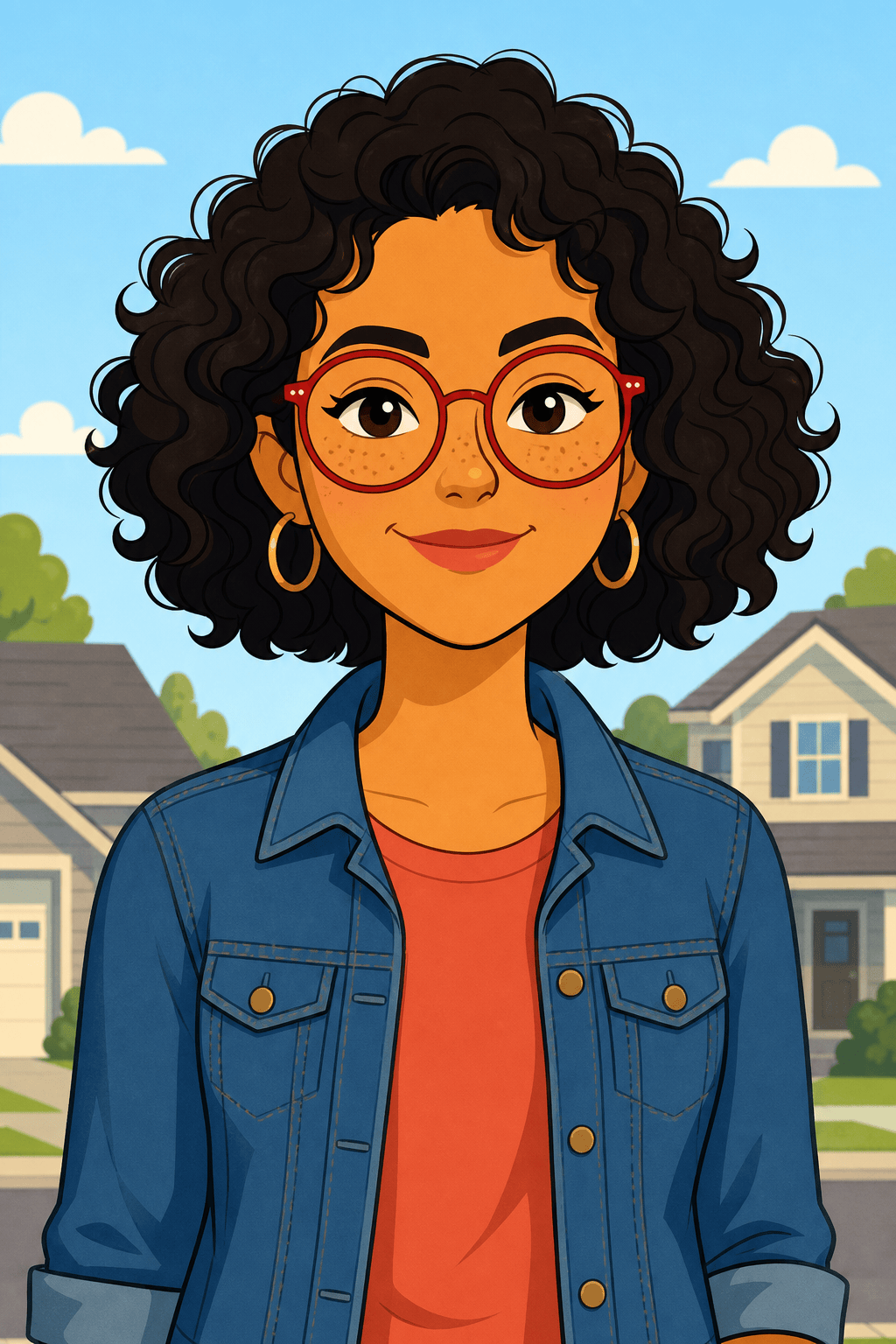
Photo-to-Cartoon Avatar: Turn my uploaded adult selfie into an original satirical TV-cartoon avatar. Preserve my heart-shaped face, dark curly bob, round red glasses, freckles, and denim jacket. Bold outlines, flat warm colors, simple pale-blue background, centered square crop, no official character likeness, logo, text, or watermark.
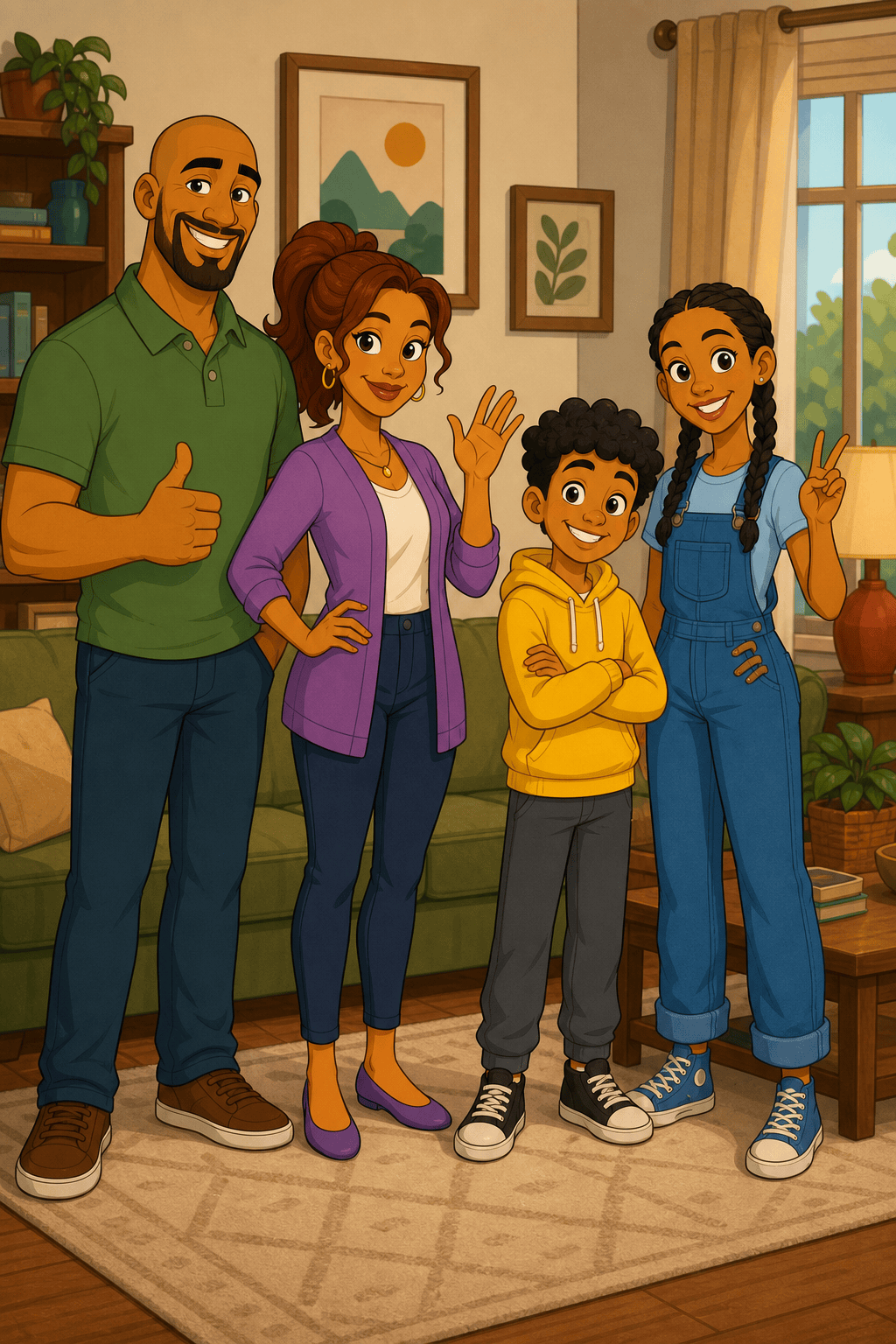
Family Portrait: Create an original cartoon family of four from my permitted reference photo. From left to right: tall father with shaved head and green polo, mother with auburn ponytail and purple cardigan, short child with black curls and yellow hoodie, taller child with braids and blue overalls. Keep all four faces distinct, full bodies visible, cozy generic living room, wide print composition, no duplicate people or merged hands.
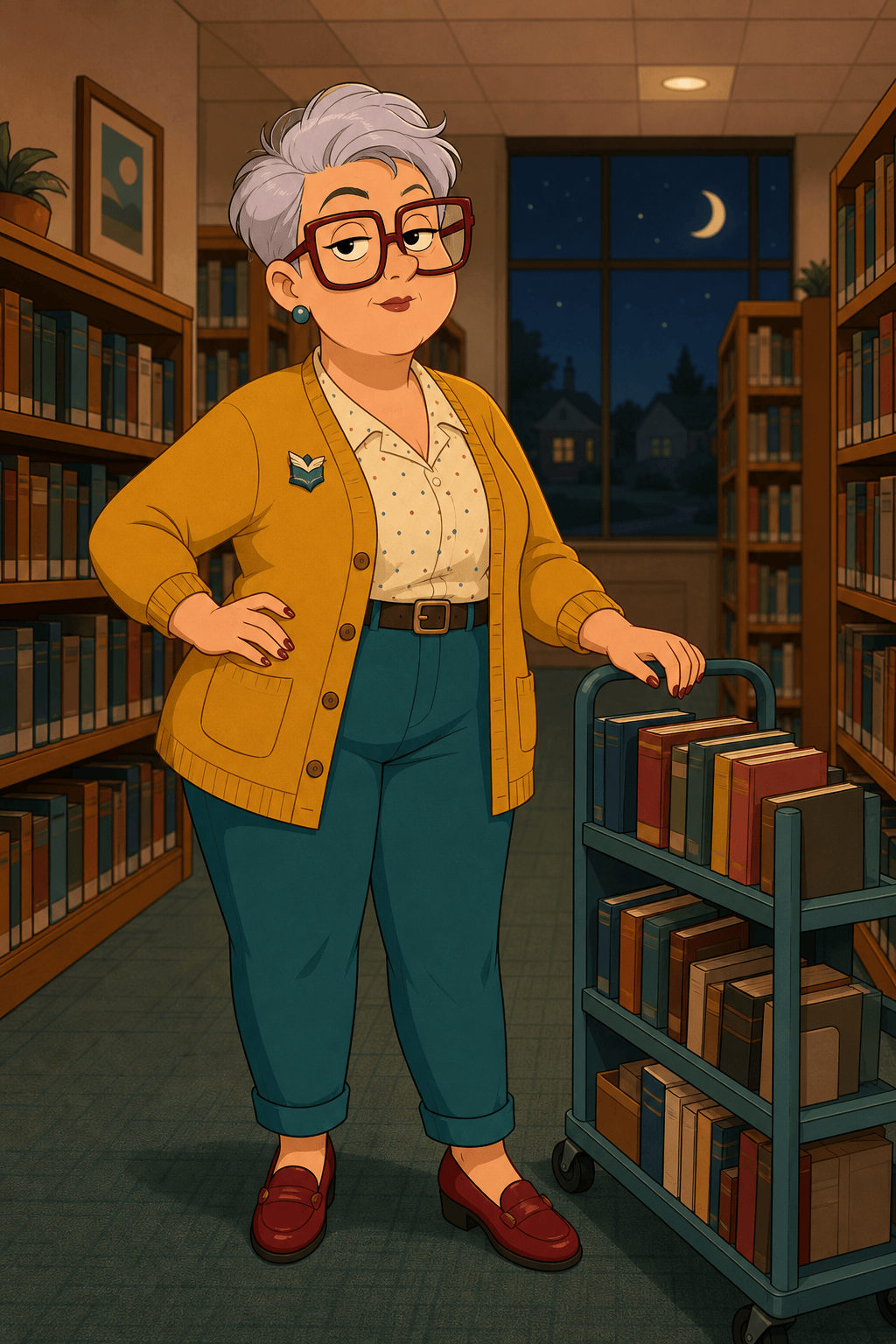
Original Sitcom OC: Design a cheerful night-shift librarian with a pear-shaped silhouette, short silver hair, oversized burgundy glasses, mustard cardigan, teal trousers, book cart, and dry raised-eyebrow expression. Original flat 2D suburban comedy-cartoon treatment, front three-quarter pose, clean linework, no existing character, franchise location, or logo.
Pet Cartoon Portrait: Reimagine my uploaded corgi as an original neighborhood-cartoon pet while preserving the white blaze, tan ears, blue collar, and curious head tilt. Chunky clean outline, flat colors, dog park background, vertical portrait, four natural paws, no human teeth, text, or watermark.
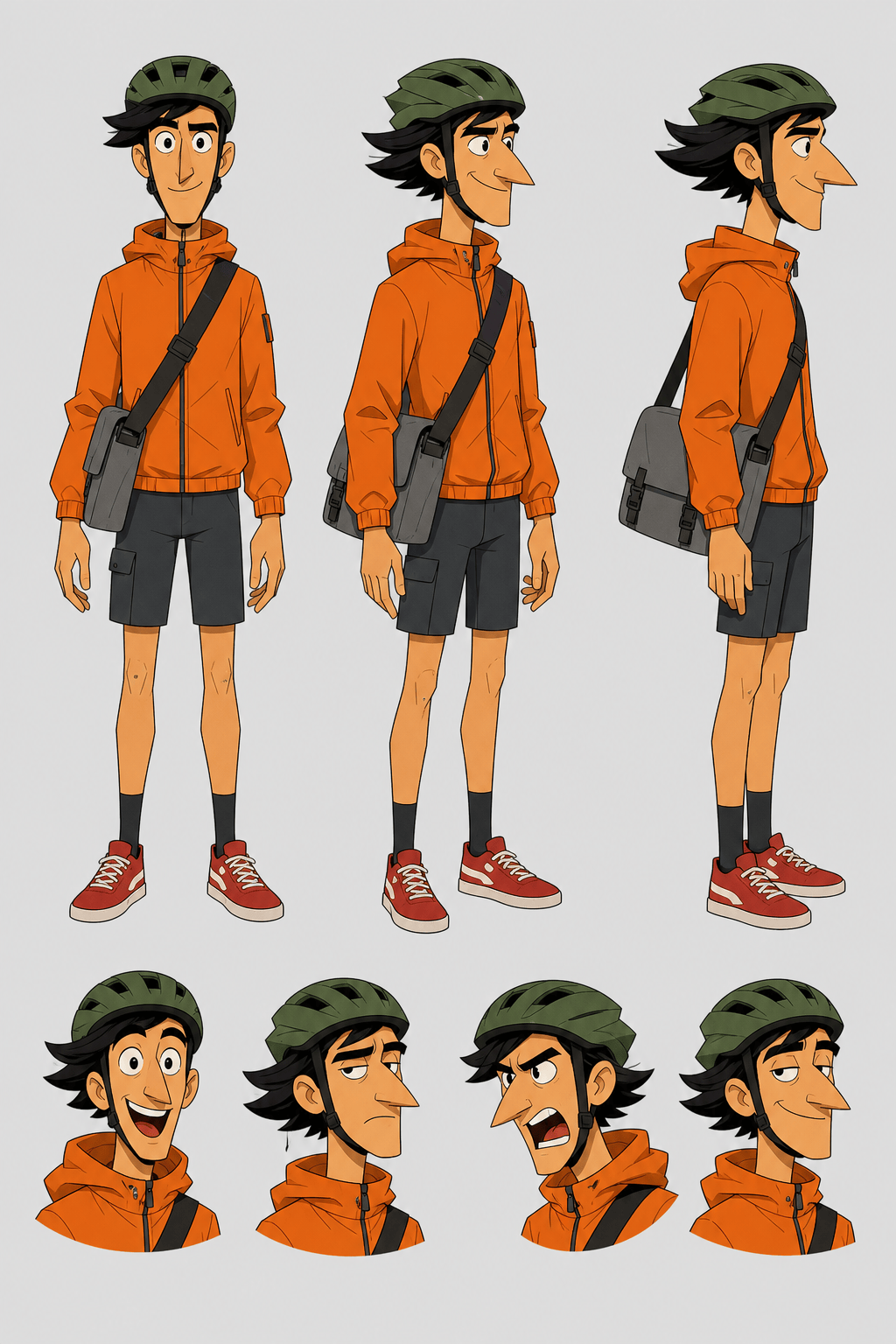
Consistent Character Sheet: Create a model sheet for one original adult delivery cyclist with a long nose, swept black hair, orange windbreaker, gray shorts, green helmet, and messenger bag. Show front, three-quarter, and side views at the same height plus four facial expressions, neutral background, identical outfit and proportions in every view, no labels or logos.
Comic Scene: Illustrate two original suburban cartoon neighbors arguing good-naturedly over a runaway lawn sprinkler. One wears a lilac robe and holds a mug; the other wears work overalls and points at the hose. Clear opposing gestures, readable faces and hands, simple fenced-yard setting, wide panel with empty caption space, no official cast or location.





