Free OnlineAI Silhouette Generator
How to Create a Silhouette with AI
Choose a Photo or Describe a Pose
Set the Fill and Background
Refine the Recognizable Details
Check the Edges and Export

Create Custom Silhouettes from Photos or Text
Turn a Photo into a Silhouette
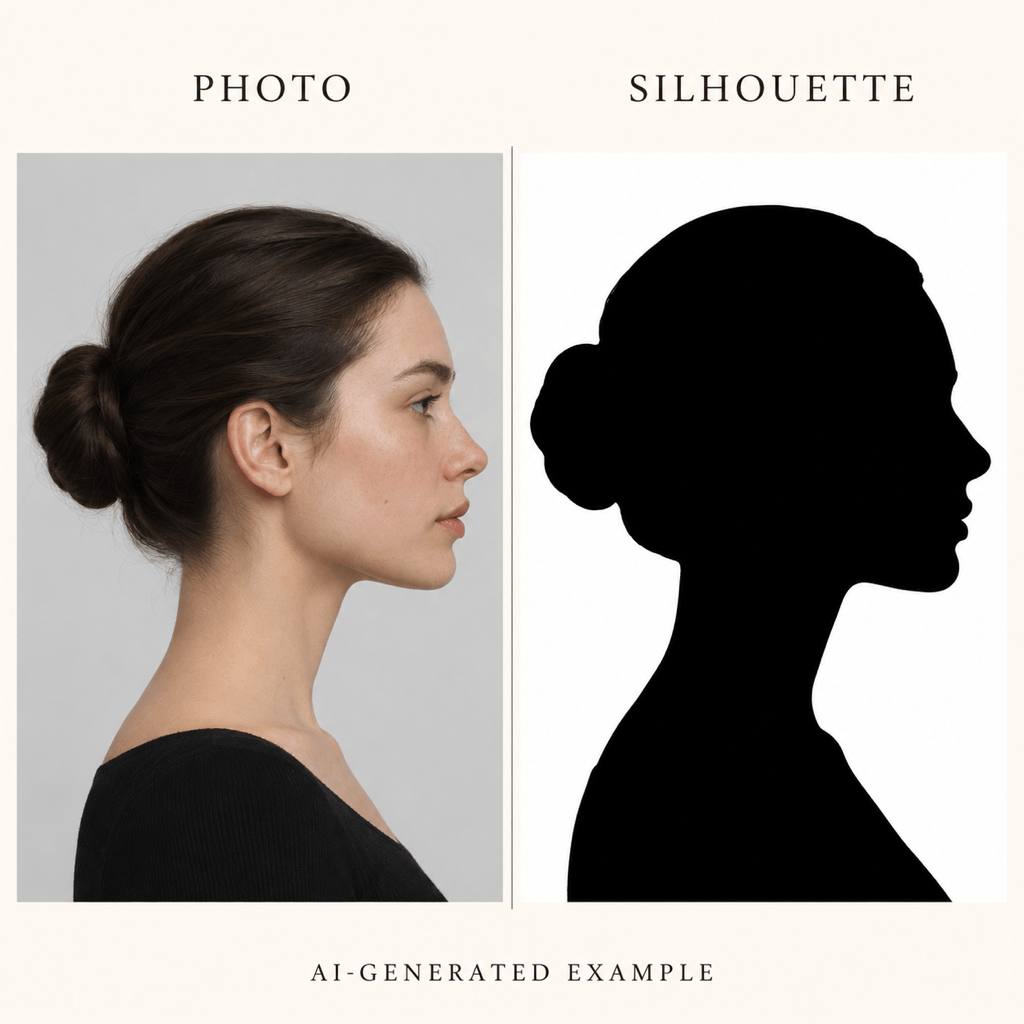
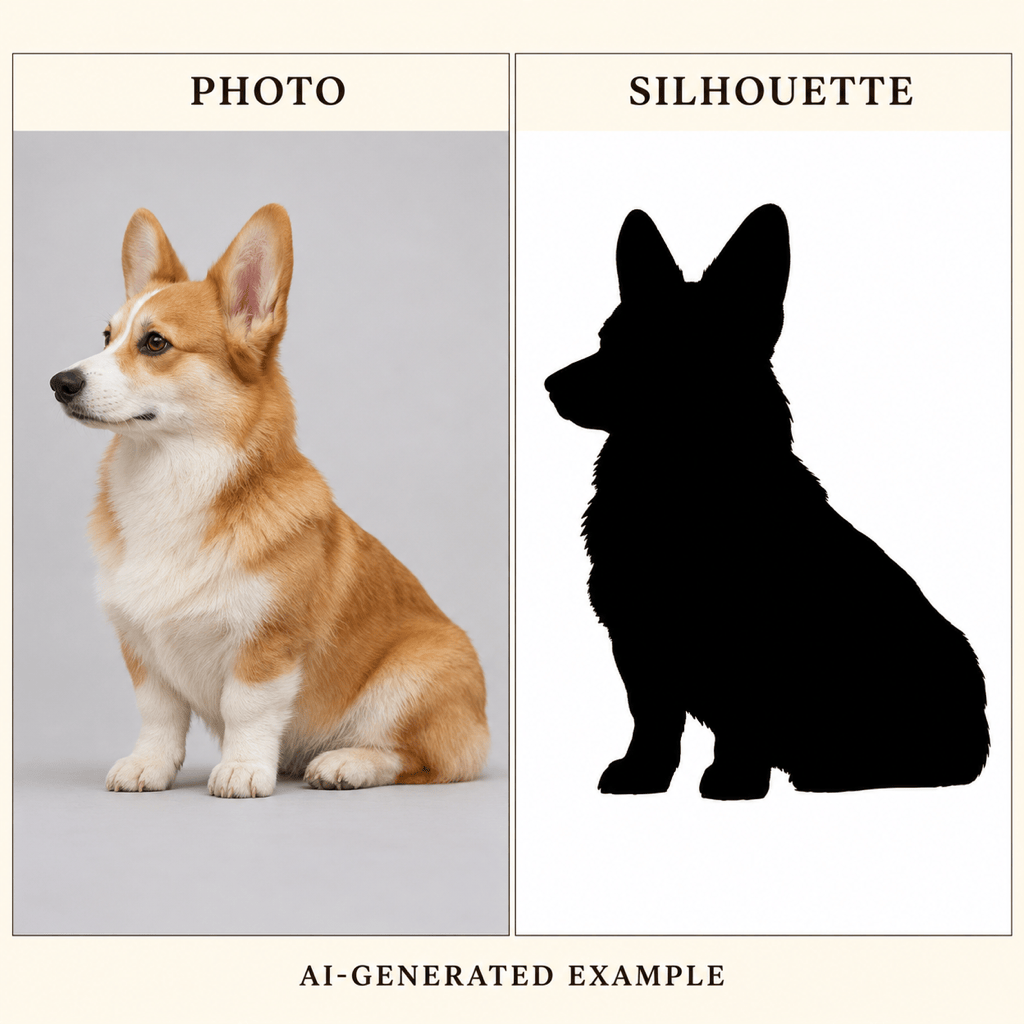
Use a portrait or pet photo as a reference. This AI silhouette maker lets you request the profile, ears, or pose that make the subject recognizable.
Generate Silhouettes from Text
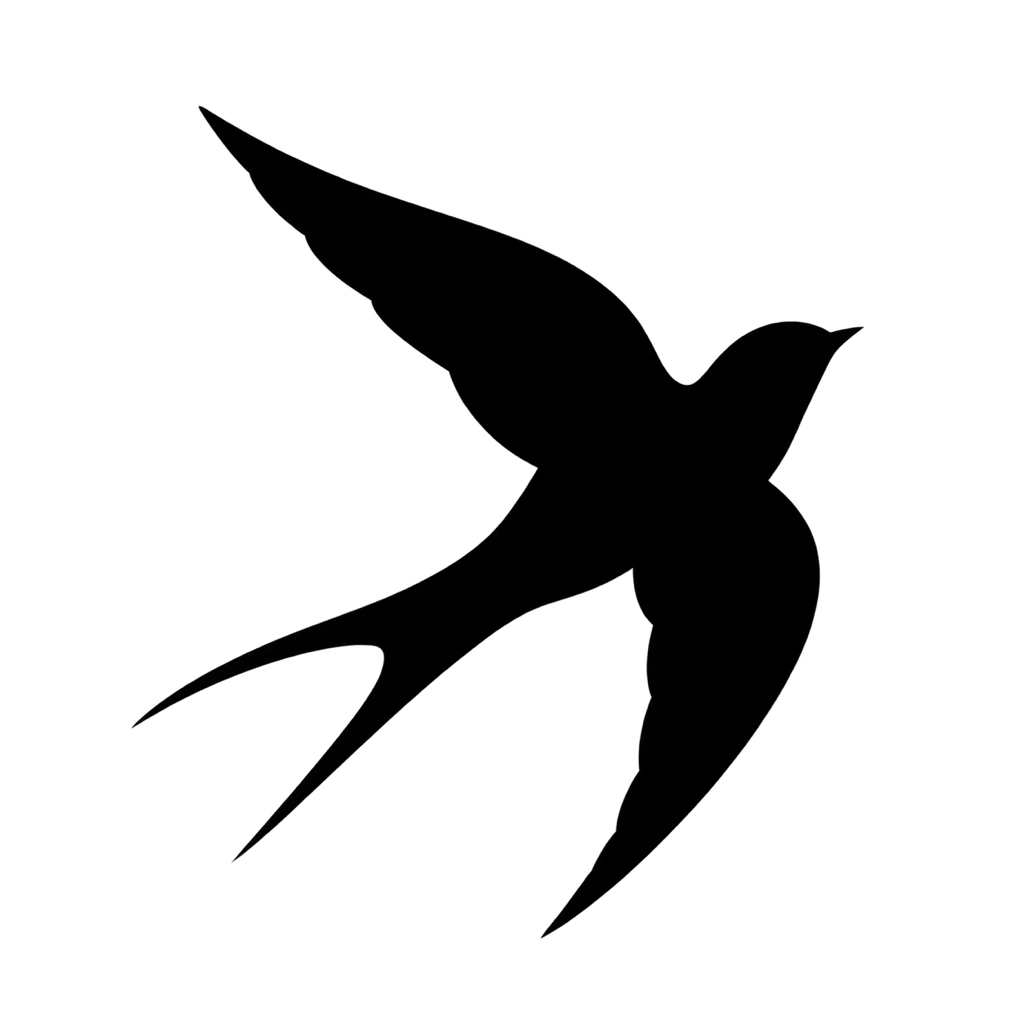
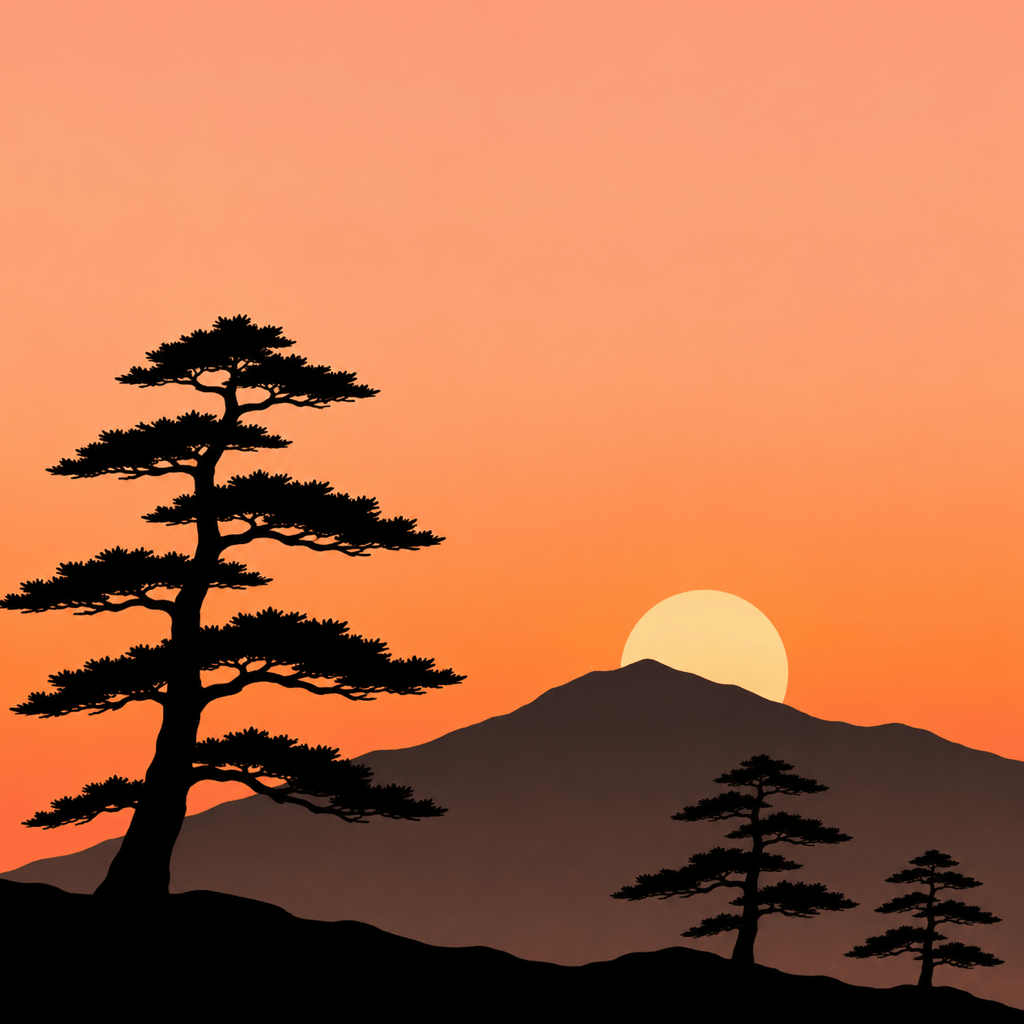
Generate an animal silhouette, a dancer, or a forest scene from text. Describe the outer shape instead of details inside it.
Download Transparent Silhouette PNGs
Ask to remove the background and export a transparent silhouette PNG for invitations, stickers, or layered designs.
Correct Shapes Through Chat
Ask Chat Edit to remove gray shading, simplify fur, or open a gap between limbs. Refine one issue at a time.
Choose How You Generate
Select an available image model yourself, or let Mew Auto choose for your photo or text request. Access the latest leading models as new releases are added.
Explore Matching Variations
Try different poses, silhouette colors, and backgrounds for a coordinated set. Review each outline before using the series.
How to Get Clean Silhouette Edges
- Choose a Clear View: For a photo to silhouette conversion, avoid cropped ears, hidden profiles, and overlapping people.
- Ask for a Solid Fill: Specify one flat color with no eyes, textures, shading, or outline-only drawing.
- Protect the Empty Spaces: Gaps between arms, legs, branches, or tails help the shape stay readable at small sizes.
- Check the Background: Choose a scene for wall art or transparency for a reusable cutout. Check the downloaded PNG on light and dark backgrounds.
Portraits, Pets, and Practical Silhouette Fixes
Turn my uploaded profile photo into a classic black portrait silhouette on white. Preserve the nose, chin, and hairstyle; omit all facial details.
Make a pet silhouette from my uploaded dog photo. Preserve the ears, muzzle, and sitting pose. Use solid black and remove the background.
Create a flying swallow silhouette from text, with swept-back wings and a forked tail. Use one solid black shape on a transparent background.
Create silhouette wall art with black pine trees and a mountain ridge against a warm sunset. Keep the foreground shapes solid and the sky softly colored.
Turn my uploaded couple photo into a silhouette for a wedding keepsake. Keep both profiles recognizable and preserve the visible gap between their faces.
Simplify this silhouette for a small sticker. Remove stray marks and gray shading, keep the subject solid black, and preserve the gaps that define its pose.





