Free OnlineAI Short Hair Filter
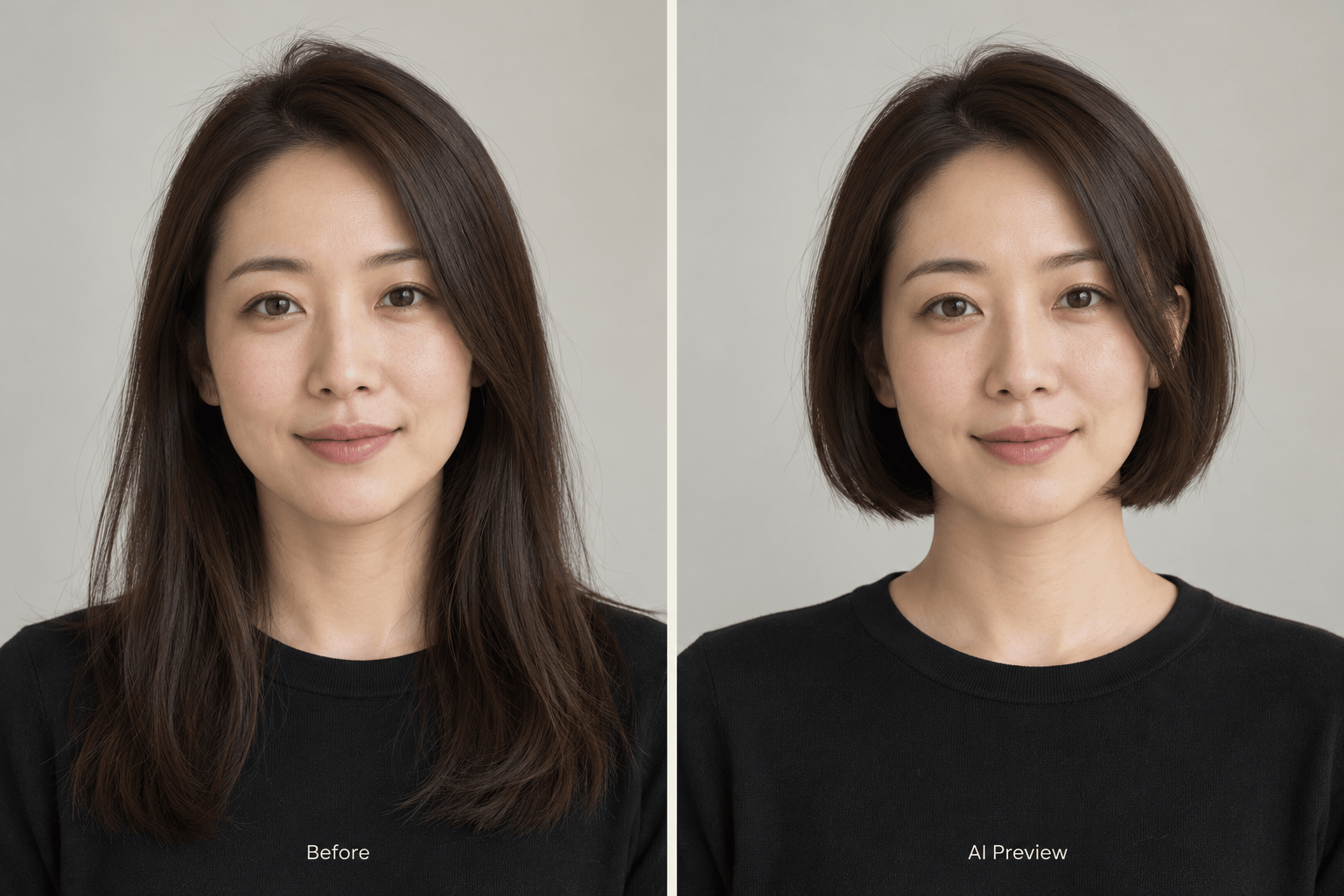
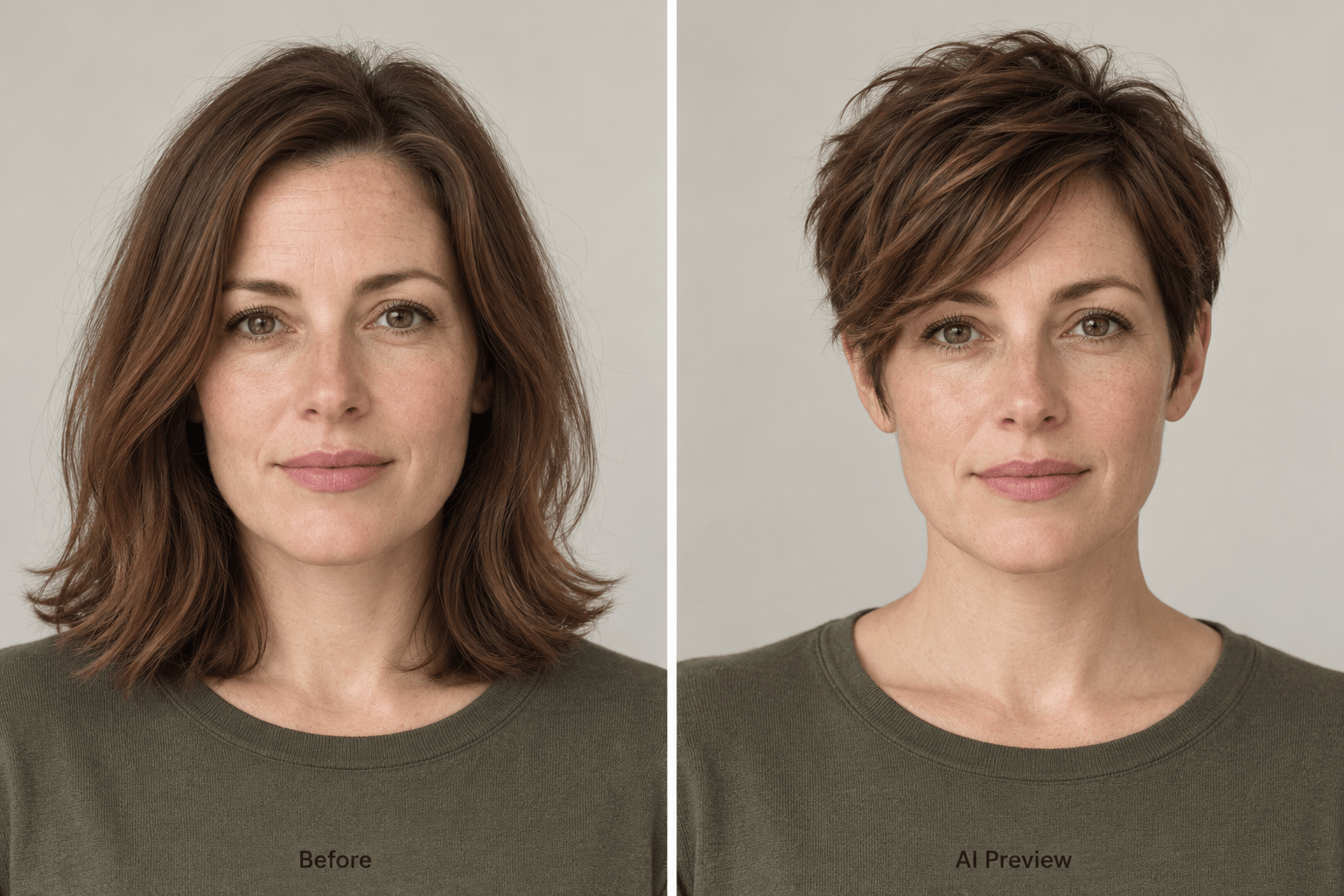
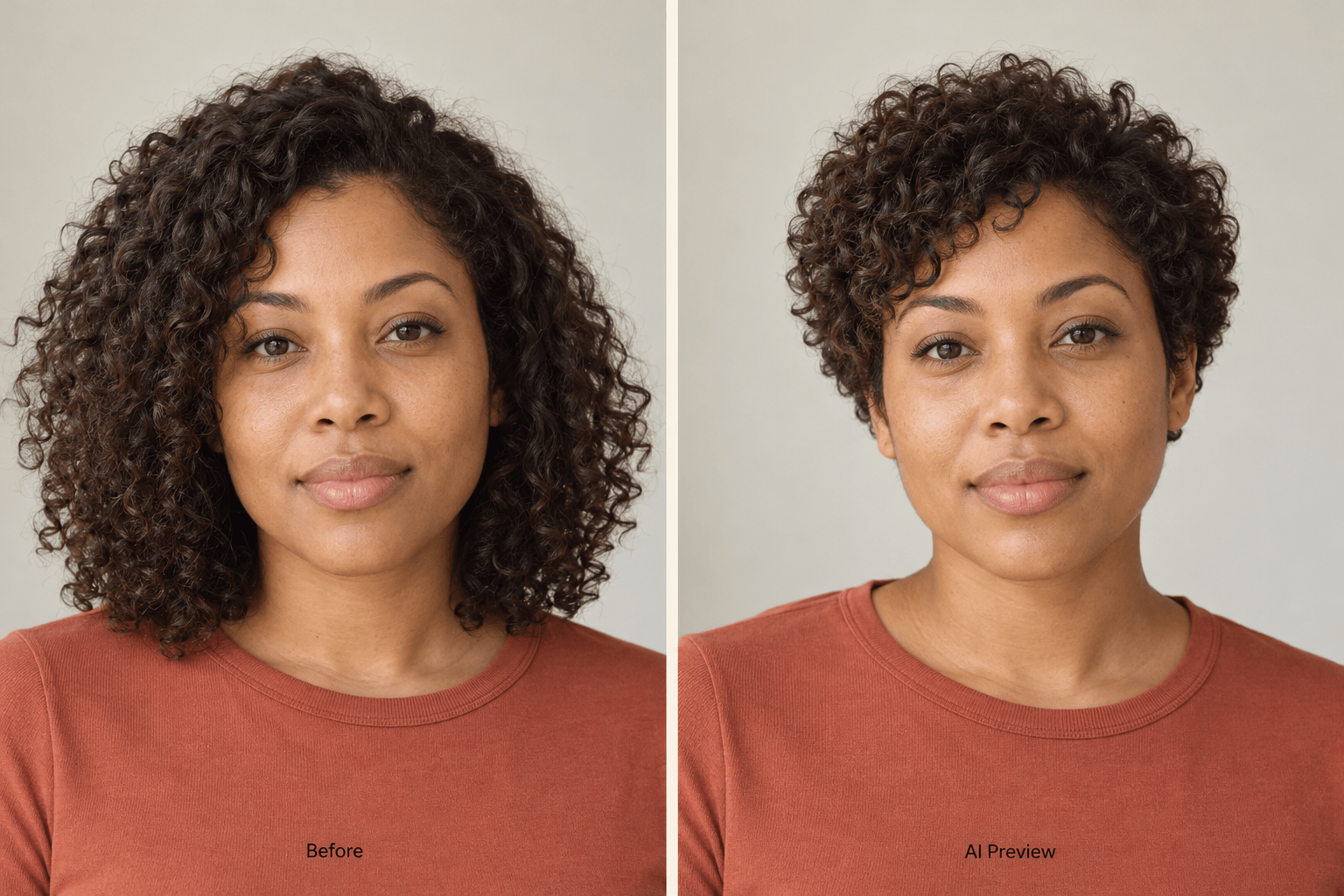
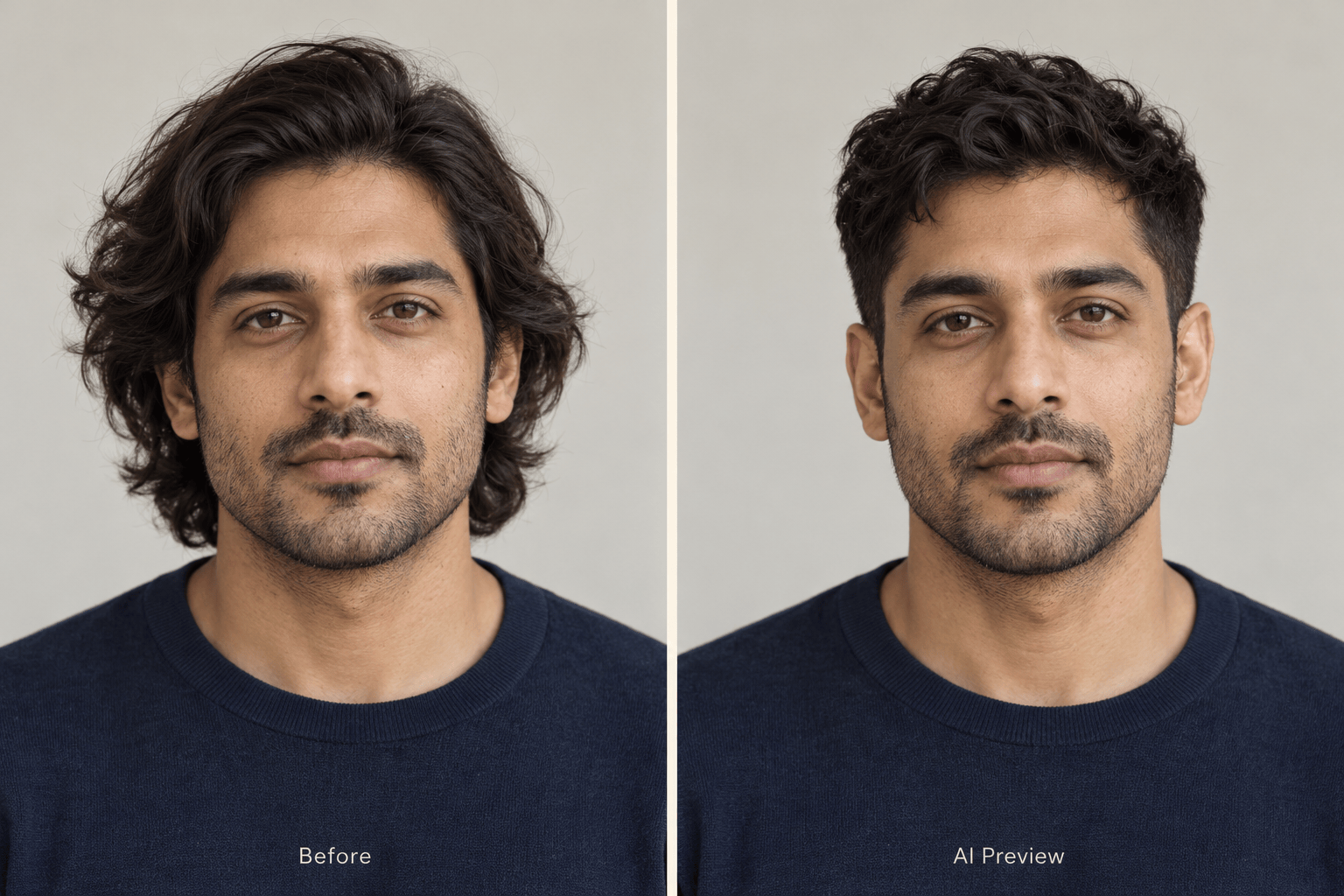
How to Preview a Short Haircut with AI
Upload Your Portrait
Describe the Cut
Adjust the Details
Save Your Favorite

Explore a Shorter Cut on Your Own Terms
Start with Your Own Face
Upload your portrait for a virtual short hair try-on. Judge how the new outline frames your features using a familiar photo.
Go Beyond a Fixed Hairstyle
Describe a jaw-length bob, a soft pixie, or a textured crop. This online short hair filter lets you request specific lengths and details in everyday language.
Compare a Few Possibilities
Request separate versions from the same source photo. Keep the color and parting consistent to make differences in length easier to judge.
Bring a Haircut Reference
Upload a hairstyle image alongside your portrait. Explain which photo is you and which shows the cut you want to explore.
Refine Without Starting Over
Use Chat Edit for small changes, such as a longer fringe or less volume at the sides. Review each version before choosing your favorite.
Take Your Ideas to the Salon
Save watermark-free PNG or JPG previews to show your stylist. Use free signup credits to explore; generation and edits use credits.
Get a More Useful Short Hair Preview
- Show the HairlineUse an in-focus portrait without a hat or hair covering your face. Leave space around the head and shoulders.
- Name the LengthSay ear-length, chin-length, or just below the jaw. Mention whether you want bangs or an exposed forehead.
- Keep Your TextureSpecify straight, wavy, curly, or coily hair. Keep your usual color for the first preview so you can judge the cut itself.
- Check More Than the HairCompare eyes, jawline, ears, and shoulders with the original. If they change, request a correction using your source photo.
Six Ways to Find Your Short Hair Look
Use my portrait to compare a chin-length bob with a slightly longer bob below the jaw. Keep my face, color, and parting the same in both versions.
Preview a soft pixie cut on my uploaded photo, with a longer side-swept fringe and gently tapered sides. Preserve my face and natural hair color.
Try a short curly haircut on my portrait. Keep my visible curl pattern and color, with a rounded shape and realistic volume rather than straightened strands.
Give me a men’s textured crop with a low taper using my photo. Keep my hairline, facial features, and beard unchanged.
Use my round-face portrait to compare a side-parted short bob and a bob with bangs. Keep my actual face shape unchanged so I can compare the framing.
Preview a short bob on my fine hair with a simple blunt outline. Keep the visible hair density realistic; do not add thick, full-volume hair.





