Create a CinematicAI Shinigami Photo
How to Make a Shinigami Photo with AI
Upload a Clear Selfie
Describe the Shinigami Scene
Refine the Composite
Download and Share

Shape the Scene Around Your Selfie
Start from Your Photo
Upload a selfie and ask Mew Design to build the supernatural scene around it. This shinigami selfie AI workflow lets you specify what should stay recognizable.
Direct the Creature
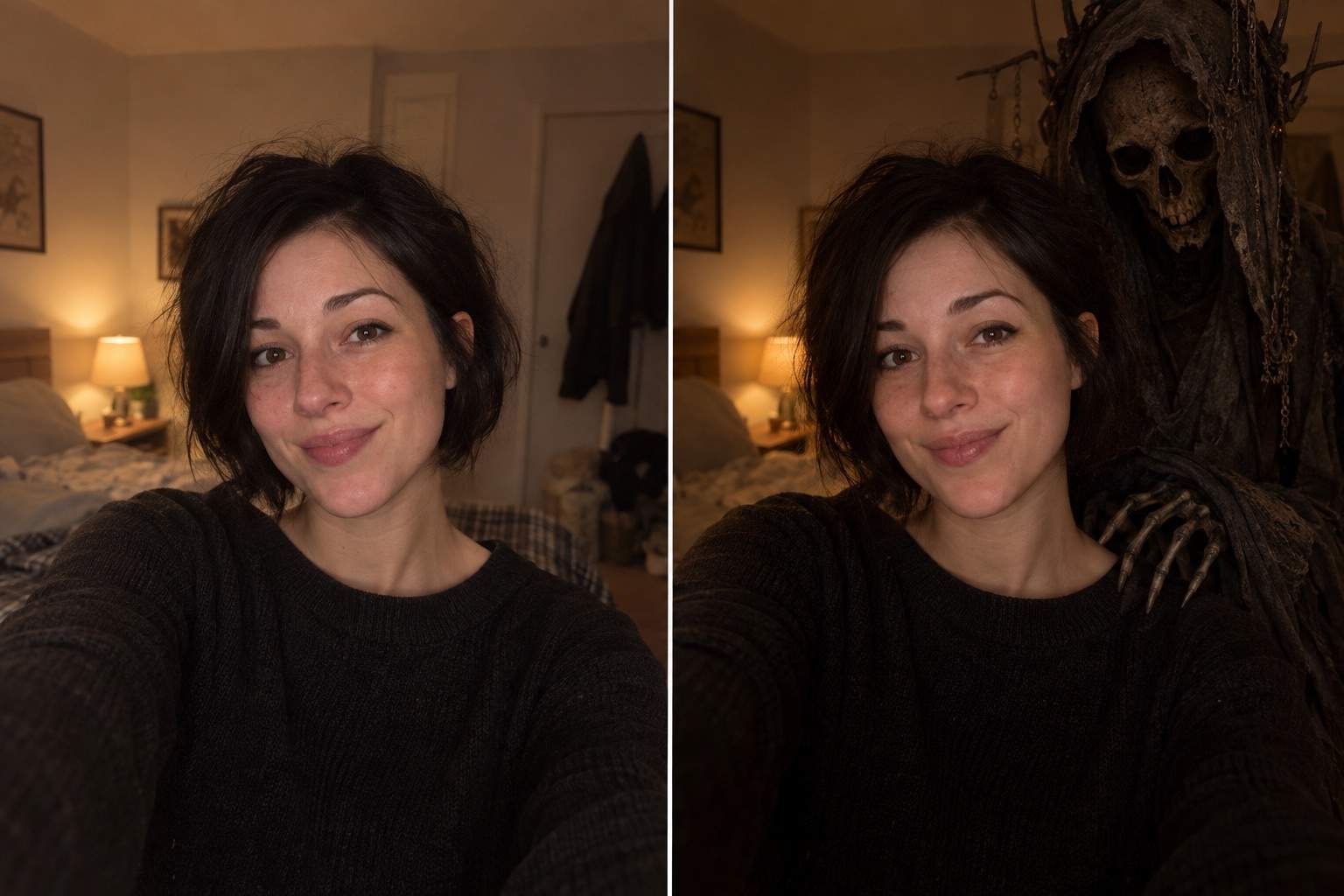
Place an original death-god figure behind your shoulder, beside you in a mirror, or farther back in the frame. Change its expression and detail through chat.
Match the Atmosphere
Ask for shadow direction, rim light, haze, and depth that suit the source photo. A realistic shinigami selfie depends on the figure belonging in the same scene.
Revise Without Starting Over
If the first composite feels crowded or too frightening, use Chat Edit to request one focused change while keeping the rest of the image.
Explore Original Looks
Try a skeletal silhouette, a winged spirit, or a restrained gothic presence. You can also generate an entirely new shinigami-themed portrait from text.
Try It Online
New users can test the AI shinigami photo maker with signup credits. Downloaded images are watermark-free; available options depend on the account and export settings.
What Makes a Shinigami Selfie Look Real?
- Protect the subject: Name the features and clothing to retain. Review the output rather than assuming an exact match.
- Place the figure: Say whether it should stand behind you, lean into a mirror selfie, or emerge from a distant shadow.
- Match the photograph: Describe the light source, camera angle, and depth so the creature does not look pasted on.
- Control the mood: Choose eerie, cinematic, or subtle gothic details. Ask for an original character instead of copying a named design.
Shinigami Photo Ideas to Try
Use my uploaded bedroom selfie. Keep my face and pose recognizable. Add an original shadowy shinigami behind my shoulder, with warm bedside light, believable scale, and a subtle eerie grin.
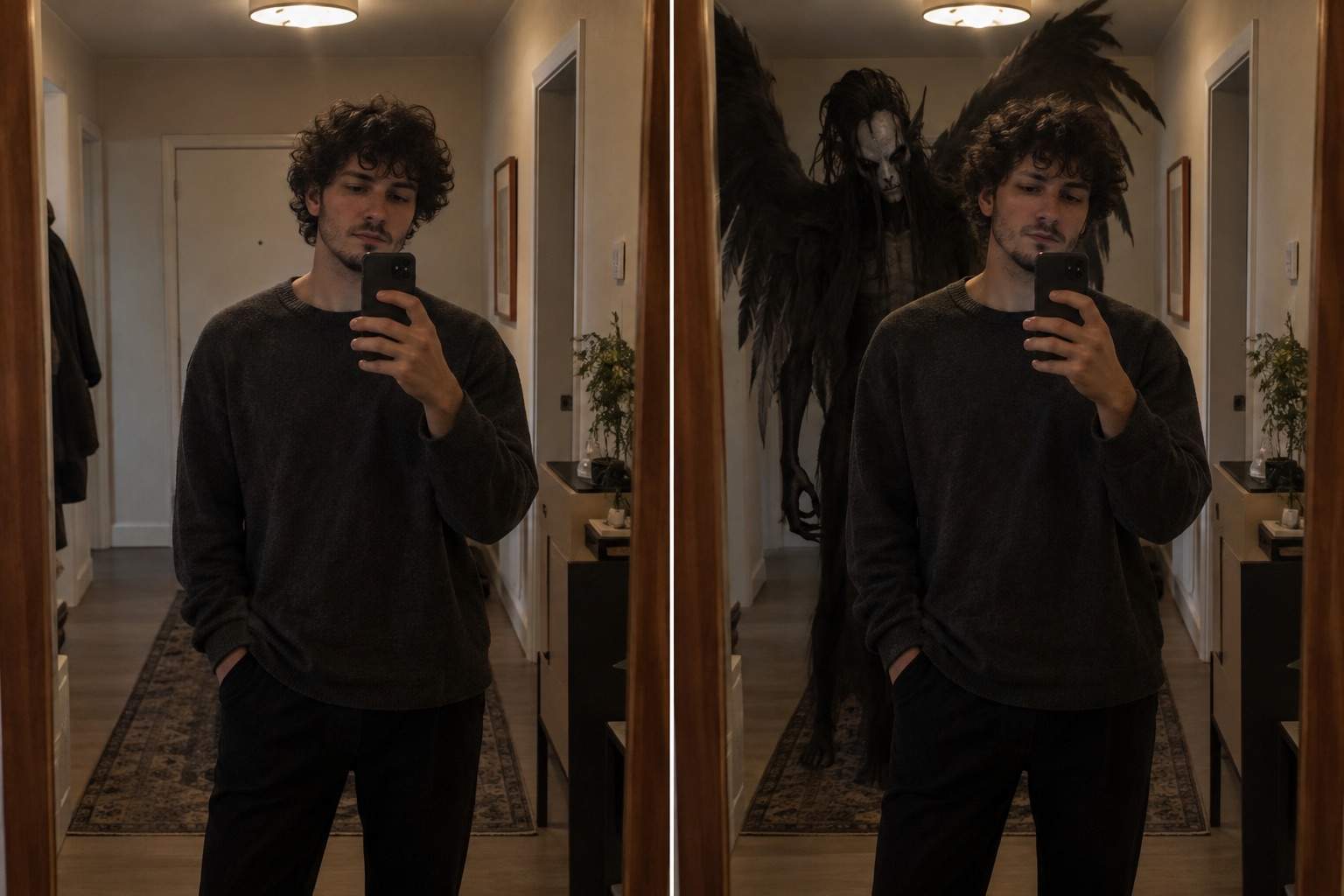
Use my mirror selfie. Keep the phone, reflection, outfit, and face consistent. Place a dark winged spirit in the reflected hallway behind me, matching the mirror perspective and indoor light.
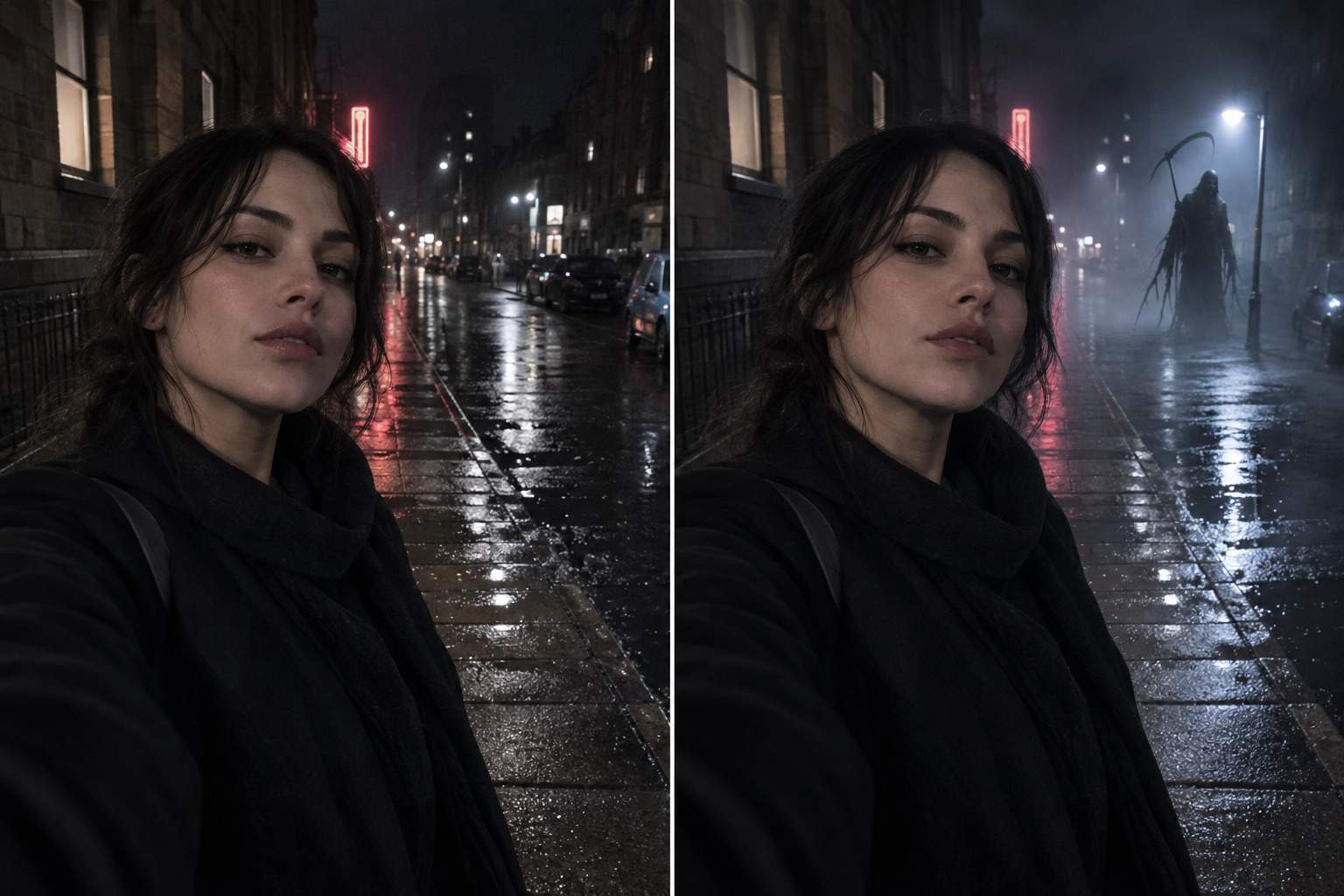
Turn my outdoor night portrait into a cinematic shinigami photo. Add a tall supernatural figure near the far streetlight; match the wet pavement reflections and keep my face clear.
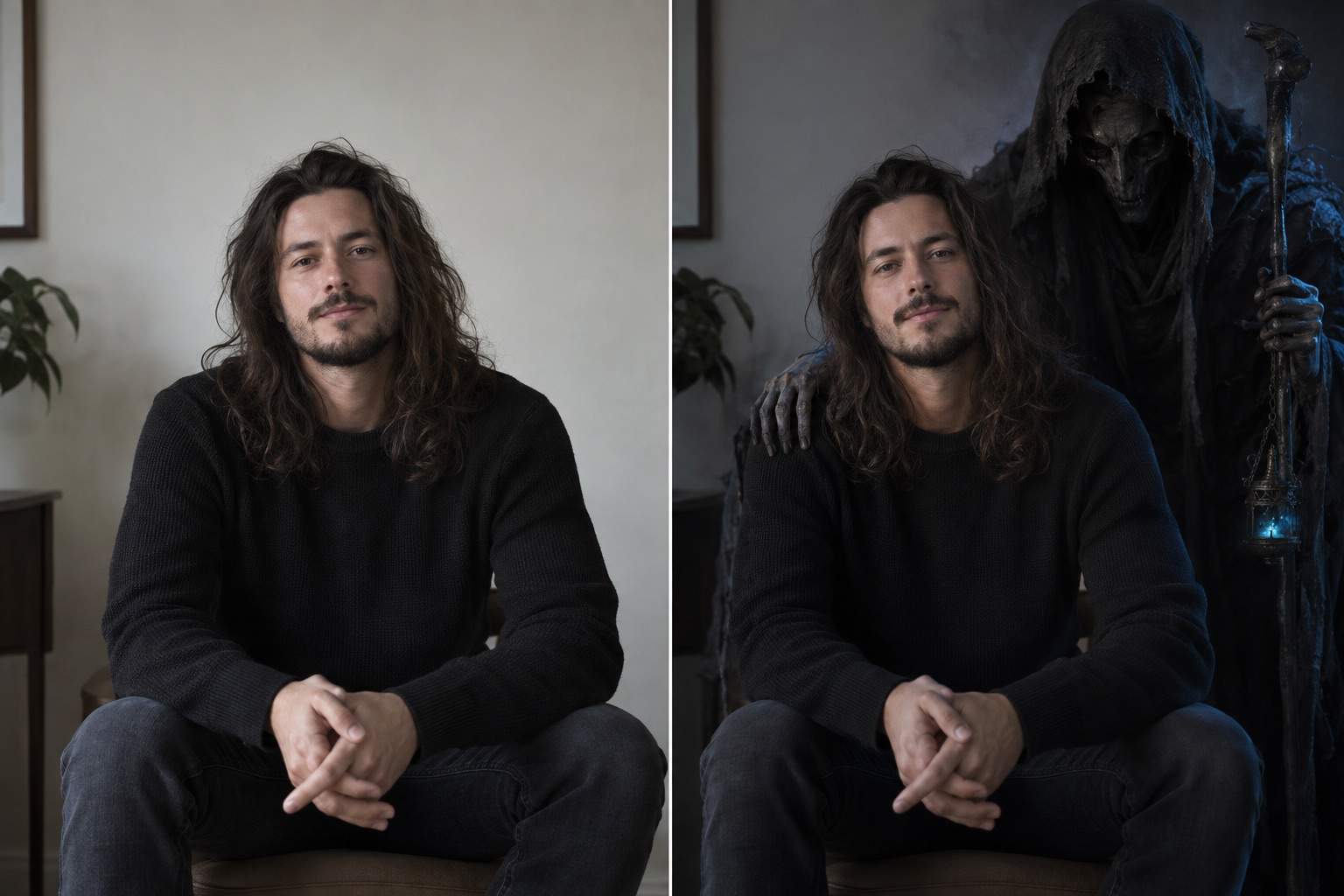
Use my uploaded portrait to create a less frightening shinigami selfie. Place a quiet, elegant death-god figure beside me with soft blue rim light, restrained details, and no gore.
Create an original shinigami-themed portrait from text: an adult person in a dark coat and a skeletal spirit on a misty rooftop at dusk. Make it photographic, cinematic, and free of recognizable franchise characters.
Edit my generated shinigami selfie: keep my face and pose as they are, move the creature slightly farther back, correct its shadow direction, and remove any overlap across my hair and shoulder.





