Free OnlineAI Shark Image Generator
How to Create Shark Images With AI
Map Species, Habitat, and Behavior
Set the Underwater Camera
Correct Fins, Gills, and Scale
Export for Story, Study, or Brand

Why Choose Mew Design as Your AI Shark Image Generator
Start With Species, Not a Stereotype
A whale shark has a broad mouth and spotted filter-feeding body; a hammerhead has a distinct cephalofoil; a great white has a conical snout and countershading. Species-first prompts produce clearer creative direction.
Build Light Like It Is Underwater
The online shark picture generator can use surface caustics, volumetric sun rays, blue-green absorption, suspended particles, bioluminescent darkness, and backscatter to match a chosen depth and mood.
Keep Ocean Scale Readable
Divers, bait balls, reef structure, kelp, or a distant boat can show size without forcing an attack scene. Chat Edit can move scale cues while preserving the shark and camera.
Simplify Sharks for Mascots and Stickers
Turn the dorsal fin, snout, teeth, tail, and body curve into a compact silhouette for team badges, avatars, surf graphics, and stickers. Request fewer teeth and larger color blocks for small sizes.
Make Educational Visuals Less Generic
Create species comparison cards, food-web scenes, habitat posters, or child-friendly coloring pages. Add exact labels later in the design workflow and review biological details before classroom use.
Refine a Scene Without Resurfacing
The free AI shark art generator stays conversational. Change water clarity, remove unnecessary aggression, add a school of fish, correct a tail, or switch from photo realism to ink without abandoning the core composition.
How to Write Effective Prompts for AI Shark Images
- Name identifying features: Include hammer-shaped head, whale-shark spots, tiger-shark bars, mako pointed snout, nurse-shark barbels, or other traits that separate the species.
- Use calm behavior precisely: Cruising, filter-feeding, circling a reef, schooling, resting on sand, or moving through kelp creates more credible scenes than defaulting to an open mouth and attack pose.
- Choose underwater optics: State wide-angle dome camera, side-profile field-guide view, surface drone view, deep-sea backlight, or cinematic close-up, plus clear or particulate water.
- Match realism to responsibility: For education or conservation, request natural behavior and verify anatomy. For mascots and fantasy art, clearly state that stylization and exaggeration are intentional.
AI Shark Image Prompt Examples You Can Customize
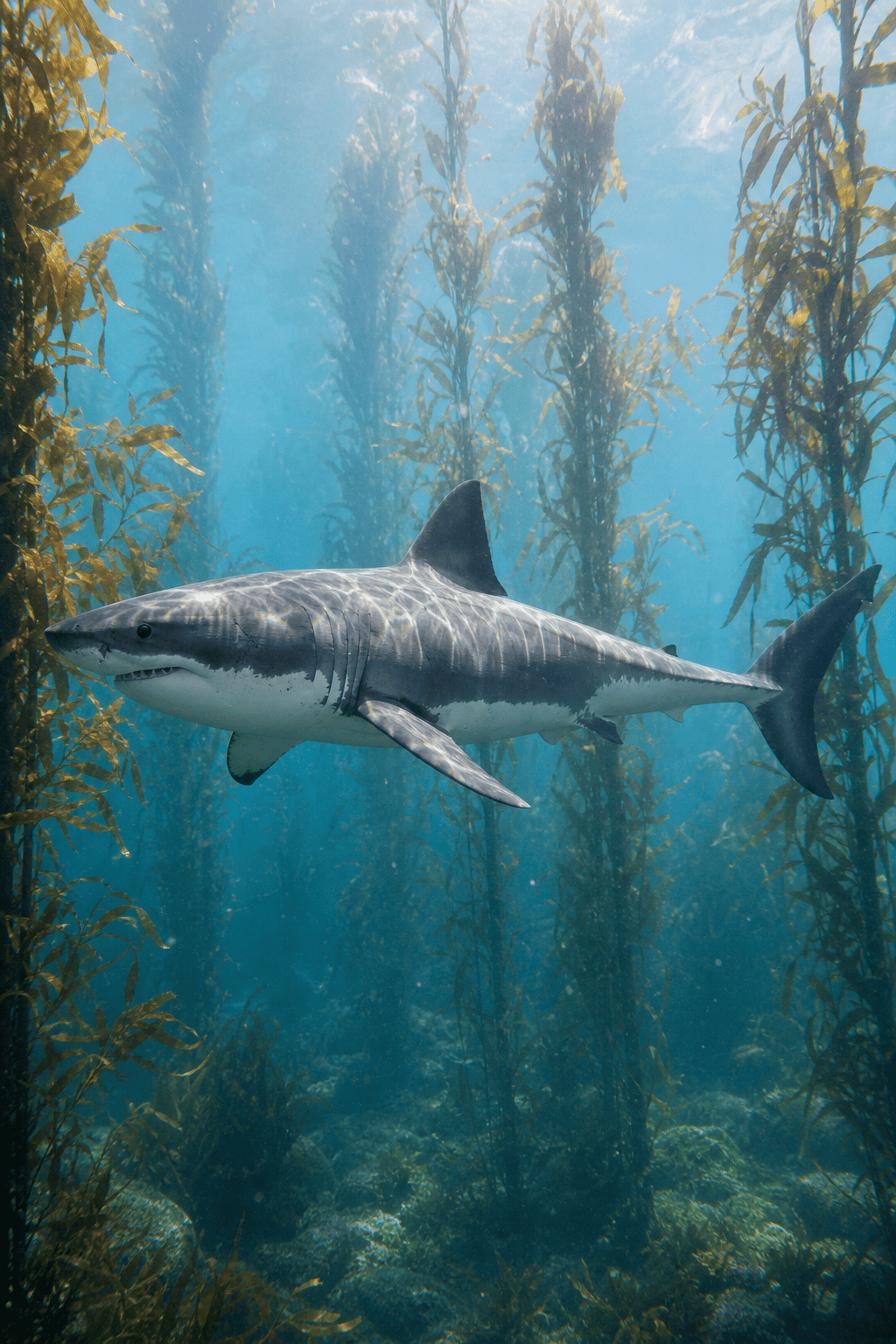
Documentary-style great white shark cruising through a sunlit California kelp forest, calm side profile, accurate body and five gill slits, natural countershading, wide underwater camera, soft particles, vertical frame.
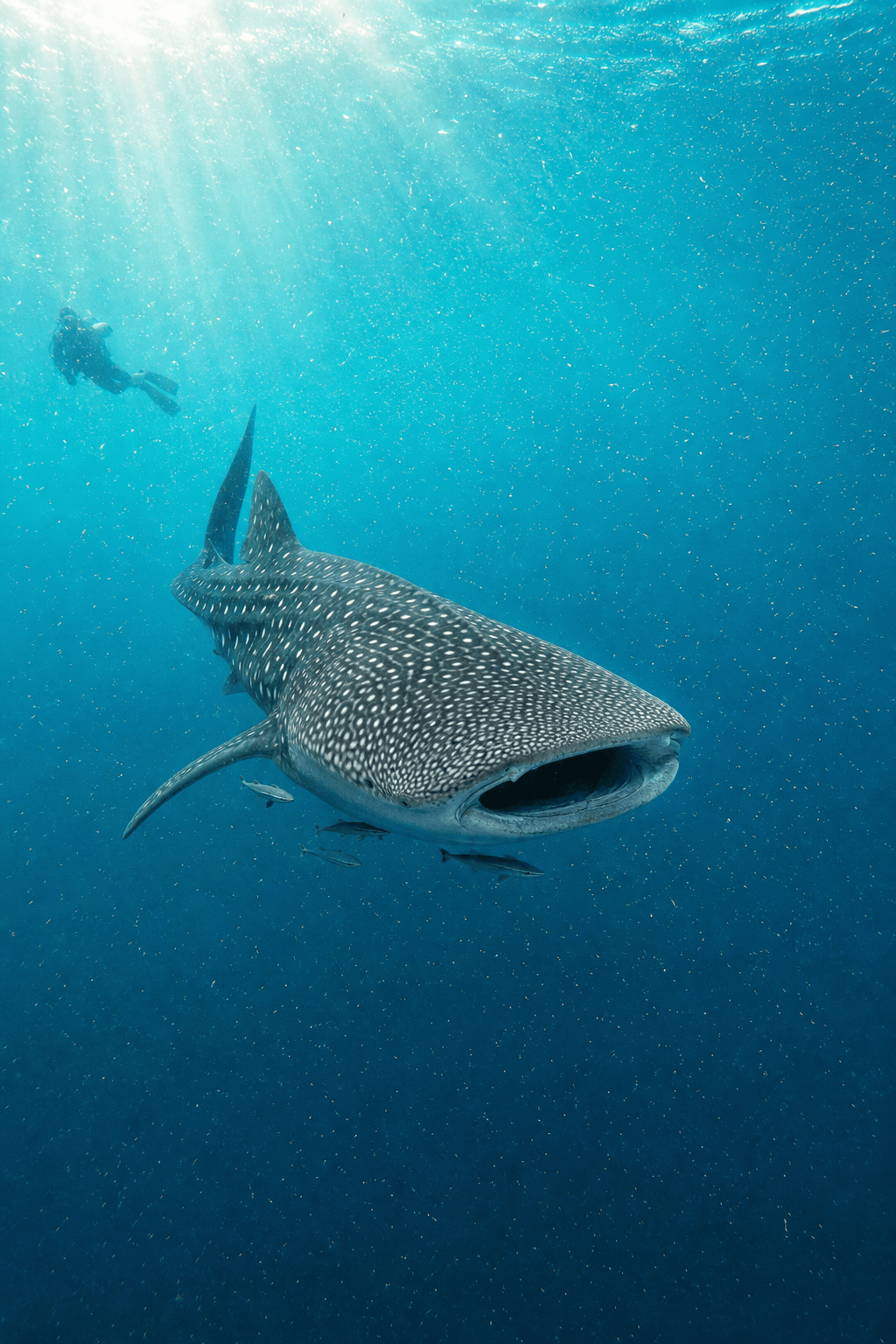
Photograph a whale shark filter-feeding in a tropical plankton bloom, broad mouth open, accurate checkerboard spots, small remoras nearby, shafts of turquoise light, respectful diver silhouette far behind for scale.
Create a wide school of scalloped hammerhead sharks moving above a volcanic seamount at dawn, repeated natural spacing, blue-water gradient, one foreground animal sharp, cinematic conservation photography.
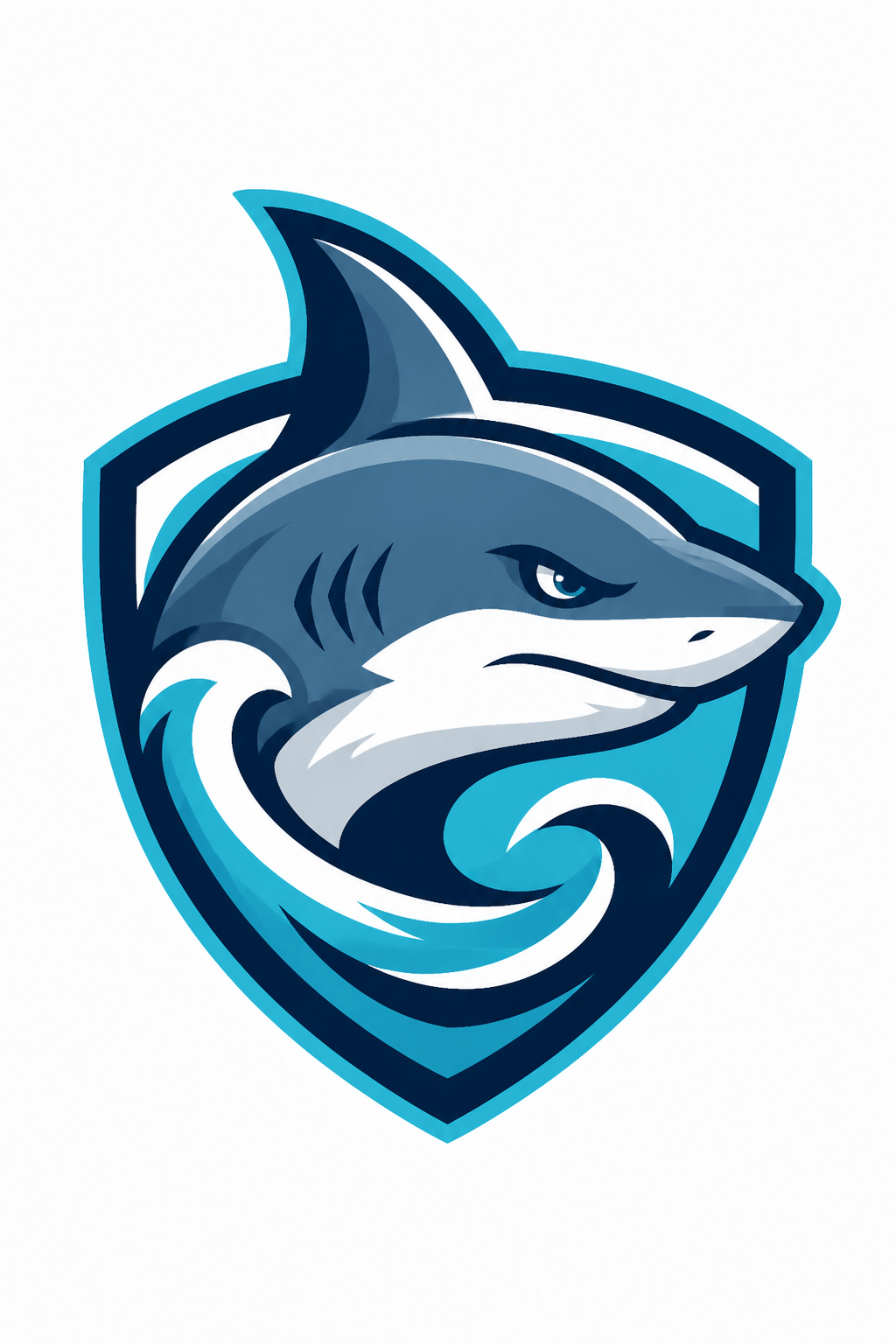
Design an original shark mascot badge for a coastal swim team concept, streamlined blue-gray head, confident closed-mouth expression, dorsal fin worked into a wave-shaped shield, aqua and navy, thick outlines, no letters.
Draw a blackwork shark tattoo concept for the calf, mako shark turning through a circular current, clean anatomical silhouette, dotwork water, strong negative space, stencil-ready line weight, plain paper.
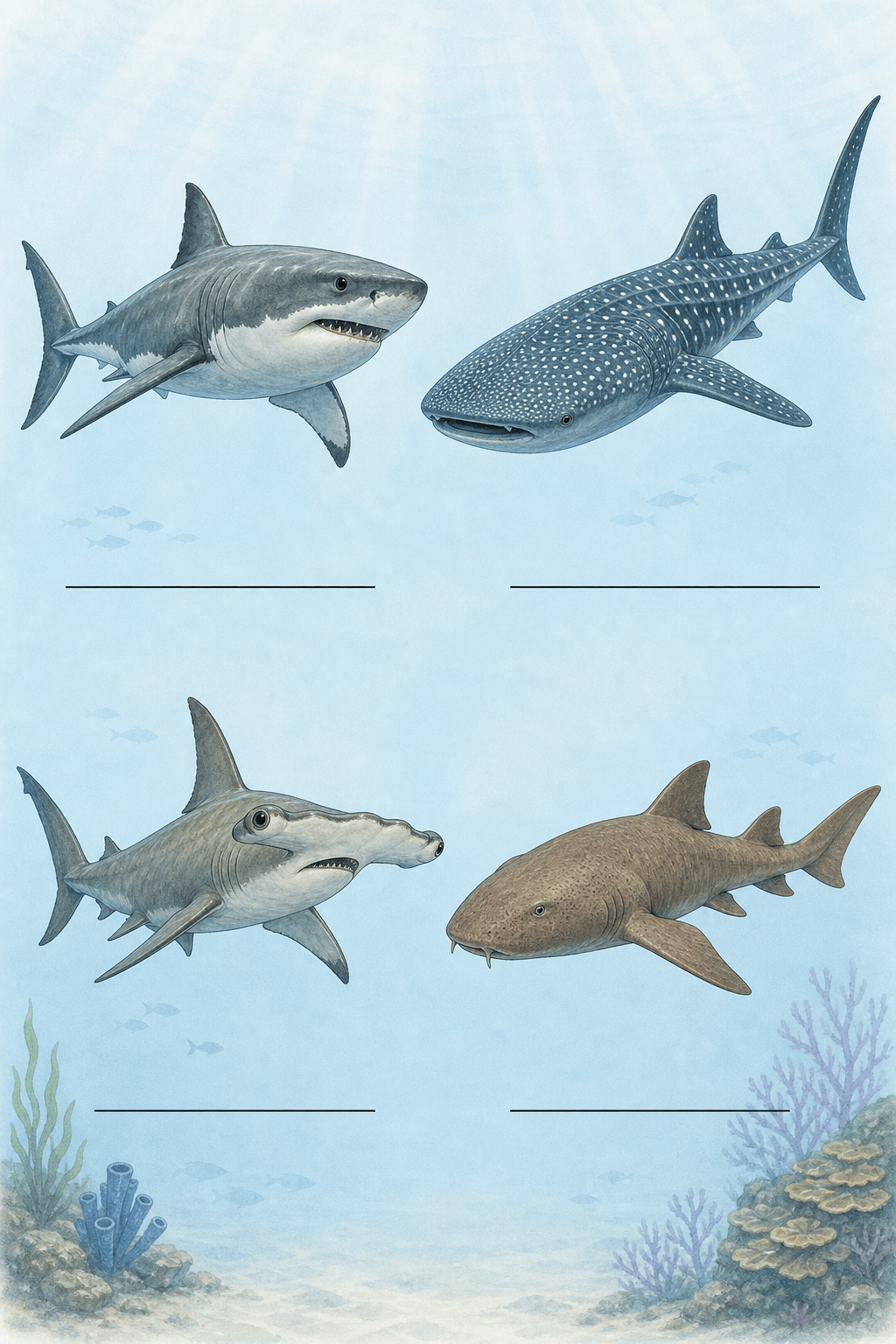
Make a printable shark species worksheet for ages 8-10 with four separate clean illustrations: great white, whale shark, hammerhead, and nurse shark, empty label lines, bold outlines, no filled text, portrait page.





