Free OnlineAI Scenery Generator
How to Generate Scenery with AI
Set the Viewpoint and Horizon
Build Depth Into the Environment
Relight or Reshape the Place
Crop for the Final Destination

Scenery with a Sense of Place, Scale, and Weather
Foreground-to-Horizon Composition
A convincing vista needs more than a pretty sky. Mew Design can arrange near texture, a visual path, midground anchors, and distant silhouettes so the eye understands the terrain.
Light That Shapes the Landscape
Ask the AI scenery maker for blue-hour snow, hard desert noon, rain-filtered neon, or low autumn sun. Lighting direction and haze help define depth, mood, and material.
Natural and Built Worlds
Move from mountain valleys, coastlines, forests, and glaciers to ancient ruins, quiet interiors, futuristic streets, or complete fantasy environments without changing tools.
A Reference Photo as the Starting Terrain
Upload a landscape or street photo and ask for a new season, weather system, architectural era, or painterly treatment while keeping the original viewpoint as guidance.
Wide, Square, or Vertical Scenes
Compose an AI-generated landscape for a 16:9 desktop, cinematic frame, 9:16 story, square post, or presentation background instead of forcing one crop onto every use.
Fast Atmosphere Studies
Use free AI credits after signup to compare fog, rain, snow, sunset, moonlight, and color grades. Export watermark-free images once the world and mood align.
Describe a Scene the Camera Can Understand
- Anchor the foreground: Mention rocks, grass, a road, railing, doorway, or shoreline that gives the viewer a clear entry into the scene.
- Separate the depth layers: Describe one midground landmark and the distant terrain so the result does not collapse into a flat wall of detail.
- Connect weather and light: Fog softens distance, rain catches reflections, and low sun creates long shadows. Choose effects that support the mood rather than listing every atmosphere.
- State the destination: A game backdrop may need a readable path, while a wallpaper needs edge-to-edge interest and a slide background needs quiet space for copy.
Scenery Prompts for Real and Imagined Places
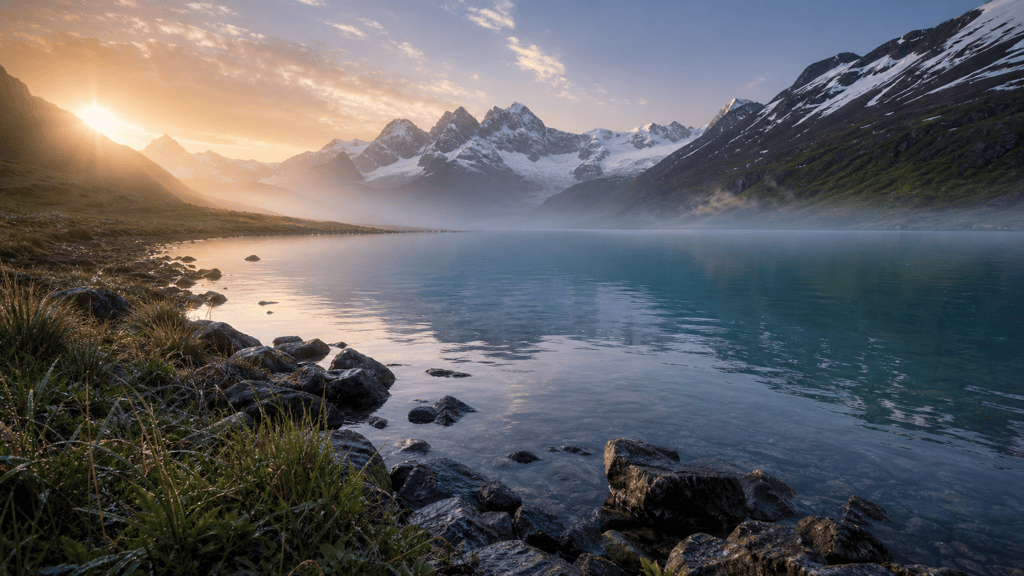
Alpine Dawn: Create a wide photorealistic valley from a low lakeshore. Wet stones and wild grass in front, turquoise water, snow peaks, thin mist, warm sunrise from the left, realistic natural texture, no people or text.
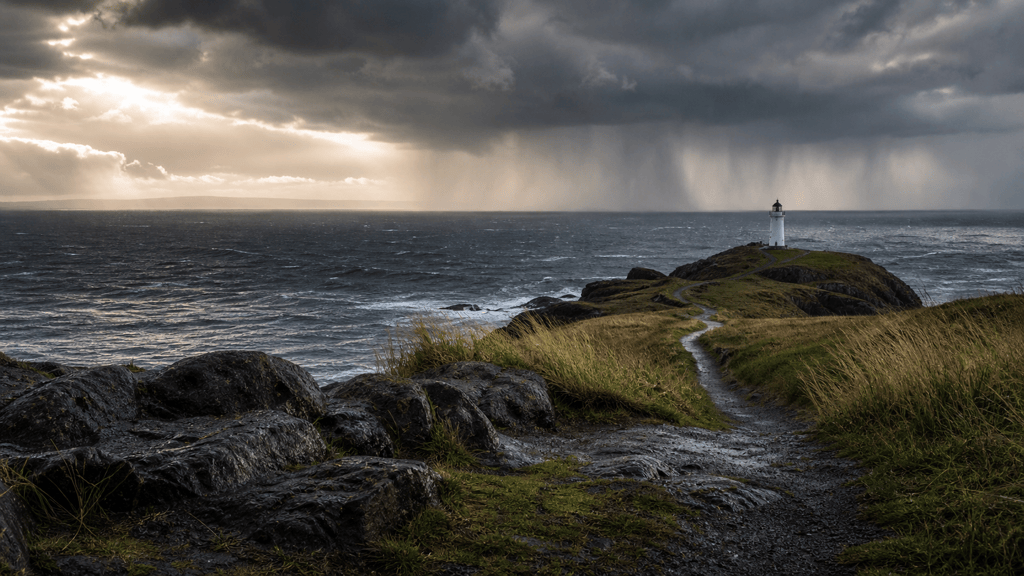
Storm Coast: Generate a cinematic cliff path above a rough Atlantic-like sea. Dark basalt foreground, wind-bent grass, a distant white lighthouse, rain curtains offshore, late-afternoon silver light, grounded photography, 16:9.
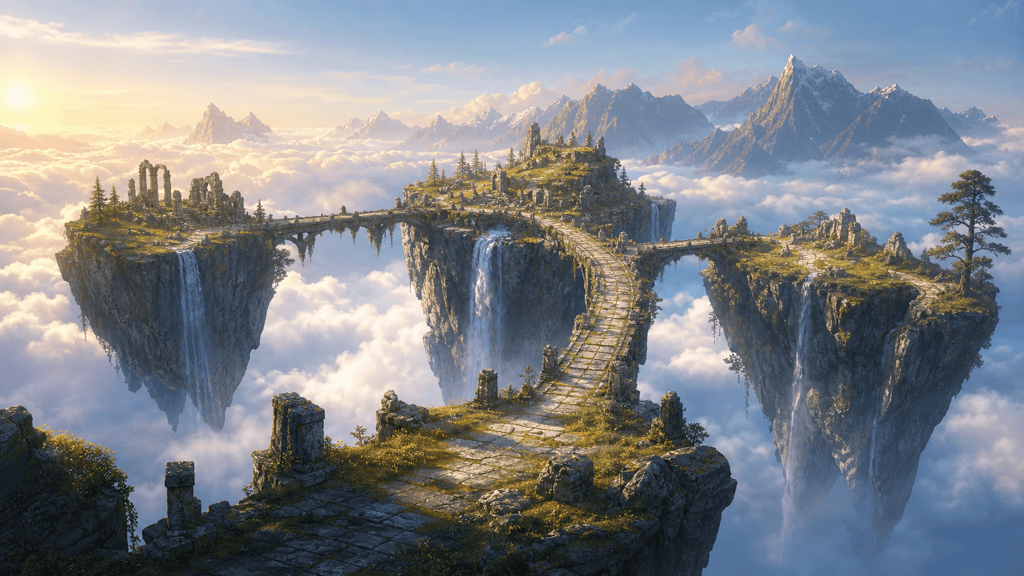
Floating Island World: Design a wide fantasy environment with three floating islands linked by ancient stone bridges. Cloud ocean below, waterfalls disappearing into mist, sunrise rim light, readable central path, painterly concept art, no characters.
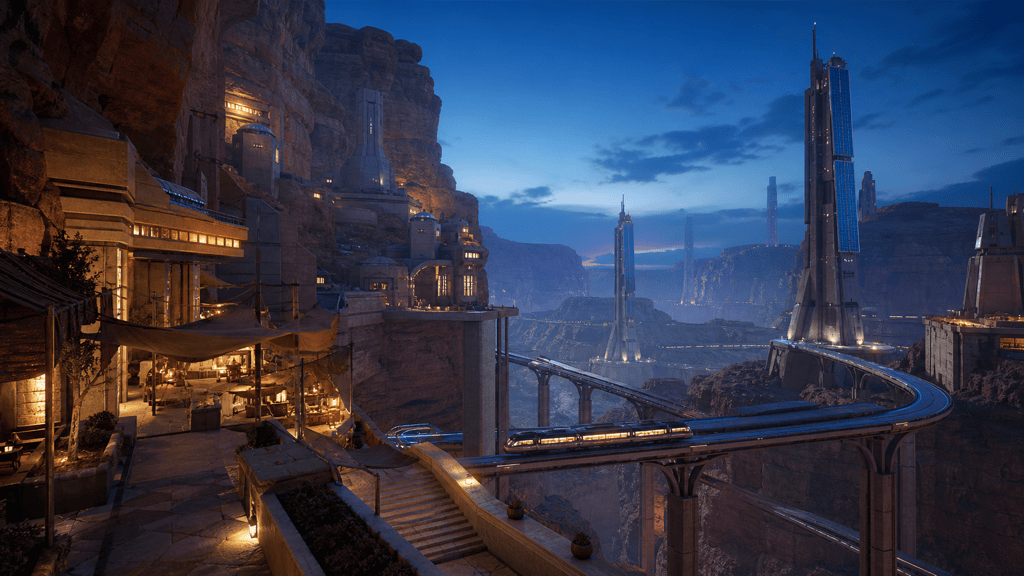
Desert City: Create a futuristic city built into ochre canyon walls at blue hour. Solar towers, shaded markets, transit lines, dust in the distance, warm windows against cool sky, cinematic environment design, no logos or text.
Side-Scrolling Forest: Make a layered 2D game background of a mossy forest after rain. Dark tree silhouettes in front, playable clearing in the middle, pale waterfalls behind, soft parallax-ready depth, hand-painted style, no characters.
Season Study from Photo: Use my uploaded hillside photo as the viewpoint reference and create four matching versions: spring rain, summer sunset, autumn fog, and winter snow. Preserve the road and mountain silhouette across the series.





