Free OnlineAI Save the Date Generator
How to Create a Save the Date Card with AI
Start with the date
Pick a date-first layout
Refine the announcement
Download and send early

Why Mew Design Helps Save the Dates Feel Clear
Date-first hierarchy
The AI save the date maker can make the date, couple names, and location the visual focus instead of treating them like small decorative text.
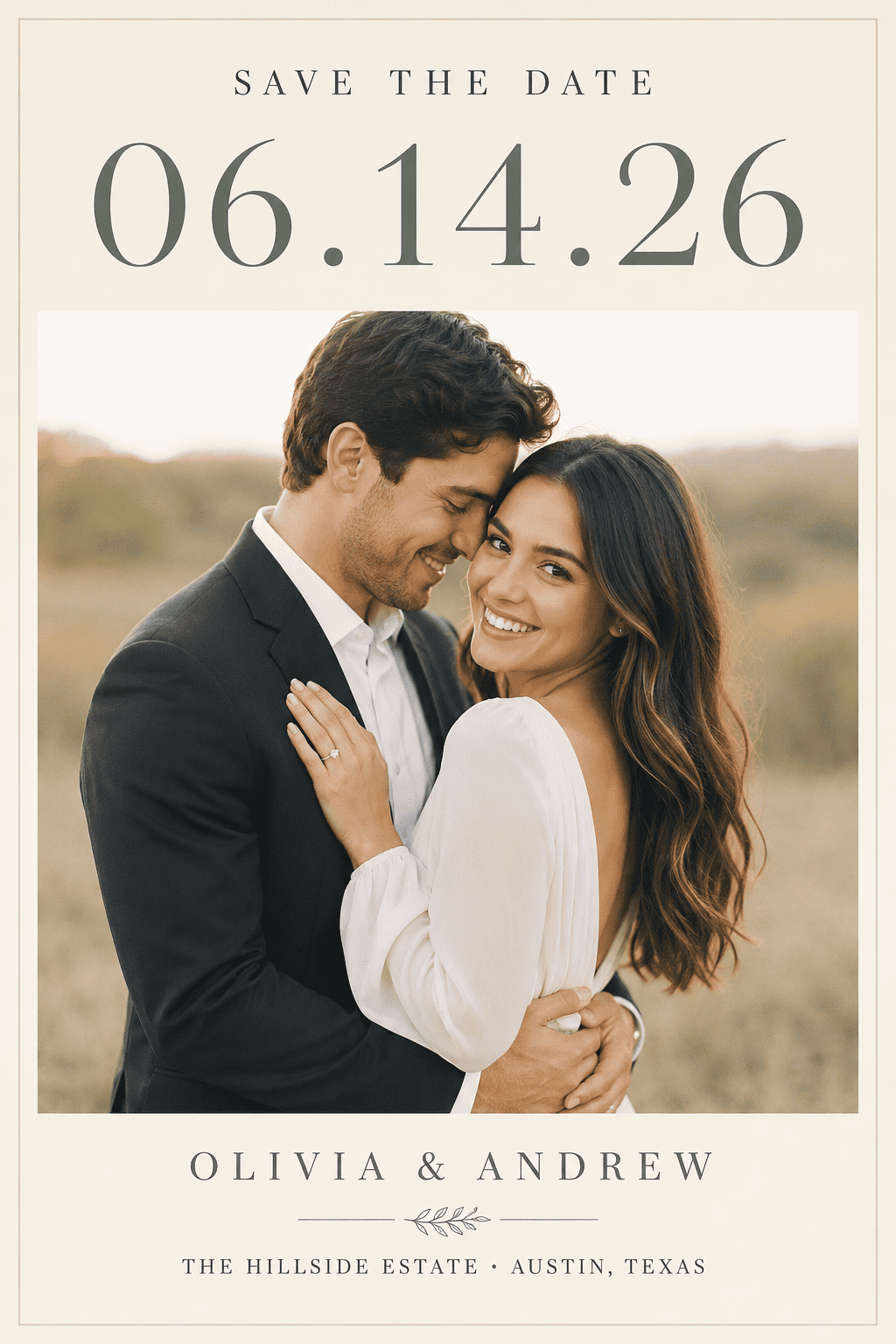
Photo cards without manual layout
Upload a couple portrait or engagement photo and ask Mew Design to balance it with typography, borders, and a short wedding website line.
Calendar and destination styles
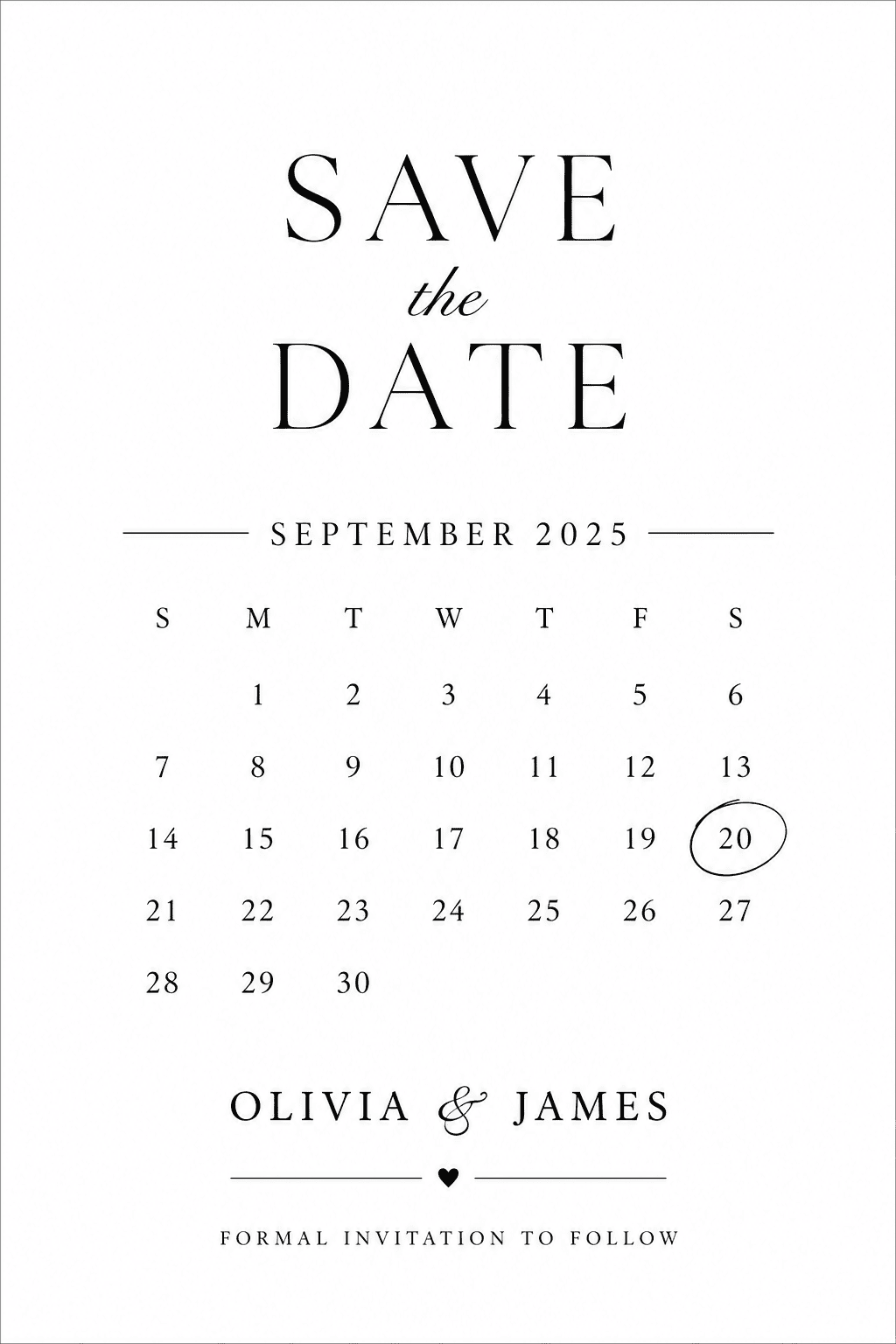
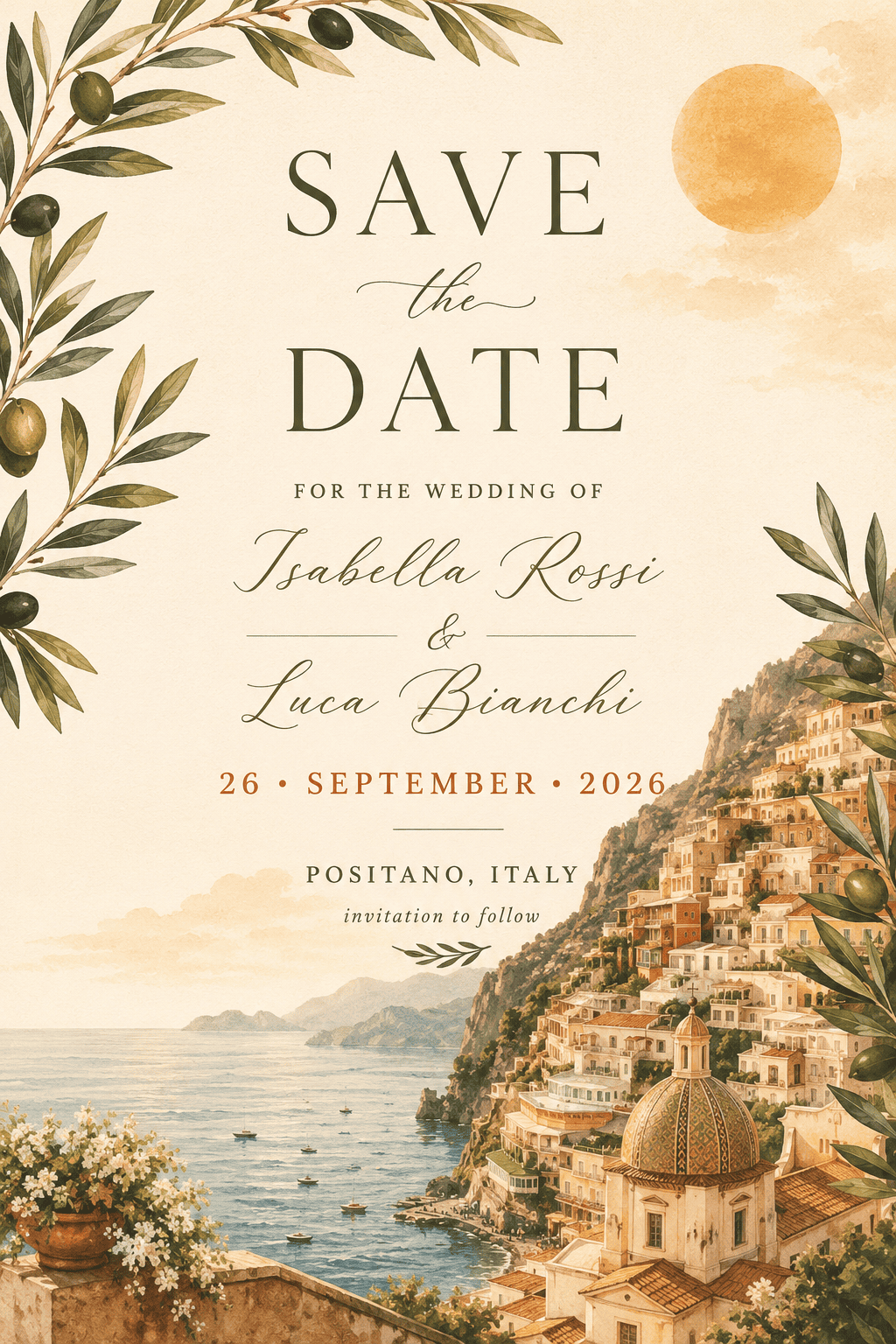
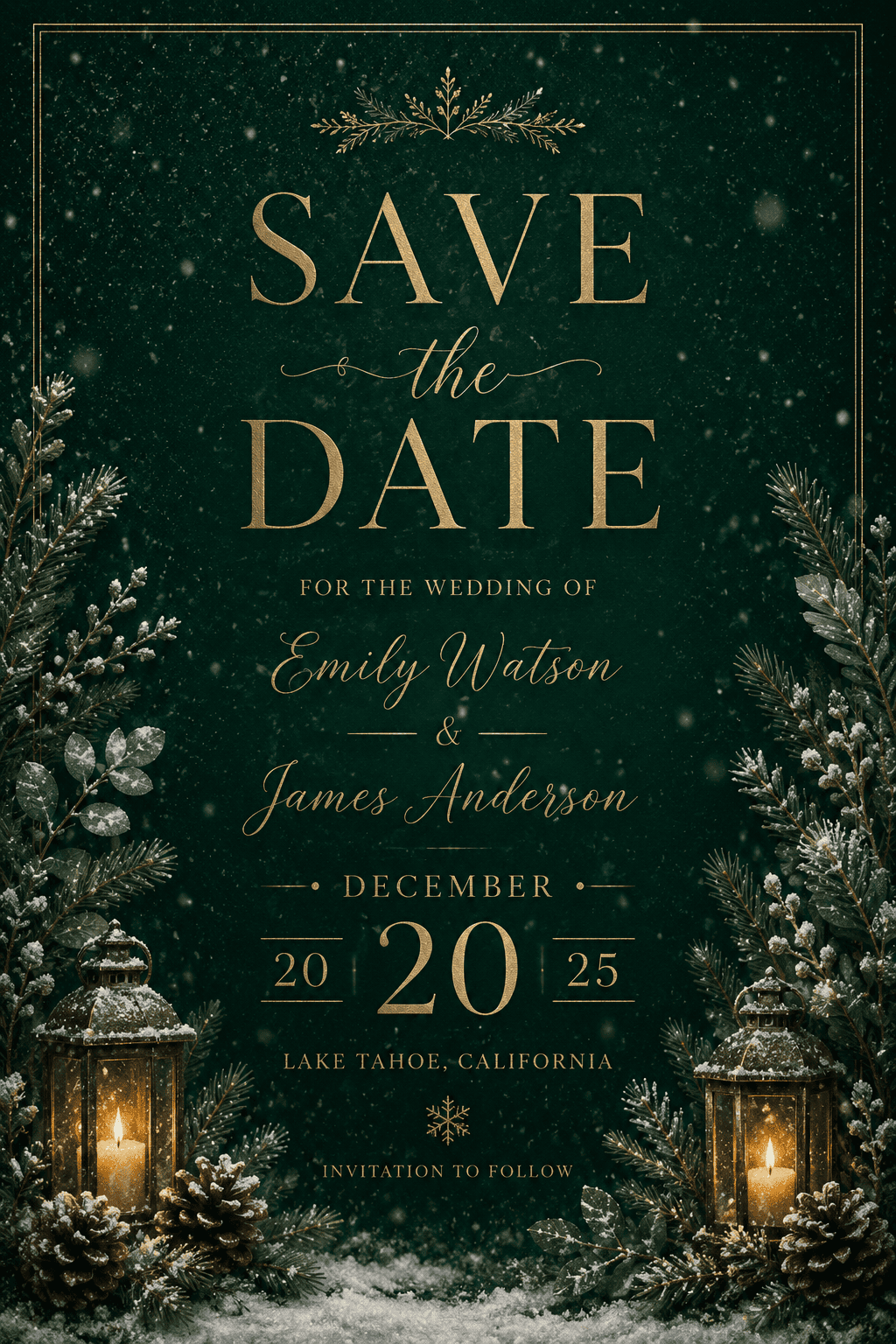
Create a circled-date calendar card, beach destination notice, winter postcard, city wedding announcement, or simple digital save the date.
Low-text designs that still work
Save the dates need less information than invitations. Mew Design helps keep the message light while still making the date memorable.
Fast format variations
Generate a printable card, square Instagram version, email header, or phone-friendly graphic from the same design direction.
Easy edits as plans change
If the city, date, website, or photo changes, update the card through chat and keep the original visual mood.
How to Prompt AI for Save the Date Cards
- Date and names: Include the exact wedding date, couple names, city, short venue hint, and optional wedding website.
- Photo direction: Mention whether you want a full-bleed couple photo, photo frame, no-photo design, or illustrated destination cue.
- Card style: Choose calendar, postcard, minimal, seasonal, destination, elegant serif, or playful modern style.
- Sharing format: Specify printable postcard, vertical card, square social post, email image, or digital message graphic.
Save the Date Prompt Examples
Design a minimalist calendar save the date with the wedding date circled, black serif type, plenty of white space, and room for a short website URL.
Make a destination save the date card for an Italy wedding with olive branches, warm sunlight colors, date, city, and a short travel note.
Create a winter save the date card with deep green background, subtle snow texture, gold date lettering, and a cozy formal tone.
Design a square digital save the date for Instagram using @[upload couple photo], clean date typography, and a short wedding website line.
Create a printable postcard save the date with front artwork, mailing-friendly composition, and a clear date-first headline.
Make a modern city save the date card with skyline line art, bold date, couple names, and minimal black-and-white palette.





