Free OnlineAI RPG Map Generator
How to Create an RPG Map with AI
Plan the Scene and Scale
Map Movement and Tactics
Generate and Refine the Layers
Export for Play

Why Choose Mew Design for RPG Map Generation
System-Agnostic Locations
Create a forest ambush for a fantasy campaign, a derelict station for a sci-fi game, or a horror motel for an indie system. This AI RPG map generator focuses on spatial intent rather than forcing every scene into one ruleset.
Encounter-Readable Footprints
Prompt for open combat space, meaningful cover, sightline breaks, chokepoints, and more than one route. Important objects stay legible at token scale so the map supports decisions instead of becoming background art.
Square Grid or Gridless VTT
Choose a square or hex-style guide when movement matters, or ask for clean gridless art for a VTT overlay and narrative play. Keep the underlying floor pattern calm enough for you to add the final platform grid accurately.
Connected Campaign Style
Reference an earlier region, town, or dungeon and keep its architecture, palette, climate, and lighting consistent. Generate a location family that feels like one campaign world, even when the scenes use different terrain.
Player and GM Versions
Describe which labels, traps, secret rooms, or fog should stay hidden. Generate a clean player-facing map, then create a separate GM reference with room notes or encounter callouts rather than exposing every surprise.
Fast Revisions Before Game Night
Use Chat Edit to make a boss room wider, move an exit away from a dead end, add a bridge, simplify a print palette, or produce a portrait crop for a handout. The AI battle map generator keeps the next revision close to the playable brief.
How to Write an Effective RPG Map Prompt
- Describe the route: List entrances, exits, loops, dead ends, stairs, bridges, doors, and the path you expect players to discover. A route brief gives the map structure before the AI adds atmosphere.
- Call out tactics: Name cover, difficult terrain, elevation, hazards, line-of-sight breaks, chokepoints, and the amount of open space needed for the encounter. Avoid asking for a beautiful room with no playable footprint.
- Set the player layer: Choose square, hex, or gridless, then say whether labels, traps, secret passages, and treasure should be hidden. Keep GM annotations separate from the map players will see.
- Test the scale: Preview the image with sample tokens or a printout. Check that a grid cell, door, staircase, and cover object are large enough to read, and move any clutter that competes with the encounter.
AI RPG Map Prompt Examples
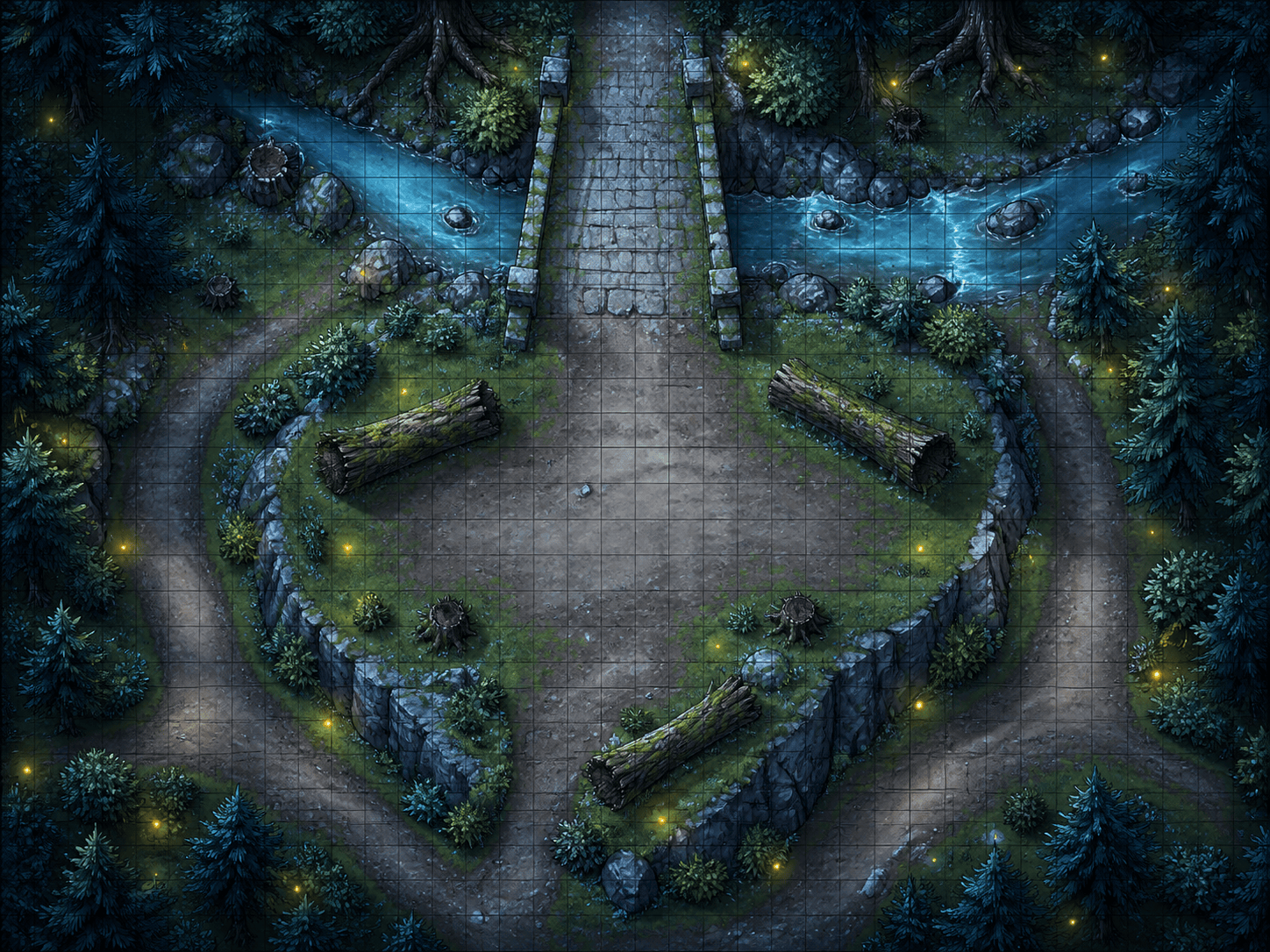
Create a 30-by-20 square-grid fantasy RPG battle map of a moonlit forest bridge ambush. Include a creek, two crossing routes, fallen logs for cover, a high ridge, dense but walkable trees, and a clear central bridge for a six-player encounter. No tokens or labels.
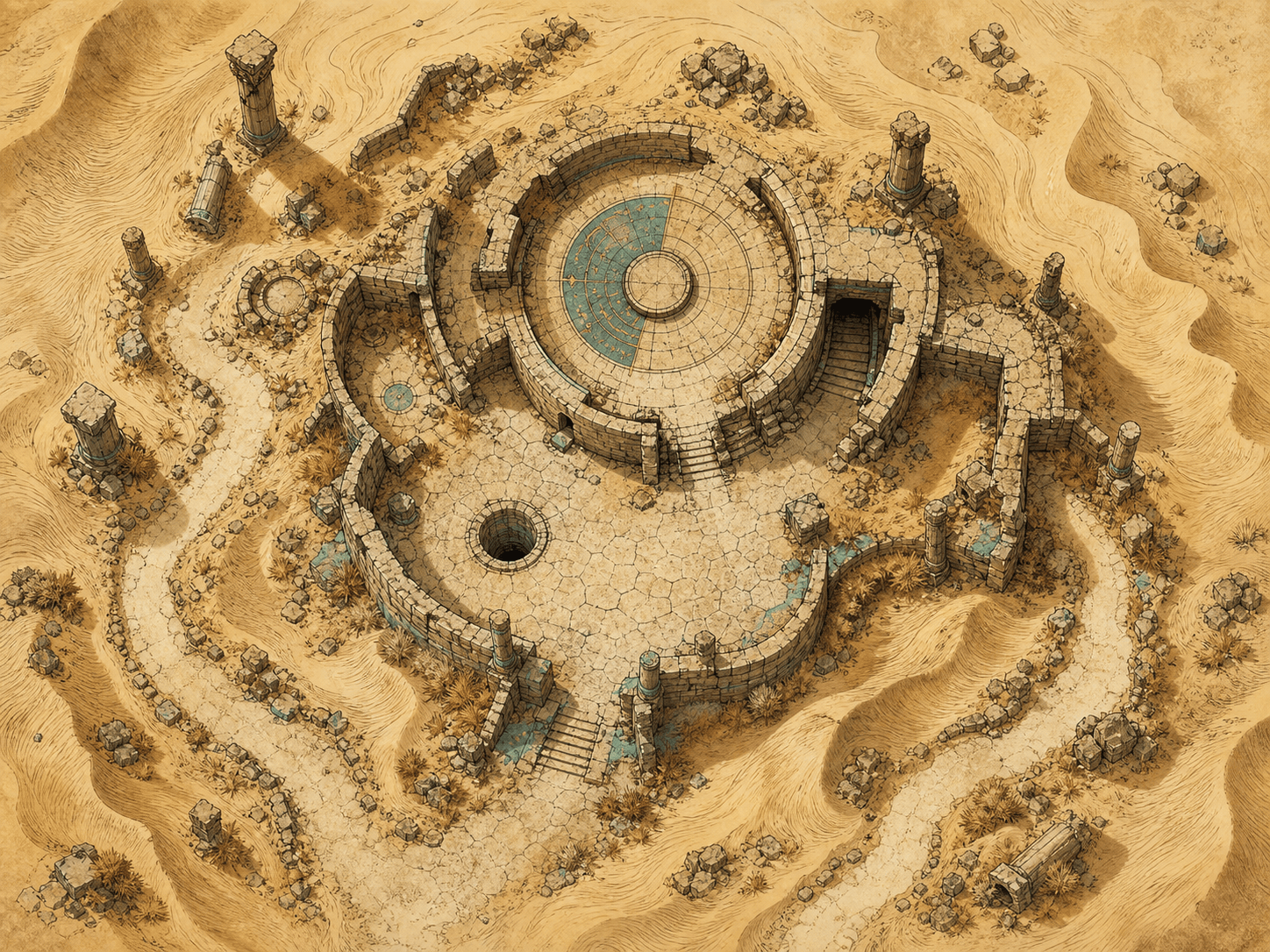
Design a gridless printable RPG map of a desert caravan ruin with a half-buried observatory, cracked courtyards, a dry well, a hidden stair, wind-carved dunes, and two approach routes. Use parchment-friendly tan and charcoal values and keep secret details off the player version.
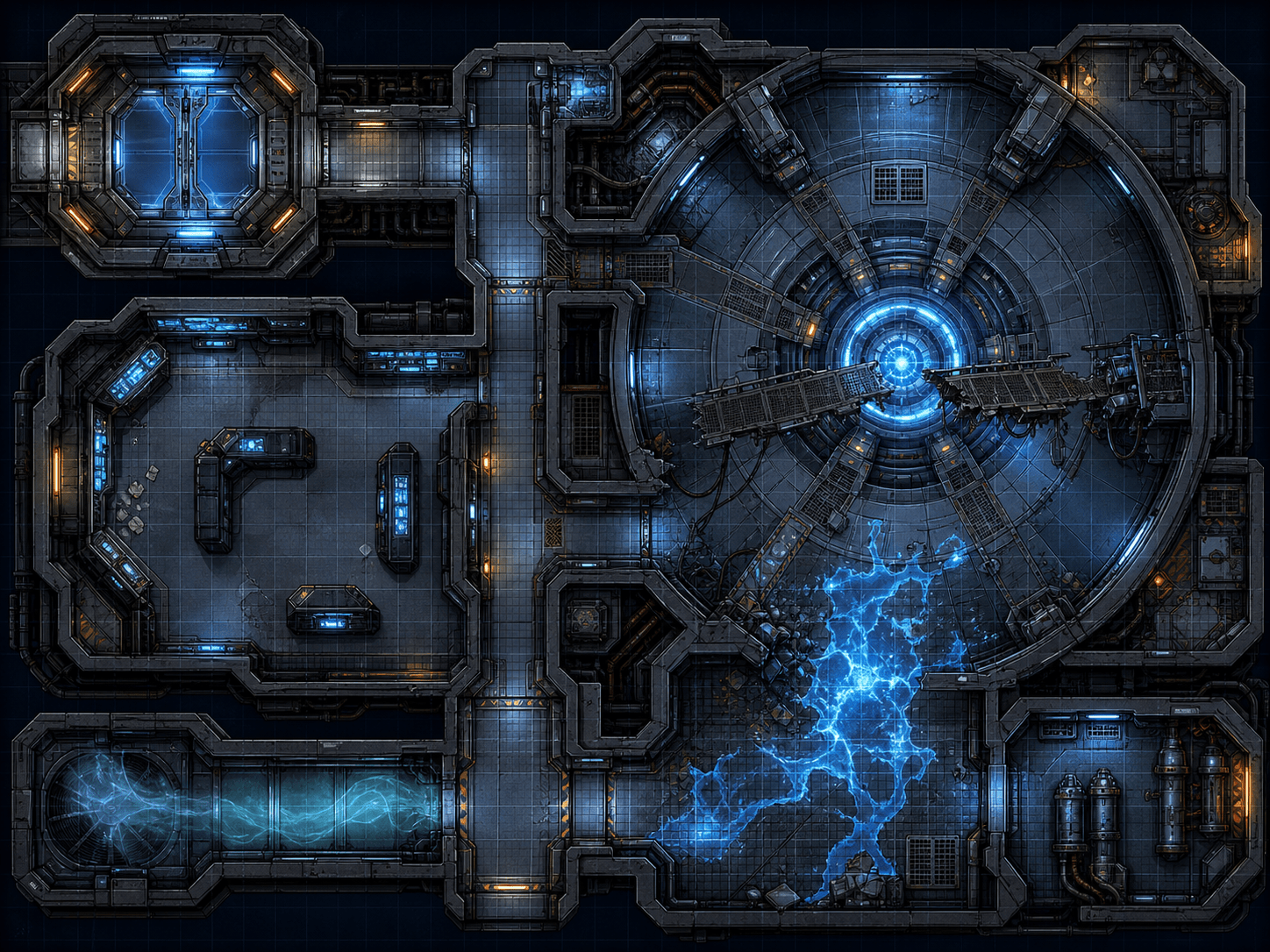
Generate a 24-by-18 sci-fi RPG battle map for a failing reactor station: airlock entrance, narrow maintenance corridors, a circular reactor room, console cover, a broken catwalk, a vent route, and a hazardous energy spill. Use a square grid, cool blue light, and uncluttered tactical lanes.
Make a top-down horror RPG map of an abandoned roadside motel for a one-shot. Include a parking lot, office, six connected rooms, a laundry corridor, a blocked rear exit, flickering light pools, and line-of-sight breaks. Deliver a gridless player map with no monster or clue labels.
Create a hex-friendly coastal RPG exploration map with a small pirate cove, sea stacks, a beached ship, a cave entrance, a watchtower, tide pools, and a trail to an inland shrine. Keep the coastline readable, reserve space for tokens, and use a hand-inked cartography style.
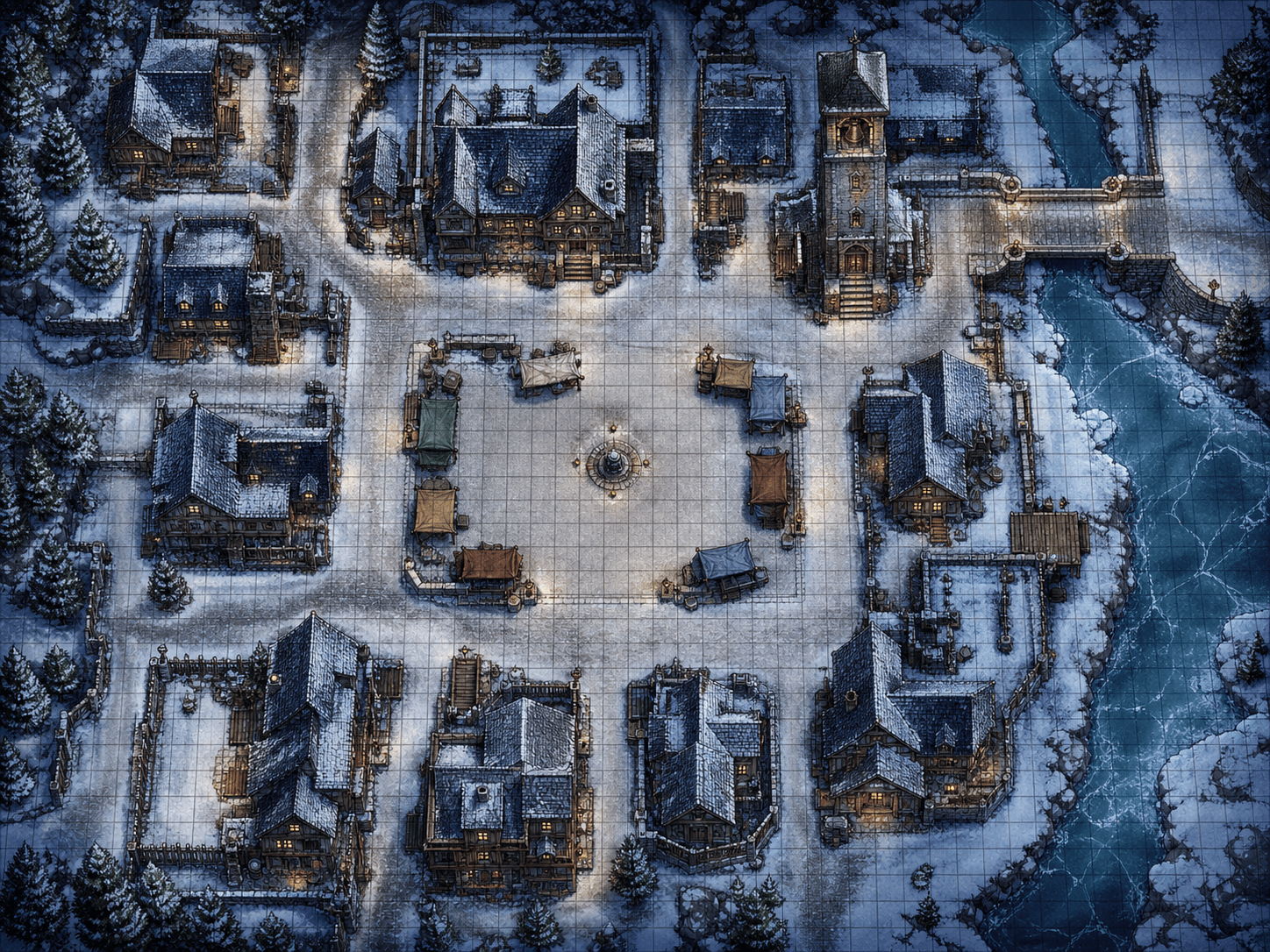
Design a printable winter-village encounter map for a system-agnostic RPG: frozen market square, snowed-in inn, narrow alleys, a bell tower, rooftop paths, an open plaza, and a river crossing. Use a high-contrast blue-gray palette, square-grid alignment, and separate GM notes from the player-facing art.





