Free OnlineAI RPG Character Generator
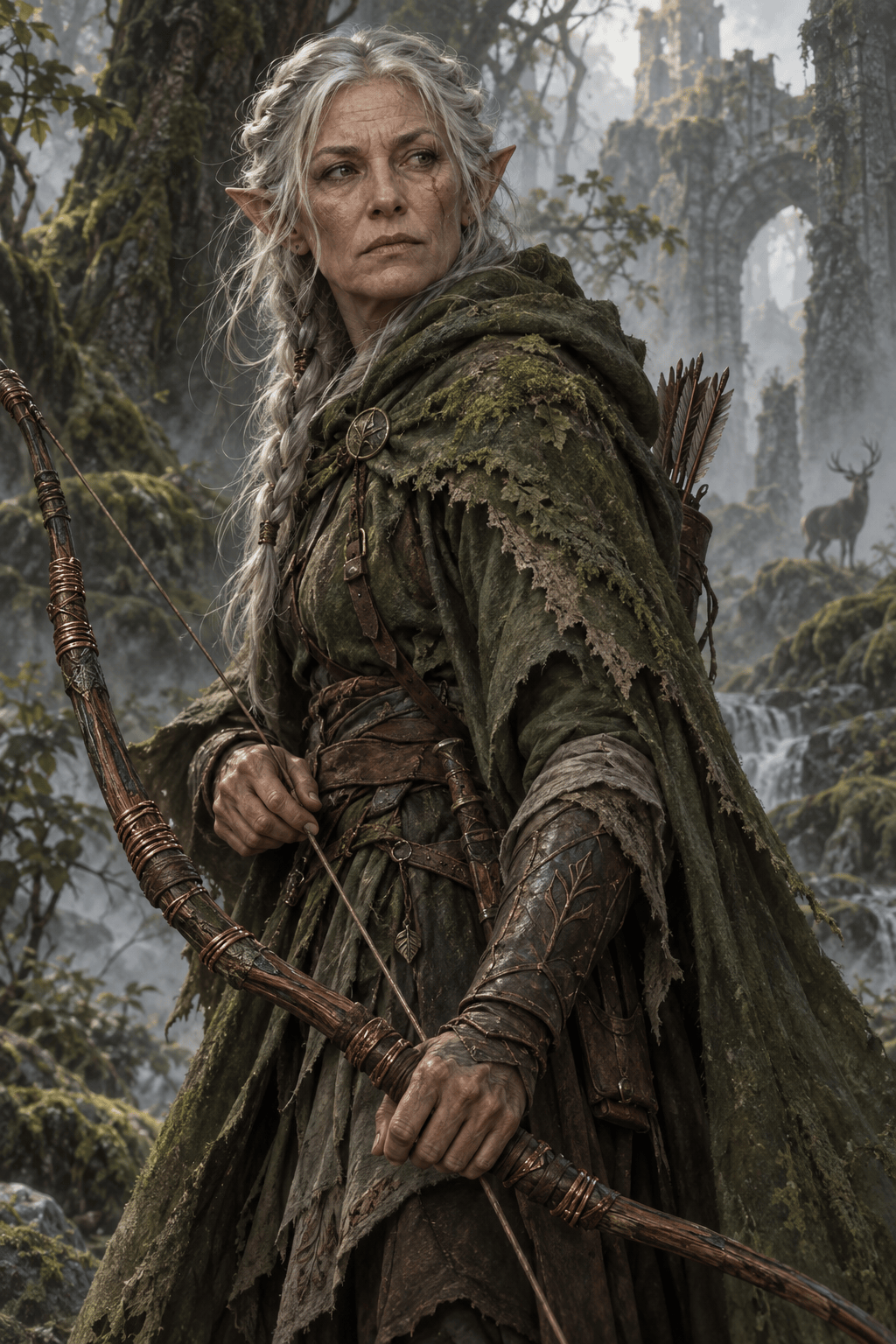
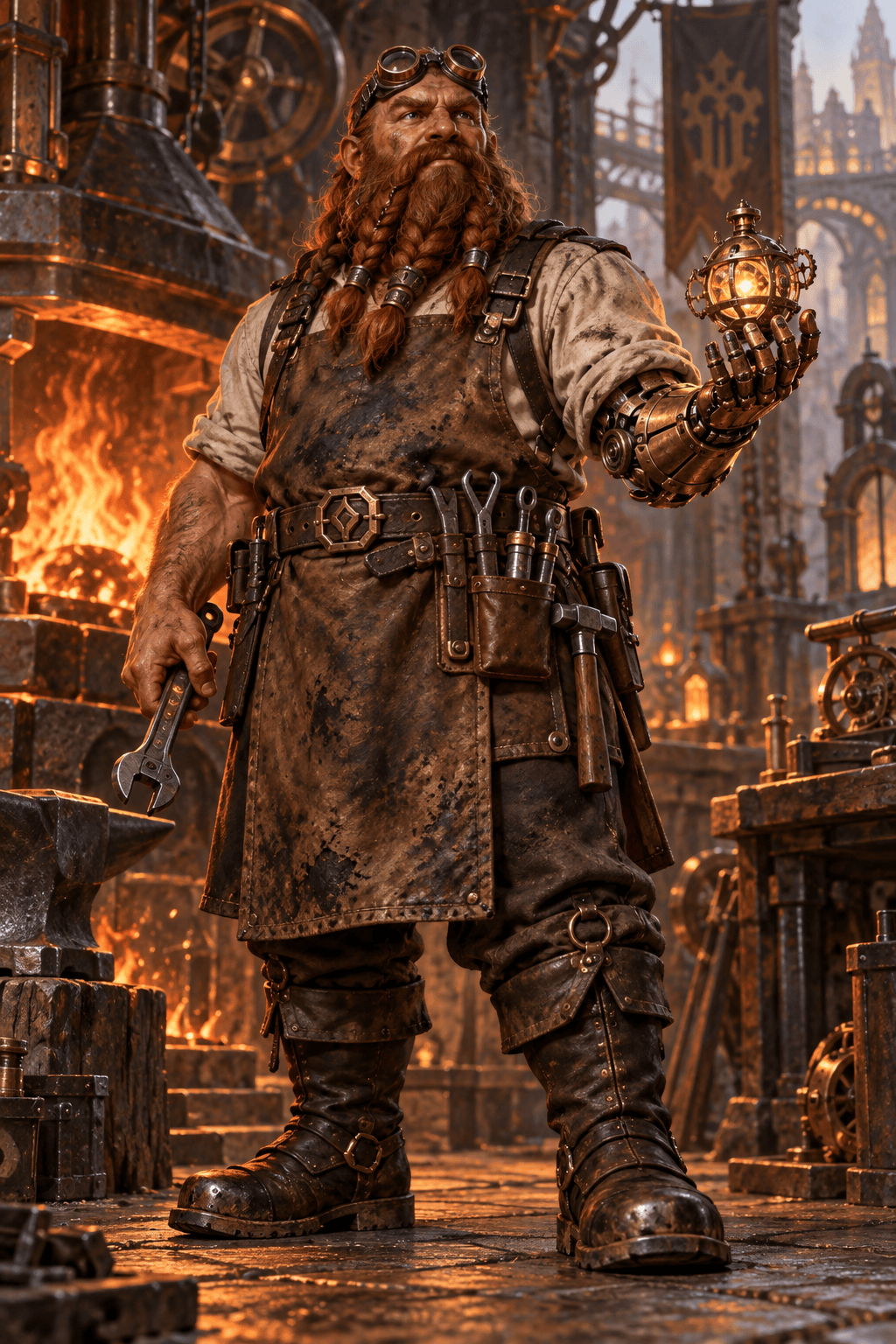
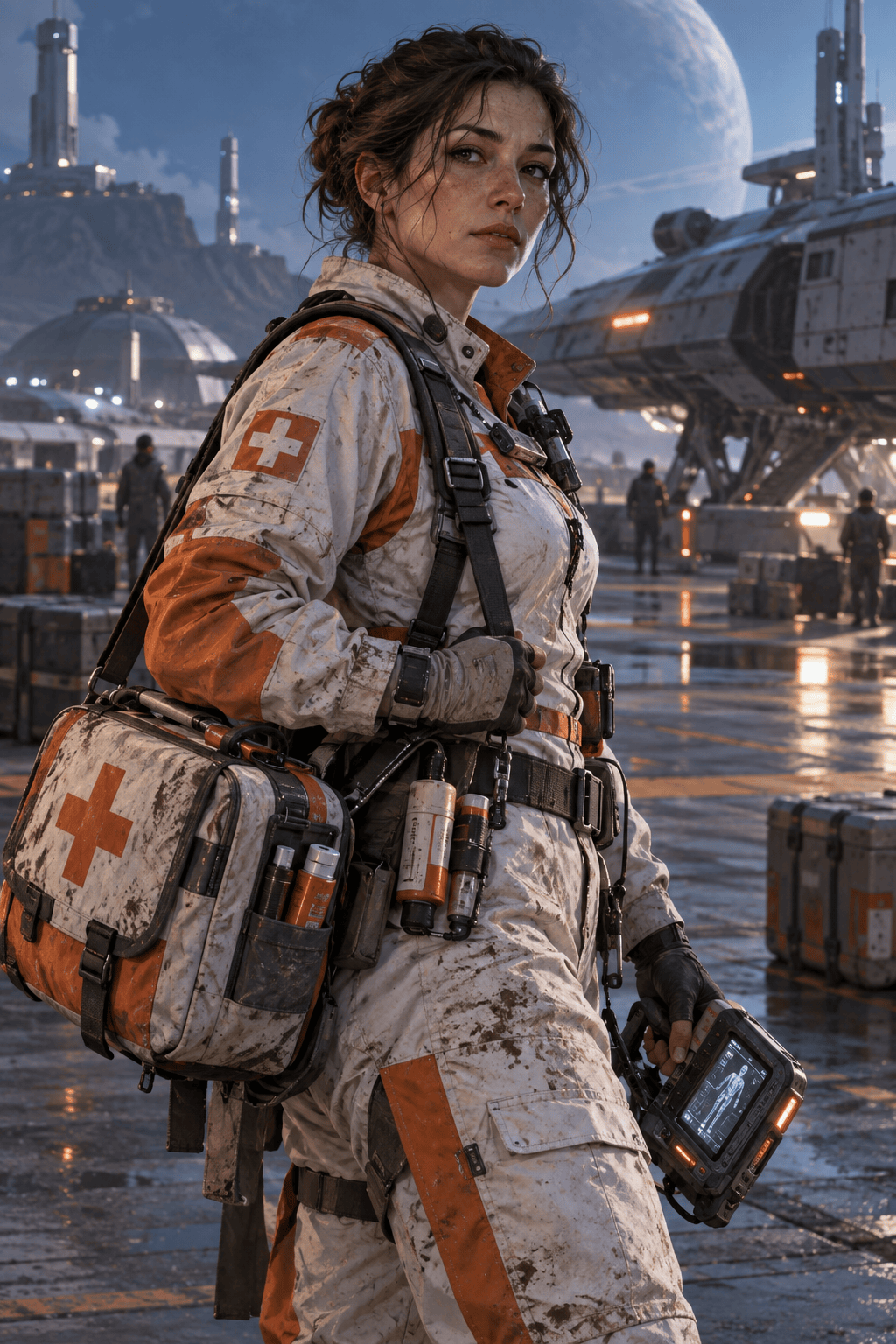
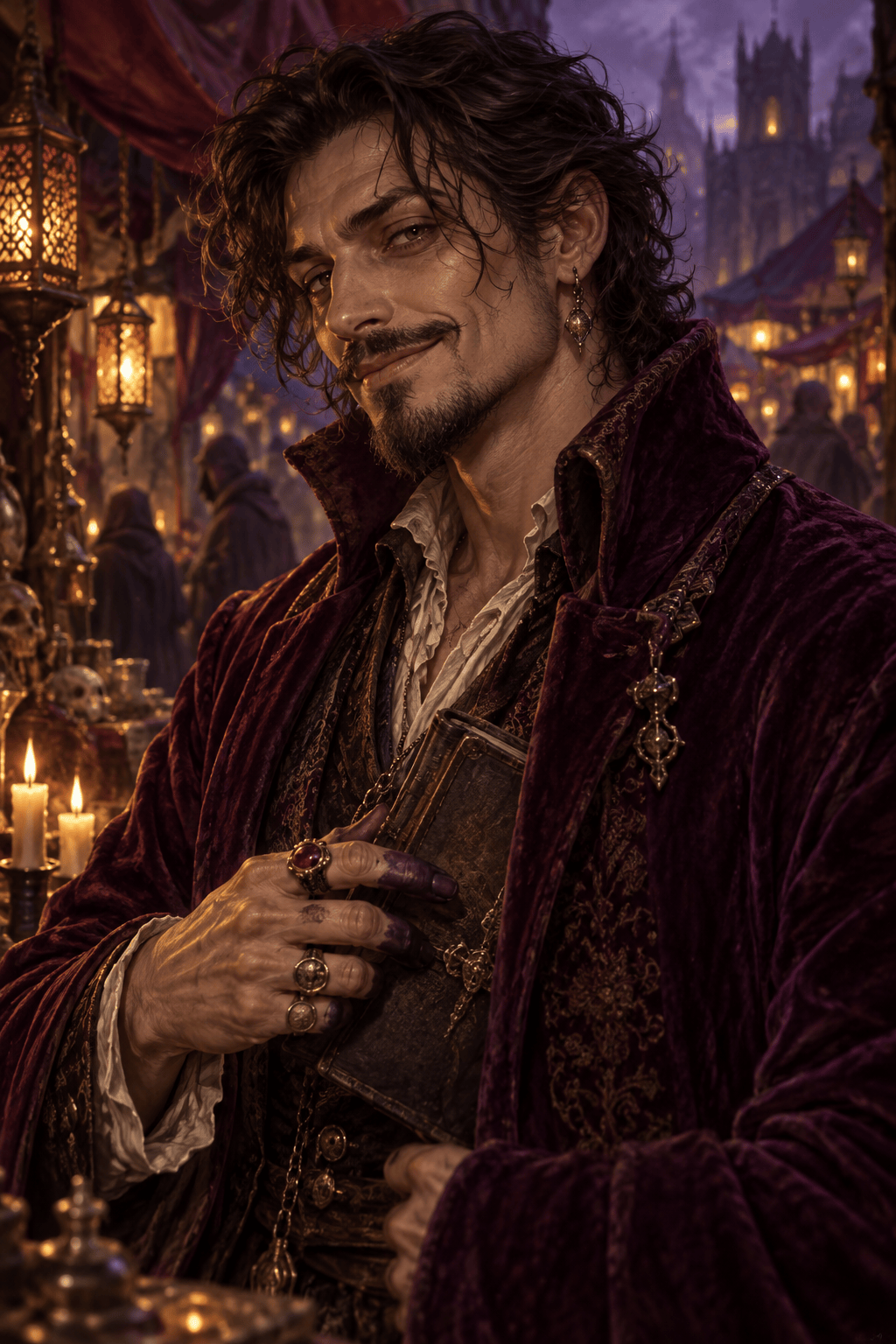
How to Create RPG Character Art with AI
Describe the Character
Choose the View and Style
Generate and Refine
Export for Your Game

Build Characters That Look Ready for the Story
From Backstory to Visual Detail
Turn a brief character hook into visible choices: travel-worn clothing, faction colors, a meaningful object, or a mood that fits the role.
Portraits and Full-Body Concepts
Our AI RPG character art generator can frame a close portrait for a profile or show an entire outfit and silhouette for concept development.
Fantasy and Beyond
Create high fantasy adventurers, dark fantasy villains, science-fiction crew, or cyberpunk NPCs without being locked into one campaign world.
Targeted Chat Edits
If the sword, armor, age, or expression is wrong, describe the correction with Chat Edit and keep working from the same character idea.
Visual References for Continuity
Upload a reference image when a party, faction, or recurring NPC needs a related visual direction. Review each result for consistency.
Try a Concept Online
Test the free AI fantasy character maker with signup credits, explore different directions, and export finished art without a watermark.
What to Include in an RPG Character Art Brief
- Anchor the design: Include ancestry or species, age, outfit, gear, and one recognizable feature that should survive revisions.
- Set the world: Tell the AI whether this is heroic fantasy, gothic horror, space opera, or another setting; match the material and lighting to it.
- Choose the crop: Request a head-and-shoulders portrait for profiles or a full-body view when armor, weapons, and silhouette matter.
- Check the result: Inspect hands, weapons, emblems, and recurring traits. Ask for one focused correction at a time.
RPG Character Ideas to Generate
Create a square tabletop RPG portrait of a human paladin who has abandoned a royal order. Tarnished silver armor, broken sun crest, compassionate expression, painterly fantasy style, quiet chapel background, no text.
Design a full-body dwarf artificer for a steampunk fantasy campaign. Soot-stained leather apron, brass prosthetic hand, compact tool belt, warm forge light, clear silhouette, detailed character concept art, no text.
Generate an NPC portrait of a charming but untrustworthy city merchant. Rich plum coat, ink-stained fingers, hidden ledger, half-smile, candlelit market stall, dark fantasy illustration, no text.
Create a sci-fi RPG character portrait of a field medic from a remote colony. Practical white-and-orange suit, worn medical satchel, tired but determined eyes, cinematic space-opera art, no text.
Design an anime-inspired JRPG protagonist in a full-body pose. Young storm mage, blue travel coat, copper charm, wind-swept hair, expressive stance, simple sky background, no text.
Create a square cyberpunk RPG avatar for a stealth hacker. Asymmetric jacket, subtle augmented eye, teal city reflections, alert expression, crisp readable face, no text.





