Free OnlineAI Rock Identifier
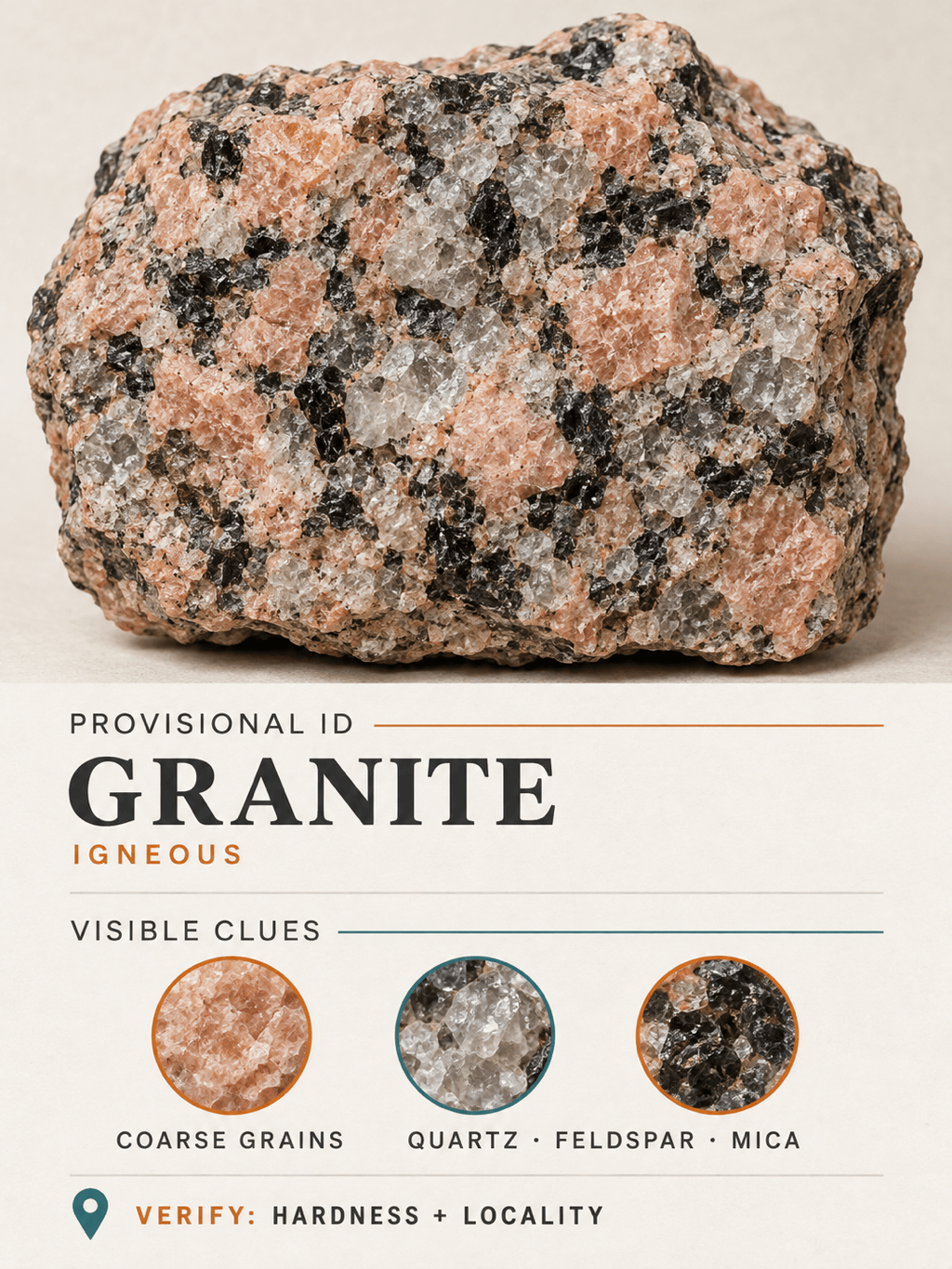
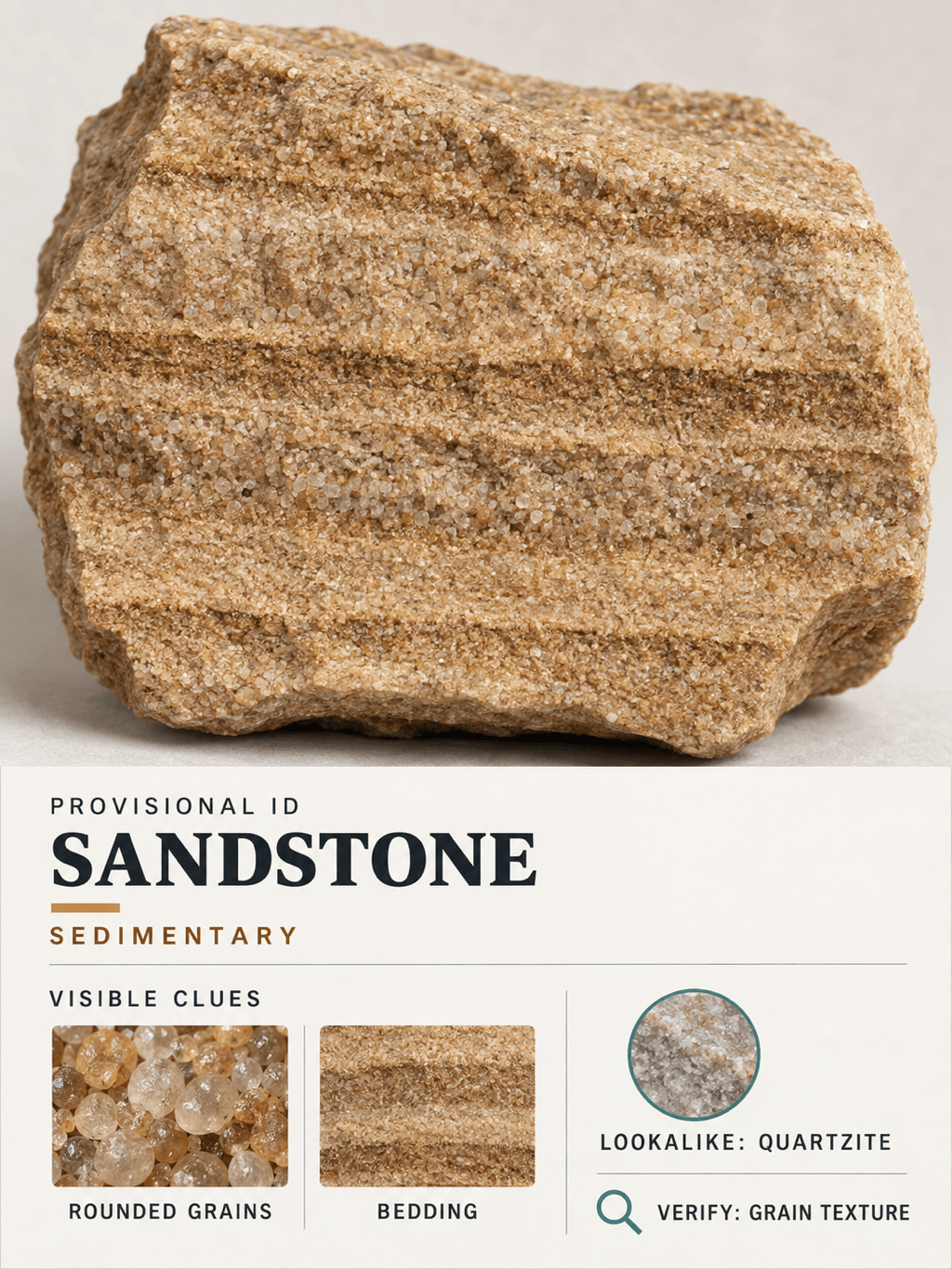
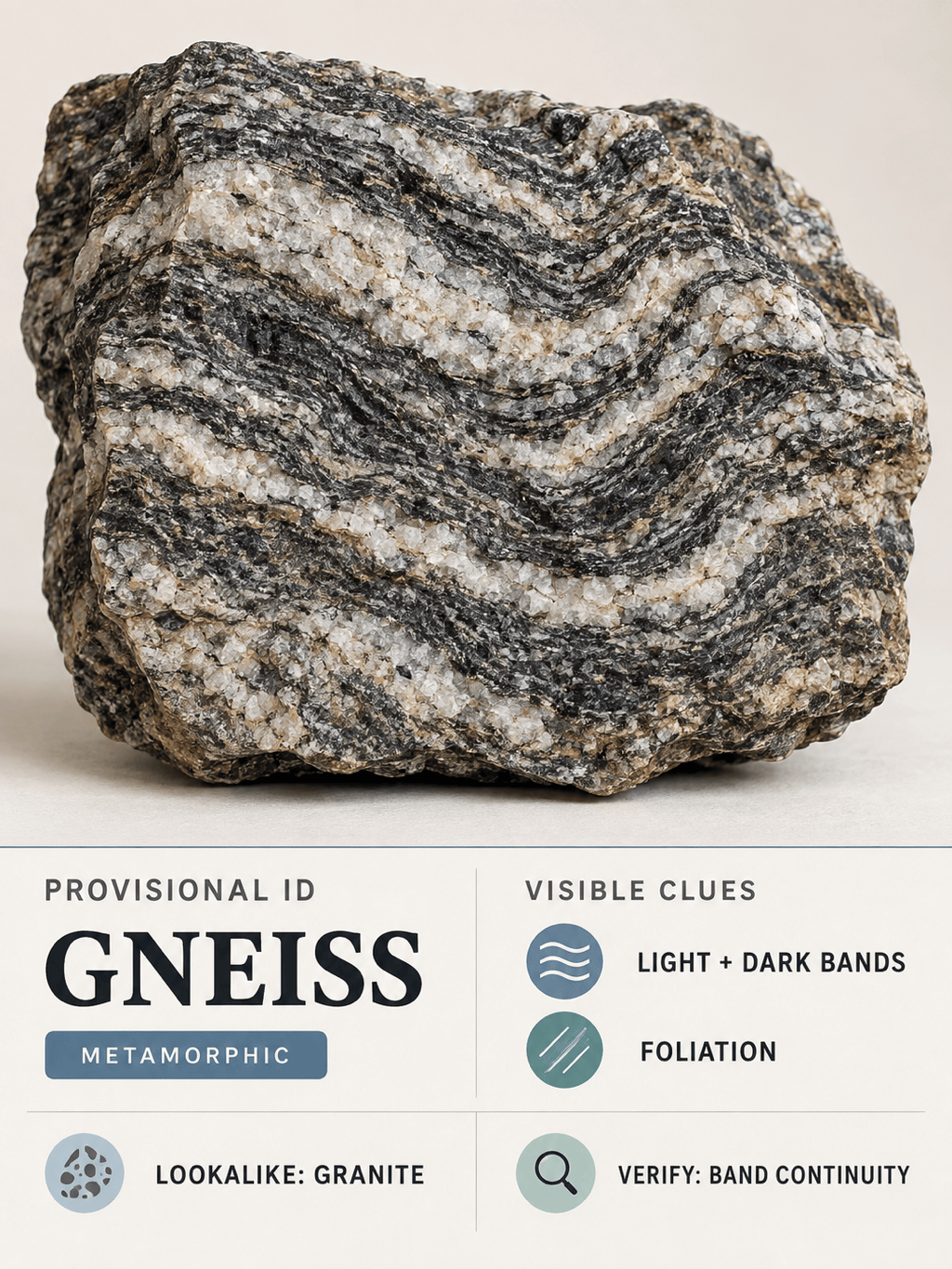
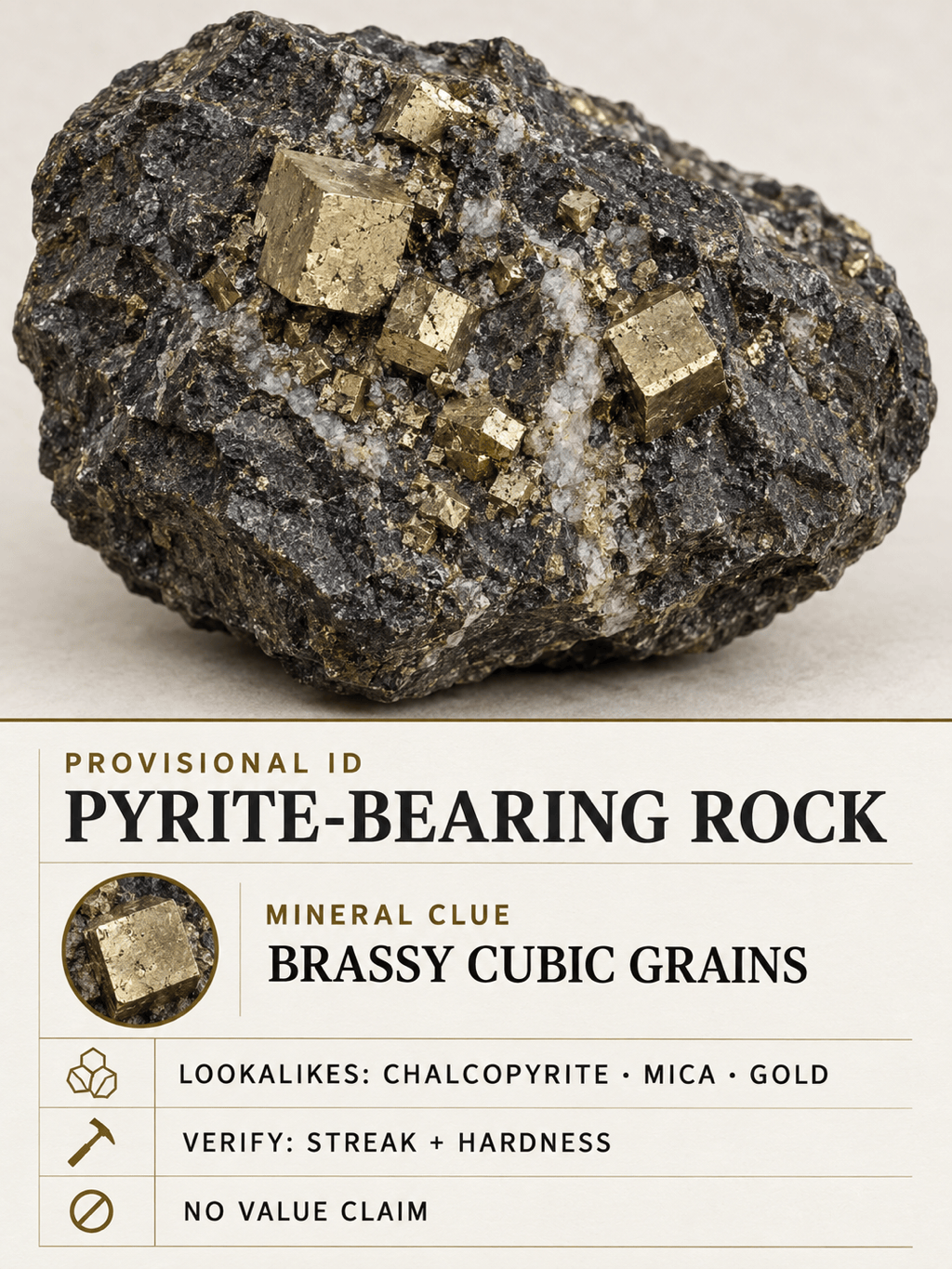
How to Identify a Rock from a Picture with AI
Upload Clear Rock Photos
Add What the Camera Cannot See
Request a Candidate and Its Evidence
Refine and Save a Specimen Card

A More Transparent Way to Explore Rock Identification
Ask Follow-Up Questions, Not Just Scan
A one-shot label can hide uncertainty. With Mew Design, you can ask why a match is plausible, which details are missing, and what second photo would be most useful.
Compare More Than One View
Upload the weathered exterior, a fresh face, and close-ups of grains, crystals, bands, or holes. The rock identifier by photo can consider those visual references together in one conversation.
See the Traits Behind the Match
Ask the AI to separate observation from inference and point to texture, grain size, luster, layering, banding, fracture, or crystal habit before suggesting a candidate.
Separate Lookalikes with Safer Next Steps
Similar specimens may need hardness, streak, magnetism, density, or expert examination. This AI stone identifier can suggest what to verify without presenting a photo match as proof.
Create a Clear Visual Specimen Record
Turn your likely identification, location, observations, lookalikes, and verification notes into a readable card for a collection, classroom activity, or field notebook.
Try Rock Identification Online
Sign up for free AI credits, test the conversational workflow in your browser, refine the result through chat, and download watermark-free identification graphics.
How to Photograph a Rock for Better AI Identification
- Use Dry, Indirect Daylight: Place the specimen on a plain background, fill the frame, avoid filters and flash glare, and make sure grains or crystals are sharp.
- Show Several Useful Views: Include the full rock, a texture close-up, and a fresh edge if one already exists. Photograph bands, layers, holes, veins, or metallic patches straight on.
- Add Scale and Locality: Place a coin or ruler nearby and note whether the rock came from a beach, river, trail, quarry, garden, or another setting.
- Report Observations, Not Guesses: Mention weight, magnetism, streak, hardness, or fizz only when safely observed. Do not cut, grind, heat, lick, or dissolve an unknown specimen.
Rock Identification Requests You Can Try
Analyze @rock-photo as an unknown specimen. List up to three likely matches, identify the visible texture, grain, luster, banding, and fracture clues, and tell me which details cannot be confirmed from the photo.
Classify @rock-photo as likely igneous, sedimentary, or metamorphic. Explain the features supporting that family, give a probable rock name, and list one close lookalike with a safe way to distinguish it.
Compare @dark-glassy-rock with obsidian, industrial slag, and fine-grained basalt. Separate visible evidence from assumptions, flag uncertainty, and tell me what additional angle or observation would help most.
Compare the brassy metallic grains in @specimen with pyrite, chalcopyrite, mica, and native gold. Do not estimate value. Suggest non-destructive observations and recommend expert testing if the evidence stays ambiguous.
Review @rock-full-view and @rock-closeup as the same specimen found on a beach. Use the location only as context, not proof. Return a ranked candidate list, possible man-made lookalikes, and a short verification checklist.
Create an editable specimen identification card from @rock-photo. Include provisional name, rock or mineral class, found location, visible clues, lookalikes, safe next checks, and a clear note that photo identification is not laboratory confirmation.





