Free OnlineAI Roadmap Generator
How to Create a Roadmap with AI
Set the Outcome and Horizon
Add Initiatives or Source Files
Generate and Reprioritize
Review, Export, and Present

Why Mew Design Works for Strategic Roadmaps
Build From Existing Planning Material
A useful roadmap rarely starts from a blank prompt. Upload a strategy brief, backlog export, project plan, or presentation, reference it with @, and ask Mew Design to turn the relevant content into a visual roadmap.
Choose the Right Roadmap Structure
This AI product roadmap generator can frame work by quarter, phase, strategic theme, or Now-Next-Later. Tell it whether the audience needs product priorities, cross-functional workstreams, or a high-level executive view.
Keep Strategy Above Task Noise
Readable roadmaps connect outcomes to initiatives and major milestones. The online roadmap maker helps group related work into concise lanes instead of crowding the page with every task and ticket.
Revise the Plan Through Conversation
Roadmaps change. Use Chat Edit to reorder priorities, rename phases, update a status, remove false precision, or create a separate stakeholder version without rebuilding the layout from scratch.
Bring Brand and Presentation Context
Upload a logo, brand assets, or visual references and request a presentation-ready 16:9 layout. Keep workstream colors limited, labels readable, and milestone markers clear for fast stakeholder scanning.
Free to Test and Ready to Export
Try the free AI roadmap generator with credits after signup, refine the design, and export without a watermark. Use PNG or JPG for digital sharing and PDF for presentations or print.
What Makes a Useful AI Roadmap Prompt
- Connect Work to Outcomes: Name the business or user goals, then group initiatives beneath those goals or strategic themes. A roadmap should explain why the work matters, not only when it may happen.
- Specify the Planning Model: Choose months or quarters for a time-based plan, Now-Next-Later when priorities may move, or swimlanes when teams and workstreams need separate visibility.
- Call Out Decision Points: Include major milestones, approvals, launches, known dependencies, status labels, and owners only when they help the audience understand risk or sequence.
- Design for the Destination: Mention 16:9 slides, a workshop board, a printable PDF, brand colors, and the level of detail. Keep initiative names short enough to scan from a presentation screen.
AI Roadmap Prompts for Products, Projects, and Strategy
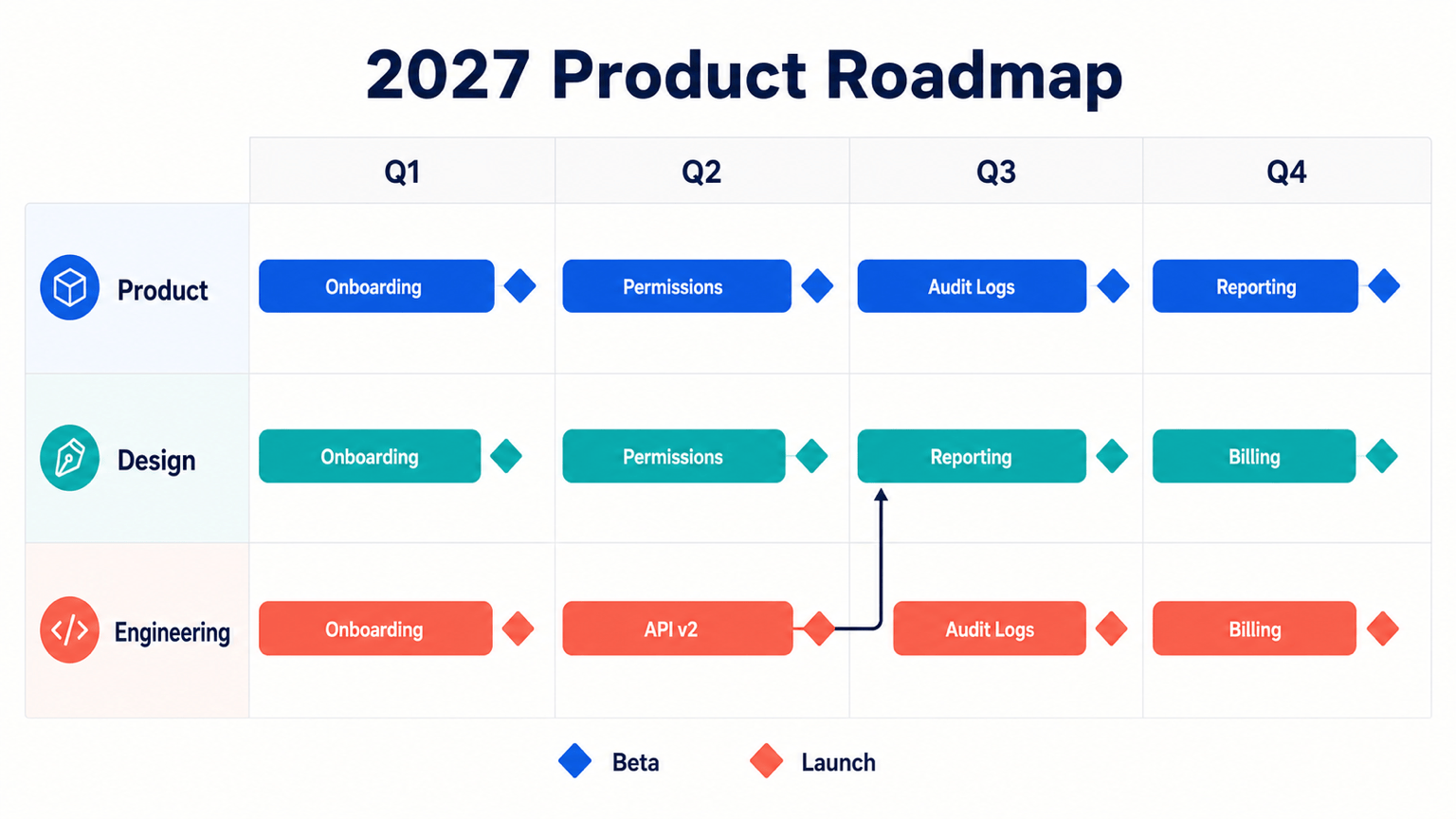
Create a 16:9 SaaS product roadmap for the next four quarters. Goal: increase team adoption and expansion revenue. Use Product, Platform, and Growth swimlanes. Show onboarding improvements, permissions, API v2, collaboration features, usage reporting, and enterprise billing. Add beta and general-availability milestones, connect permissions as a dependency for enterprise billing, and use a clean blue palette for an executive review.
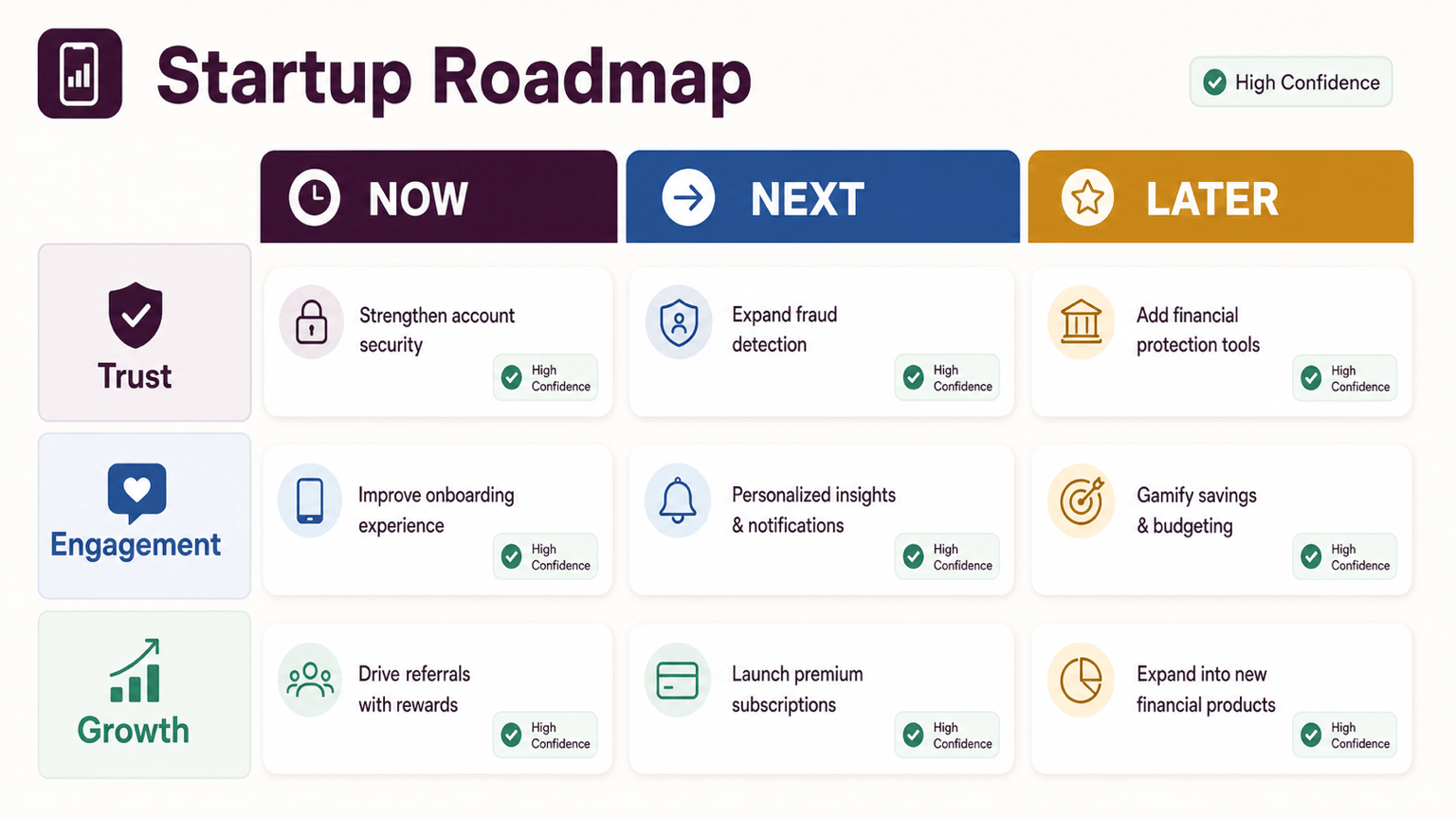
Build a Now-Next-Later roadmap for an early-stage mobile finance app. Now: fix payment reliability and complete user interviews. Next: launch shared budgets and spending alerts. Later: add subscription plans and international transfers. Group cards under Trust, Engagement, and Growth outcomes. Use short labels, confidence tags, and no fixed dates.
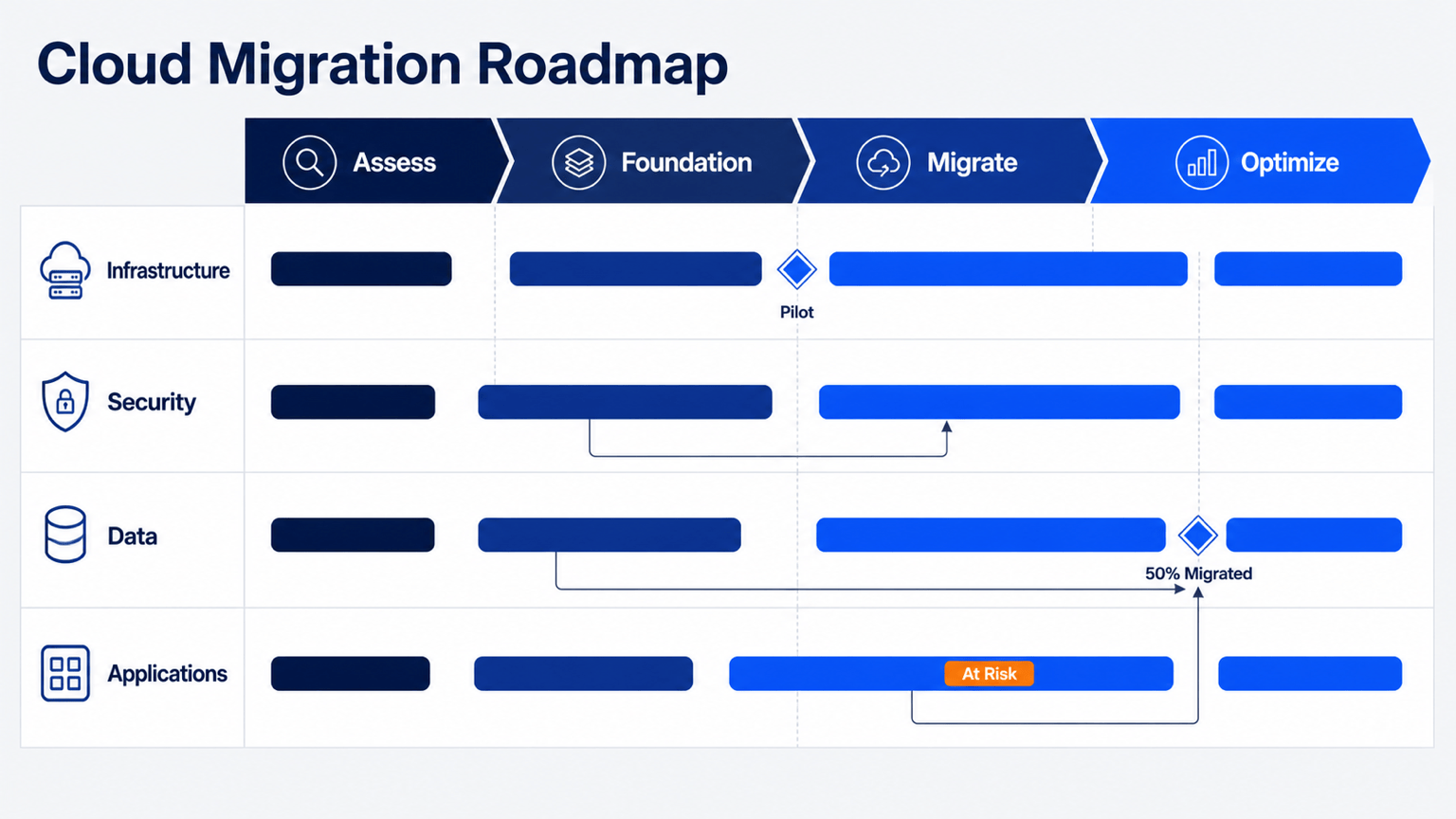
Create an AI technology roadmap for a 12-month cloud migration. Phases: Assess, Build Foundation, Migrate, and Optimize. Workstreams: Infrastructure, Security, Data, and Application Teams. Show identity and network foundations as dependencies, mark pilot migration and 50% workload migration as milestones, and flag legacy database testing as at risk. Use a restrained navy and orange presentation style.
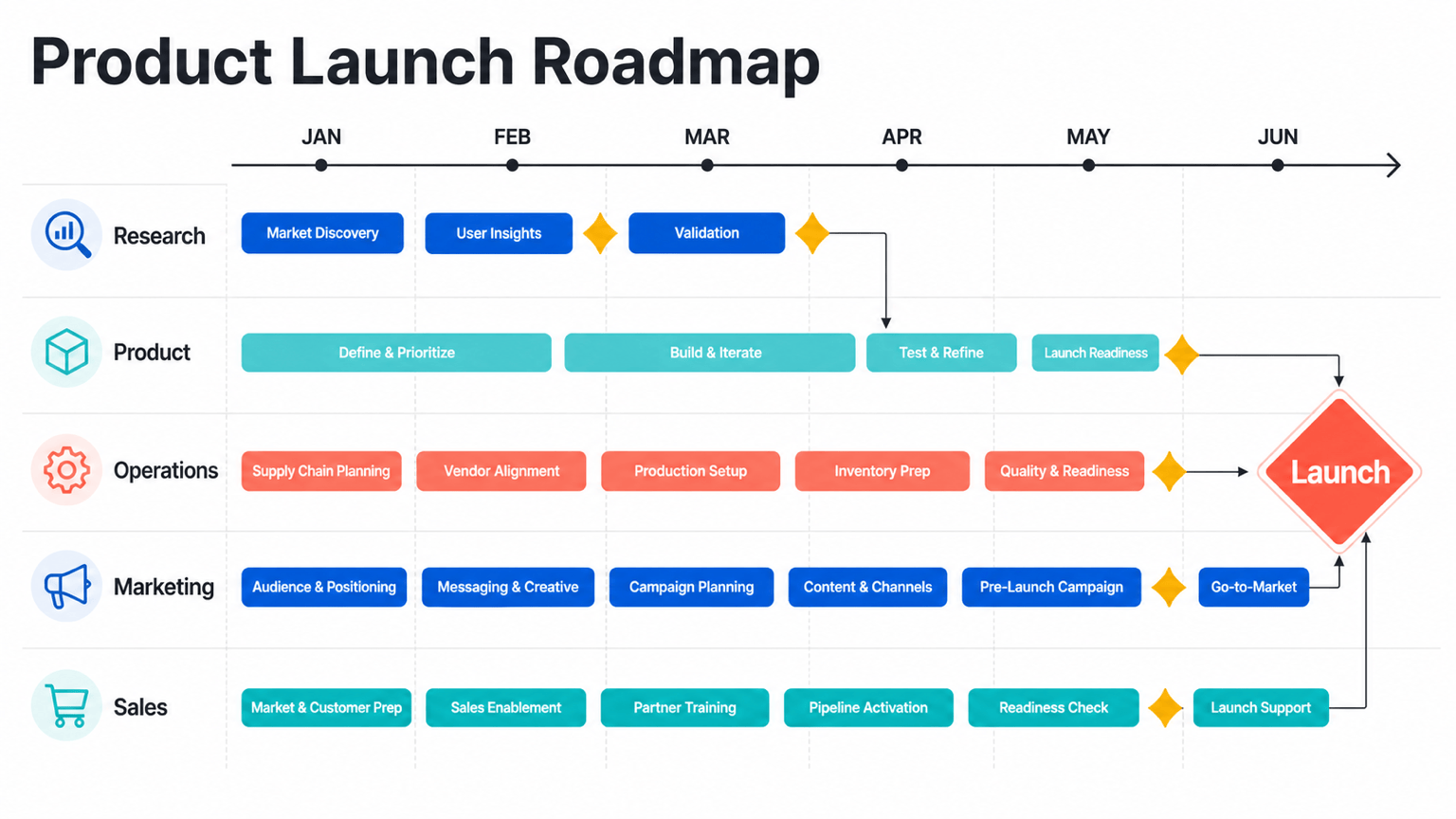
Generate a six-month project roadmap for a consumer product launch. Workstreams: Research, Product, Operations, Marketing, and Sales. Include prototype validation, supplier approval, production readiness, campaign production, channel training, and launch. Show approval gates and critical dependencies with minimal arrows. Make the visual clear enough for a weekly leadership update.
Turn my referenced campaign brief and budget spreadsheet into a marketing roadmap from September through February. Use Strategy, Content, Paid Media, Partnerships, and Measurement swimlanes. Highlight creative approval, campaign launch, holiday push, and performance review milestones. Keep channel tactics summarized and use our uploaded brand colors and logo.
Read the strategy deck I referenced with @ and create a one-page executive roadmap. Organize initiatives into H1, H2, and Future, then group them by Customer Experience, Operational Efficiency, and New Revenue. Add one measurable outcome beneath each theme, use concise labels, and create a polished 16:9 visual suitable for a board presentation.





