Fix Lens Reflections withAI Remove Glasses Glare
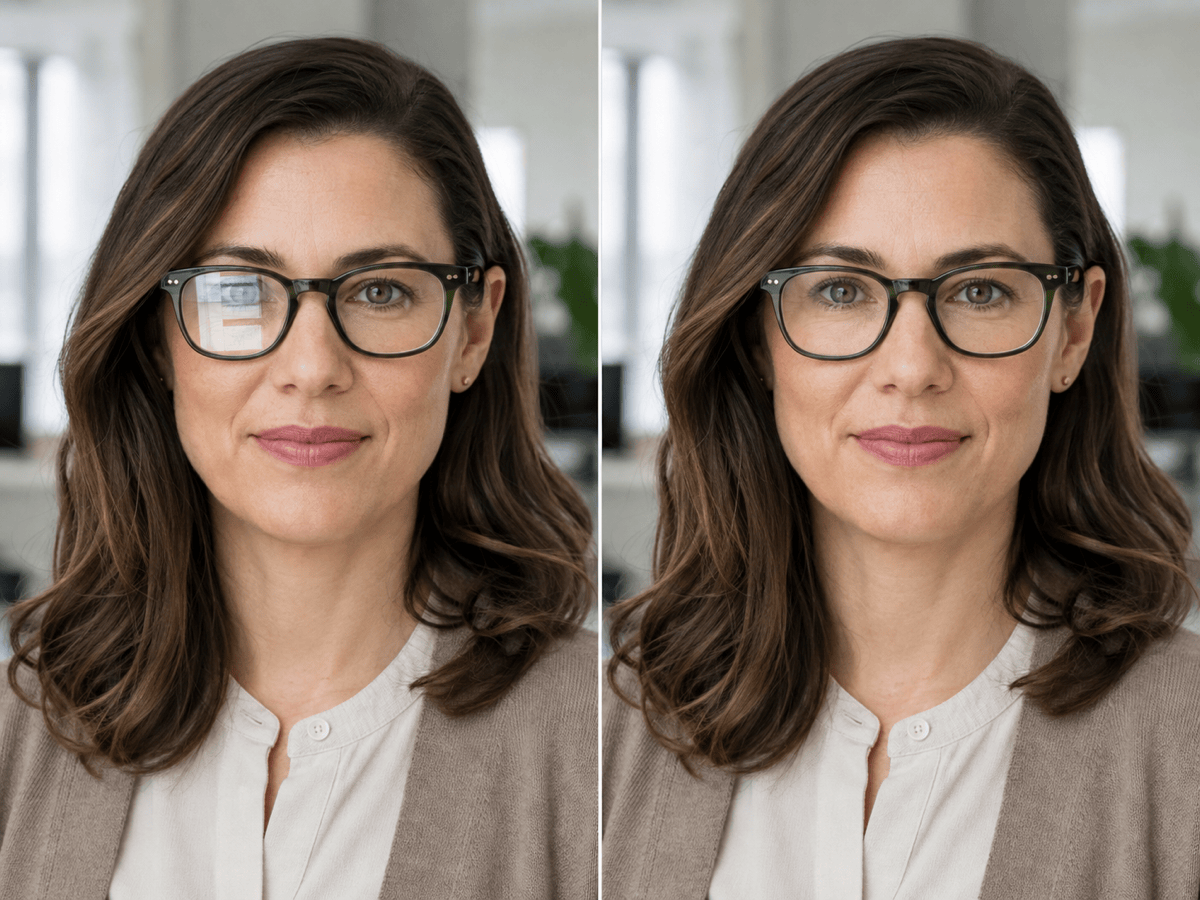
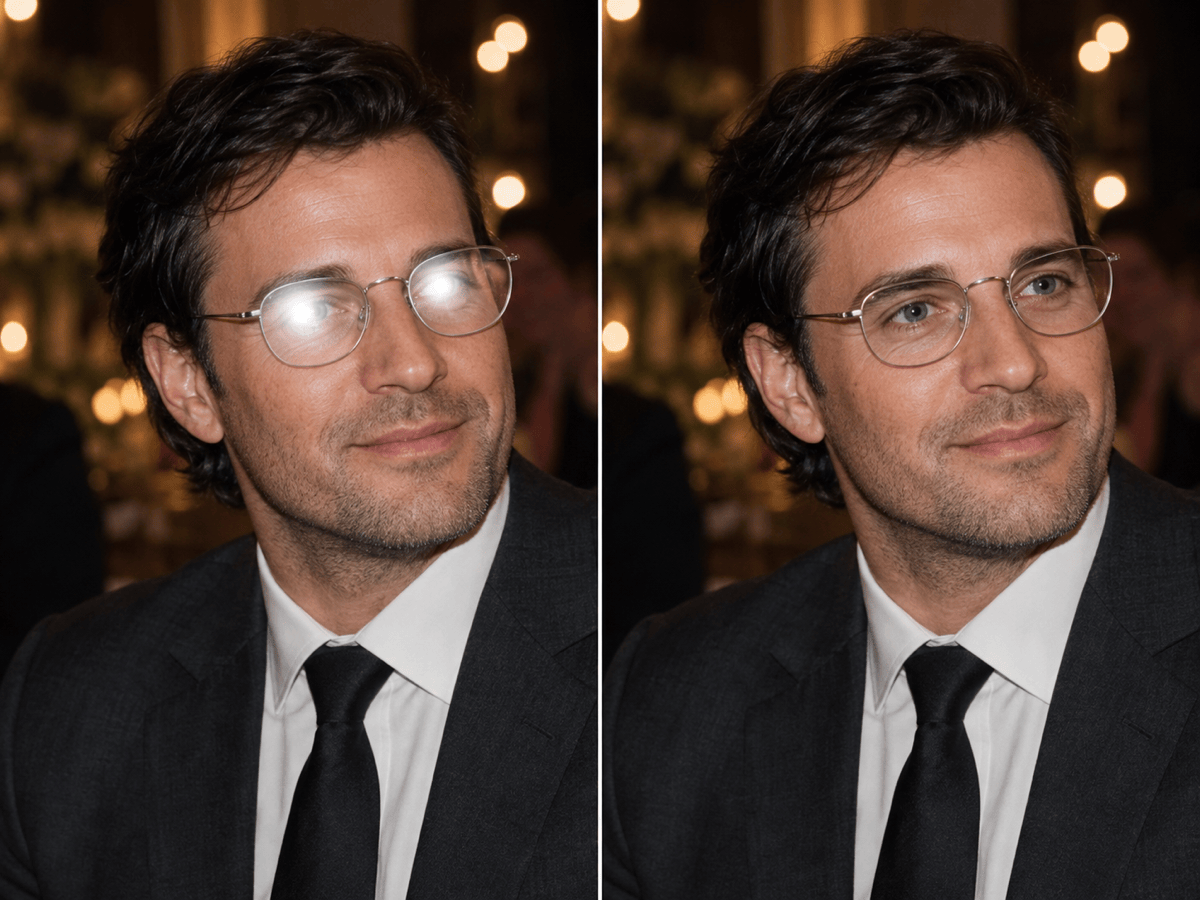
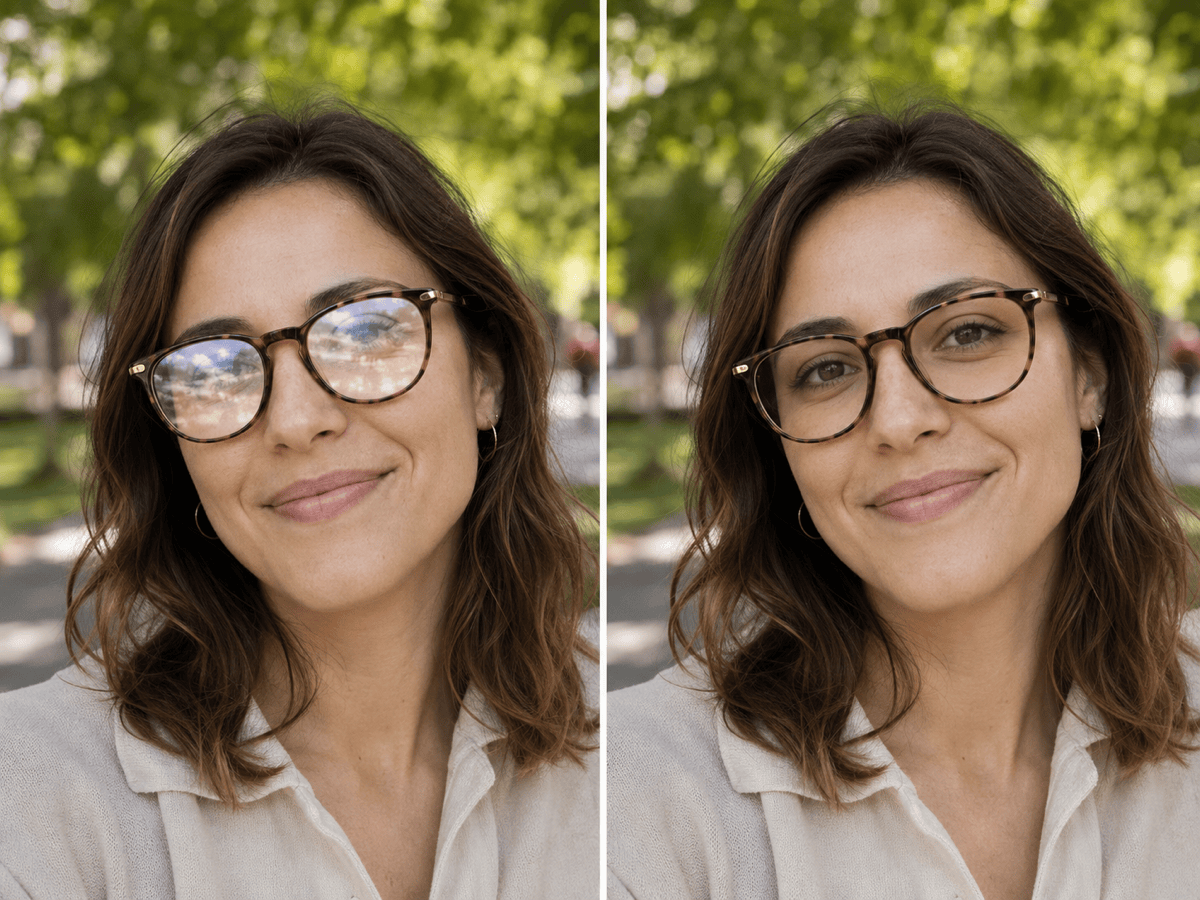
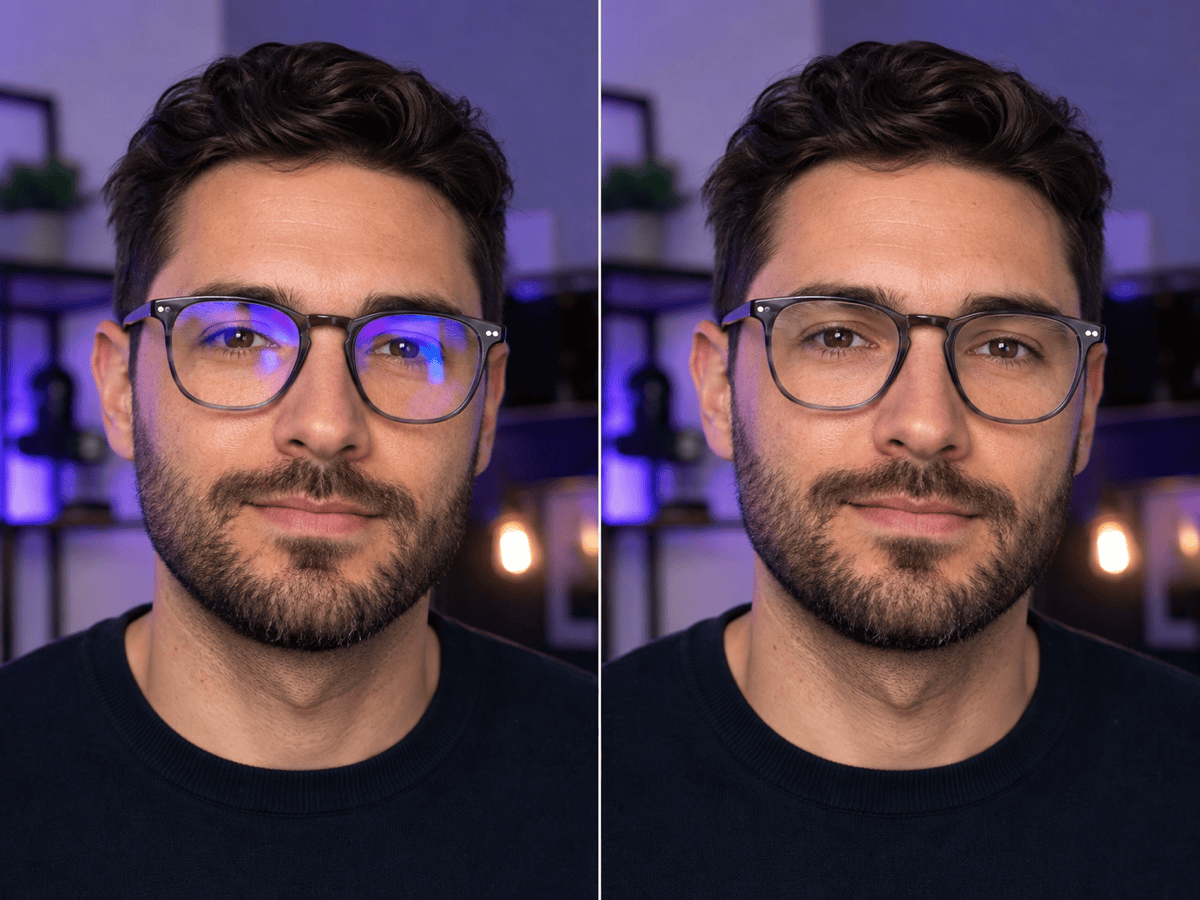
How to Fix Glare on Glasses in a Photo
Choose the sharpest portrait
Point out the reflection
Name what must not change
Check, refine, and finish

Keep the Portrait, Lose the Lens Reflection
Edit one lens or both
Limit the correction to the left lens, right lens, or both lenses instead of redrawing the entire face.
Frames stay in the picture
This is a glasses glare remover, not a glasses eraser. Specify that rims, bridge, temples, and frame color must remain unchanged.
Match the visible eye
When only one lens is blocked, use the unobstructed eye as a guide for eye color, eyelid shape, catchlight, and gaze.
Handle real-world reflections
Clean up white flash spots, rectangular window or monitor glow, outdoor highlights, and green, blue, or purple coating reflections.
Repair portraits without a reshoot
Polish headshots, team photos, wedding images, graduation portraits, group shots, and creator content from one conversational workspace.
Stay in control with Chat Edit
Adjust the strength, restore a frame edge, or narrow the edit area with plain-language follow-ups instead of starting over.
A Better Glare-Removal Prompt Says What Must Not Change
- Protect the portrait: List the features that should remain stable—especially gaze, eye color, expression, skin texture, and face shape.
- Protect the glasses: Mention the frame rims, bridge, temples, color, lens tint, and any intentional reflections you want to keep.
- Add a reference when needed: If both eyes are obscured, attach a clear photo of the same person taken from a similar angle and in similar lighting.
- Inspect before exporting: Zoom in on pupils, eyelids, catchlights, frame edges, and left-to-right brightness; ask for a restrained revision if anything drifts.
Prompts to Remove Glasses Glare from a Photo
Remove the camera flash glare from both eyeglass lenses in this event portrait. Preserve the person’s eye color, gaze, expression, skin texture, silver frame, lens tint, background, and warm reception lighting.
Clear the blue monitor reflection from the left lens only. Match the edited eye to the unobstructed right eye, keep the frame edges crisp, and do not change the face, hair, clothing, crop, or office background.
Reduce the circular ring-light reflection across these glasses while keeping small natural catchlights in the eyes. Preserve the makeup, frame shape, facial proportions, skin detail, and studio-light direction.
Remove the bright outdoor sun reflection from the lenses without removing the glasses. Keep the brown tortoiseshell rims, subtle lens tint, original gaze, smile, hair, shadows, and background exactly the same.
Fix glasses glare for each adult in this group photo. Edit only the reflective lens areas, maintain every person’s identity and expression, and leave frame styles, poses, clothing, composition, and venue lighting unchanged.
Neutralize the green and purple anti-reflective coating glare on both lenses. Reveal only the eye details supported by the photo, preserve the frame and bridge, and keep the portrait’s color grade and contrast consistent.





