Free OnlineAI Relight Photo
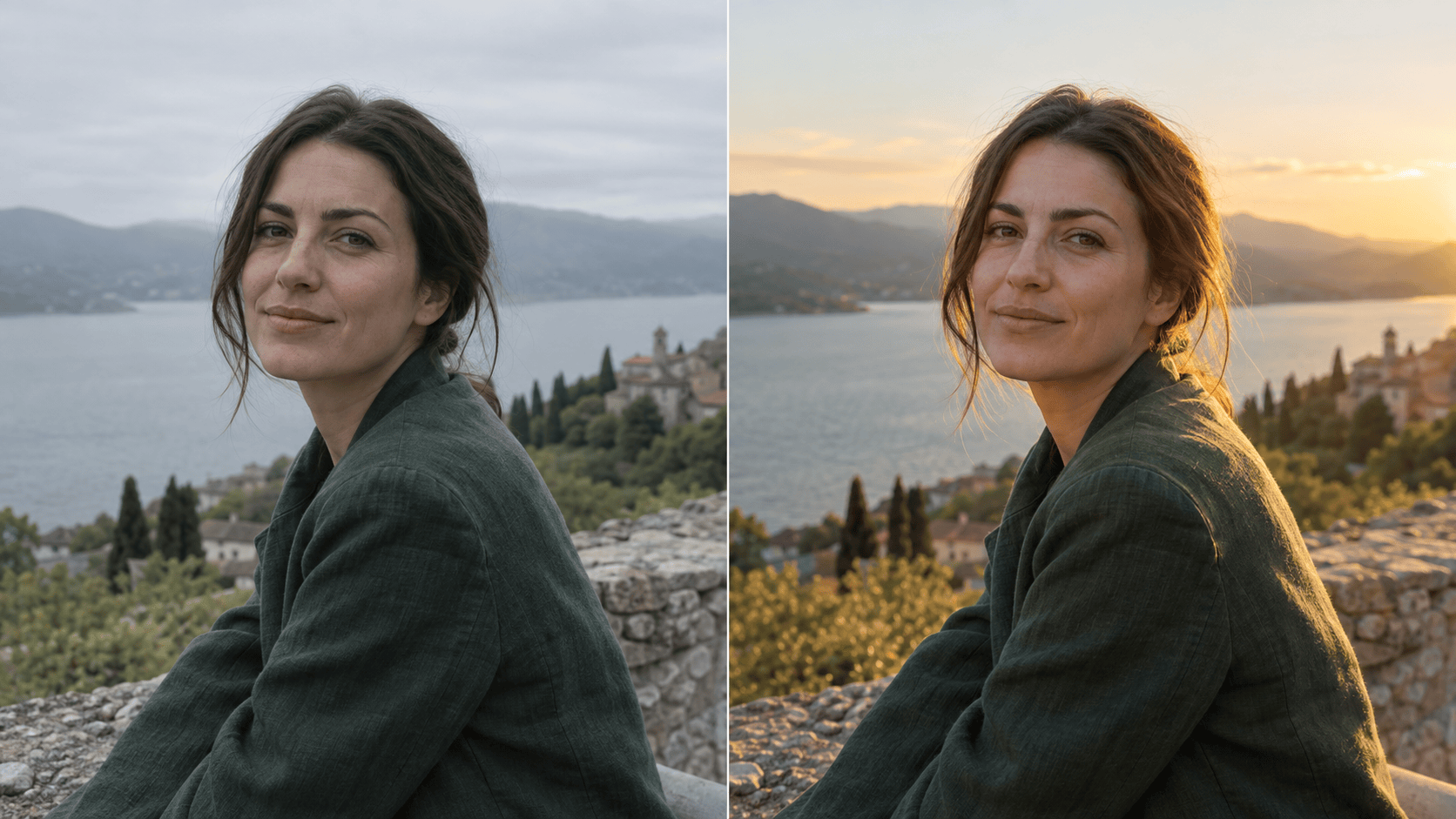
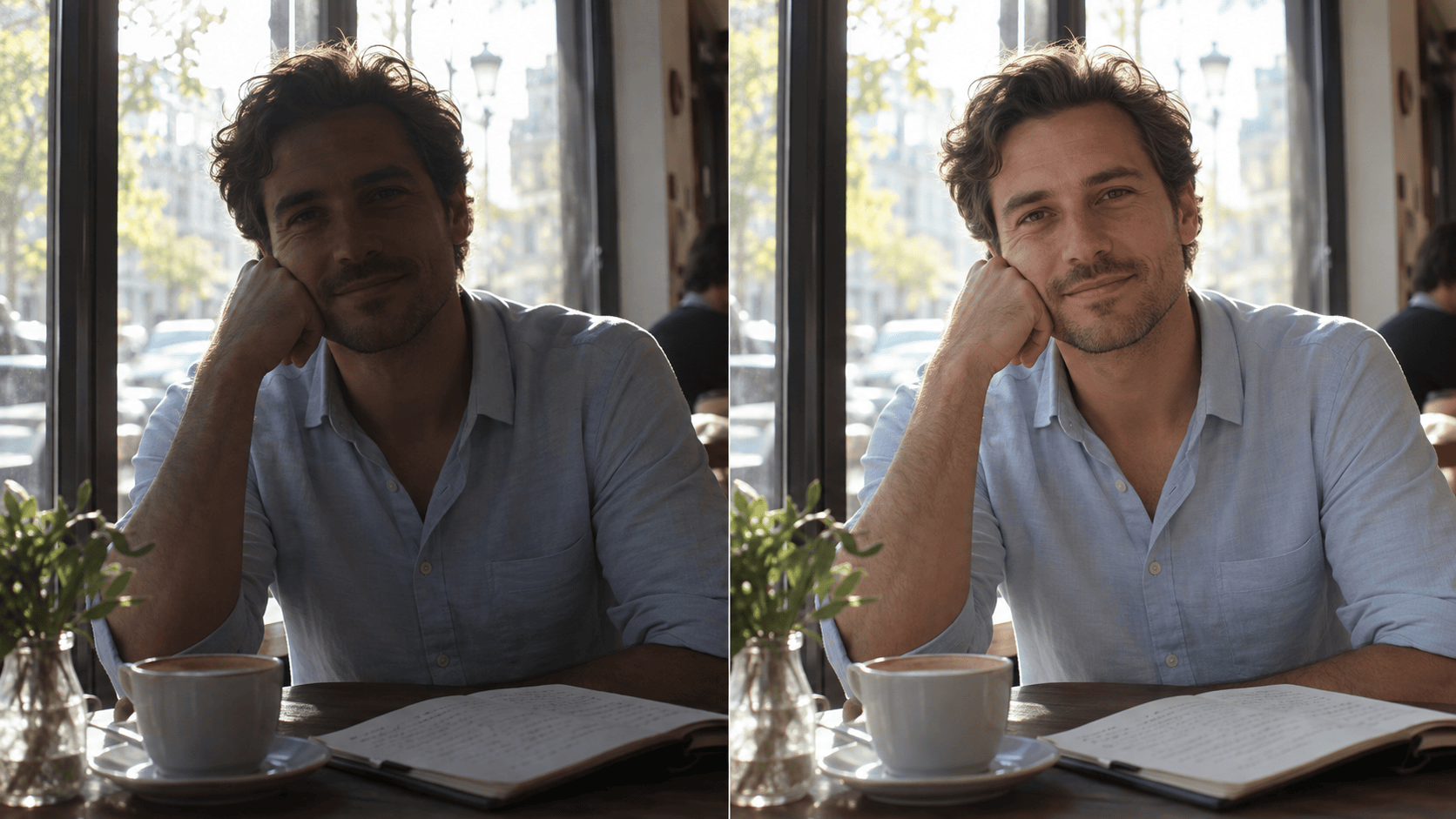
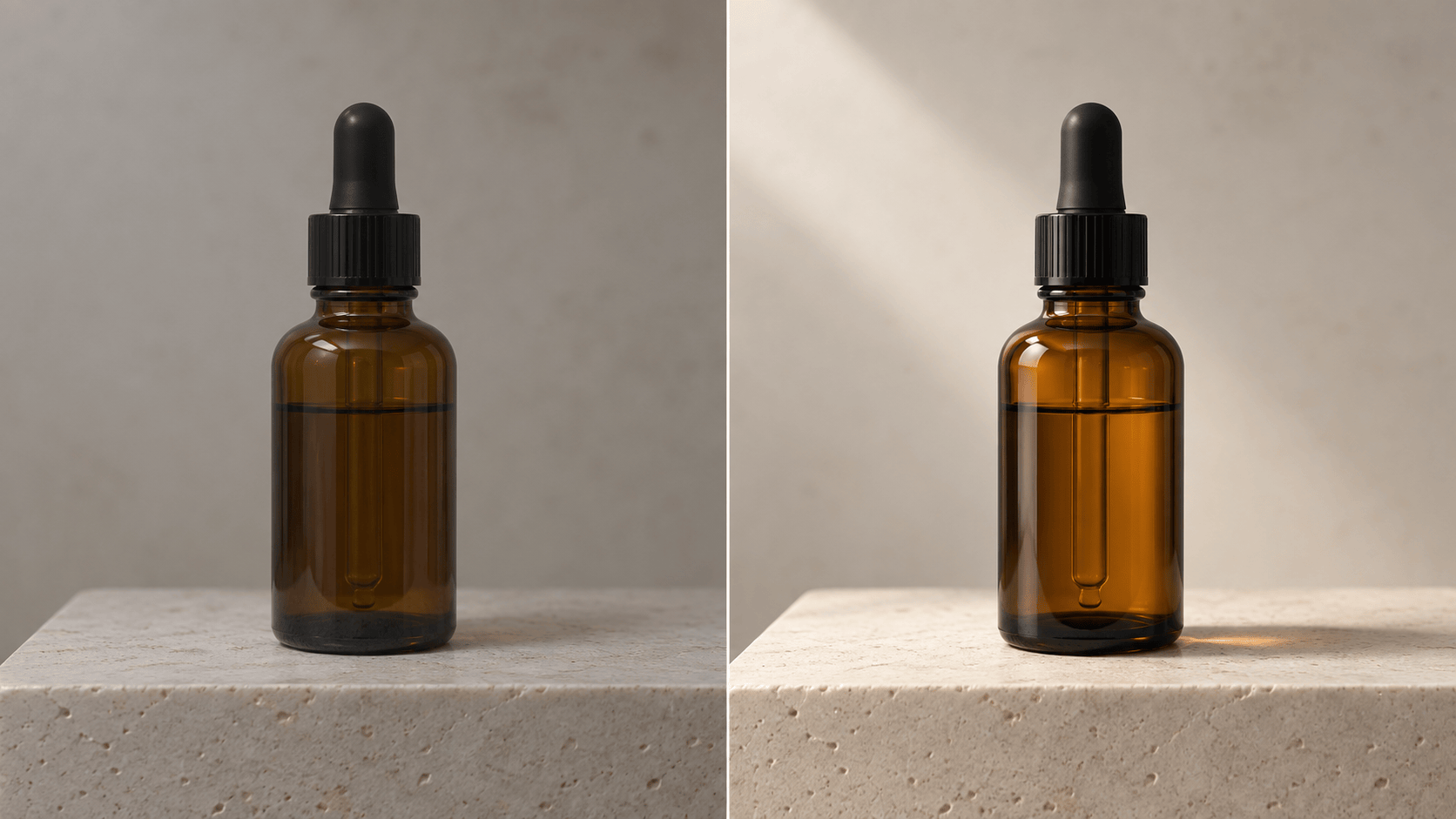
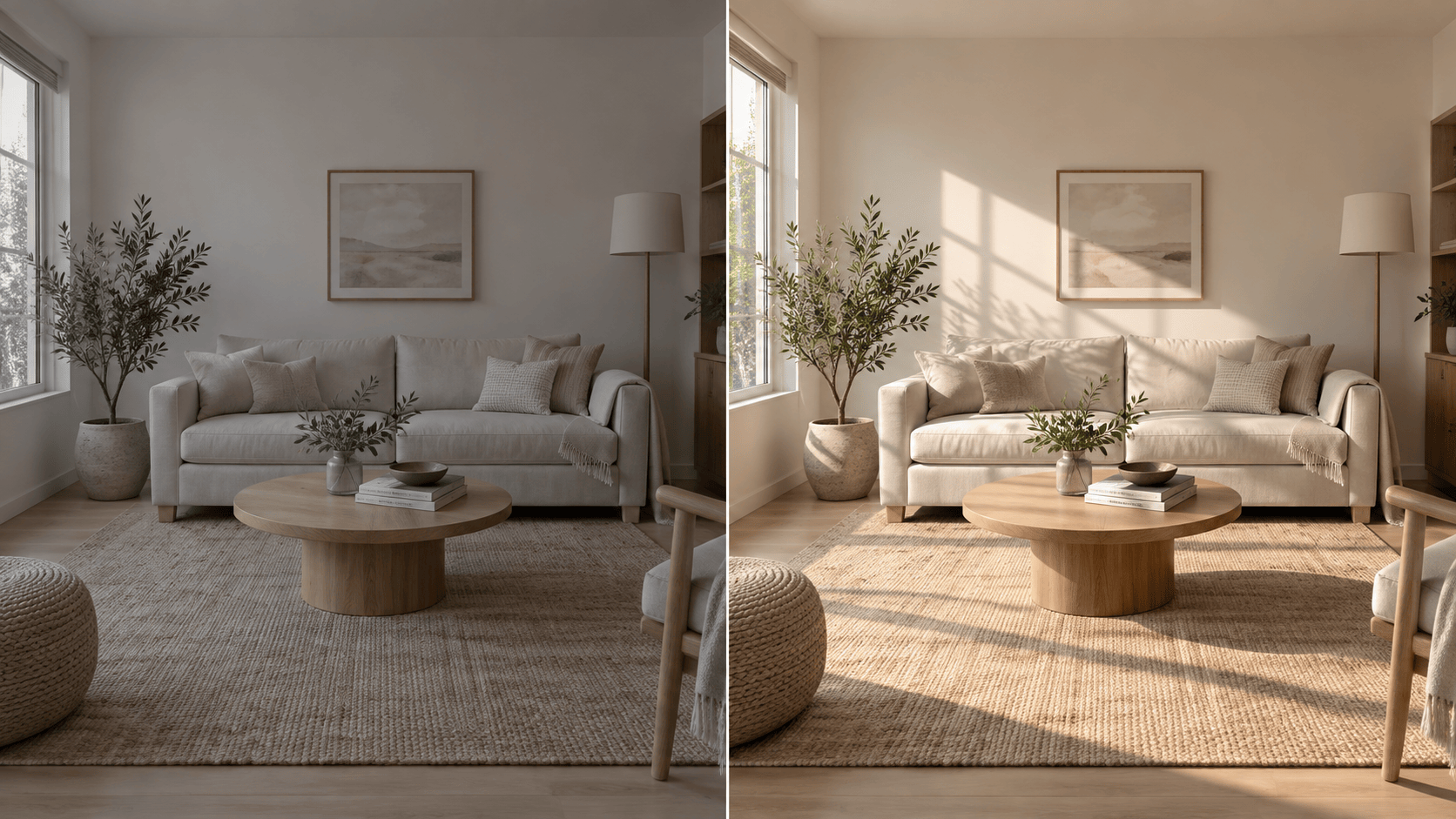
How to Relight a Photo with AI
Upload a Clear Source Photo
Describe the New Light
Generate and Compare
Refine and Download

Why Relight Photos with Mew Design
Work from Your Actual Image
Upload the photo you want to improve. Our AI photo relighting process starts from its subject, framing, and scene rather than a new image description.
Direct Light in Plain Language
Ask for soft side light, a gentle fill on a backlit face, or warmer window light. You can describe a lighting goal without learning masks or studio terms.
Make Focused Corrections
Chat Edit lets you request a smaller lighting change after the first result while repeating the details to preserve. This helps you dial back overly strong highlights or color casts.
Try Looks on One Source
Compare warm, cool, soft, and dramatic versions of the same uploaded photo. This is useful when choosing a portrait mood or matching a product series.
Check Photos Before They Go Live
A product photo needs accurate packaging and color; a portrait needs a recognizable face. Zoom in on labels, edges, hair, reflections, and shadows before using a generated edit.
Start Online with Free Credits
Sign up to try the online AI photo lighting editor with free AI credits. Export a finished image without a watermark after reviewing the result.
How to Get Natural AI Photo Relighting
- Name the light: Specify direction, softness, intensity, and color temperature. “Soft warm light from a window on the left” is clearer than “make it cinematic.”
- Protect the subject: List the identity, pose, product shape, logos, room layout, and framing to keep. Generative edits can still change fine details, so inspect them afterward.
- Match the scene: Ask for shadows and reflections that agree with the visible light source. Keep skin tones and product colors believable.
- Compare at full size: Review both versions for bright halos, crushed shadows, warped labels, and newly invented details before downloading.
Relighting Edits for Common Photo Problems
Relight @[portrait photo] as a warm golden-hour portrait. Add low, soft light from camera right and a subtle rim on the hair. Keep the same face, expression, clothing, background, and crop; avoid orange skin and invented sun flares.
Fix the backlit face in @[portrait photo]. Add gentle front fill so the eyes and skin are readable while preserving the bright window and the original pose. Keep the result natural, without flattening every shadow.
Relight @[product photo] with a broad studio softbox from upper left and a restrained fill on the right. Preserve the package shape, label text, logo, material color, reflections, surface, and camera angle.
Give @[room photo] soft morning window light from the existing window. Keep furniture, walls, materials, view, and perspective unchanged. Align floor and wall shadows with that window; do not add lamps or redecorate.
Relight @[food photo] with diffused side light that reveals texture without harsh glare. Keep the dish, ingredients, plating, table, and framing the same. Preserve realistic food color and shadow under the plate.
Reduce the harsh overhead light in @[portrait photo]. Soften the shadow under the eyes and nose, retain natural facial shape and skin texture, and keep the background and clothing unchanged.





