Paint Every Pixel with anAI Rainbow Background Generator
A rainbow can whisper, glow, ripple, or take over the whole frame. Mew Design - AI Design Agent turns a short color brief into a custom background and can rebuild the backdrop behind an uploaded photo. Use this online AI rainbow background maker for pastel gradients, prism light, Pride campaign graphics, phone wallpapers, Zoom backgrounds, or vivid desktop art.

How to Build a Rainbow Background with AI

Start with the canvas. Then direct the color, movement, texture, and breathing room.
1

Name the Canvas Before the Colors

Tell the AI rainbow background generator where the image will live: a 16:9 desktop, 9:16 phone, square social post, website hero, or video-call backdrop. The destination sets the composition before the spectrum arrives.
2

Describe How the Spectrum Behaves

Choose full ROYGBIV bands or a limited palette, then add a visual behavior such as a soft mesh, glass refraction, watercolor wash, neon ribbon, cloudy arc, or liquid holographic flow.
3

Let the Background Take Shape

Mew Design reads the color map, texture, focal area, and quiet zone together. It plans the frame and generates a rainbow background that fits the intended screen or design instead of filling every inch with equal intensity.
4

Tune One Visual Variable at a Time

Open Chat Edit and ask for a calmer red, wider color transitions, darker corners, more space behind a subject, or another crop. When the balance feels right, export the finished background as PNG or JPG.
How to create a rainbow background with AI

Color Direction Without Fighting Sliders

More Than Seven Straight Stripes

Prompt a spectrum that bends, blooms, refracts, drifts, or dissolves. The AI rainbow background maker can move from a classic arc to a restrained pastel mesh without forcing both ideas into the same visual formula.

Leave Space for What Goes on Top

A useful background supports the next layer. Ask for a quiet center for a Zoom call, darker edges for desktop icons, or clean negative space where a headline, logo, portrait, or product will sit.

Start Clean or Work Behind a Subject

Generate a standalone canvas from text, or upload a permitted photo and replace its backdrop. Describe the rainbow's direction and intensity while asking Mew Design to preserve the subject's outline, lighting, and natural shadow.

Carry One Mood Across Several Screens

Use the AI rainbow wallpaper generator to turn a wide desktop direction into related phone, social, and presentation versions. Multi-image generation helps the palette feel connected while each composition respects its own aspect ratio.

Borrow a Mood, Not a Template

Upload a reference for color softness, grain, or material character. The online pastel rainbow background generator uses that visual cue to guide an original result rather than locking you into a preset.

Keep the Conversation Moving

The first spectrum is a starting point. Adjust hue balance, blur, grain, light falloff, or empty space in plain language, then use free signup credits to test alternatives and export watermark-free images.

A Rainbow Prompt Is Really a Color Map

Create a 9:16 pastel rainbow phone wallpaper with wide diagonal mesh gradients in coral, butter yellow, mint, sky blue, and lavender. Keep the transitions smooth, add very fine paper grain, darken the upper third slightly so the clock stays readable, and leave the bottom area calm for app icons. No text, symbols, or objects.
For the best result from an AI rainbow background generator, describe six things: canvas, palette, blend behavior, material, focal area, and destination. That short map gives the color somewhere purposeful to go.
  • Start with the job: Say whether you need a desktop wallpaper, phone lock screen, Zoom background, social post, product backdrop, presentation slide, or website hero.
  • Map the spectrum: Choose classic ROYGBIV, a soft pastel sequence, two or three dominant hues, or an explicitly named campaign palette. Add saturation and contrast guidance.
  • Choose the material: A mesh gradient, refracted glass, watercolor pigment, neon haze, liquid chrome, paper grain, and cloudy light all produce different kinds of rainbow color.
  • Reserve a quiet zone: Tell the AI where text, icons, a face, or a product must remain clear. Name the area and ask for lower contrast or less detail there.

Six Rainbow Background Recipes, Each with a Different Job

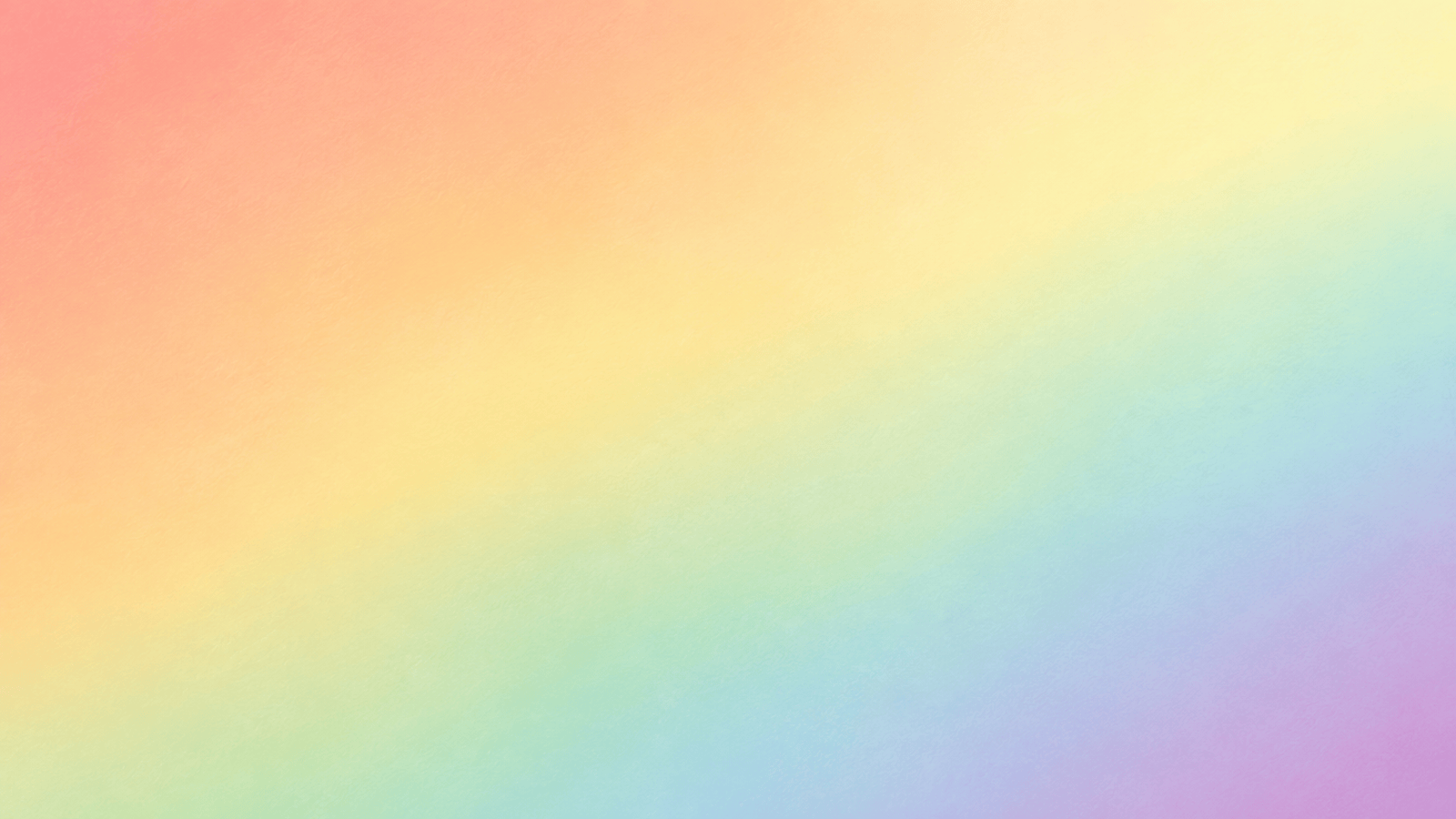
Phone Wallpaper — Create a 9:16 pastel rainbow background with broad mesh gradients in peach, lemon, mint, powder blue, and lilac. Add subtle paper grain. Keep the top slightly darker for the clock and the lower third uncluttered for app icons. No text or objects.

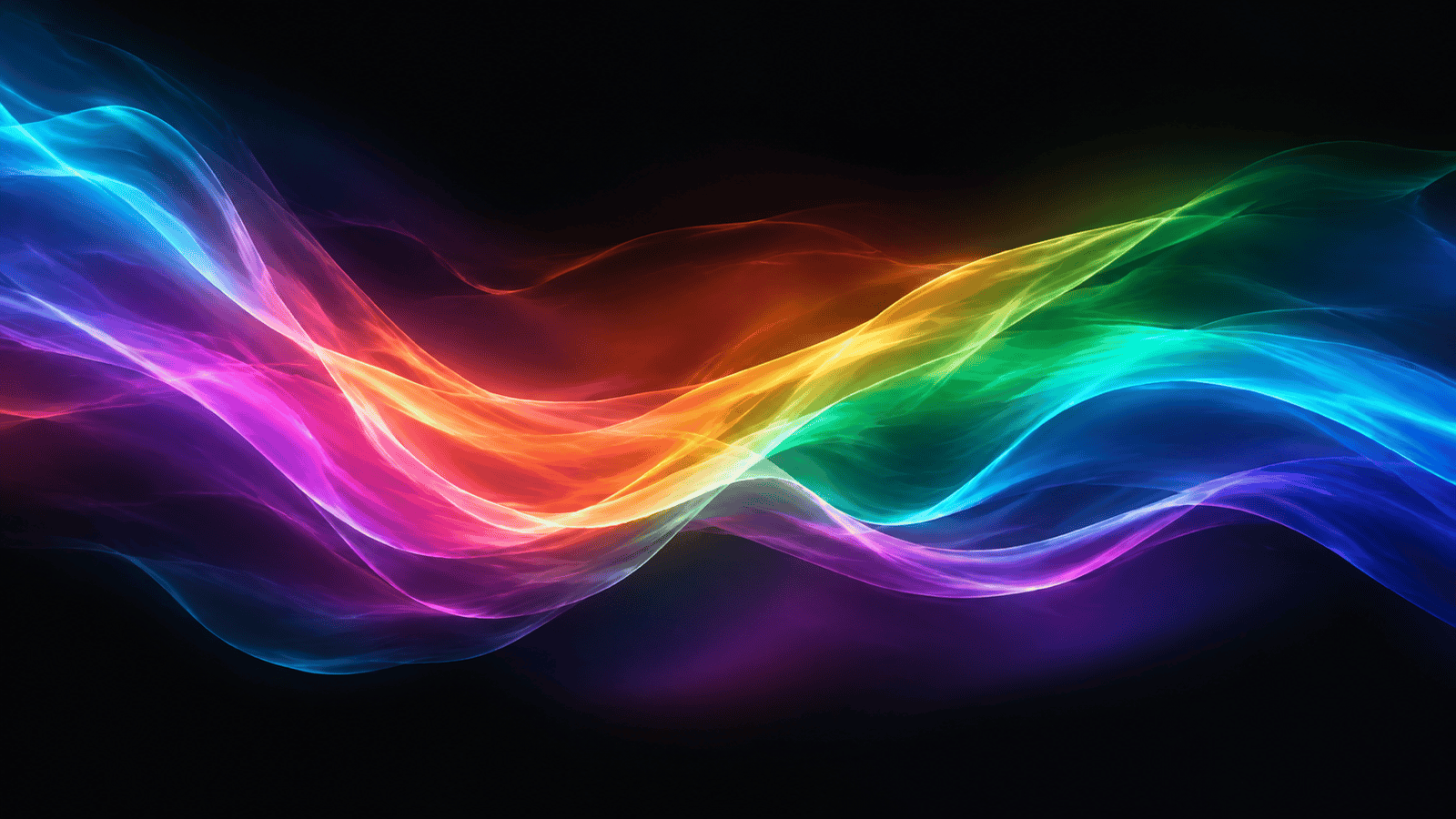
Desktop Wallpaper — Generate a 16:9 dark rainbow wallpaper made of luminous aurora ribbons crossing a deep charcoal sky. Use saturated cyan, magenta, amber, and violet with soft bloom. Keep the outer edges calm enough for desktop icons; no stars, text, or logos.

Pride Campaign Backdrop — Design a square social background with flowing fabric-like ribbons in the classic six-color rainbow palette. Make the movement joyful and confident, leave the center open for campaign copy, and include no words, flags, symbols, or people in the generated image.

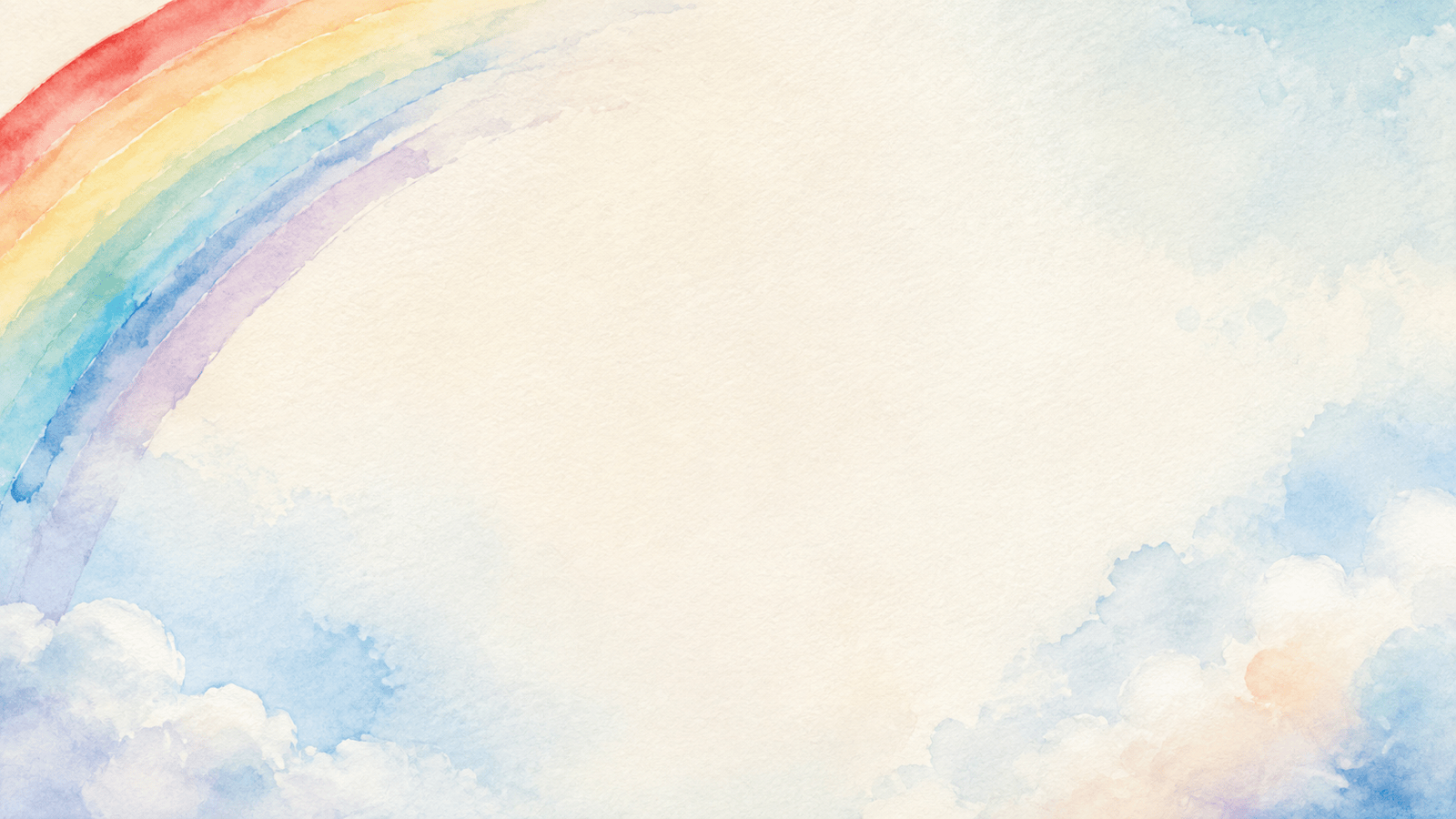
Zoom Background — Create a clean 16:9 watercolor rainbow background with a gentle arc entering from one upper corner, pale clouds along the lower edge, and a quiet neutral center behind the speaker. Soft daylight, low contrast, no text, no characters.

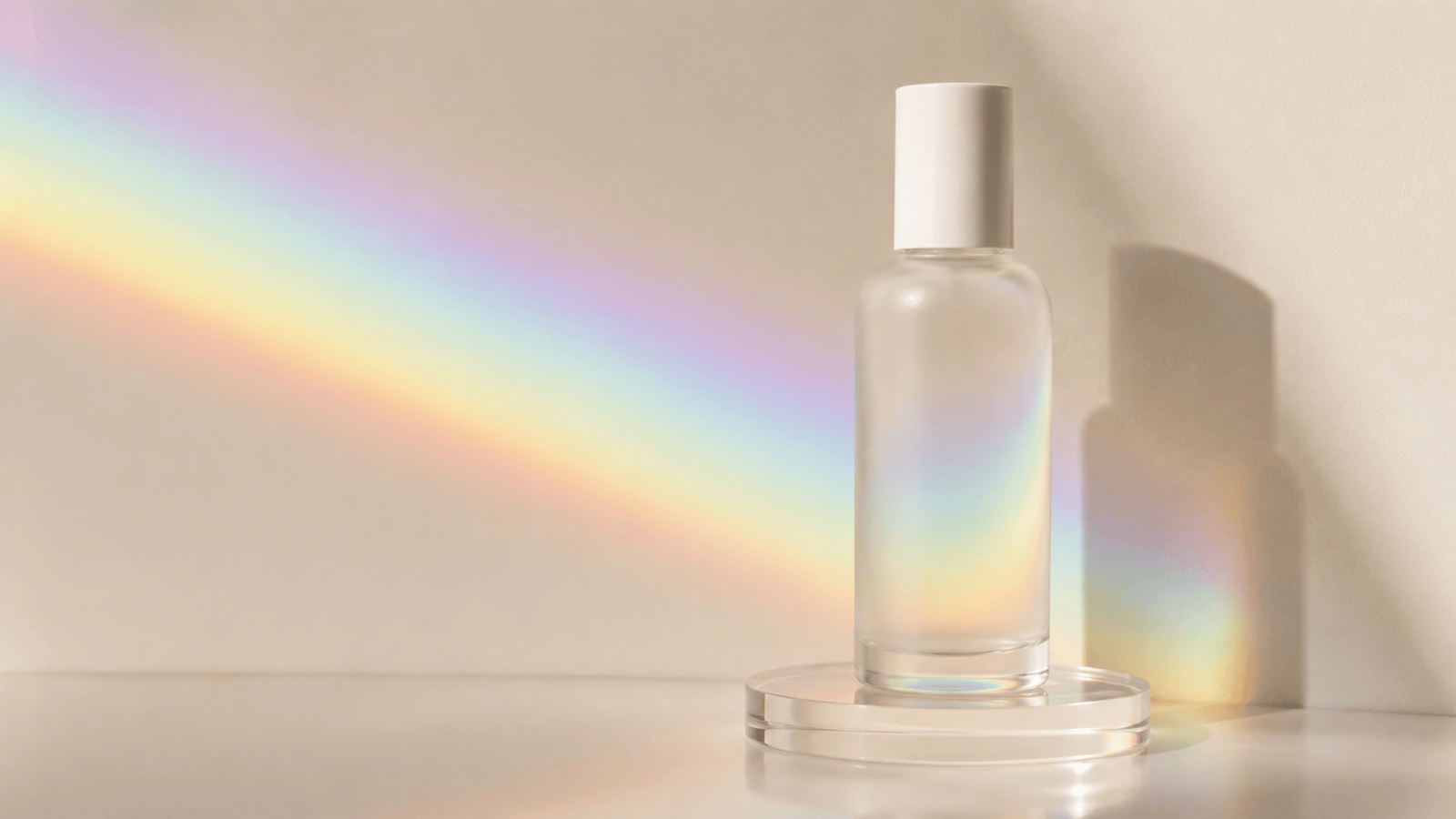
Photo Backdrop — Replace the background behind @[uploaded product photo] with refracted rainbow light on a warm white studio wall. Preserve the product, label, edges, camera angle, and original shadow. Keep the prism colors subtle and realistic, with no extra objects.

Website Hero — Make a 21:9 holographic rainbow mesh for a creative portfolio header. Concentrate liquid iridescent color toward the right, leave generous low-contrast negative space on the left for a headline, and avoid banding, text, icons, or logos.


Rainbow Background Questions, Answered

It turns a written color and style brief into an original rainbow background. Depending on your prompt, the result can look like a smooth gradient, watercolor wash, neon aurora, prism reflection, cloudy sky, or another spectrum-led design.
Yes. Mew Design provides free AI credits after signup so you can test prompts and refine a rainbow background in your browser. Finished image exports are watermark-free.
No. Start from text when you want a standalone background. Upload a permitted image only when you want the AI to replace or redesign the backdrop behind an existing person, object, or product.
A traditional gradient tool blends fixed color stops. AI can also interpret materials, light, clouds, depth, texture, focal areas, and negative space, which is useful for watercolor, holographic, prismatic, or scene-aware backgrounds.
Yes. Name the palette, softness, texture, and screen ratio. For example, ask for a pastel rainbow phone wallpaper with wide mesh transitions, fine grain, and a quieter area behind the clock and icons.
Use 16:9 for desktop, presentation, and Zoom backgrounds; 9:16 for phone wallpapers and Stories; 1:1 for square posts; or describe a wide website hero. Generate or crop each destination deliberately instead of stretching one file.
Reserve a quiet zone in the prompt. State where the text, face, icons, or product will sit, then ask for lower contrast, less texture, or darker color in that area. Chat Edit can rebalance the frame after generation.
Yes. Say that the design is for a Pride-related project and name the intended palette or flag accurately. Keep the context respectful, avoid using community symbols as decoration without thought, and review any campaign wording separately.
Yes. To make a rainbow background for photos, upload an image you have permission to use, describe the new backdrop, and specify what must stay unchanged. Mention subject edges, identity, product labels, light direction, and shadows for a more controlled edit.
Commercial use depends on your plan, local law, and the rights attached to uploaded references, logos, people, and campaign assets. Review the final image and confirm you have permission for every protected element before publishing.

Ready to Generate Designs With AI?

Get Started - 50 Free Credits
No credit card required
Š 2025 - 2026 Mew Design, MAGOAI LTD.All rights reserved.