Free OnlineAI Quote Poster Generator
How to Create a Quote Poster with AI
Lock the Quote and Attribution
Set the Audience, Format, and Mood
Generate Quote-Led Design Directions
Proofread, Refine, and Export

Why Choose Mew Design as Your AI Quote Poster Generator
Starts with the Exact Words
Put required copy in quotation marks and tell Mew Design not to add or rewrite text. This keeps the quote, attribution, and optional supporting line as intentional parts of the brief rather than decoration.
Builds a Clear Quote Hierarchy
The quote stays dominant while the author, role, source, or brand line remains smaller and distinct. The custom quote poster maker can explore line breaks, scale, alignment, and spacing that remain readable at the intended size.
Matches the Visual Mood to the Message
A reflective passage, witty one-liner, founder statement, and customer testimonial should not share the same treatment. Generate backgrounds, textures, photos, or abstract forms that reinforce the tone without competing with the words.
Uses Your Photos and Brand Assets
Upload a background photo, logo, portrait, campaign image, or style reference. The AI quote poster maker can build the layout around your asset while preserving a legible area for the quote and attribution.
Fixes Details Through Chat Edit
Correct one word, change a line break, swap a script font for a readable serif, increase contrast, reduce quotation marks, or move the credit line without discarding the approved direction.
Adapts Quotes for Print and Social
Create a portrait quote poster first, then request square, story, presentation, or wide-screen versions. Export PNG or JPG for digital use, or PDF when a printable quote poster workflow needs a stable page format.
How to Write an Effective AI Quote Poster Prompt
- Protect the Wording: Place the quote and attribution in quotation marks. Say "use this text verbatim" and "do not add words," then proofread the final design before publishing.
- Define the Hierarchy: State whether the quote should fill the poster, which phrase deserves emphasis, how line breaks may be handled, and how small the author or source line should appear.
- Name the Format and Placement: Mention A4 or 3:4 wall print, square Instagram post, 9:16 story, 16:9 presentation slide, newsletter graphic, or another real destination.
- Guide Mood and Readability: Describe font character, palette, background image or texture, contrast, margins, and negative space. Ask the background to support the message rather than cover the text.
Customizable AI Quote Poster Prompt Examples
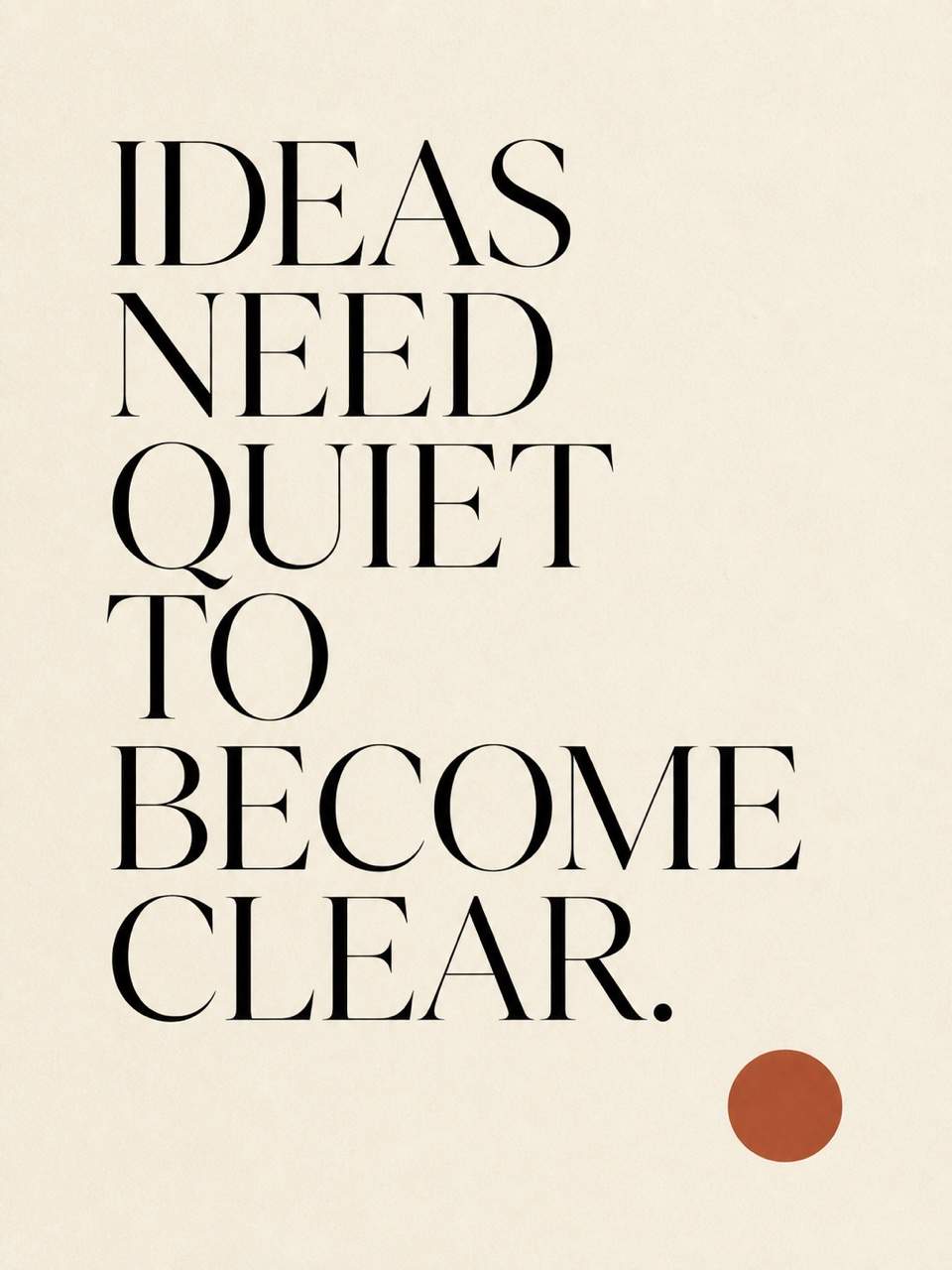
Minimalist Wall Print: Create an A4 portrait quote poster using the exact text "IDEAS NEED QUIET TO BECOME CLEAR." Use an elegant high-contrast serif, generous cream margins, a small rust-red dot, subtle paper grain, no attribution, no extra words, and a gallery-ready editorial layout.
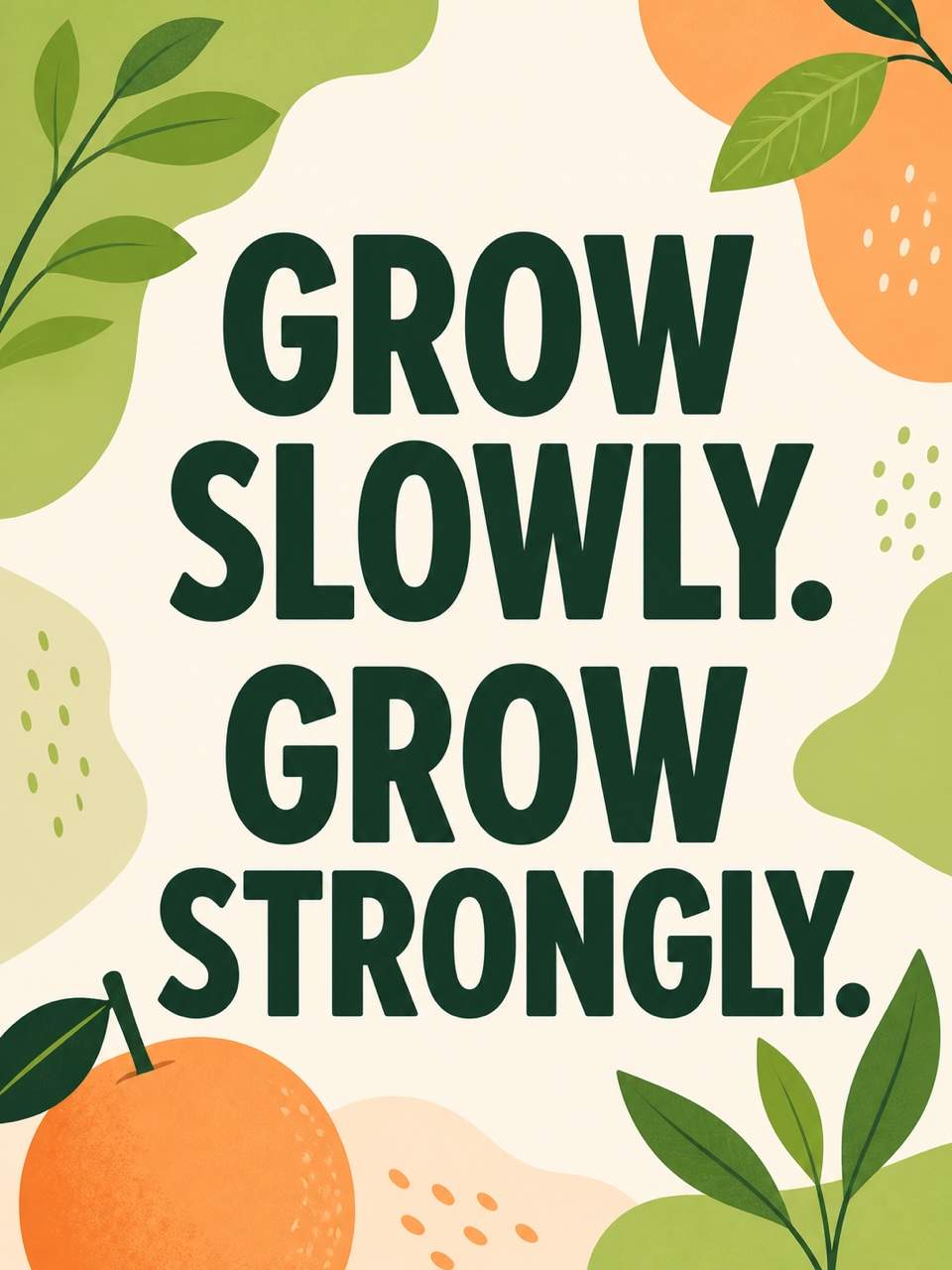
Instagram Quote Card: Design a square social post with the exact quote "GROW SLOWLY. GROW STRONGLY." Use oversized friendly sans-serif type, playful green and apricot abstract shapes, strong mobile contrast, safe margins, and no additional text. Keep the wording unchanged.
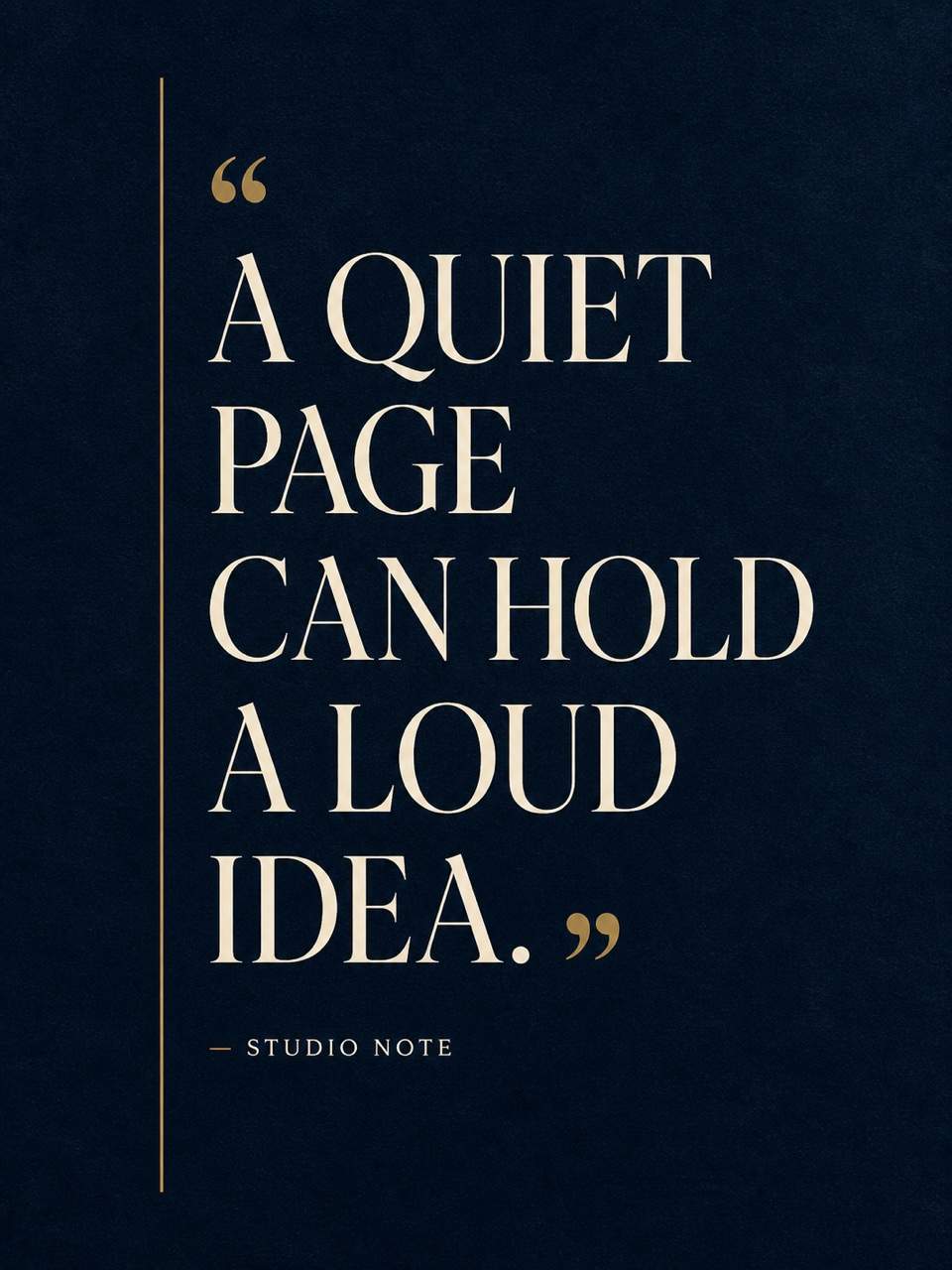
Literary Pull Quote: Create a 3:4 editorial poster using my exact excerpt "[PASTE YOUR QUOTE]" and attribution "— [AUTHOR, SOURCE]". Use refined serif typography, a quiet midnight-blue background, a thin gold rule, a clearly smaller source line, and no invented title or citation.
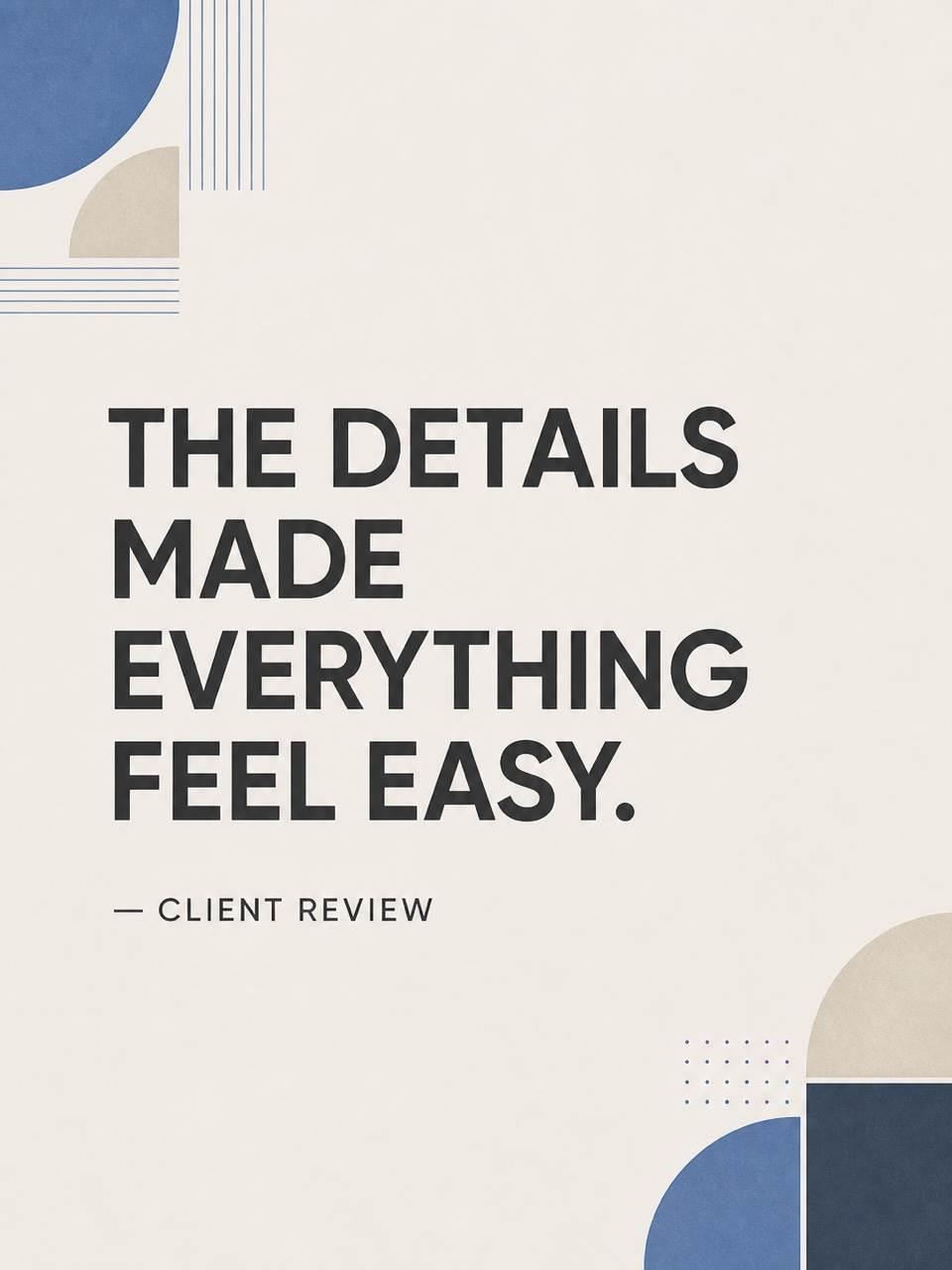
Customer Testimonial Graphic: Turn the exact client quote "THE DETAILS MADE EVERYTHING FEEL EASY." into a polished brand testimonial poster. Add "— CLIENT REVIEW" below it, reserve the top-left corner for my uploaded logo, use my brand colors, subtle quotation marks, and a clean LinkedIn-ready layout.
Keynote Quote Slide: Make a 16:9 presentation pull-quote design with the exact words "[KEYNOTE QUOTE]" and "— [SPEAKER NAME, ROLE]". Use a dark photographic background with a soft overlay, large white type, restrained accent color, and ample room around the speaker credit.
Wellness Reminder Poster: Generate a calm printable poster with "PAUSE. BREATHE. BEGIN AGAIN." Use soft blue-green gradients, simple organic shapes, highly readable centered typography, wide margins, and no author line or added wellness claims. Provide a matching story crop after the portrait version.





