Free OnlineAI Pumpkin Carving
How to Create Pumpkin Carving Stencils with AI
Choose Your Subject
Generate a Flat Stencil
Simplify the Tricky Parts
Download and Check the Fit

Your Pumpkin Idea, Shaped Through Conversation
Go Beyond the Usual Faces
Use this online pumpkin carving generator to turn a favorite animal, a playful expression, or a spooky theme into a custom pattern.
Start from a Personal Photo
Upload a pet photo or portrait as a reference. Ask for a simplified silhouette that focuses on recognizable features instead of fine texture.
Adjust the Challenge
Ask for fewer cutouts and broader connections for easy pumpkin carving ideas, or explore more detail when you have experience.
Compare Different Directions
Generate cute, classic, and scary variations of the same subject. Pick the expression and shape that suit your Halloween display.
Explore the Glow
Request a separate illuminated pumpkin concept to explore the mood. Treat it as inspiration; it does not verify the stencil’s structure or exact final appearance.
Take Your Pattern to Paper
Create printable pumpkin carving stencils and export PNG, JPG, or PDF. Keep generous margins and check the size against your actual pumpkin.
Before You Print Your Pumpkin Stencil
- Set the Color Key: For these designs, black means cut away and white means keep. Do not mix this with a shaded carving guide.
- Look for Floating Islands: White areas enclosed by black need a white bridge to the surrounding material. Check letter centers, eyes, and small facial details.
- Match the Pumpkin: Use a compact design on a small pumpkin. Measure the usable face and check a paper print before transferring the pattern.
- Keep Details Manageable: Remove narrow slits and crowded shapes. AI can help revise the artwork, but it does not certify that a design is physically carveable.
Six Pumpkin Carving Ideas to Make Your Own
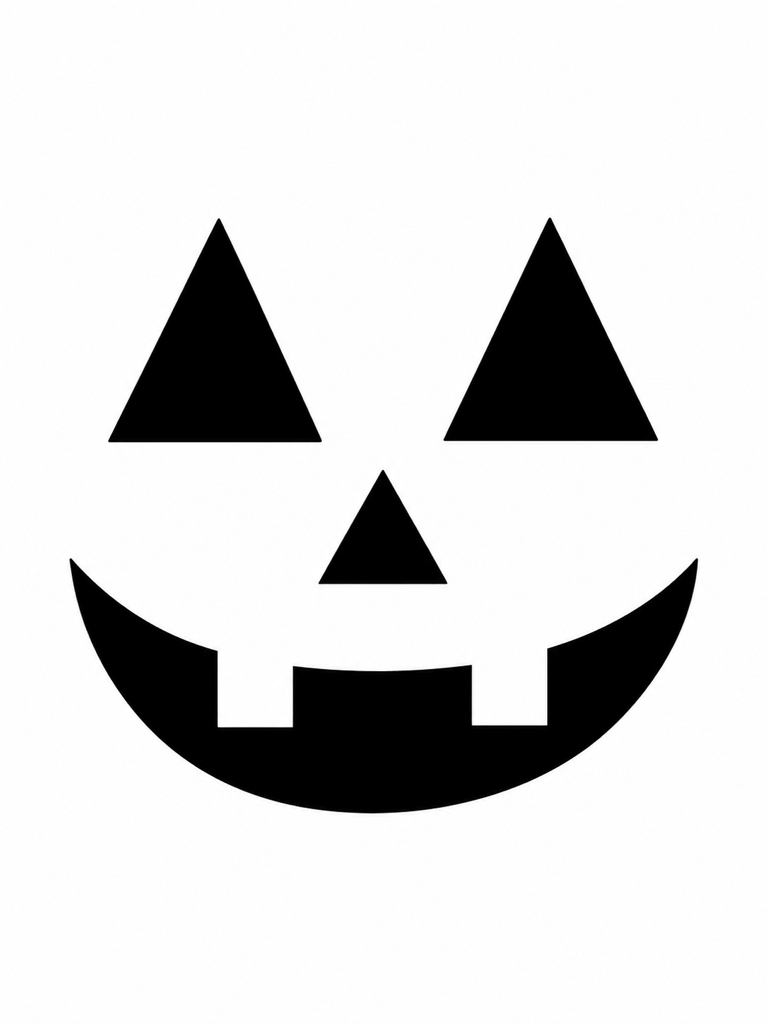
Create an easy jack-o’-lantern stencil for a beginner: two large triangle eyes and a broad smile with two teeth. Use black cutouts on white, wide connections, and no tiny details.
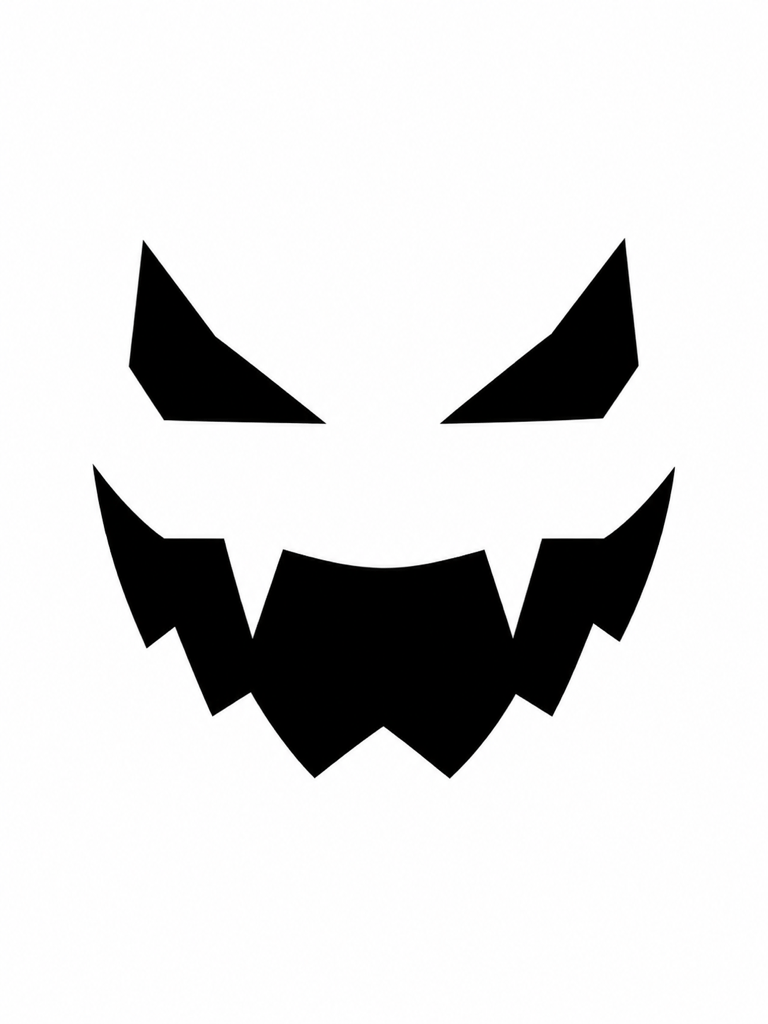
Design a scary pumpkin face with angled eyes and two chunky fangs. Keep the stencil black on white, with generous spaces between the eyes and mouth and no thin spikes.
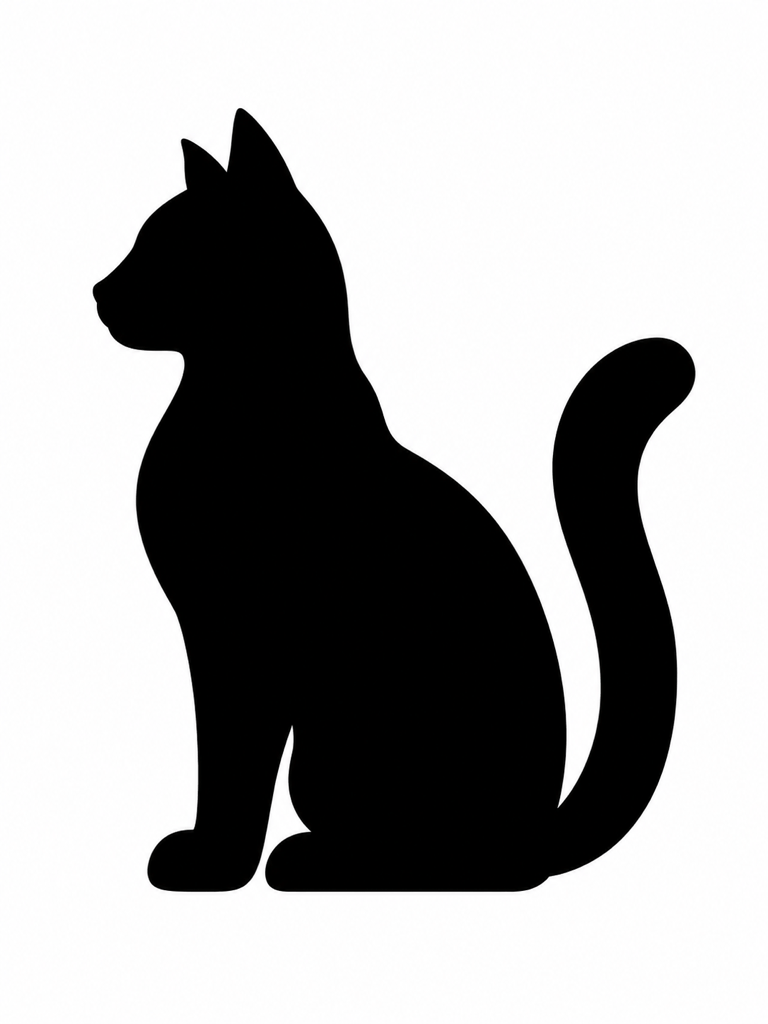
Make a pumpkin carving template of a sitting cat in side profile. Use one bold black silhouette on white, a thick tail, and no enclosed white details or delicate whiskers.
Turn my uploaded pet photo into a simple pumpkin stencil. Keep the distinctive ear and head shapes, remove fur texture, and connect retained white details with broad white bridges.
Create a pumpkin stencil spelling “BOO” in bold block letters. Use black cutouts on white and visible white bridges through every enclosed letter center. Leave wide gaps between letters.
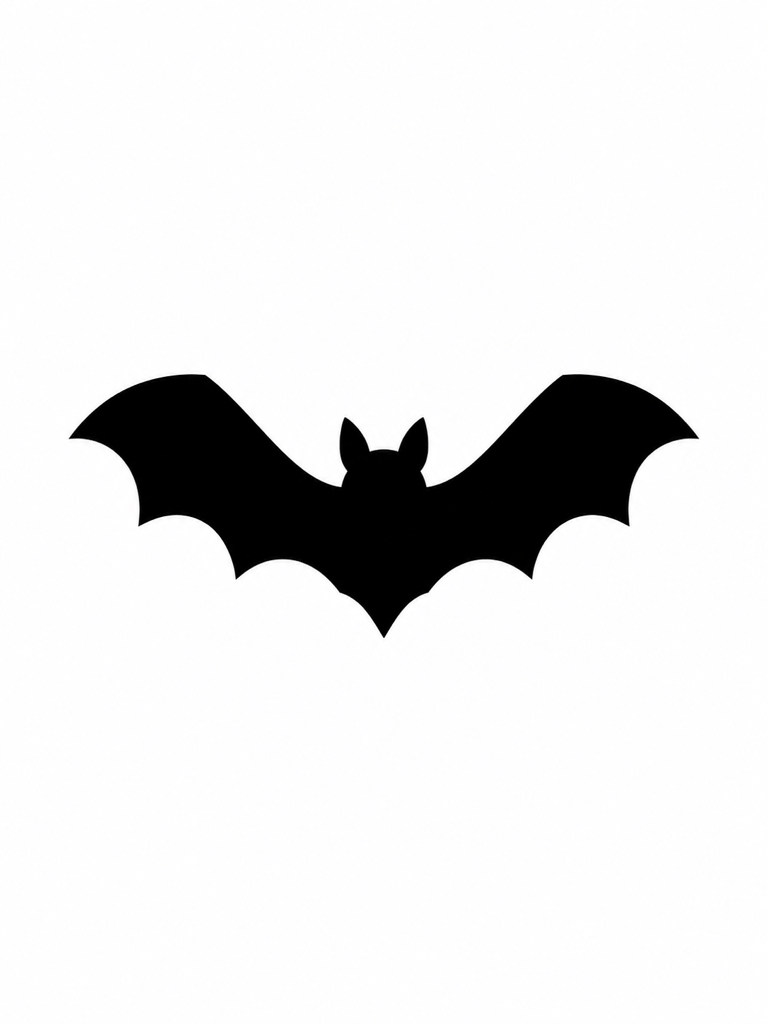
Generate an illuminated pumpkin concept with a crescent moon and three bats. Show warm light through broad cutouts on a dark porch. This is a mood preview, separate from the printable stencil.





