Free OnlineAI Presentation Slide Generator
How to Generate Presentation Slides with AI
Set the Audience and Outcome
Plan the Slide Narrative
Generate the Visual System
Rehearse, Edit, and Share

Why Choose Mew Design as Your AI Presentation Slide Generator
Story Before Decoration
The AI slide maker starts from purpose, audience, and sequence. It can separate background, insight, proof, and action so every slide earns its place in the deck.
Consistent Multi-Slide Direction
Use Deep Mode to carry colors, type, illustration style, and layout rhythm across a series while still varying title, comparison, data, timeline, quote, and closing-slide compositions.
Readable Information Hierarchy
Mew Design balances headlines, supporting copy, visuals, labels, and whitespace for a projected 16:9 canvas. It helps turn dense notes into concise, scan-friendly slide content.
Visuals for the Point You Are Making
Generate diagrams, conceptual illustrations, product scenes, timelines, and chart-ready frames that support the argument instead of adding unrelated stock decoration.
Brand and Source Material in Context
Upload logos, charts, screenshots, documents, or reference slides. Explain which facts and assets must remain intact, and let the online AI presentation maker build around them.
Revise One Slide by Conversation
A deck improves through review. Ask to tighten a headline, change emphasis, simplify a diagram, create an alternate opening, or bring one outlier slide back into the visual system.
How to Write an Effective AI Presentation Slide Prompt
- Define the Presentation Job: Name the audience, setting, speaking time, desired action, tone, and whether the deck is for live delivery, asynchronous reading, class, sales, or investment.
- Supply the Story Spine: List required sections, slide count, non-negotiable claims, and the order in which the audience should encounter the problem, evidence, and recommendation.
- Separate Facts From Placeholders: Provide verified numbers and sources. Tell the AI to label missing metrics as placeholders instead of inventing market size, growth, survey, or financial data.
- Direct the Visual Language: Specify 16:9, brand palette, type personality, image style, chart density, accessibility needs, and examples of slides that should feel visual versus text-led.
AI Presentation Slide Prompt Examples You Can Adapt
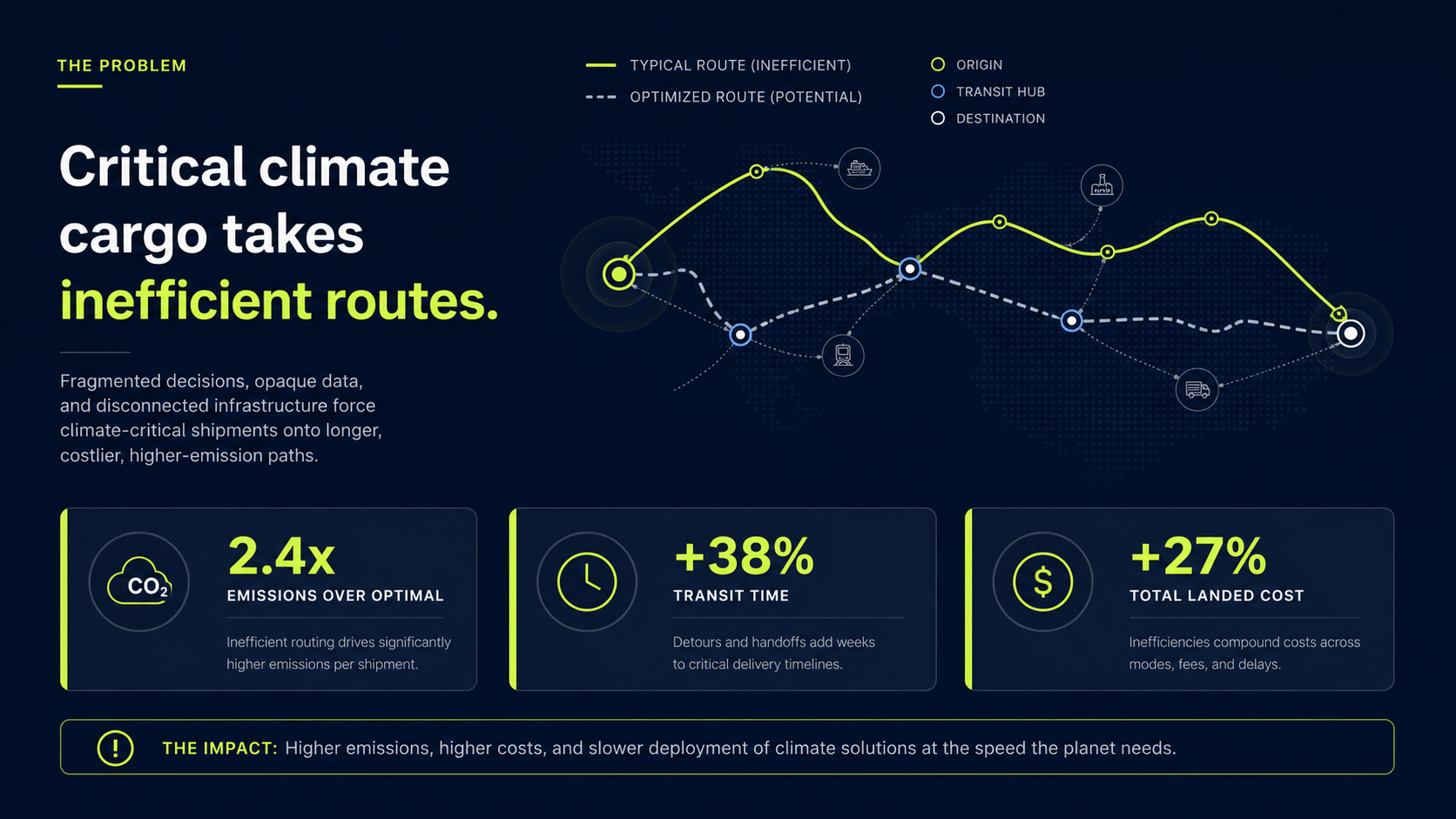
Startup Pitch: Create a 12-slide 16:9 seed pitch deck for a B2B security platform. Audience: SaaS investors. Include problem, current workaround, product, architecture diagram, traction placeholders, market, pricing, competitors, go-to-market, team, roadmap, and $2M ask. Dark technical aesthetic with cyan data accents.
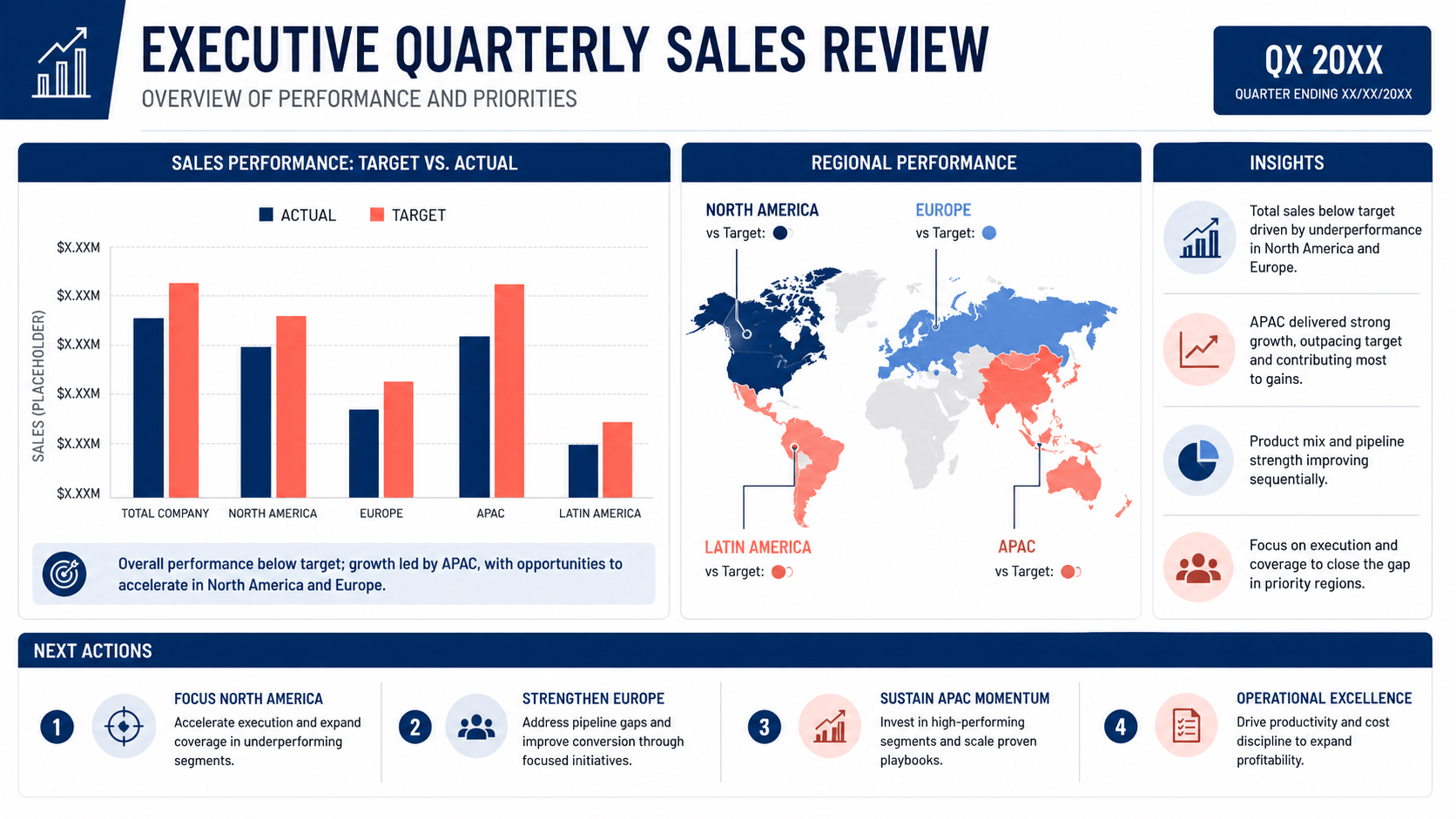
Quarterly Business Review: Turn these uploaded sales notes and CSV chart screenshots into an 8-slide QBR for regional leaders. Show target versus actual, pipeline quality, three wins, two risks, forecast, and owners for next-quarter actions. Clear executive headlines; do not change the supplied numbers.
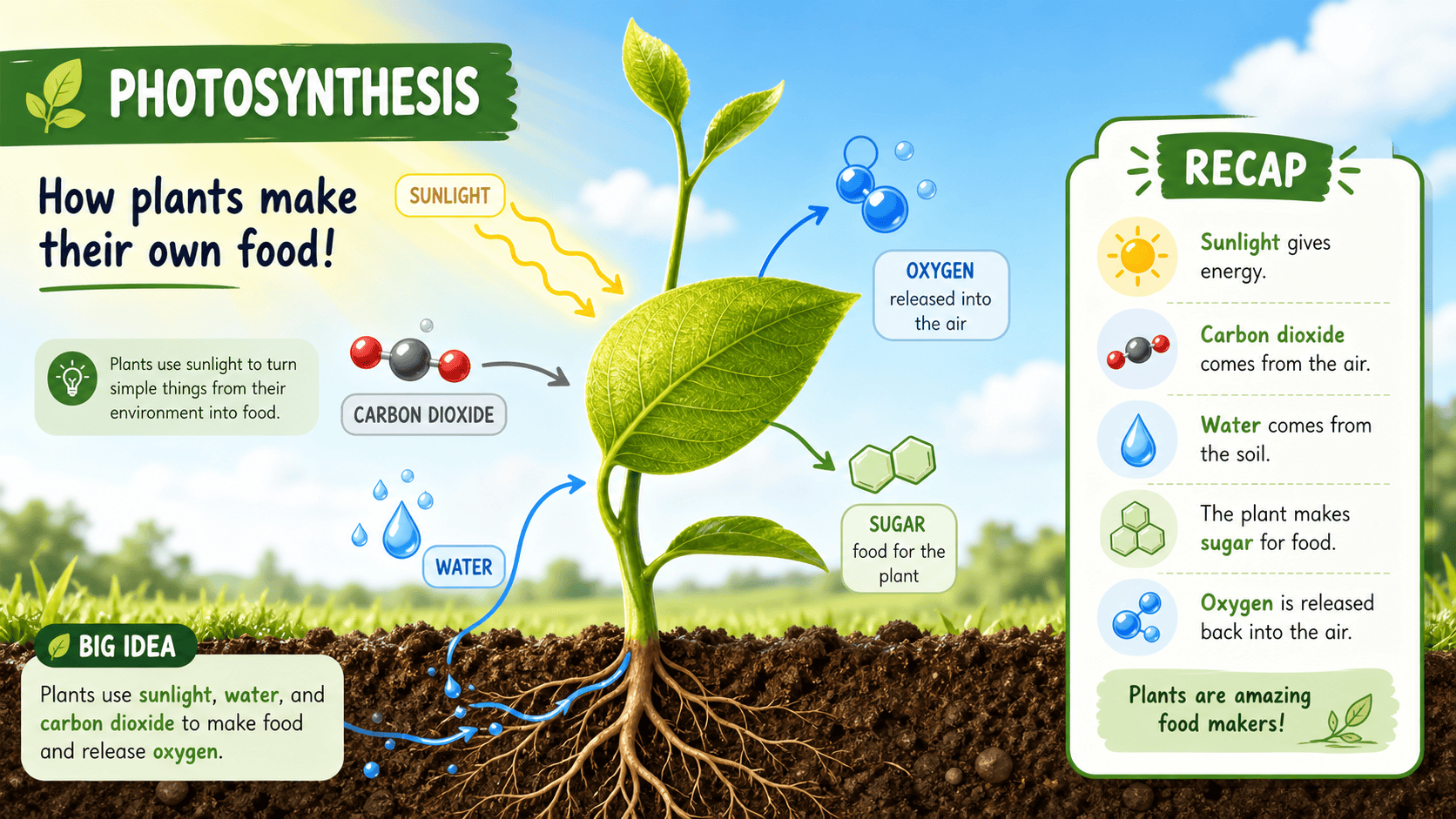
Middle-School Science Lesson: Generate 10 classroom slides explaining photosynthesis to grade 7. Begin with a relatable plant question, show a labeled process diagram, separate inputs and outputs, add a simple experiment, three recap questions, and an exit ticket. Bright, friendly, accessible visuals.
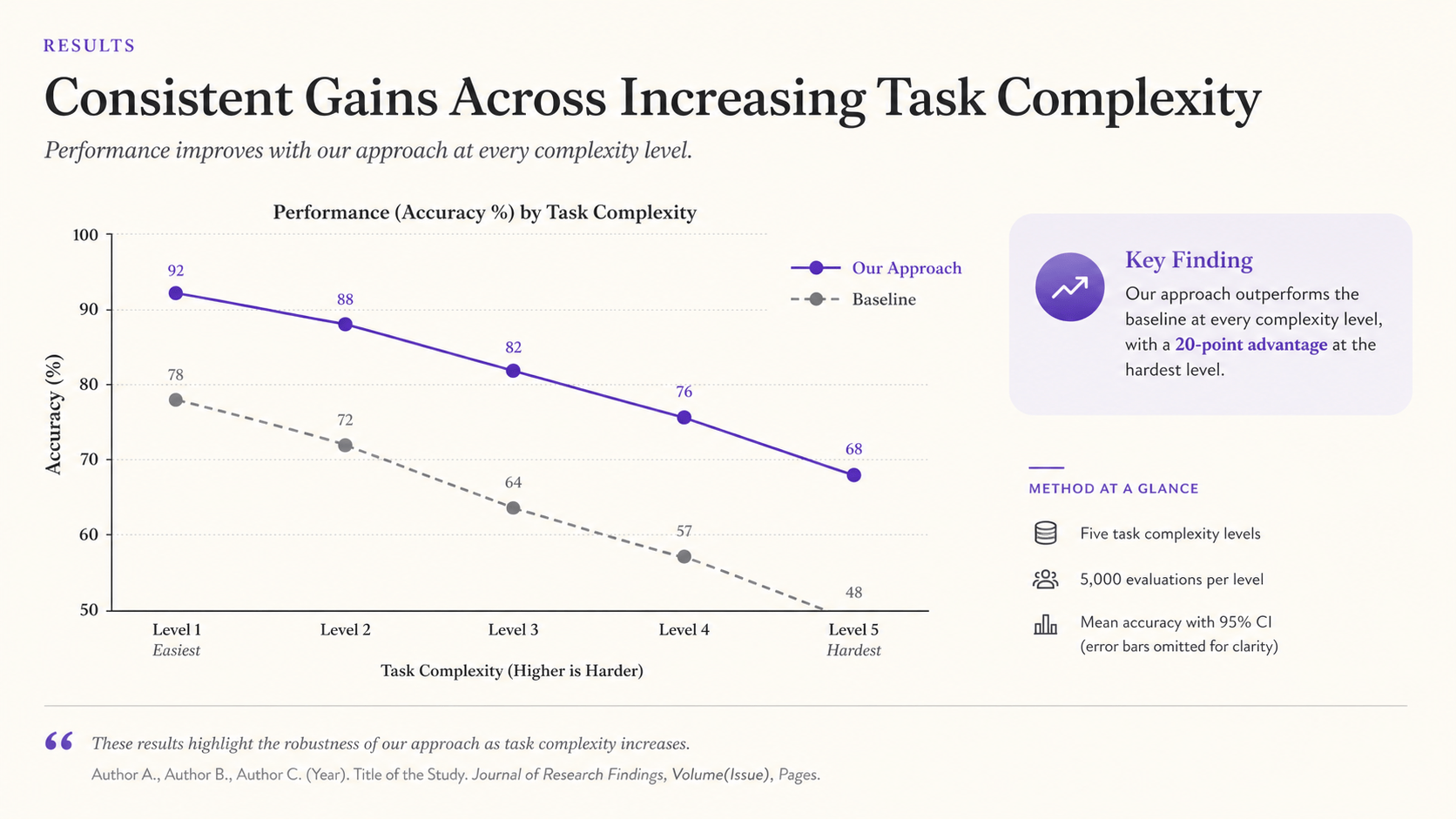
Research Conference Talk: Create a 14-slide academic presentation from my uploaded abstract and results summary. Structure: question, gap, method, sample, two key findings, limitations, implications, and discussion. Clean white theme, large chart labels, minimal body text, citation placeholders.
Client Proposal: Build a 9-slide redesign proposal for a boutique hotel. Include current guest friction, brand opportunity, three creative principles, mood direction, sample touchpoints, phased scope, timeline, investment placeholder, and next steps. Editorial hospitality photography and warm serif typography.
Team Training: Make a 7-slide onboarding deck for customer-support agents on handling billing escalations. Use a decision flow, do/don’t examples, sample language, red-flag cases, escalation contacts placeholders, and a final scenario quiz. Calm, practical, high-contrast layout.





