Free OnlineAI Pregnancy Announcement
How to Create a Pregnancy Announcement with AI
Choose What You Want to Share
Describe the Reveal
Generate a Personal First Draft
Check, Refine, and Share

A Pregnancy Announcement Maker for Your Story
Start with a Story, Not a Template
Describe your family, sense of humor, season, or meaningful motif. This online pregnancy announcement maker builds the visual direction around your brief, so the result can feel intimate instead of mass-produced.
Keep the Message in Focus
Short reveal copy depends on clarity. Mew Design considers title, due date, names, spacing, and contrast together, helping your announcement stay readable in a feed, message thread, or printed card.
Bring Your Own Meaningful Photos
Upload an ultrasound, couple portrait, family photo, or pet picture and explain how it should appear. You can also add a visual reference to guide the palette, styling, or composition without copying a fixed layout.
Create Versions for Every Reveal
Explore a square Instagram pregnancy announcement, a vertical story, a family-chat image, or a printable keepsake from the same idea. Generate coordinated variations while keeping your message and visual tone consistent.
Revise Details Through Conversation
If the first draft feels too formal, too busy, or not personal enough, click Chat Edit and say what to change. Adjust wording, photo treatment, colors, type, or layout without rebuilding the announcement.
Try the Reveal Before You Commit
Use free AI credits after signup to test the AI baby announcement maker and compare ideas. Finished exports are watermark-free, so the chosen design is ready to send, post, frame, or add to a scrapbook.
How to Prompt AI for a Personal Pregnancy Reveal
- Lock the Wording: Put names, due dates, and announcement lines in quotation marks and say they must appear verbatim with no extra text.
- Name the Personal Elements: Mention an uploaded ultrasound, couple photo, older sibling, pet, baby shoes, test, or meaningful prop and explain which item should lead the composition.
- Set the Feeling and Format: Choose heartfelt, understated, funny, seasonal, or cinematic, then specify a square feed post, vertical story, 5×7 card, or another useful format.
- Protect and Proofread: Remove private details from medical images before upload. After generation, check spelling, date, photo crop, and every visible detail before sharing.
Pregnancy Announcement Prompts for Different Families
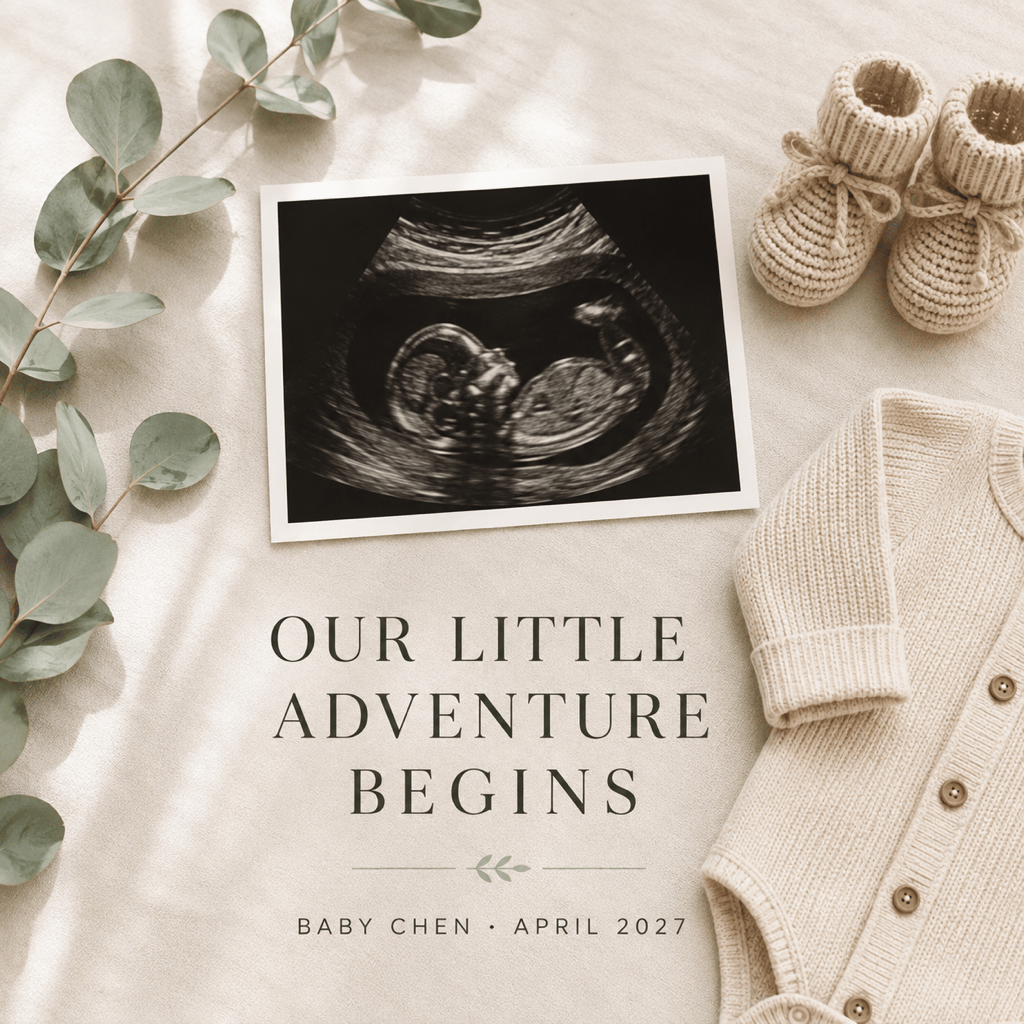
Minimal Ultrasound Flat Lay: Create a square pregnancy announcement card using my uploaded ultrasound. Exact text: ‘Baby Chen arriving April 2027’. Arrange the scan with tiny beige booties and a linen onesie on a warm cream surface. Soft natural light, subtle shadows, refined serif type, no extra wording, and no invented scan details.
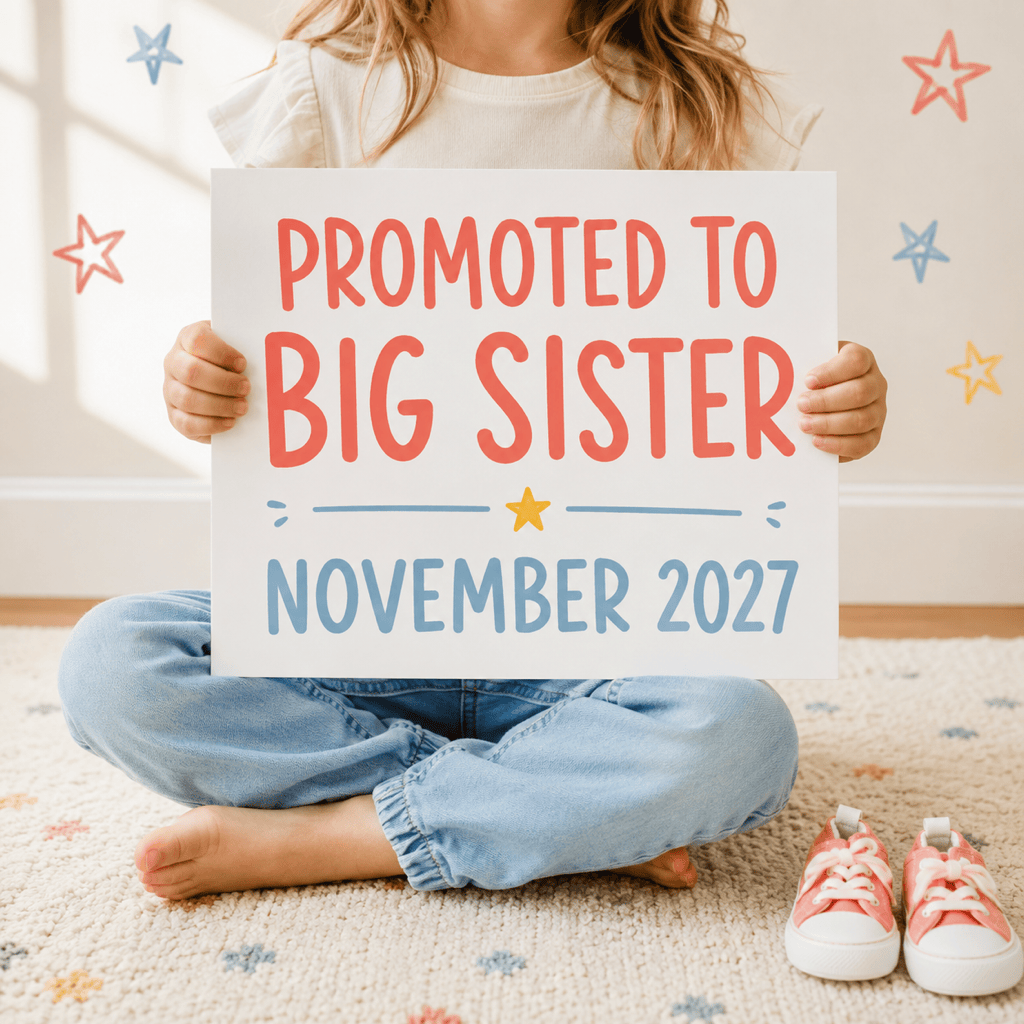
Big-Sibling Reveal: Design a playful 4:5 announcement featuring my uploaded photo of our child holding a small sign. Exact sign text: ‘Promoted to Big Sister’. Add ‘November 2027’ below in a clear rounded font. Use coral, sky blue, and sunny yellow accents with friendly hand-drawn stars. Keep the child’s face unchanged.
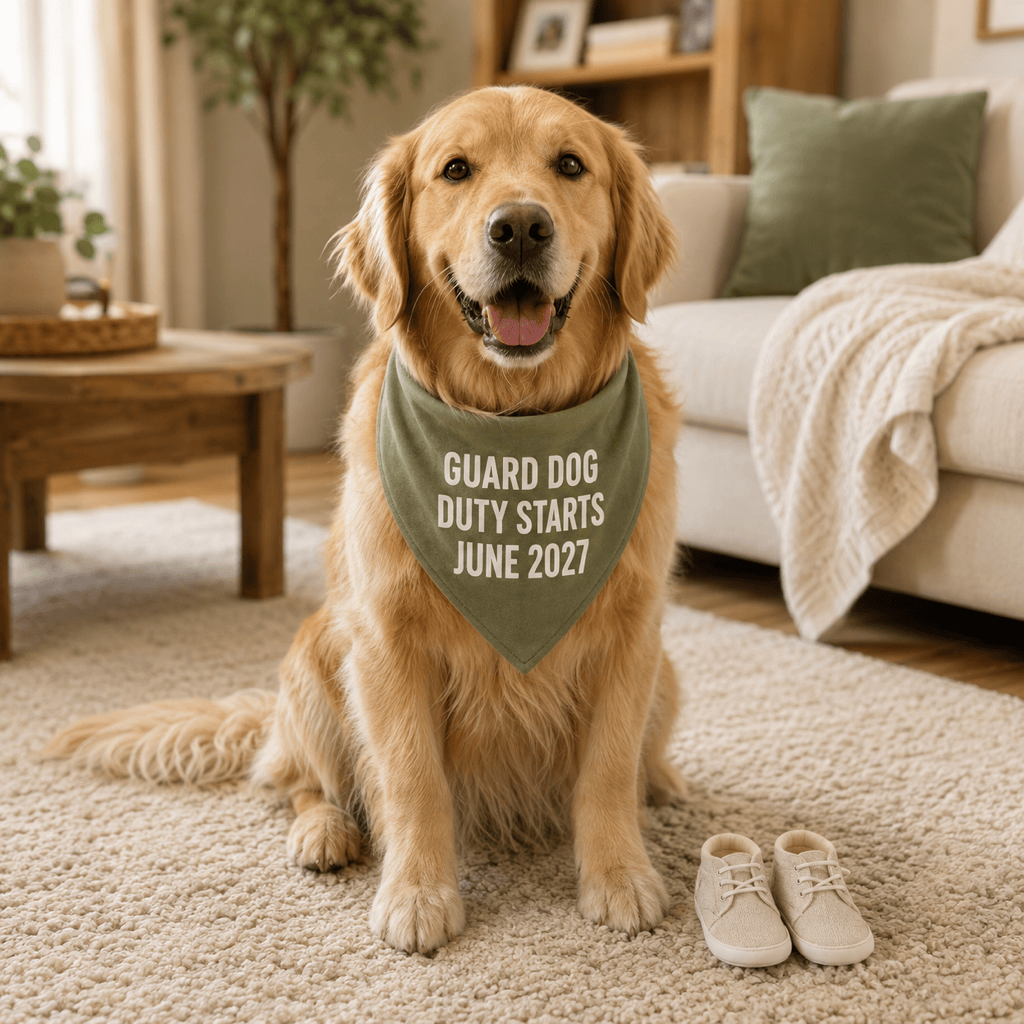
Pet Pregnancy Announcement: Make a cozy square reveal with our uploaded dog photo. Add a simple bandana that reads exactly ‘Guard Dog Duty Starts June 2027’. Use a warm living-room background, natural morning light, sage and oatmeal colors, and clean modern typography. Preserve the dog’s markings and expression.
IVF Journey Reveal: Create an elegant pregnancy announcement that respectfully celebrates an IVF journey. Use a minimal photo arrangement with our uploaded ultrasound and one symbolic rainbow prism. Exact text: ‘Worth Every Step. Baby Rivera, August 2027’. Quiet, hopeful mood, soft white and muted rainbow light, generous spacing, no medical claims.
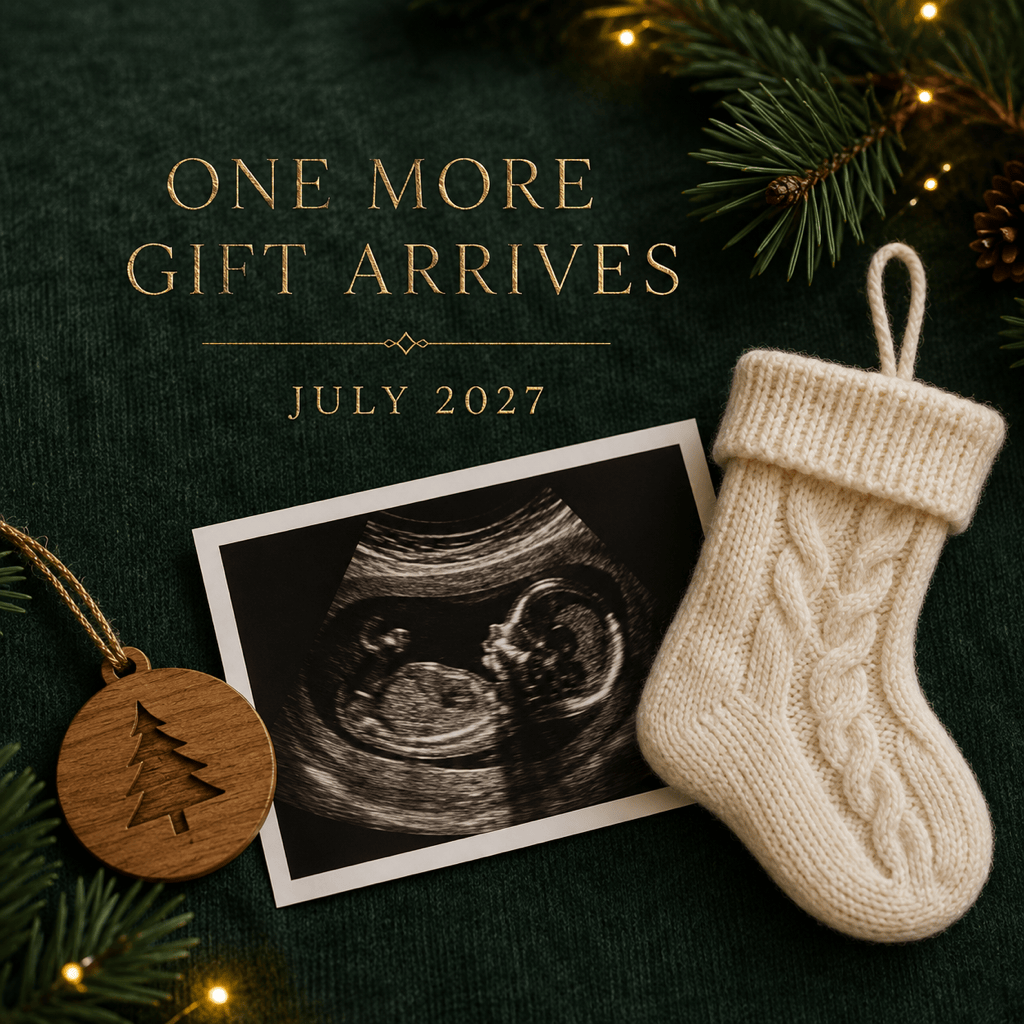
Holiday Announcement: Design a square winter pregnancy announcement with an ultrasound tucked beside a tiny stocking and a simple wooden ornament. Exact text: ‘One More Gift Arrives July 2027’. Deep green, ivory, and restrained gold; cozy but uncluttered; readable type; no extra text.
Movie-Poster Reveal: Create a cinematic pregnancy announcement starring our uploaded couple photo. Title: ‘The Next Chapter’. Billing line: ‘Featuring Baby Williams’. Release line: ‘Coming February 2027’. Use elegant film-poster lighting, dramatic negative space, and sophisticated typography while keeping both faces unchanged.





