Free OnlineAI Pixar Filter
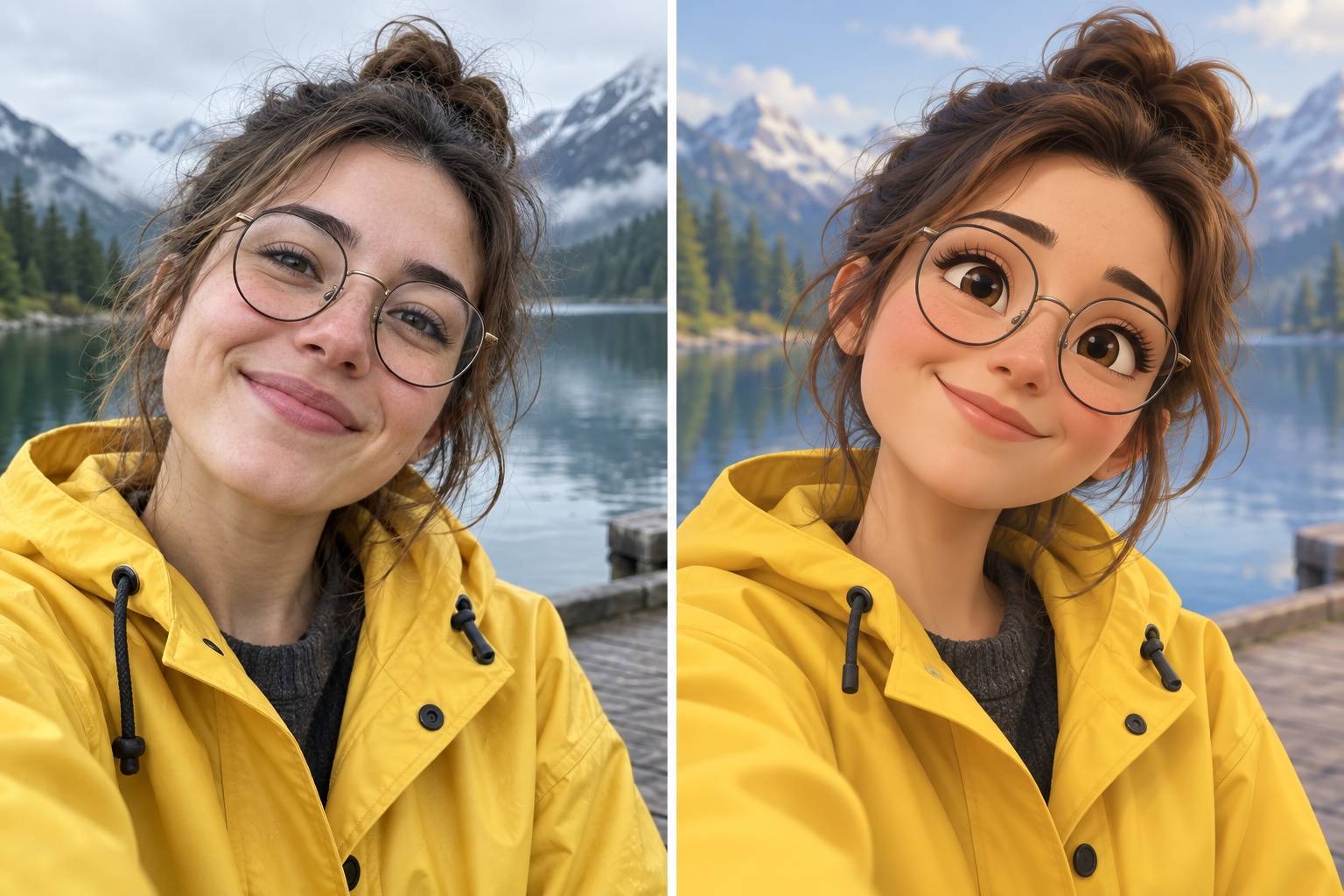
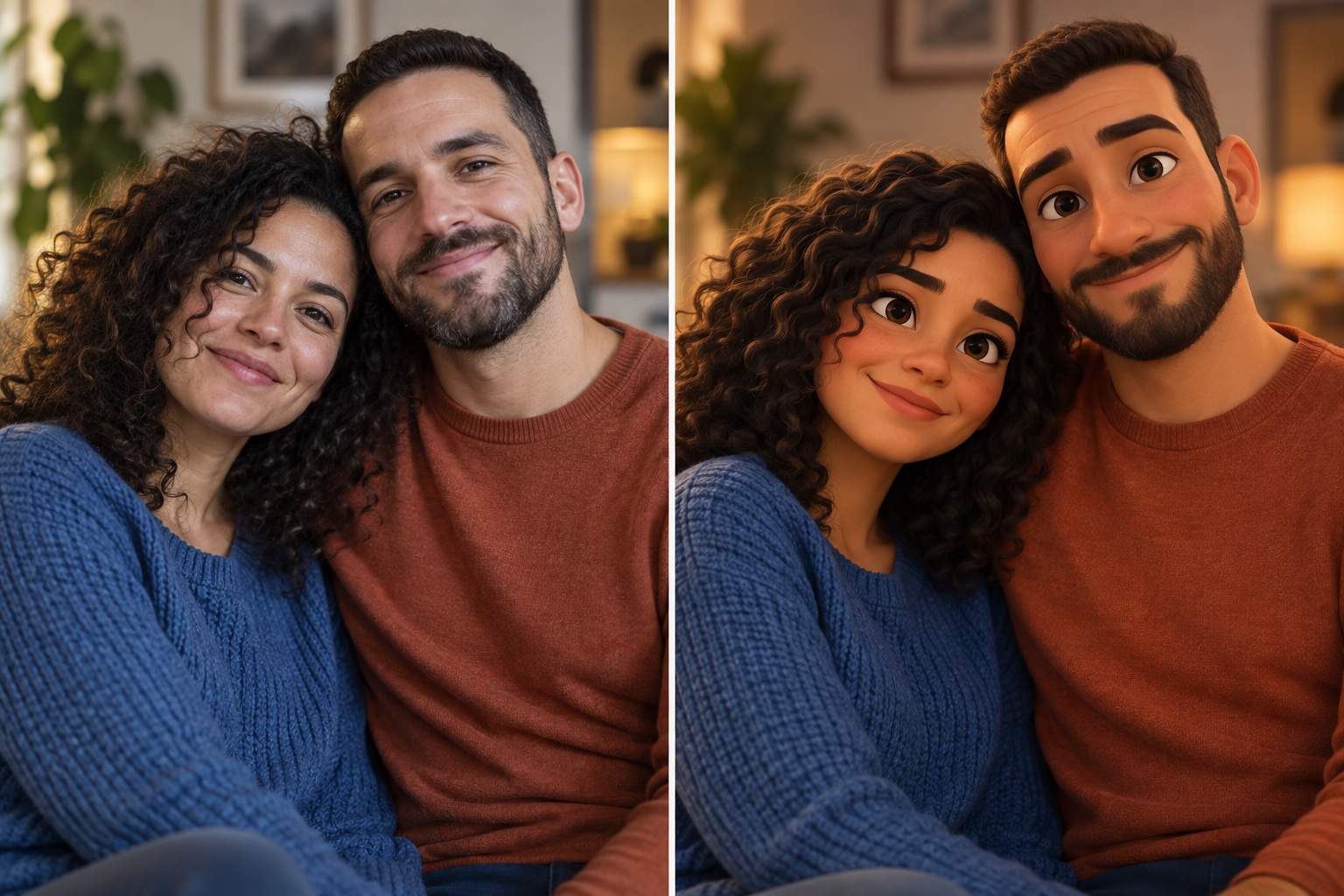
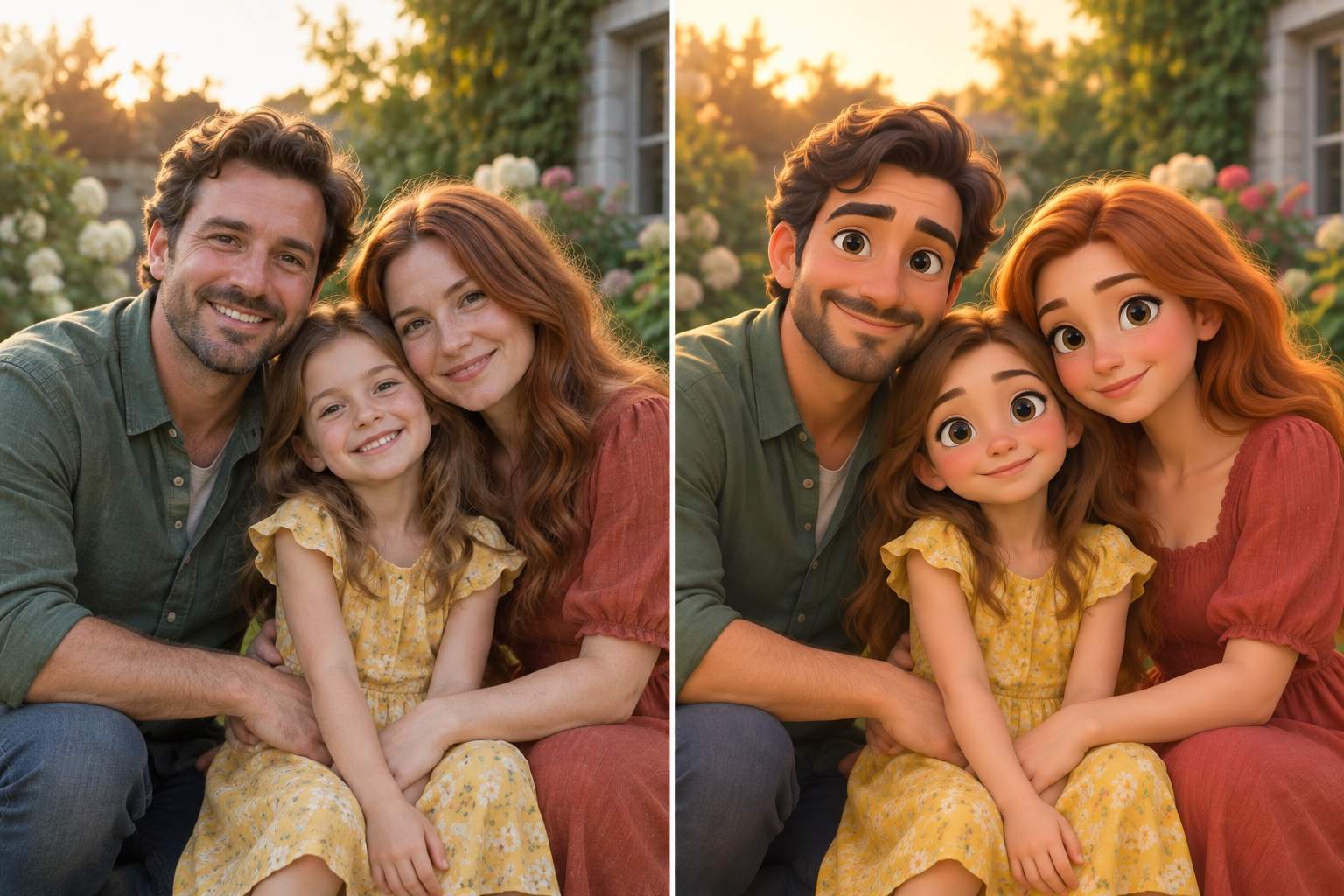
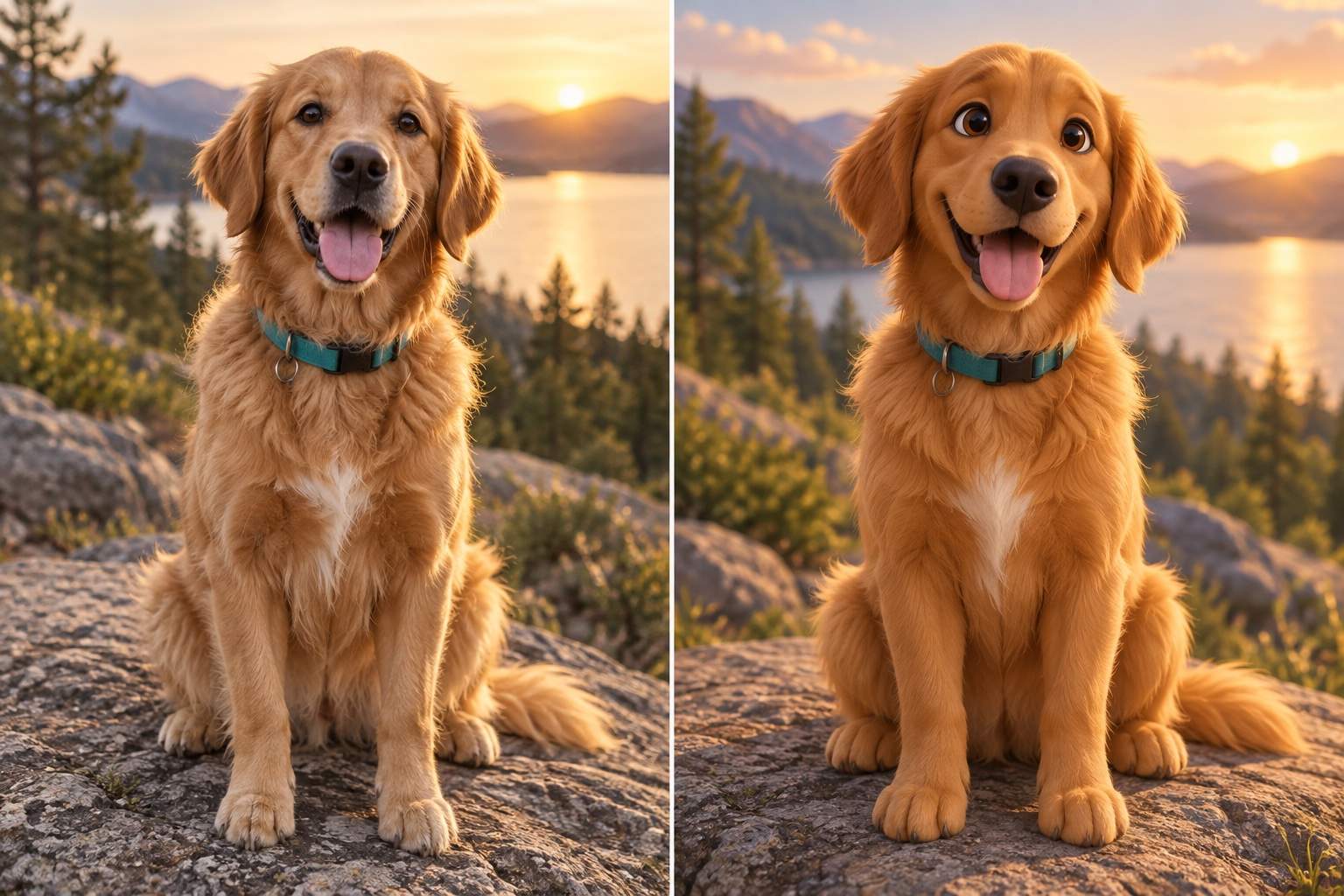
How to Turn a Photo Into a 3D Animated Character
Upload a Clear Photo
Describe the Animated Look
Refine the Likeness
Download and Share

Make the Cartoon Look Yours
Start With Your Photo
Upload the actual image you want to transform. Our Pixar-style photo filter uses it as a visual reference for the subject, pose, clothing, and scene.
Keep Recognizable Details
Name the details that matter—freckles, glasses, hairstyle, a jacket, or a pet’s markings—so the animated portrait stays connected to its source.
Edit With Plain Language
If the first pass changes a face too much, use Chat Edit to request a focused fix without starting the entire photo-to-cartoon process again.
Explore More Than One Look
Try a softer 3D character, brighter storybook color, or a more restrained portrait. Compare versions before choosing your favorite.
Create for Real Destinations
Turn the final character into a square avatar, family keepsake, birthday invitation portrait, or social post by specifying where it will be used.
Try It With Free Credits
Sign up to test the online AI cartoon photo maker with free AI credits, then export a watermark-free result when it is ready.
How to Get a Better Pixar-Style Photo
- Protect the likeness: Name distinctive facial features, hair, glasses, clothing, and pose. For groups, identify each person so no one is merged or omitted.
- Describe the finish: Ask for dimensional 3D shading, rounded forms, expressive eyes, and soft light instead of requesting an exact movie or character copy.
- Choose the crop: Use a close square crop for an avatar; keep more of the setting for a family portrait or invitation image.
- Check the small details: Review eyes, hands, glasses, hair edges, and pet markings. Ask Chat Edit to fix one issue at a time.
Photo-to-Cartoon Requests to Try
Turn my uploaded selfie into an original 3D animated character for a profile picture. Keep my face shape, hairstyle, glasses, and expression recognizable; use soft light and a simple background.
Transform this couple photo into a warm 3D cartoon portrait. Keep both people, their poses, clothing colors, and relative height; give each person distinct facial features.
Turn this family photo into a 3D animated group portrait. Include every person once, preserve the arrangement and recognizable outfits, and keep the mood playful without changing ages.
Transform my dog photo into an expressive 3D animated pet portrait. Keep the breed cues, ear shape, coat pattern, and collar; use a clean background suitable for a gift print.
Make this cartoon result look more like the uploaded photo. Restore the original eye shape, glasses, hairstyle, and smile while keeping the soft 3D animated finish.
Clean up this animated portrait for a square avatar. Keep the subject centered and recognizable, simplify the background, and check the hair, glasses, and hands for distortions.





