Free OnlineAI Photogenic Test
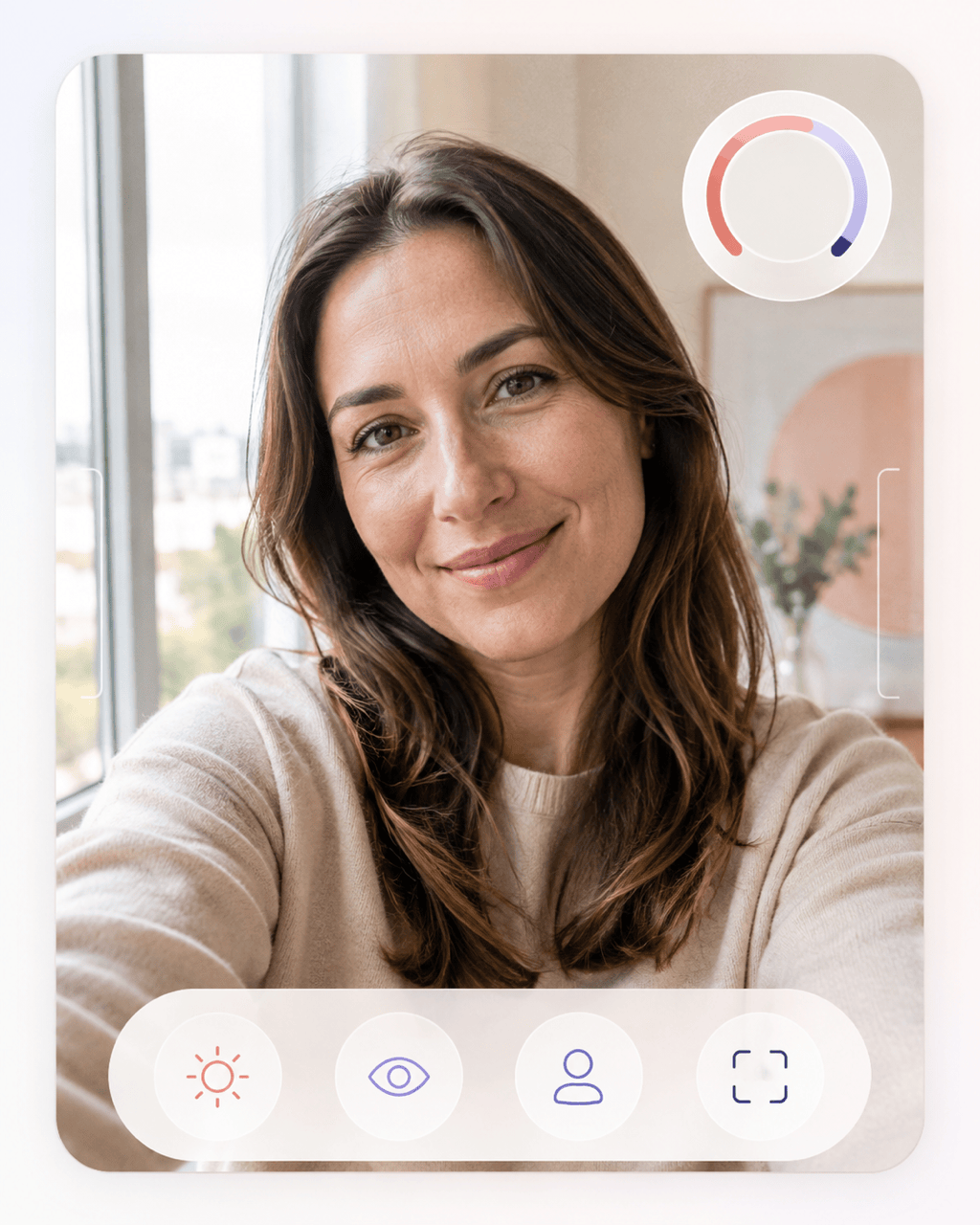
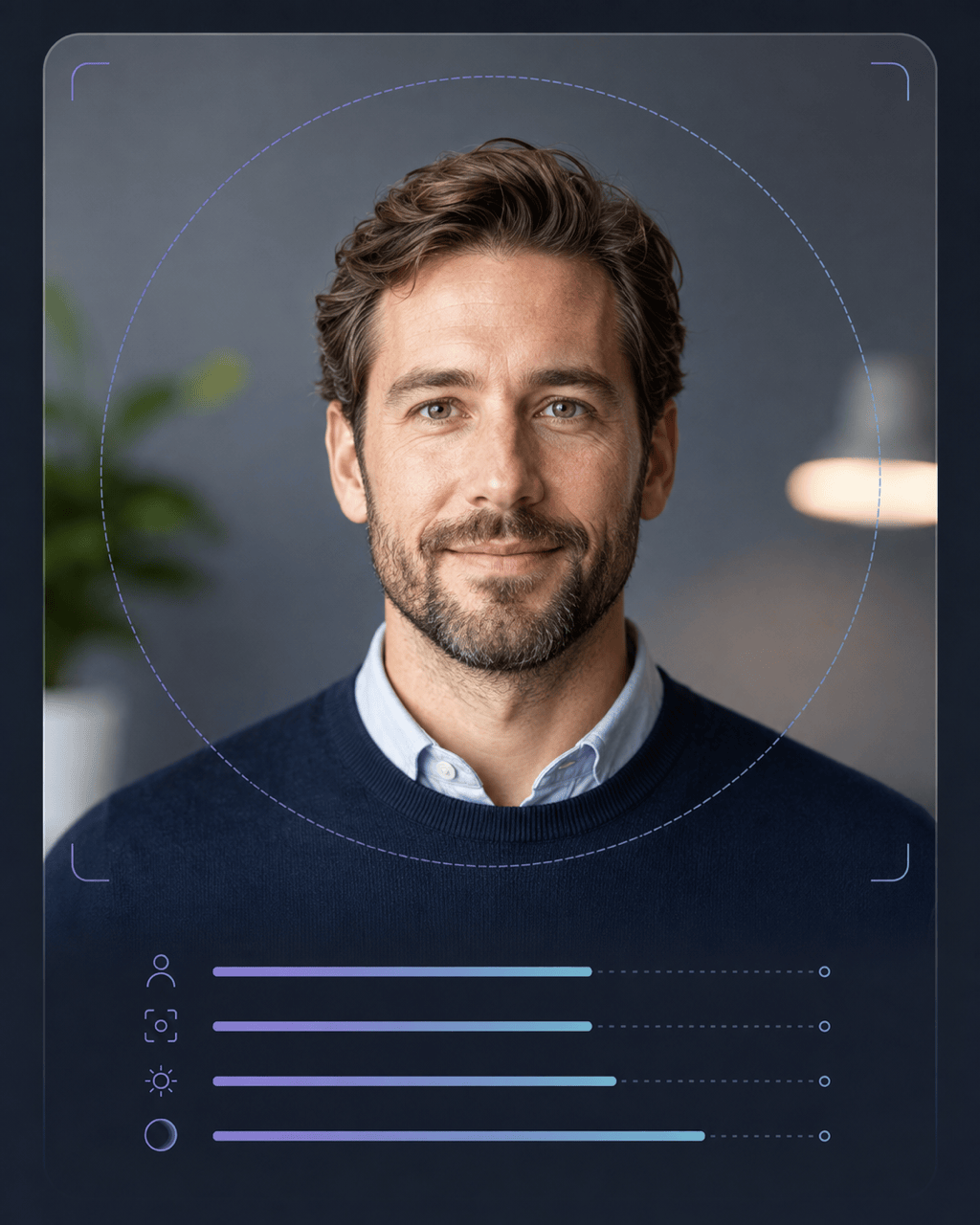
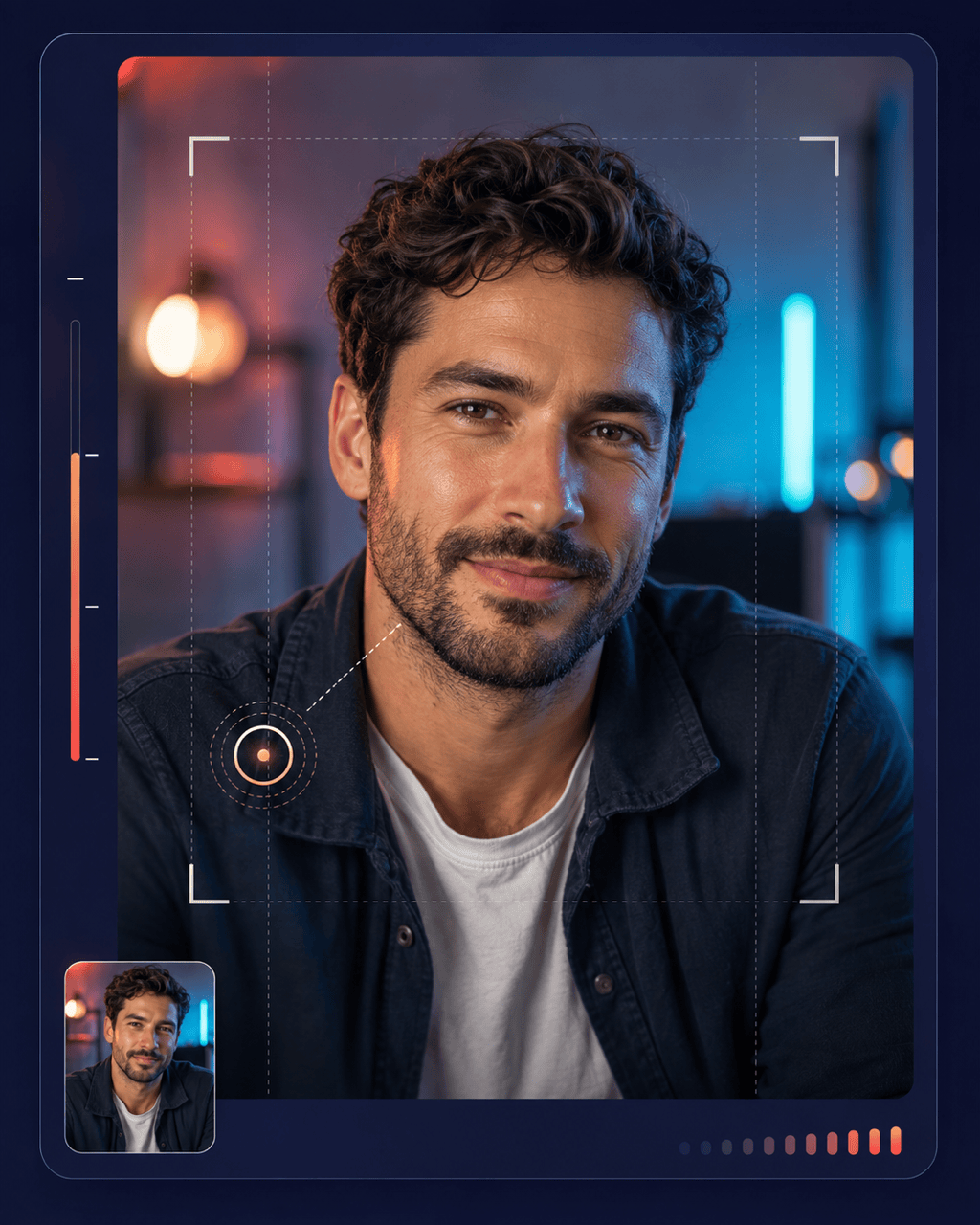
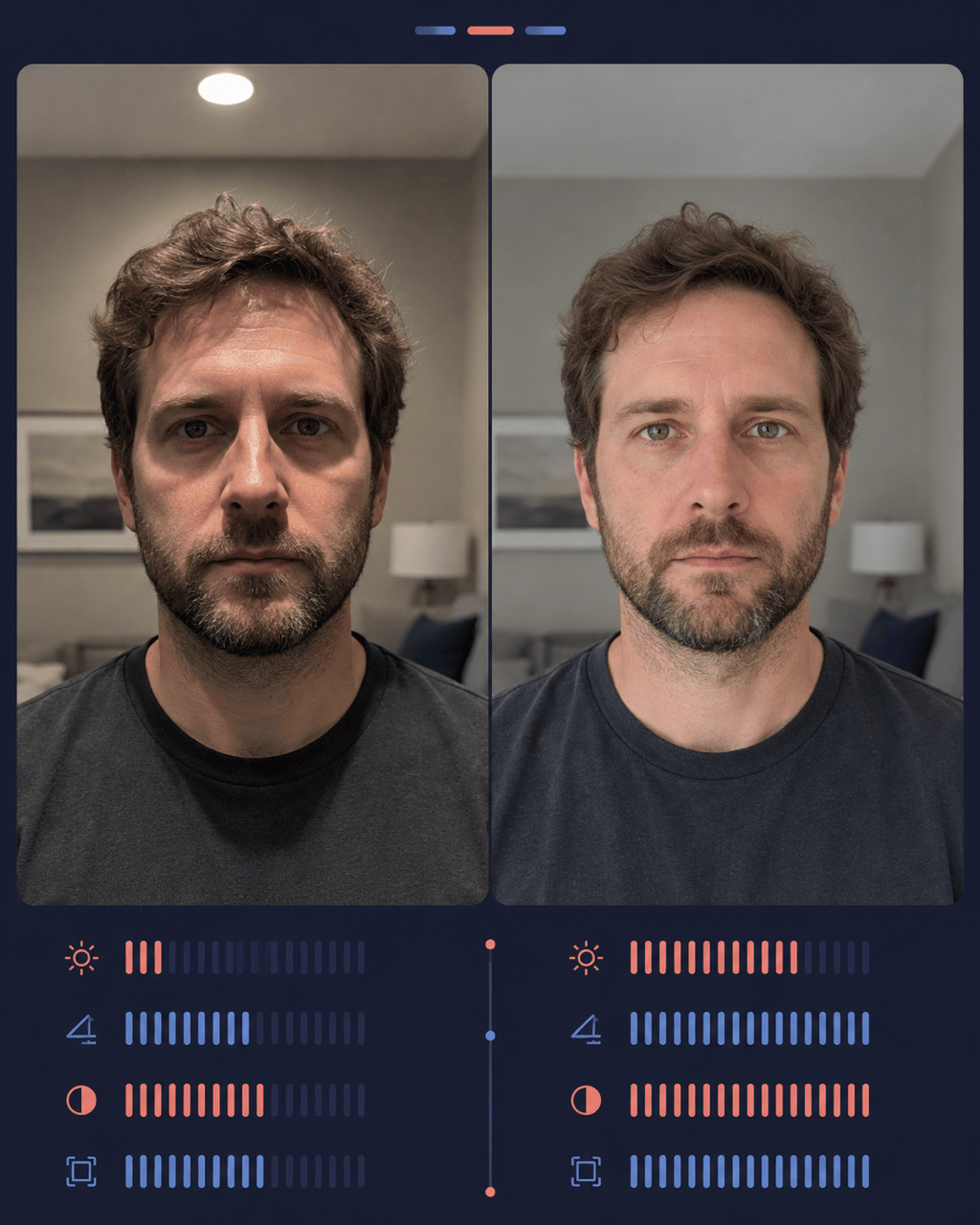
How to Test and Improve a Portrait with AI
Choose a Real Candidate Photo
Define the Photo's Job
Read the Factor-by-Factor Feedback
Retake, Refine, and Export

Photo Feedback You Can Turn Into a Better Shot
Evaluate the Photo, Not the Person
This AI photogenic test focuses on visible capture choices such as light, angle, expression, focus, crop, and background. It does not need to turn a subjective photo review into a fixed label about your appearance.
Ask for an Explainable Breakdown
A useful photogenic score test should show what shaped the result. Request separate observations for camera presence, expression, lighting, perspective, clarity, and composition instead of accepting one unexplained number.
Review the Intended Use
The strongest LinkedIn headshot is not always the best dating or creator photo. Name the platform, crop, audience, and impression you want so the feedback matches the image's actual job.
Compare More Than One Portrait
Upload two candidate shots when you want to test which photo is more photogenic. Ask the AI to compare the same criteria across both images and explain the tradeoffs before you choose one.
Turn Advice Into a Careful Edit
Mew Design can use the uploaded portrait as visual input. Ask Chat Edit to correct exposure, color, crop, or background distractions while keeping facial features, texture, and recognizable identity intact.
Try the Workflow and Export Cleanly
New users receive free AI credits after signup. Explore a portrait review or an edited variation, then download finished image work without a watermark as PNG or JPG.
How to Ask AI for Useful Photogenic Feedback
- Name the Destination: Say whether the portrait is for LinkedIn, a dating profile, a creator thumbnail, an acting portfolio, or a social avatar, and include the intended crop when it matters.
- Limit the Judgment: Ask the AI to review lighting, perspective, expression, focus, pose, crop, and background. Exclude beauty verdicts and sensitive or unsupported inferences.
- Request Evidence: Ask for separate strengths and weaknesses, plus a short explanation of how each visible factor affects this specific photo. Treat any number as a comparison aid, not an objective truth.
- Choose the Next Step: Ask whether you should retake, compare another frame, or make a restrained edit. When editing, list the identity and skin details that must remain unchanged.
Photogenic Test Prompts for Real Portrait Decisions
Dating Profile Photo: Review @[dating-photo] for a dating profile. Focus on natural expression, eye contact, camera distance, face visibility, lighting, crop, and background distractions. Do not rate attractiveness or infer personality. Give three observable strengths, three retake suggestions, and a photo-specific readiness score with a clear subjectivity note.
LinkedIn Headshot: Evaluate @[headshot] as a professional LinkedIn portrait. Check eye-level framing, posture, expression, sharpness, color balance, background separation, and circular-crop safety. Explain what supports a clear professional presentation and what I can change without altering my facial identity.
Creator Thumbnail: Analyze @[creator-portrait] for a 16:9 video thumbnail that will appear small on mobile. Review face size, eye engagement, expression readability, contrast, edge separation, and room for headline text. Recommend a tighter crop or a new capture setup if editing would not solve the main issue.
Compare Two Selfies: Compare @[window-light-selfie] and @[overhead-light-selfie] as profile-photo candidates. Use the same criteria for both: light direction, lens distance, expression, sharpness, crop, and background. Choose the stronger photo for this use and explain the tradeoffs without judging my attractiveness.
Mirror Selfie Retake Plan: Review @[mirror-selfie] and write a five-step retake plan. Check phone position, camera distance, head angle, posture, room lighting, reflections, background clutter, and vertical framing. Keep the advice practical for a phone camera and a small indoor space.
Restrained Portrait Edit: Improve @[portrait] for a 4:5 social profile image. Correct uneven exposure, neutralize the color cast, crop more cleanly, and reduce the bright background distraction. Keep my face shape, skin texture, hair, expression, body proportions, and recognizable identity unchanged; do not reshape or beautify facial features.





