Try OnlineAI Photo to Simpsons
How to Create a Simpsons-Style Portrait with AI
Upload a Clear Photo
Create Your Cartoon Portrait
Fine-Tune the Likeness
Download and Share

Your Photo, Your Own Cartoon Character
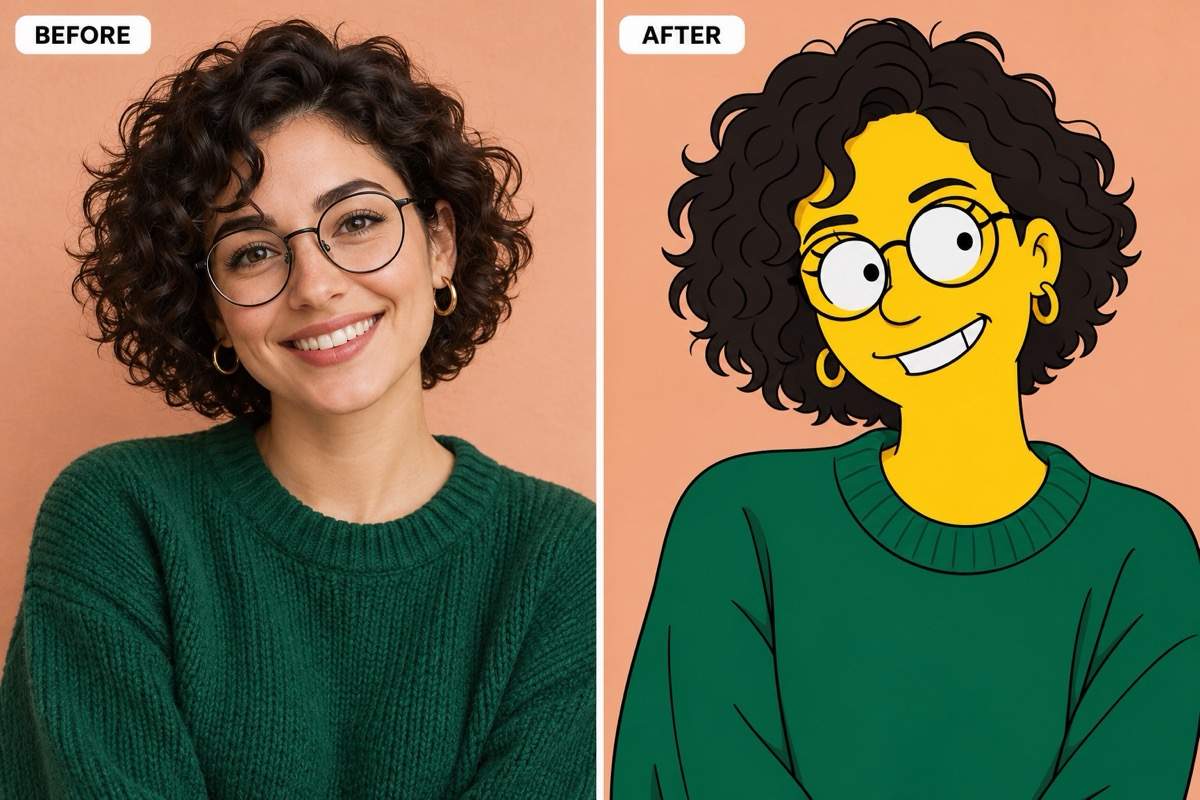
Start with Your Own Face
Our Simpsons character creator uses an uploaded photo as its reference. Point out defining details such as curls, glasses or a beard to guide the likeness.
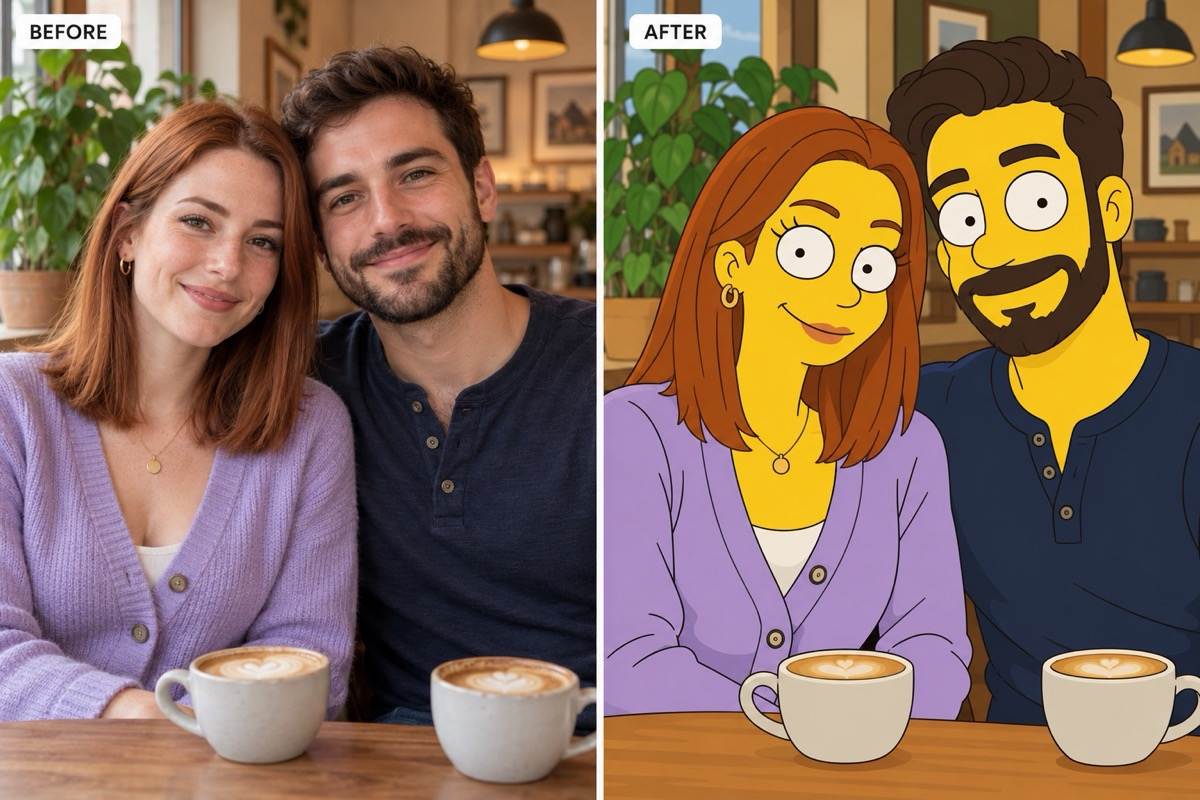
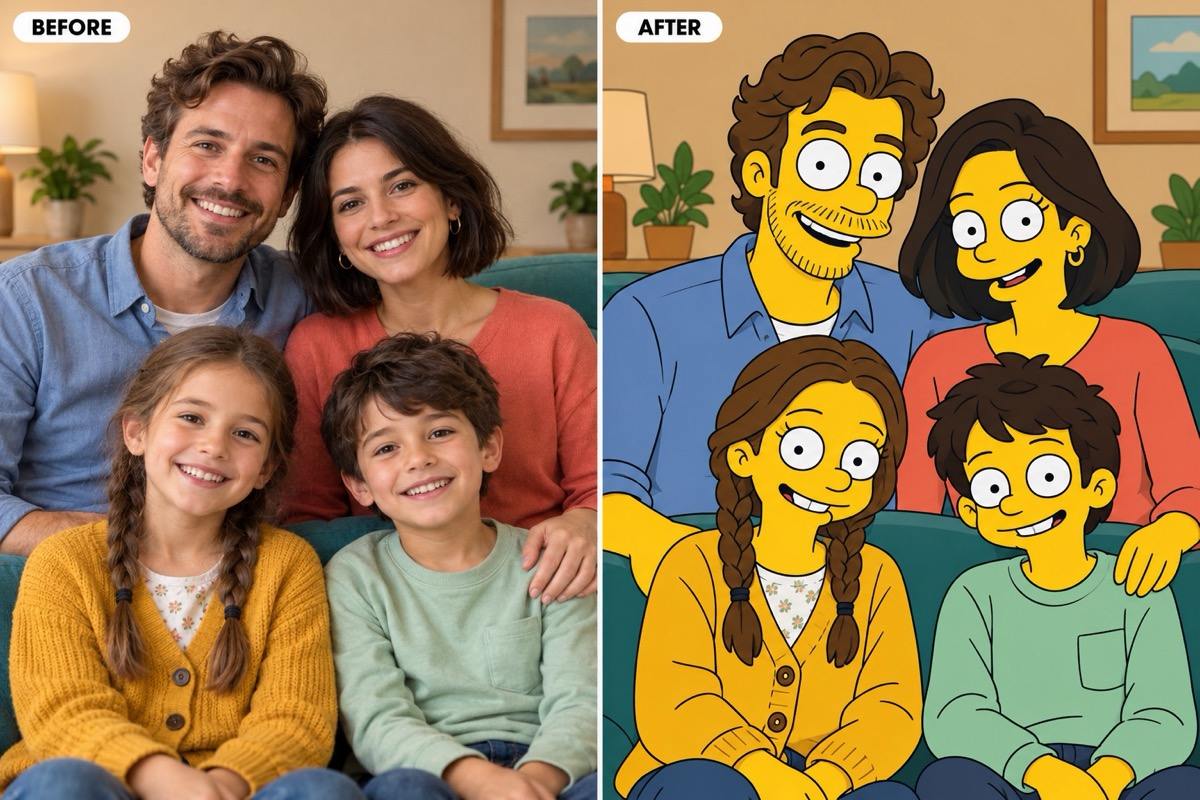
Bring the Whole Group
Create a Simpsons family portrait from a photo or turn a couple selfie into matching characters. Specify the people count and keep everyone in the same order.
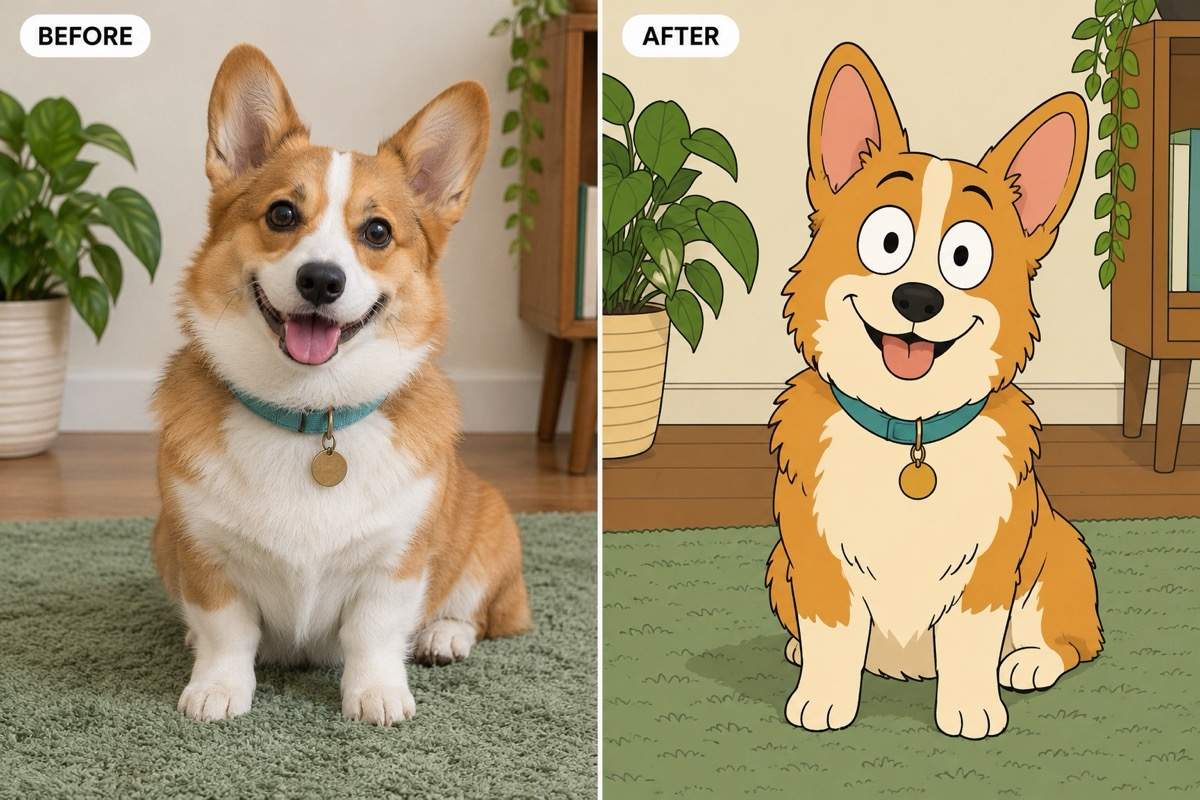
Give Pets Their Own Portrait
Turn a pet photo into a cartoon while asking to retain ear shape, fur patches and collar color. Keep those details visible in the source image.
Choose the Setting
Keep your original background, request a cartoon living room or remove the background. Describe the setting in the same conversation.
Refine More Than the Filter
Use Chat Edit to adjust a smile, restore an accessory or simplify the lines. Request one focused change and review the new version.
Make It Fit Your Profile
Request a square Simpsons avatar or a wider group portrait. Export watermark-free images, or adapt your character with our AI sticker generator.
Choose a Photo That Still Looks Like You
- Show the Face: Use even light and avoid blur, sunglasses or objects covering important features.
- Name the Details: Mention two or three traits that make the subject recognizable, such as hairstyle, glasses and clothing.
- Count the Subjects: For groups, state the number of people and pets. Choose a photo where faces are separate and easy to see.
- Set the Background: Say whether to keep the setting or replace it. Review the face and pose as well as the new scenery.
Fix Common Photo-to-Cartoon Problems
Restore the likeness: Compare this portrait with my uploaded photo. Restore the original hairstyle, glasses and face shape while keeping the Simpsons-style linework and colors.
Correct the group: Use my uploaded family photo as the reference. Include exactly four people in their original left-to-right order. Remove any extra figures and keep each outfit distinct.
Keep the pet recognizable: Restore the ear shape, muzzle and fur markings from my pet photo. Use flat cartoon shading without changing the fur to yellow.
Bring back the setting: Redraw the background from my original photo in the same cartoon style. Keep the people, poses and framing of the current portrait.
Make the style clearer: Refine this portrait into a flat 2D Simpsons-style cartoon with yellow human skin, oval eyes and clean black outlines. Keep the subjects recognizable and remove realistic skin texture.
Fix the avatar crop: Make this portrait square. Center the face and leave space around the hair for a circular profile crop. Keep the expression and use a simple background.





