Try It Free OnlineAI Photo to Line Drawing
How to Create a Line Drawing from a Photo with AI
Upload a Clear Photo
Choose the Look of Your Lines
Clean Up the Drawing in Chat
Check the Details and Download

More Control over the Lines That Matter
Start with Your Own Subject
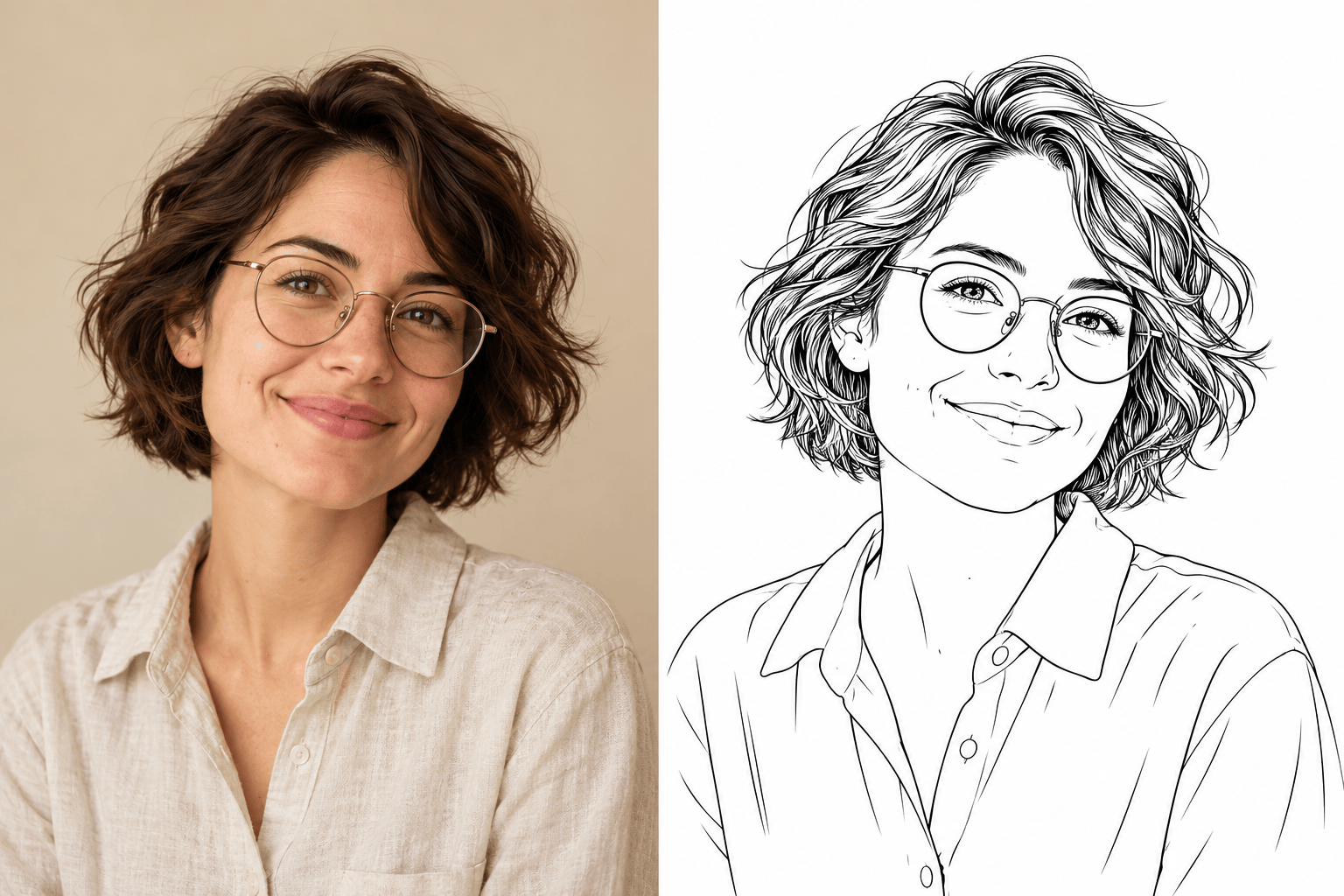
Use our photo to line art converter with an uploaded portrait, pet, or meaningful place. Tell the AI which facial features, markings, or structural details define the subject.
Set the Level of Detail
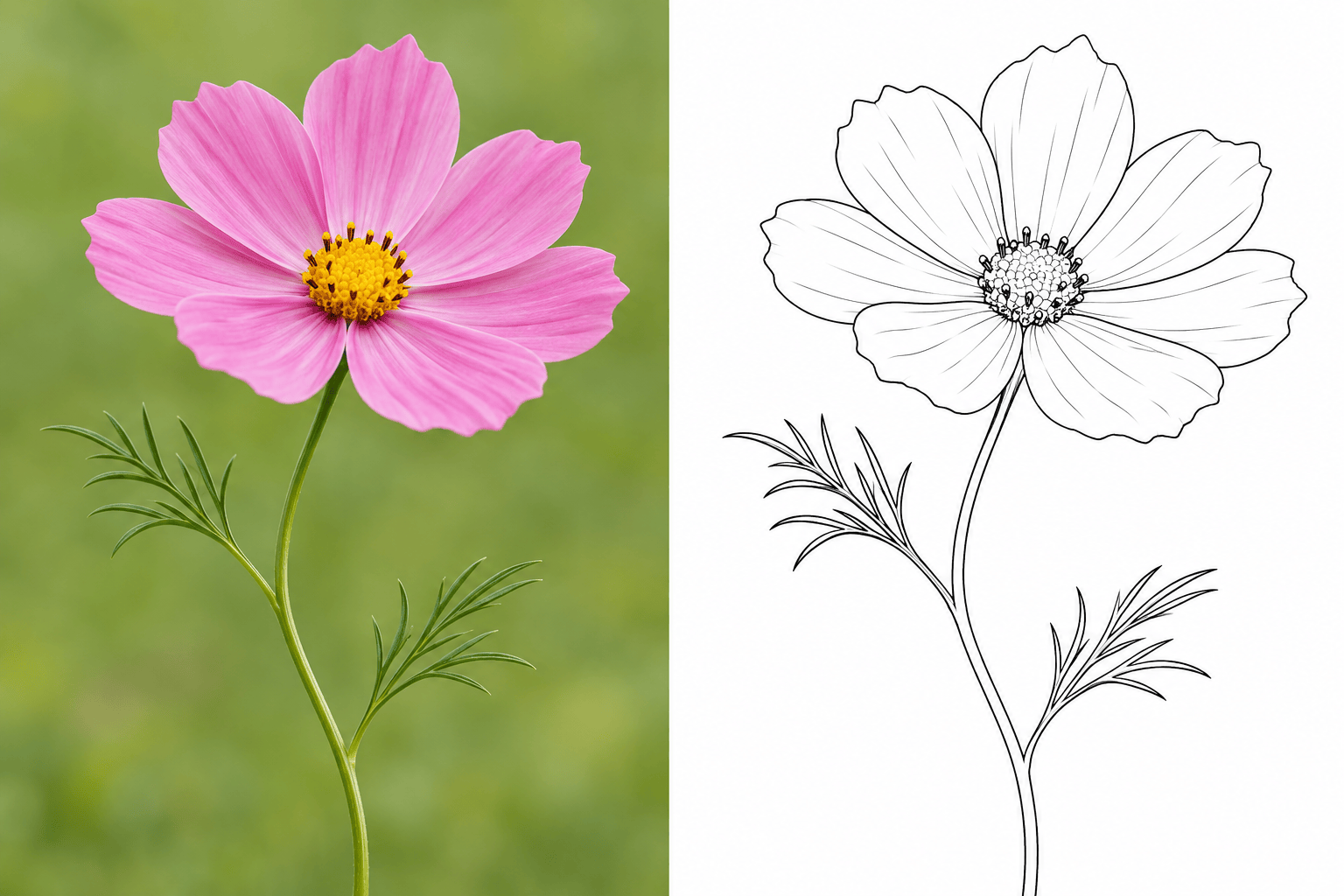
Request sparse contours for minimalist art or stronger, simpler outlines for coloring pages. Refine the line weight and detail through conversation.
Leave the Busy Background Behind
Ask for white space around the subject or remove the background for a transparent PNG. Keep attention on the outline instead of furniture, foliage, or shadows.
Use a Line-Art Style Reference
Upload a reference to show the line quality you like. Explore a delicate portrait or a bolder ink treatment while using your photo as the subject reference.
Give the Drawing a Place to Go
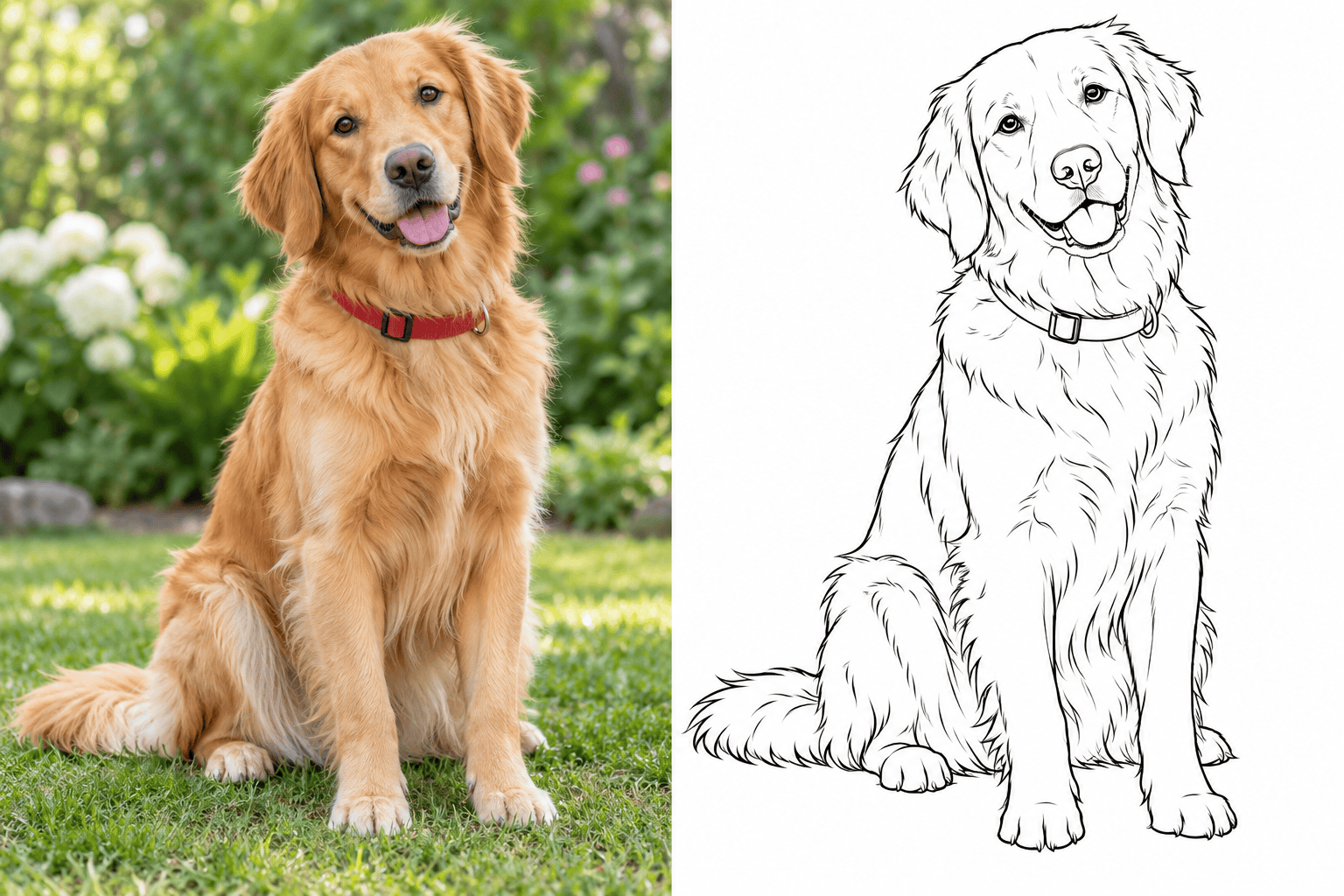
Use the result in a printable gift or digital project. Continue with custom wall art or turn a pet outline into a personalized sticker.
Try the Conversion with Free Credits
Looking for a free photo to line drawing converter? Test Mew Design with free AI credits after signup. Exports are watermark-free; further generation depends on your available credits.
What Makes a Photo Work Well as Line Art?
- Choose Visible Edges: Use a sharp, well-lit image. Heavy blur and deep shadows hide contours the AI would otherwise need to guess.
- Keep One Main Subject: Crop distracting surroundings before uploading, especially for a small portrait or pet keepsake.
- Match Detail to the Use: Tracing needs readable contours. Coloring pages need open spaces. Portrait art may need a few extra lines around the eyes and hair.
- Name What Must Stay: Point out glasses, ear shapes, pet markings, or a distinctive roofline. Compare those features against the photo after each revision.
Fix Common Photo-to-Line-Art Problems
Remove the clutter: Rework my uploaded photo as line art with only the main subject on white. Remove all background objects and their outlines. Keep the subject’s pose and framing.
Remove gray shading: Revise this drawing using black contour lines on white. Remove gray fills, hatching, and dark shadow blocks while keeping the main shapes readable.
Restore portrait details: Compare the drawing with my uploaded portrait. Bring the face shape, glasses, hairline, and expression closer to the photo without adding skin texture.
Simplify pet fur: Keep the ear shape, muzzle, and distinctive markings from my uploaded pet photo. Replace dense fur strokes with a few clean curves and open spaces for coloring.
Strengthen faint outlines: Make the main contours clearer for a printable tracing guide. Keep small interior details lighter and separate nearby lines so they do not merge.
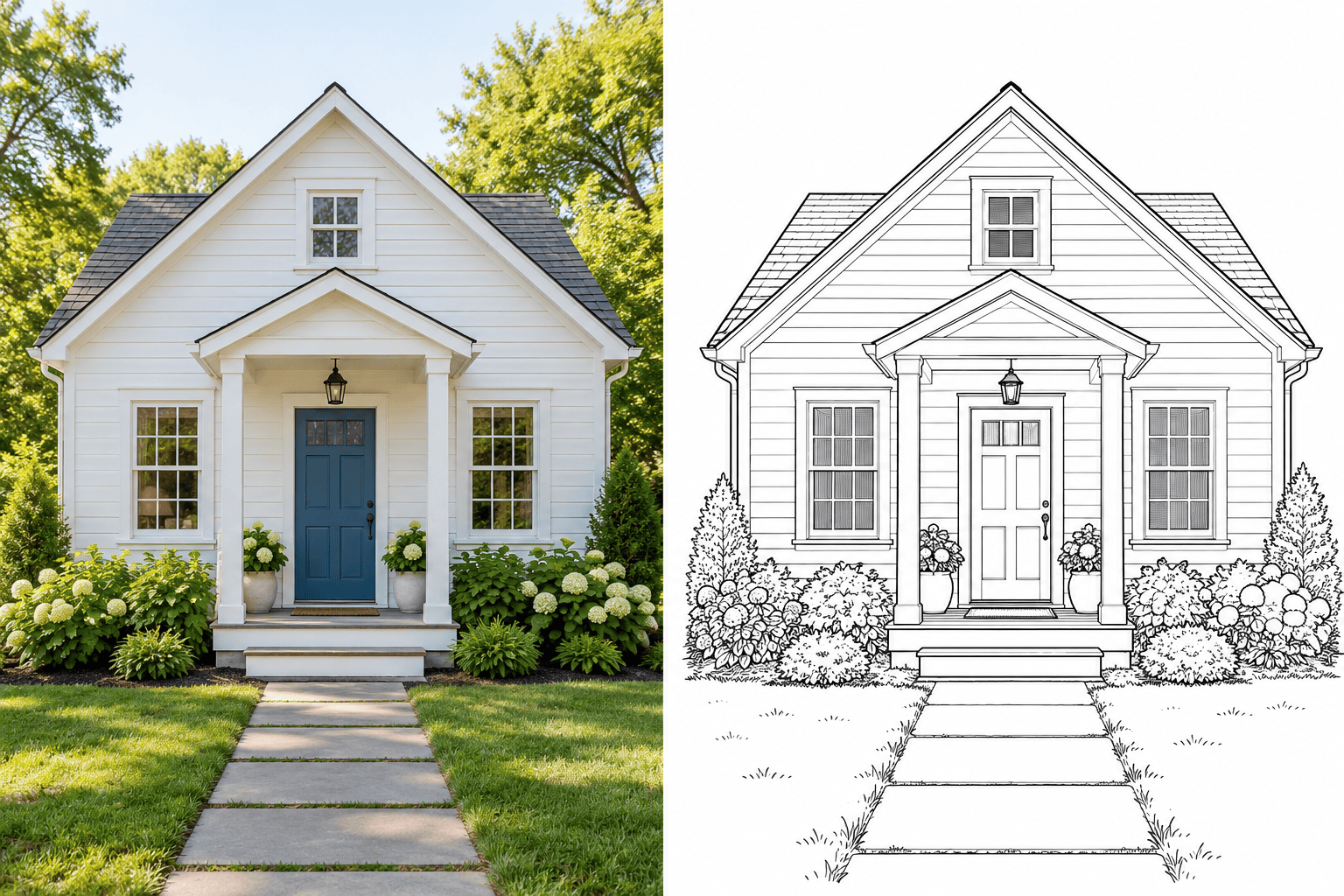
Correct building lines: Use my uploaded house photo to revise the roofline, window positions, and door proportions. Remove brick texture and foliage that hide the structure.





