Free OnlineAI Photo to Caricature
How to Turn a Photo Into a Caricature with AI
Upload a Clear Photo
Describe the Drawing Direction
Generate and Compare the Likeness
Refine and Download

Why Use Mew Design for Photo-to-Caricature Art
Built Around Your Source Photo
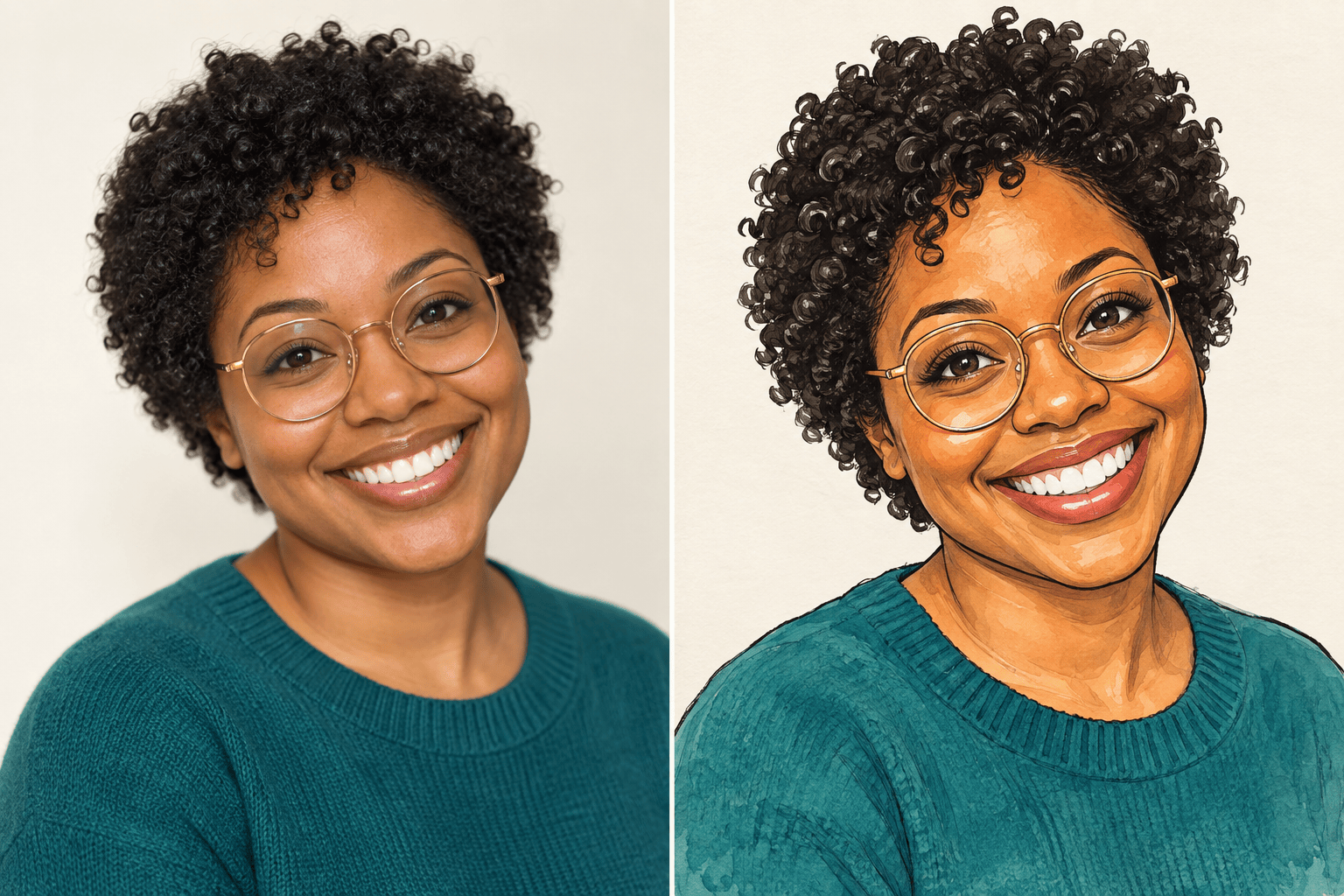
Upload the portrait you want to transform instead of starting from a generic character. Our AI photo to caricature tool uses the image as the visual reference for the subject, pose, expression, hair, and clothing.
Keep Defining Features Recognizable
Tell the AI which traits anchor the likeness, from a distinctive grin and glasses to a face shape or hairstyle. The result can be expressive and exaggerated without turning into an unrelated cartoon person.
Control Style and Exaggeration in Chat
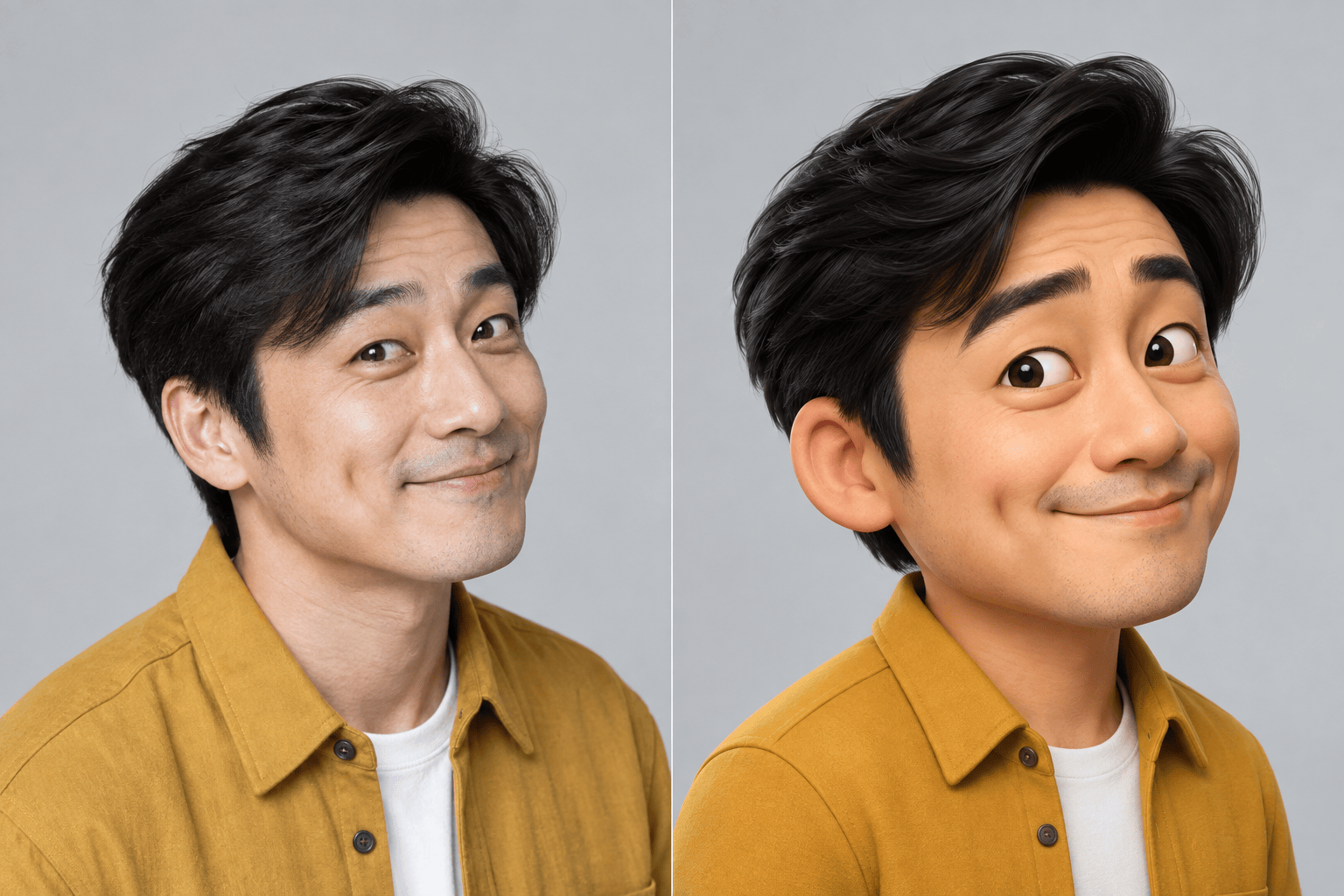
Use plain language to ask for a warm colored-pencil portrait, a bold ink drawing, a polished 3D caricature, or another direction. You can also make the exaggeration flattering, classic, or deliberately wild.
Fix the Likeness Without Starting Over
If the first version pushes one feature too far, use Chat Edit to correct that detail while preserving the parts that already work. This makes the online caricature maker useful for careful portrait refinement, not just one-click filters.
Create Selfies, Couples, Groups, and Pets
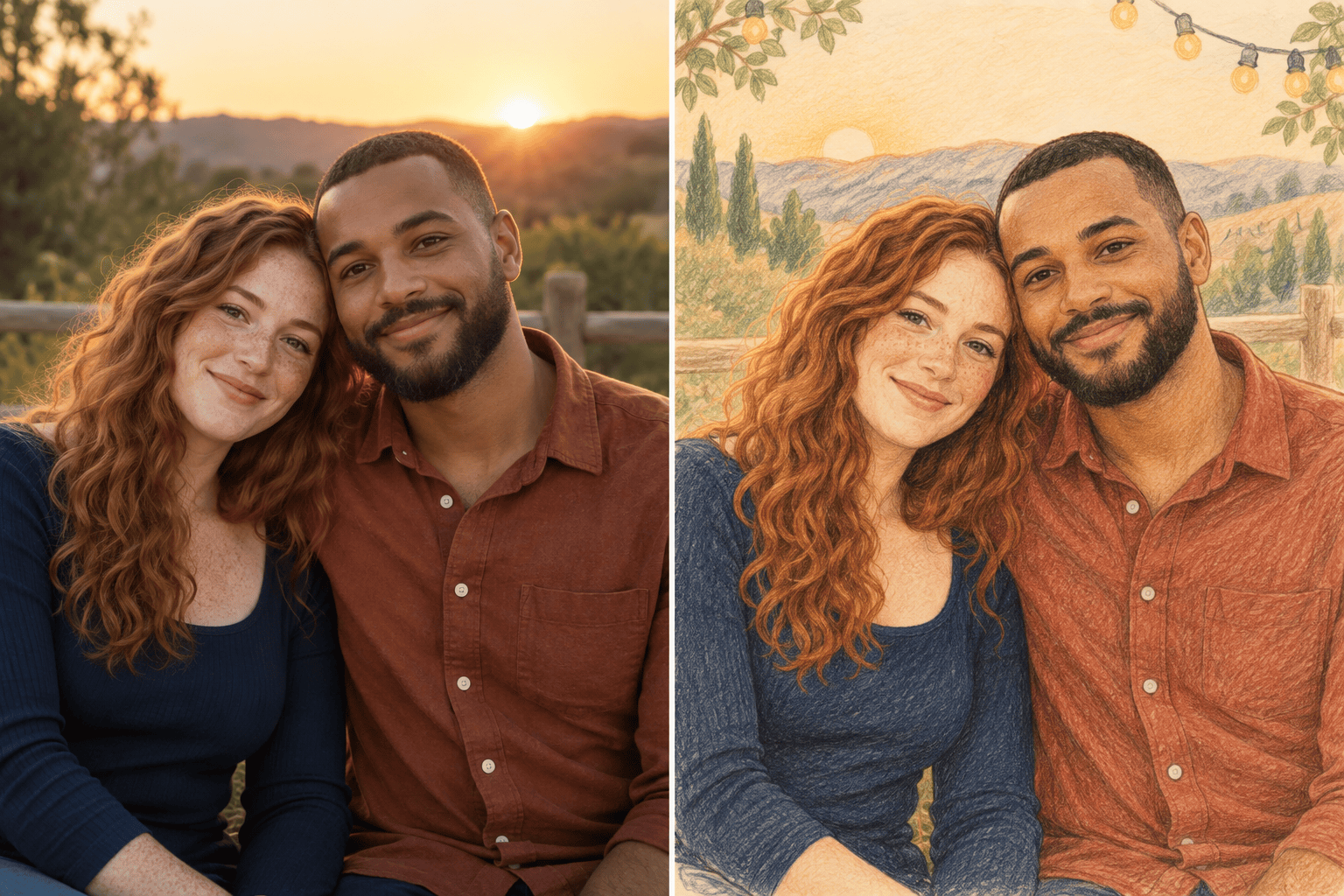
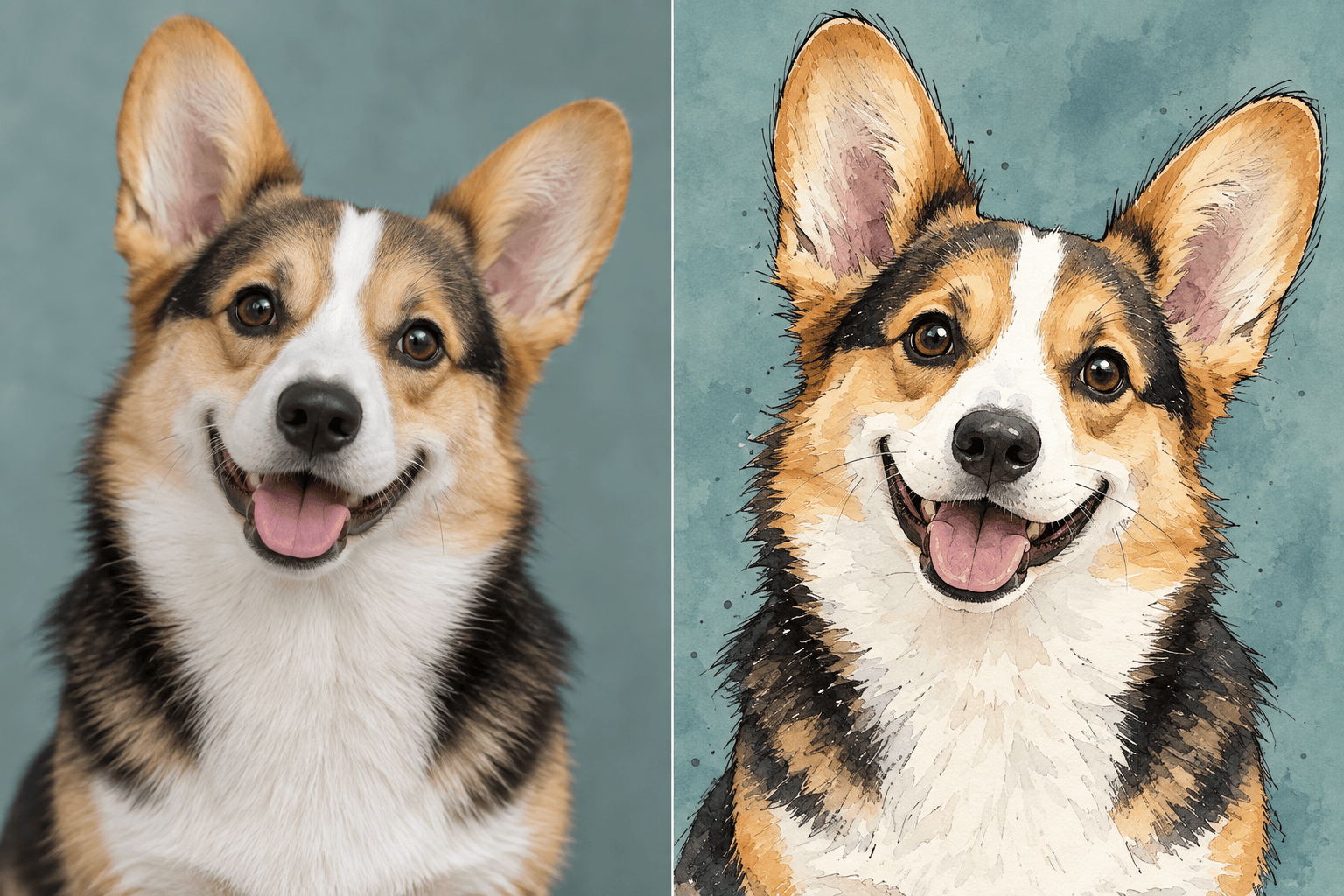
Turn a selfie into an avatar, make a couple caricature from a favorite photo, redraw a team picture, or exaggerate a pet's ears and expression. The same image-to-image workflow adapts to different subjects and occasions.
Try Styles and Export Without Watermarks
Sign up for free AI credits, test more than one visual direction, and download the version you prefer without a watermark. PNG and JPG exports are ready for social profiles, digital sharing, and personal print projects.
How to Choose a Good Photo for a Caricature
- Show the Face Clearly: Use a sharp, well-lit photo with visible eyes and facial contours. Avoid heavy blur, extreme side profiles, deep shadows, or sunglasses when likeness matters.
- Name the Identity Anchors: Call out the smile, face shape, hairstyle, glasses, freckles, or other traits friends would recognize immediately.
- Set the Exaggeration Level: Ask for subtle exaggeration for a flattering gift, classic exaggeration for a street-artist feel, or a wild big-head look for a joke or meme.
- Use Photos Responsibly: Upload images you own or have permission to use. Review the final portrait carefully before publishing, printing, or using it in a commercial project.
Caricature Styles and Fixes to Try
Create a classic hand-drawn color caricature from my uploaded selfie. Keep the eyes, smile, face shape, hairstyle, glasses, and skin tone recognizable. Use medium exaggeration, clean ink outlines, rich watercolor shading, and a simple paper background.
Turn my portrait into a flattering colored-pencil caricature for a profile picture. Keep the likeness close to the photo, use subtle exaggeration, brighten the expression, and simplify the background without changing the person's age or identity.
Make a bold 3D caricature from this photo with an oversized head, expressive eyebrows, and a playful grin. Preserve the exact person, hairstyle, clothing colors, and skin tone. Use a tiny-body composition and a clean studio backdrop.
Transform our uploaded couple photo into a warm anniversary caricature. Keep both people recognizable, preserve their pose and affectionate expression, use gentle colored-pencil texture, and add a tasteful celebratory background without text.
Convert this group photo into a cohesive marker-style caricature. Include every person, keep each face and hairstyle distinct, exaggerate expressions consistently, and use a simple background so no one is lost or merged.
Turn my pet photo into an expressive ink-and-watercolor caricature. Preserve the breed, coat pattern, eye color, and signature ear shape, then exaggerate the ears and happy expression in a friendly way.





