Free OnlineAI Pet Portrait Generator
How to Create a Pet Portrait with AI
Upload a Clear Pet Photo
Describe the Portrait You Want
Generate and Check the Likeness
Refine and Download

Why Create Custom Pet Art with Mew Design
Start from Your Pet's Real Features
Upload the photo as a visual source and tell Mew Design which traits must stay recognizable, from a tabby's forehead markings to a dog's uneven ears. The image-to-image workflow gives your portrait a specific subject instead of a generic animal.
Describe Any Art Direction
Go beyond a fixed preset list. This AI pet portrait maker accepts natural-language direction for medium, palette, lighting, costume, background, and expression, so the result can match your pet's personality or the recipient's taste.
Create More Than Dog and Cat Art
Use clear reference images to create portraits of rabbits, birds, reptiles, horses, and other companions. For a group portrait, upload the pets as references and describe where each animal should appear in the composition.
Correct Details Through Chat
A first draft may miss a marking or change an expression. With Chat Edit, you can ask for a narrower muzzle, the original green eyes, a different crop, or a quieter background while preserving the parts that already work.
Explore a Coherent Portrait Series
Generate several directions for the same pet or build a matching set for multiple animals. The online AI pet portrait generator helps you compare watercolor, royal, graphic, and realistic treatments without rebuilding the brief each time.
Try It Free and Export Without Watermarks
Sign up to receive free AI credits and test portrait ideas before committing to a direction. Finished designs can be exported without a watermark as PNG or JPG files for digital sharing or your own print workflow.
How to Choose a Photo for an AI Pet Portrait
- Show the face clearly: Use a sharp, well-lit, eye-level photo with open eyes and no object covering the muzzle, beak, or key markings.
- Name signature details: Call out coat colors, patches, ear shape, eye color, expression, collar, or scars that make the portrait feel like your pet.
- Match the crop to the use: Ask for a square close-up for a pet avatar, a vertical composition for framed wall art, or extra space when you plan to add a name later.
- Separate likeness from style: State what must remain faithful first, then describe watercolor washes, old-master lighting, clean cartoon lines, or another visual treatment.
Pet Portrait Ideas for Every Story
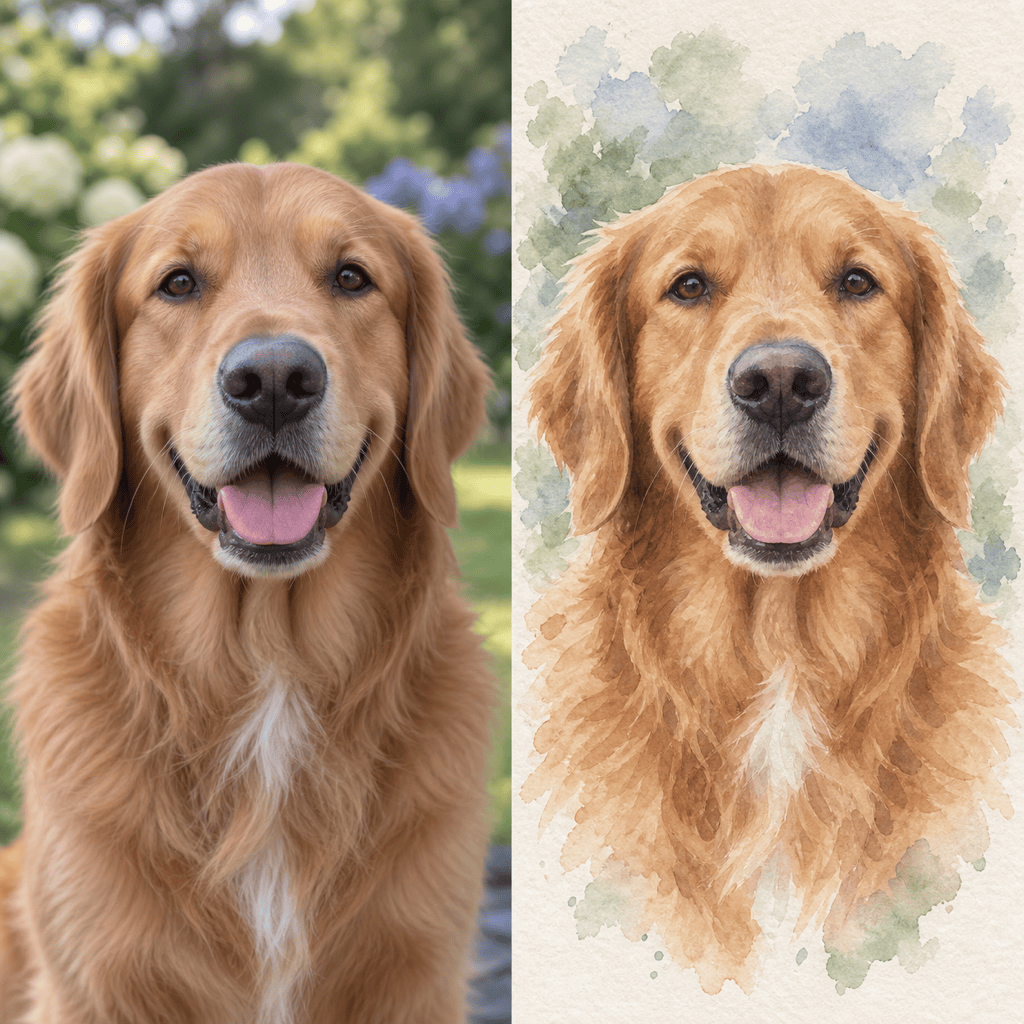
Create a watercolor dog portrait from my uploaded photo. Keep the exact golden coat, dark brown eyes, floppy ears, and happy open-mouth expression. Use loose blue and sage washes on textured paper with a clean head-and-shoulders crop.
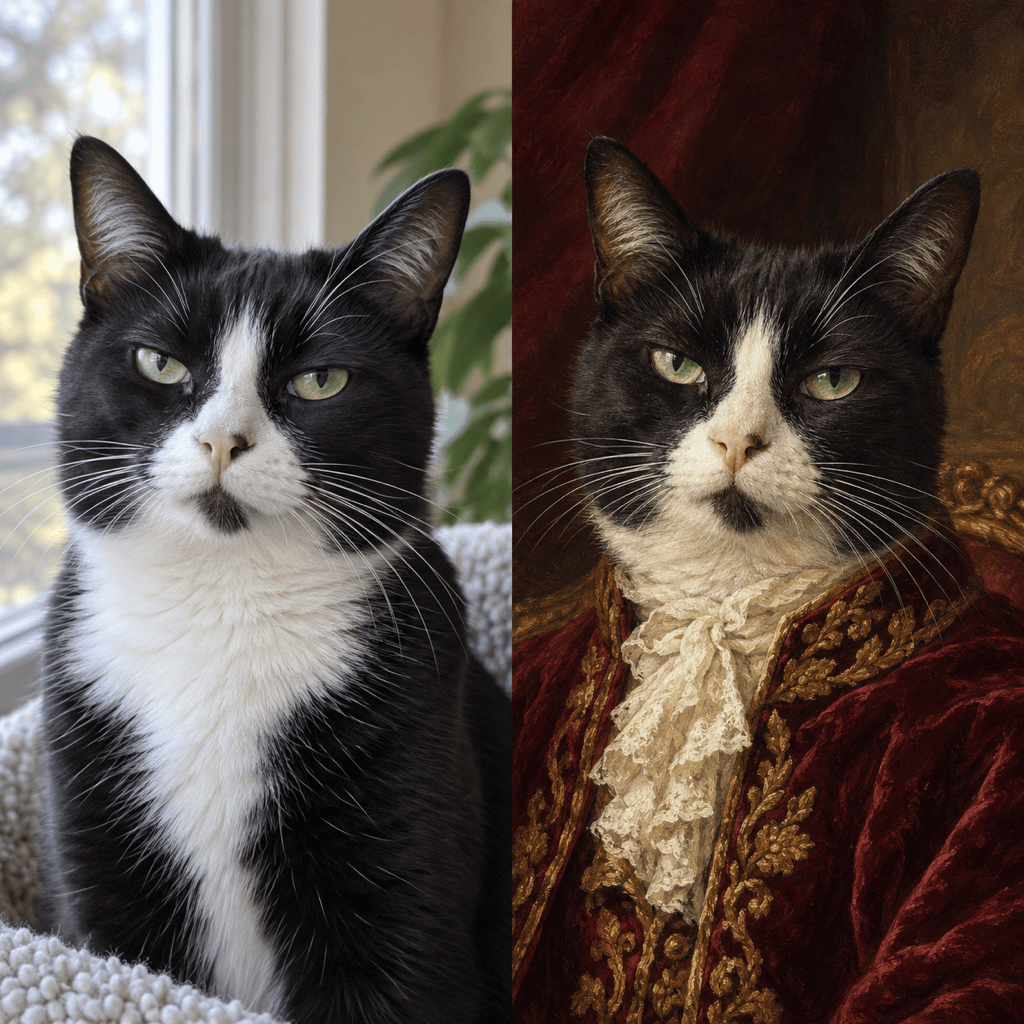
Turn my cat photo into a royal oil painting. Preserve the tuxedo markings, green eyes, short muzzle, and slightly unimpressed expression. Add a deep burgundy velvet jacket, an ornate dark background, and dramatic museum lighting.
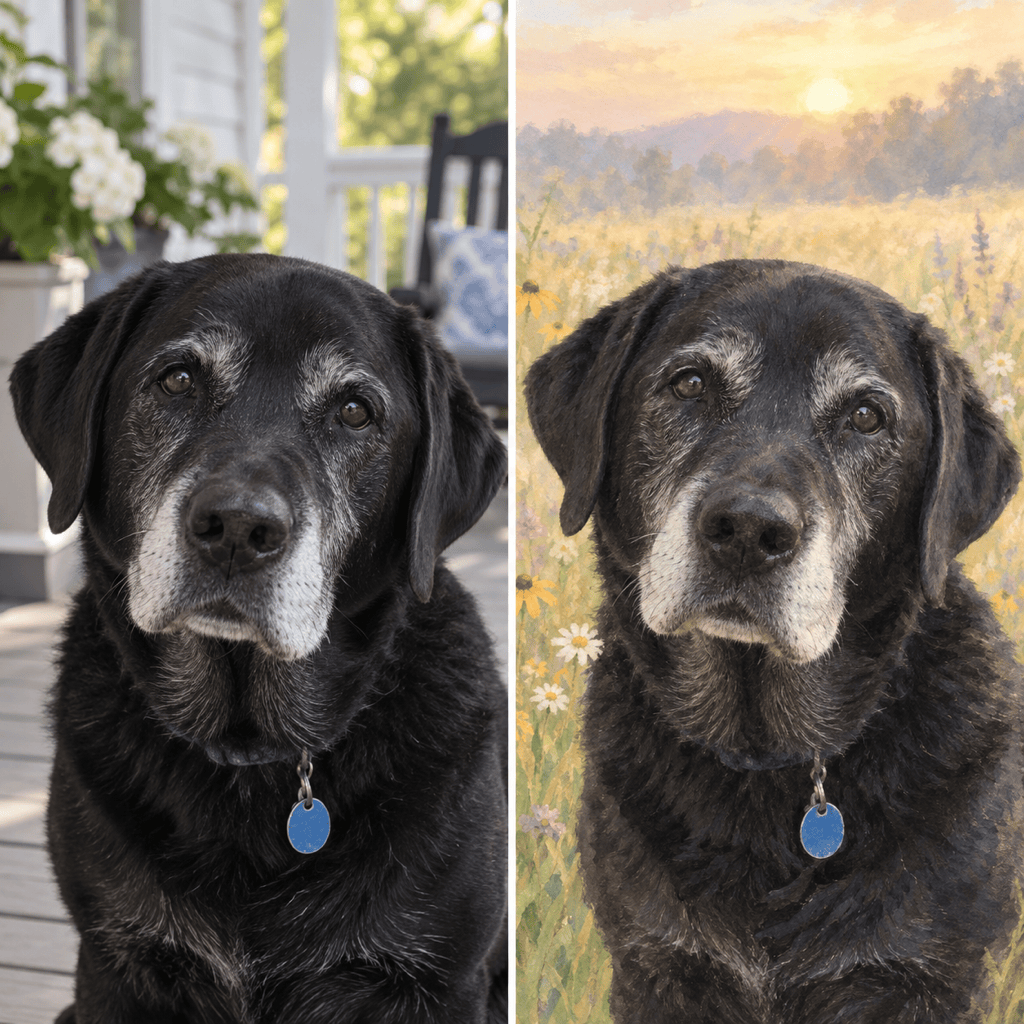
Create a gentle pet memorial portrait from my uploaded photo. Keep the face and markings recognizable. Use soft sunrise light, pale wildflowers, a peaceful neutral background, and a tasteful painterly finish without halos, wings, or text.
Make a square cartoon pet avatar from my rabbit photo. Preserve the upright ears, gray nose patch, and bright eyes. Use clean rounded shapes, a mint background, bold readable silhouette, and no words or accessories.
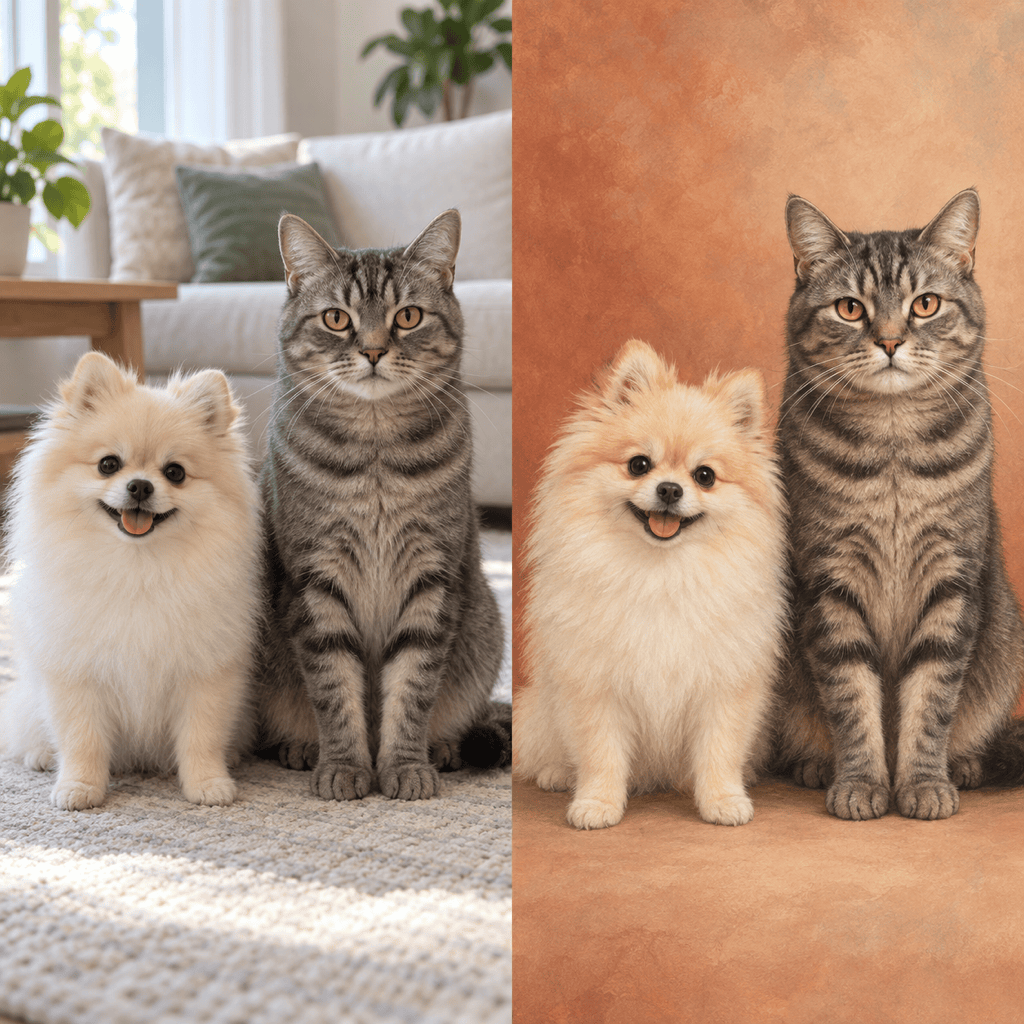
Create one balanced portrait of the two pets in my uploaded references. Keep each animal's coat pattern, size difference, and expression distinct. Place them side by side in matching soft studio light with a warm, simple background.
Turn my parrot photo into vibrant pop art. Keep the beak shape and red, blue, and yellow feather pattern accurate. Use crisp graphic blocks, energetic contrast, a centered portrait crop, and no text or watermark.





