Free OnlineAI Patch Generator
How to Create a Custom Patch with AI
Set the Patch Specifications
Generate a Focused Concept
Simplify and Compare Variations
Export for Production Review

Why Mew Design Works for Custom Patch Concepts
Start From Words or Artwork
Describe a new emblem from scratch or upload your own logo, rough sketch, mascot, or mood reference. Our custom patch generator can use the visual input while exploring a new patch treatment.
Explore the Right Material Look
Compare stitched embroidery, fine woven detail, molded PVC layers, bold chenille loops, or a flat printed finish. Each direction can use a different level of detail and texture.
Design for a Small Format
Build concepts around a clear silhouette, bold central symbol, strong contrast, and restrained detail. This helps a patch stay recognizable on a cap, jacket, backpack, or uniform.
Compare Cohesive Variations
Generate related colorways, border treatments, shapes, or material previews without losing the core idea. This is useful when a club, brand, or event team needs options to review.
Refine Every Detail in Chat
Ask Chat Edit to thicken outlines, simplify an icon, enlarge lettering, reduce colors, remove the background, or replace an element instead of rebuilding the design from zero.
Export Clean Concept Images
Try the free AI patch generator with signup credits, then export selected images without a watermark. Use PNG or JPG files for apparel mockups, presentations, and a clear handoff to your patch maker.
How to Write a Strong AI Patch Design Prompt
- Set the Size and Edge: Give the finished width or height, basic shape, and preferred edge. Merrowed borders suit many simple rounded shapes; irregular silhouettes may need a cut edge confirmed by the manufacturer.
- Build a Clear Hierarchy: Choose one main emblem, optional short wording, and a border. Ask for bold lettering, thick outlines, and enough empty space for the design to read at actual patch size.
- Control Color and Texture: Use a limited set of high-contrast flat colors for embroidery. Describe thread direction, twill, rubber layers, woven detail, or chenille loops only when they match the chosen material.
- Add Use and References: Mention whether the patch is for a hat, jacket, workwear, club, event, or merch line. Upload only logos and artwork you own or have permission to adapt.
Custom Patch Prompts for Different Materials
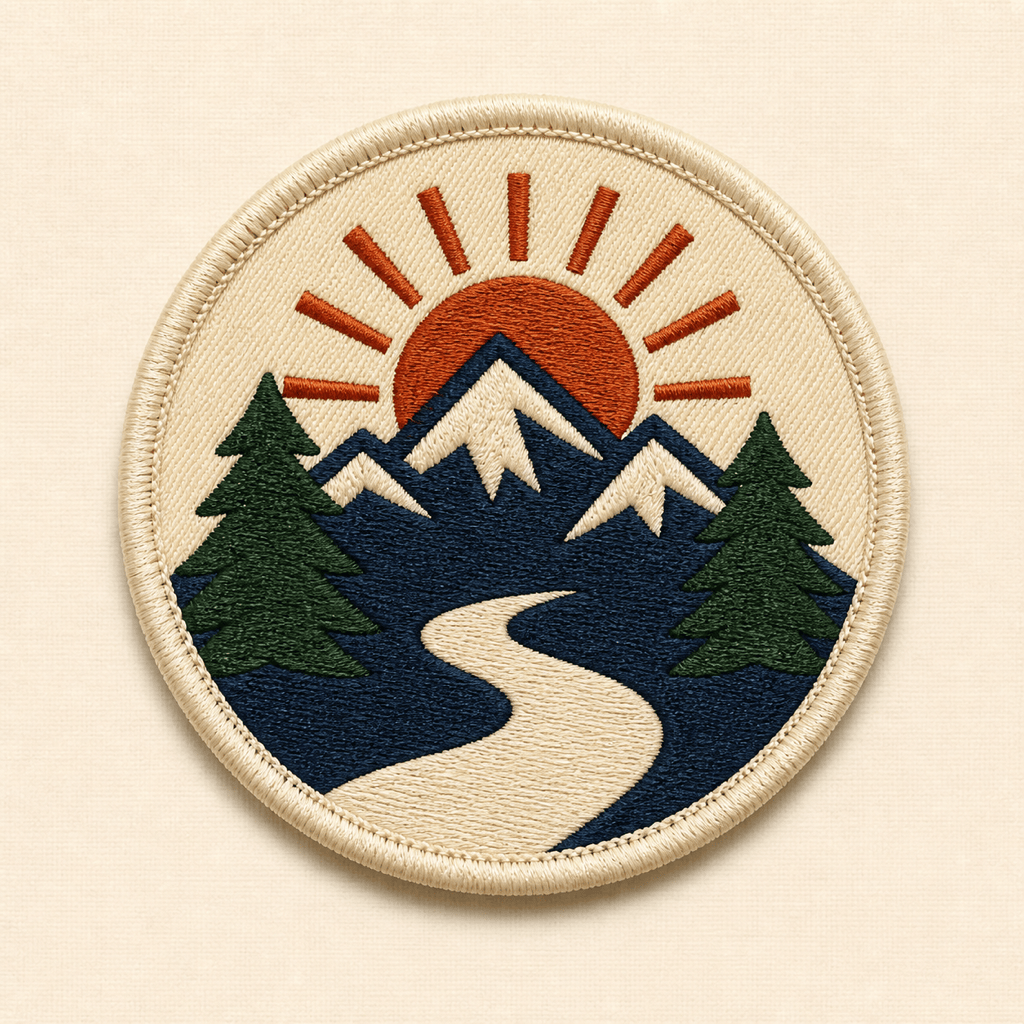
Create a round embroidered outdoor-club patch, 3.5 inches wide, with a mountain, river, and sunrise. Use four flat thread colors, a bold cream merrowed border, no gradients, no tiny details, and no text.
Turn my uploaded original bakery logo into a small woven logo patch for aprons and caps. Preserve the core symbol, simplify thin lines, use a rectangular shape with rounded corners, and make two high-contrast brand colorways.
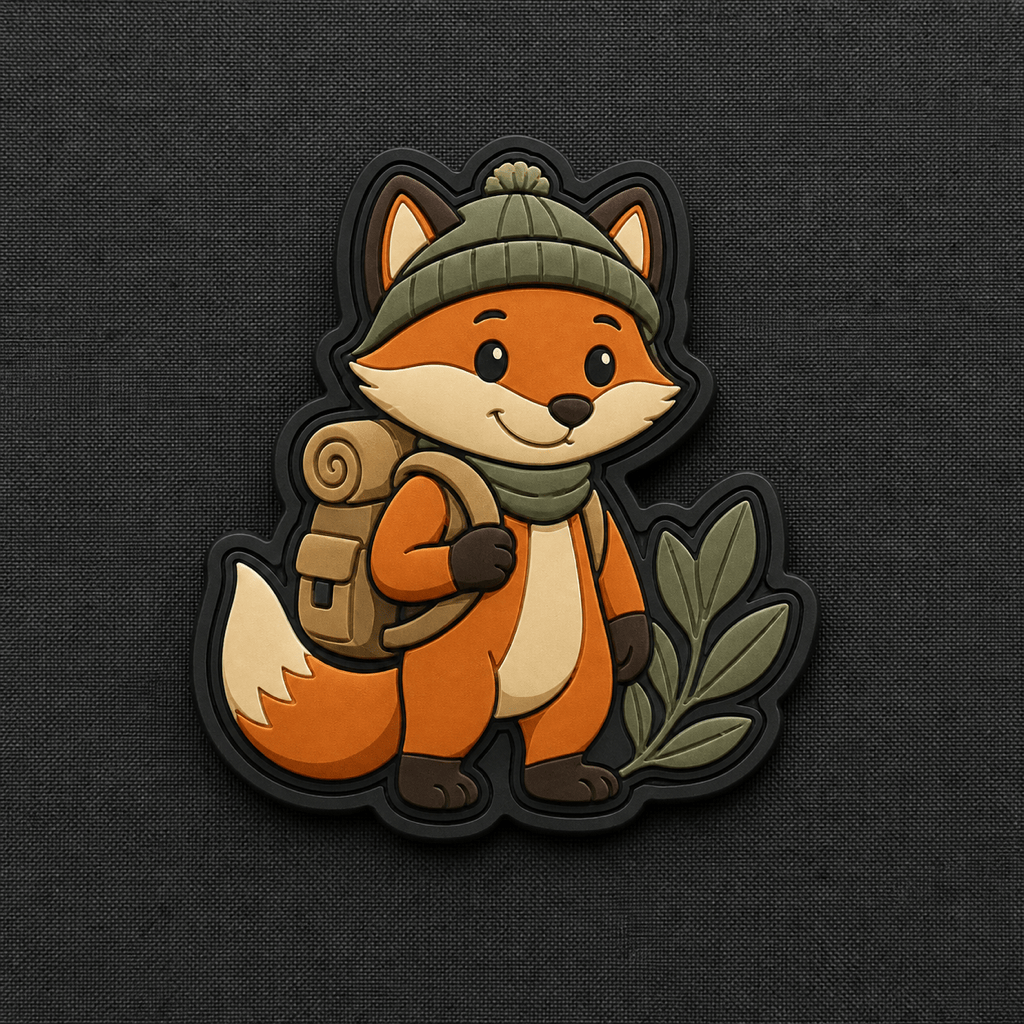
Design an original PVC morale patch shaped like a friendly fox explorer. Use raised dark outlines, recessed orange and tan fills, an irregular die-cut silhouette, no weapons, no military insignia, and no words.
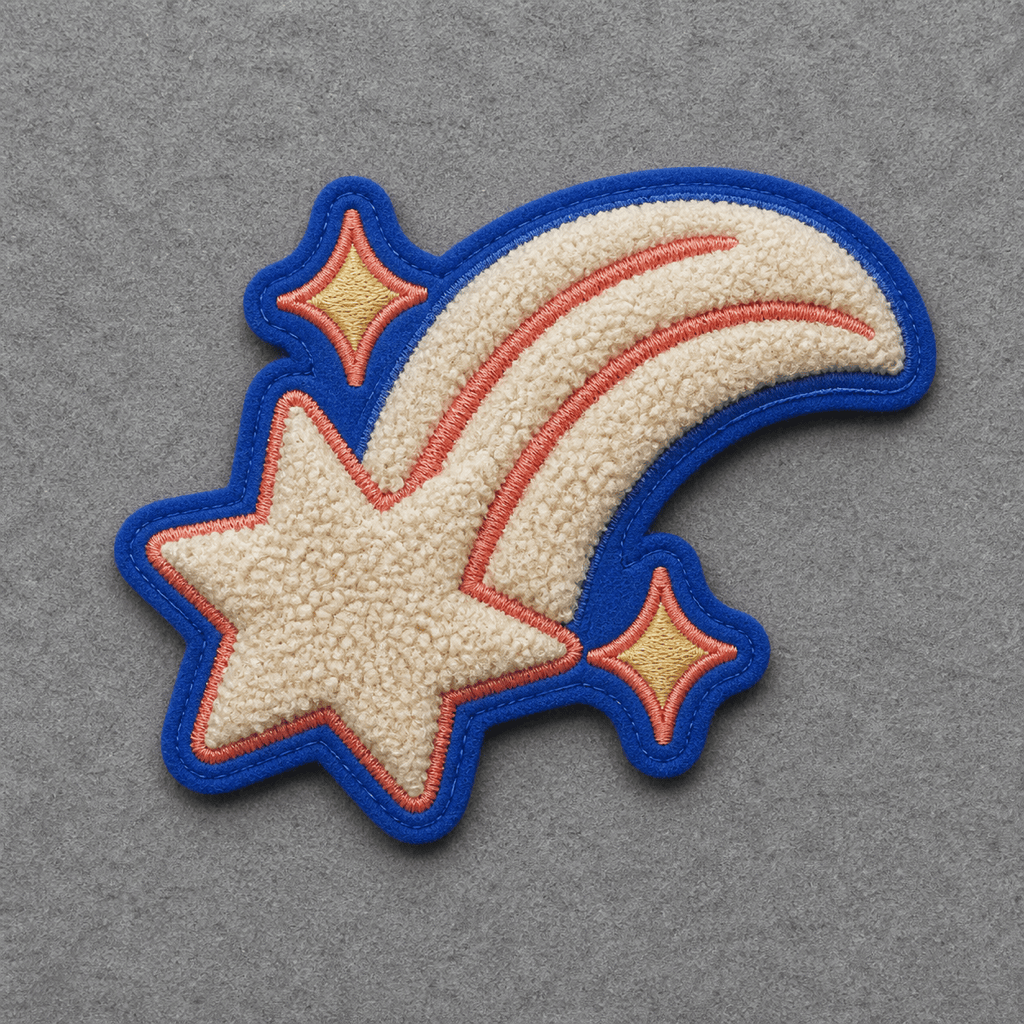
Create a chenille patch for a fashion jacket featuring a large lucky comet with a curved trail. Use cream chenille loops, cobalt felt, and a coral accent. Keep the design bold, playful, and free of school or team branding.
Make a woven souvenir patch for a coastal film festival. Use a lighthouse, a wave, and a small star in a clean oval badge. Reserve space for the approved event name, keep fine lines controlled, and show navy and coral variations.
Create a 4-by-1.5-inch embroidered name patch for workshop uniforms. Use one bold uppercase placeholder name, black twill, white block lettering, and a red merrowed edge. Prioritize legibility from several feet away.





