Free OnlineAI Packaging Design Generator
How to Create Product Packaging with AI
Brief the product and package
Set the shelf direction
Generate concept variations
Edit, mock up, and share

From Product Brief to Shelf-Ready Concepts with Mew Design’s AI Packaging Design Generator
From brief to shelf story
Describe a product position and the agent turns it into a coherent front panel, supporting information, and visual focal point instead of a random decoration.
Packaging-aware composition
The online AI packaging maker can work across cartons, pouches, cans, bottles, and mailer boxes while keeping the label readable and the product shape believable.
Use your real brand assets
Upload a logo, existing label, dieline screenshot, product photo, or color reference so concept directions stay close to your identity.
Readable copy and hierarchy
Packaging is scanned in seconds. Mew Design keeps the product name, flavor, size, and key claim organized so you can judge the concept before production.
Chat-based revisions
Ask for a quieter premium version, a bolder flavor badge, more breathing room, or a kraft-paper finish without rebuilding the layout from scratch.
Concepts for real launch work
Create presentation-ready mockups for crowdfunding, ecommerce listings, retail pitches, and early print discussions with the free AI packaging design generator.
How to Write an Effective AI Packaging Design Prompt
- Name the information: List the product name, variant, net weight, ingredients, claims, barcode area, or other copy that must appear.
- Describe the material: Say whether the concept is matte paper, glossy film, recycled kraft, embossed carton, aluminum, or a transparent pouch.
- Bring references: Upload your logo, dieline, product photo, or a competitor mood reference and tell the agent what to preserve or avoid.
- Plan the view: Request a flat label, front-facing pack, three-quarter mockup, shelf scene, or ecommerce hero depending on the decision you need to make.
Customizable AI Packaging Design Prompt Examples
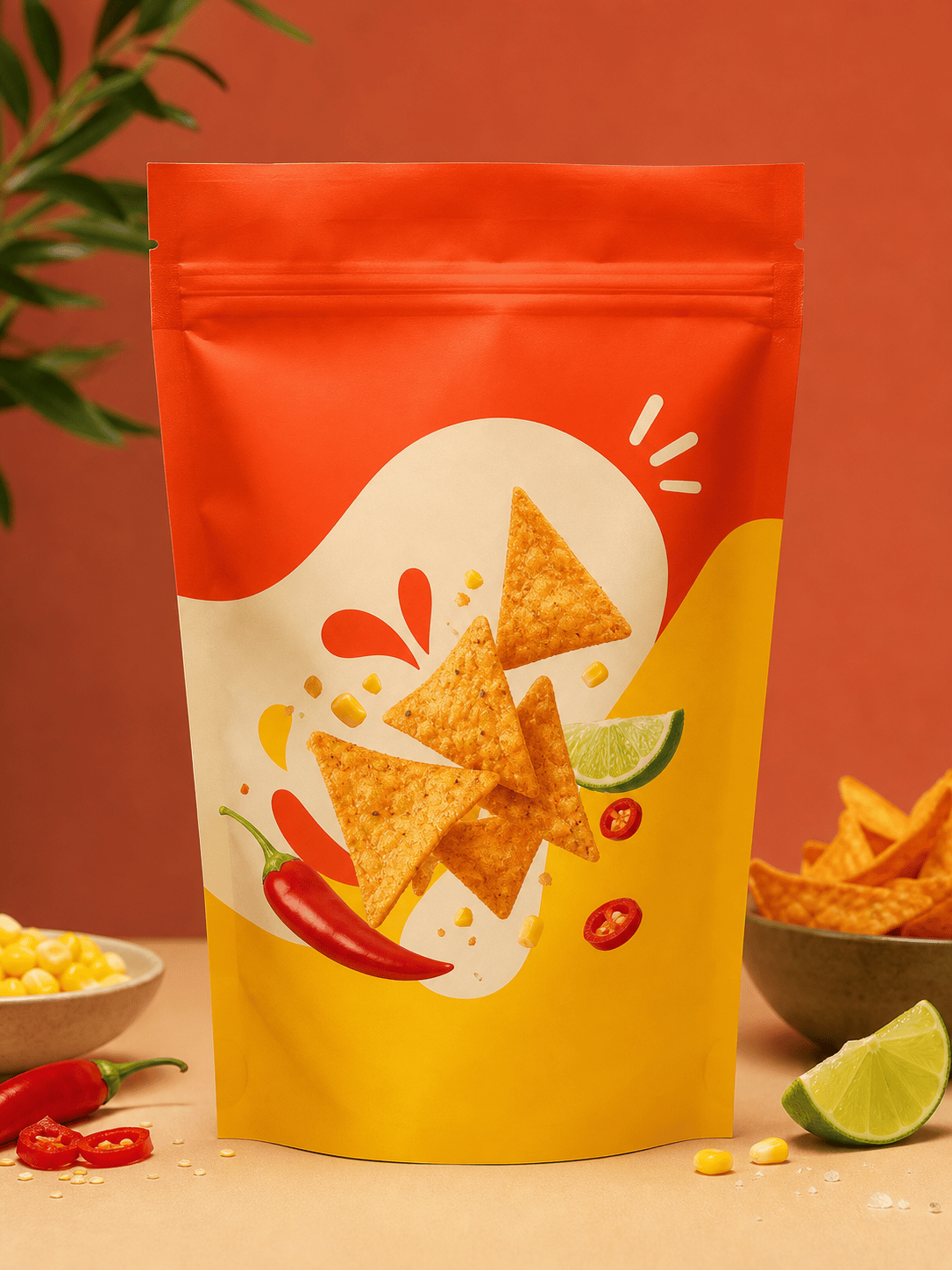
Create a matte stand-up pouch for a small-batch chili crisp brand. Use a red-orange accent, a hand-drawn pepper illustration, clear heat-level badge, and a premium farmers-market feel. Show a three-quarter ecommerce mockup.
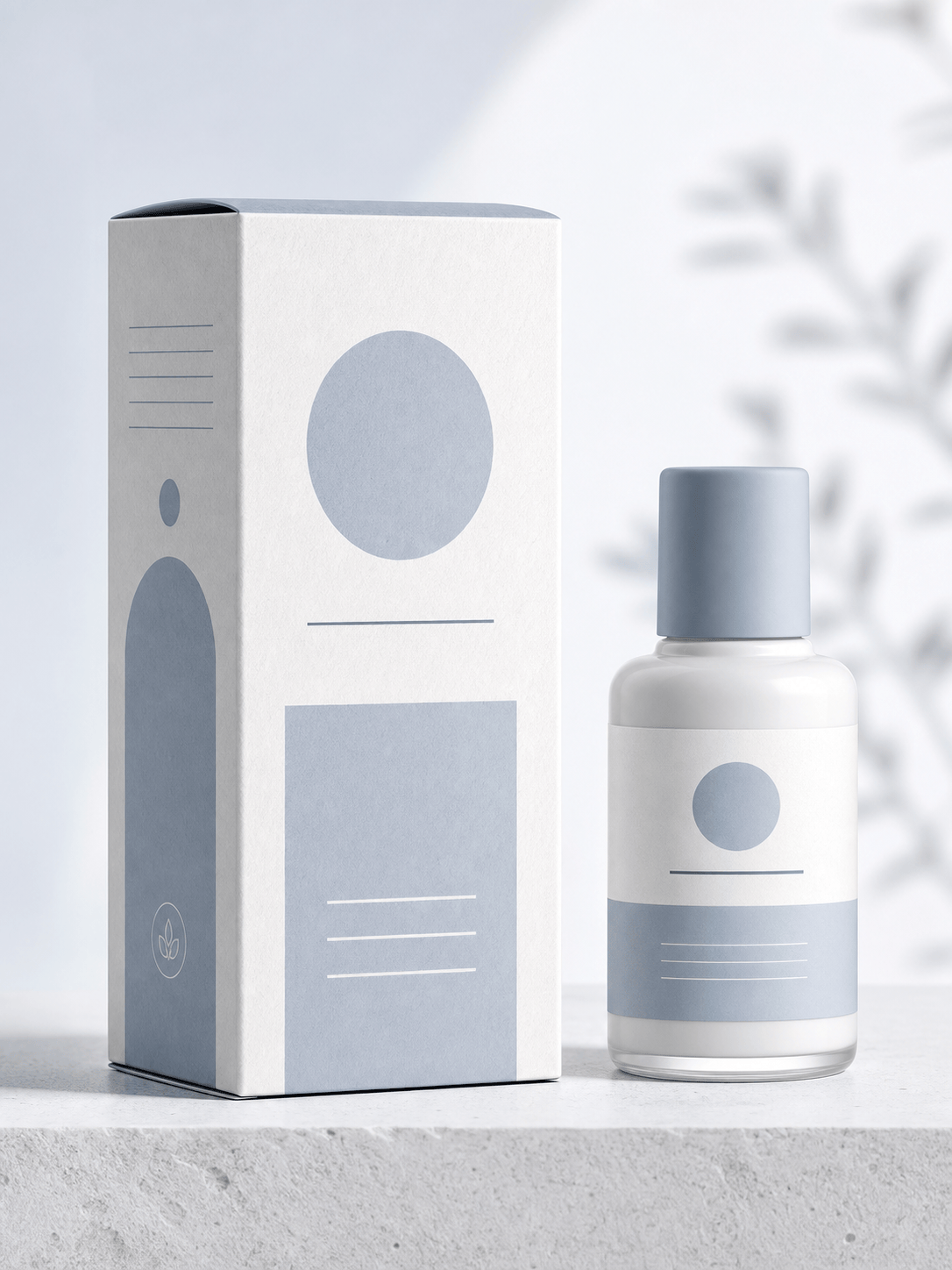
Design a recyclable skincare carton for a fragrance-free moisturizer. Use soft blue-gray, generous white space, clinical typography, ingredient callouts, and a calm pharmacy shelf presentation.
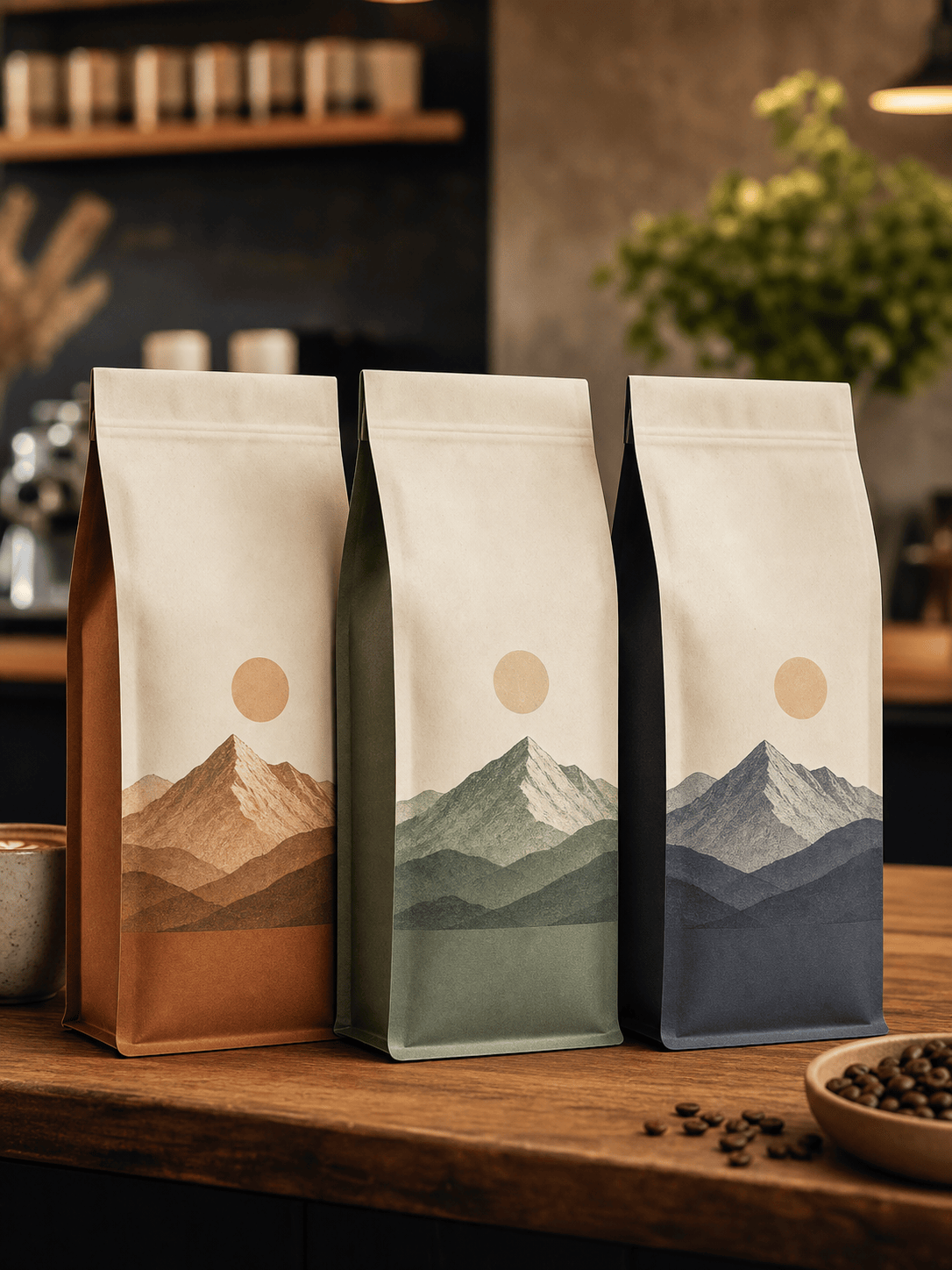
Make a coffee bag system for three roast levels. Keep one master logo, change only the accent color and roast badge, and show the bags together as a coherent subscription set.
Create a colorful cereal box for children ages 6–10. Include a bold product name, nutrition panel area, friendly animal mascot, collectible back-of-pack activity, and a high-energy supermarket shelf scene.
Visualize a premium candle gift box with a rigid magnetic carton, embossed copper details, botanical line art, and a quiet charcoal background for a wholesale presentation.
Restyle this plain supplement bottle using my uploaded logo and dieline reference. Keep the bottle shape, add a clear daily-benefit hierarchy, and produce front, side-label, and lifestyle mockup views.





