Free OnlineAI Nose Piercing Filter
How to Create a Nose Piercing Preview with AI
Upload Your Selfie and Choose a Style
Generate Your Try-On Photo
Check the Fit and Refine
Save the Look You Prefer

Explore Nose Jewelry Your Way with Mew Design
Start with Your Own Face
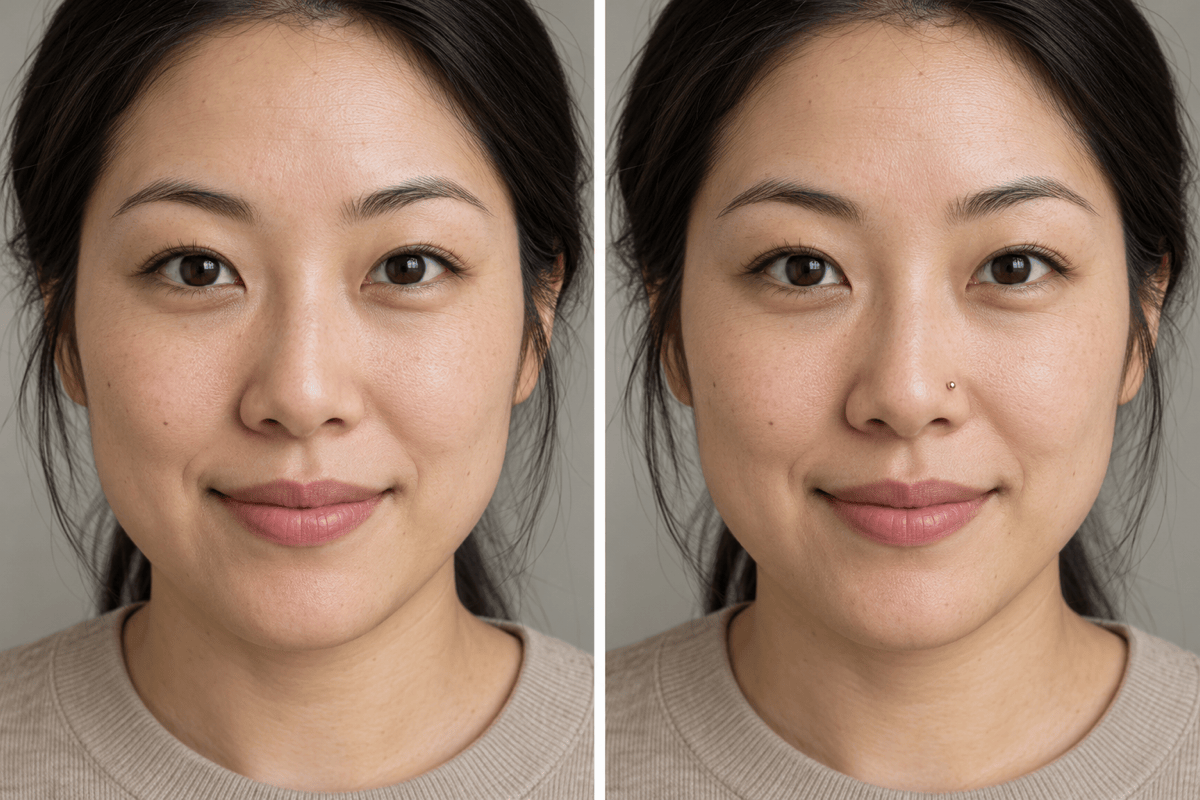
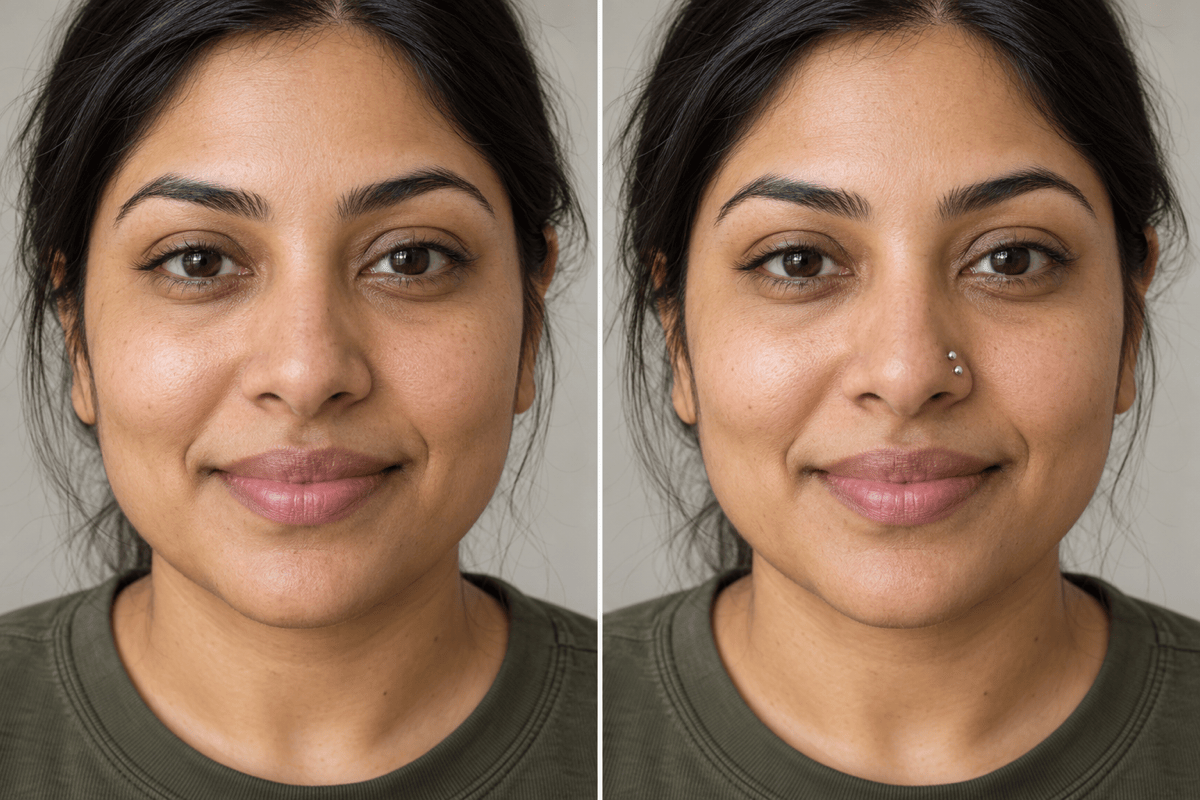
Upload your selfie for a virtual nose piercing try-on. Judge the look with your hairstyle and everyday makeup, using your original photo as the reference.
Compare Studs, Hoops, and Septum Rings
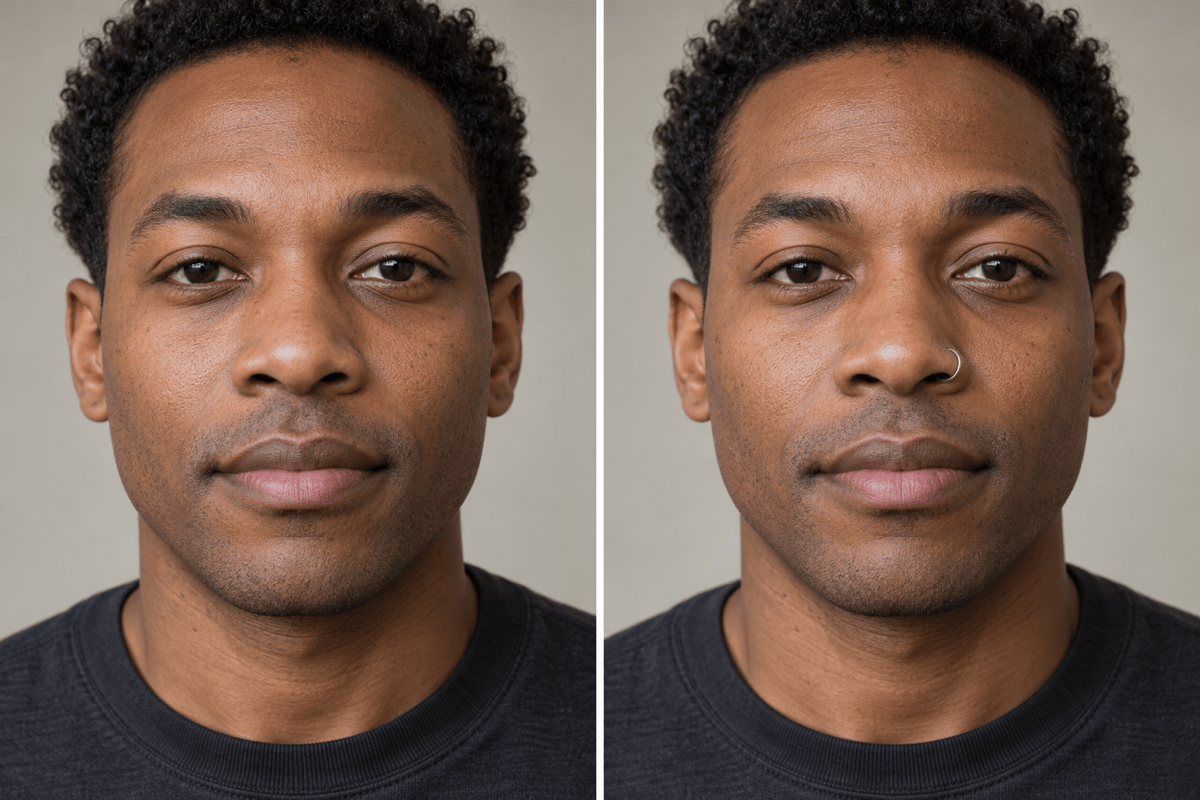
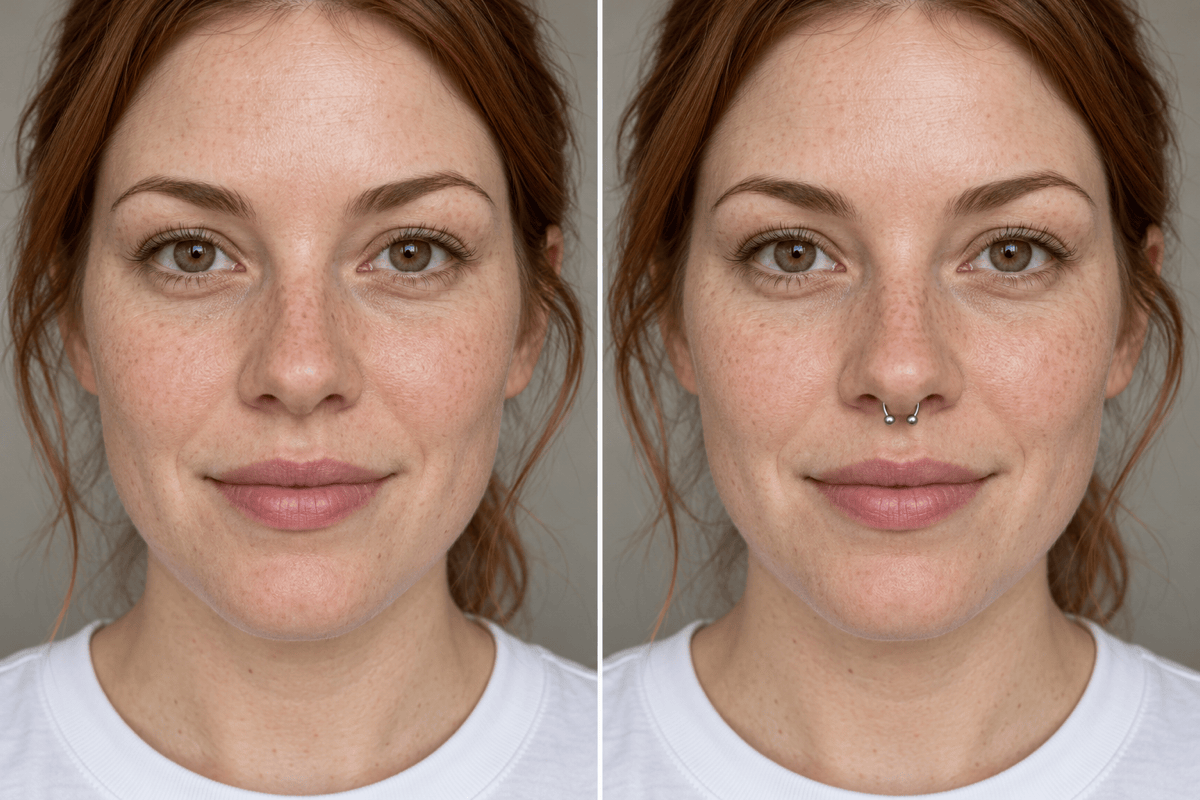
Try a discreet nose stud, a thin nostril hoop, or a centered septum ring. Generate separate versions from the same selfie for a clearer comparison.
Control the Details That Matter
Specify which nostril, how subtle the jewelry should be, and whether you prefer gold or silver. Refine these choices with the online nose ring filter.
Bring a Jewelry Reference
Upload a photo of a ring or stud you like alongside your portrait. Ask for a similar shape and finish; treat the result as a style preview, not an exact product fitting.
Make Small Changes in Chat
Use Chat Edit to reduce an oversized hoop or soften a bright reflection. Request one change at a time while asking to preserve the rest of the portrait.
Keep Your Favorite Previews
Start with free signup credits and export watermark-free PNG or JPG images. Save the versions you like for outfit planning or a conversation about your next look.
Get a Clearer Nose Piercing Comparison
- Show the Nose Clearly: Choose even lighting and keep hair or hands away from the nostrils. Avoid heavy beauty filters that change facial features.
- Clarify Left and Right: Selfies may be mirrored. Say which side of the displayed photo you mean instead of relying on “my left.”
- Change One Detail: Compare gold vs silver nose rings while keeping the same shape, size, and placement. Then try a different style.
- Review the Whole Portrait: Check the jewelry edges, shadows, and nose shape. This is a visual preview, not a measurement of real jewelry fit or piercing suitability.
Fine-Tune Your Virtual Nose Piercing
Smaller Nose Stud: Edit my uploaded try-on photo. Make the nose stud smaller and less shiny. Keep it on the same nostril and preserve the rest of the portrait.
Nostril Hoop, Not Septum: Edit my uploaded try-on photo. Remove the center ring and add one thin silver hoop around the nostril on the left side of the displayed photo. Leave the septum bare.
Gold vs Silver: Create two versions from my uploaded selfie with the same small nostril hoop in the same position. Use gold in one and silver in the other. Keep the face and lighting consistent.
Centered Septum Ring: Edit my uploaded try-on photo. Center the small horseshoe ring beneath the septum, with evenly sized ends. Preserve the nose shape and all other details.
Restore the Original Face: Use my original selfie as the facial reference and my edited photo as the jewelry reference. Restore the original nose shape, skin texture, and expression while retaining only the added piercing.
Remove Extra Jewelry: Edit my uploaded try-on photo. Keep only the small stud on the nostril on the right side of the displayed photo. Remove any extra nose rings or studs without changing the rest of the portrait.





