Free OnlineAI Nose Editor
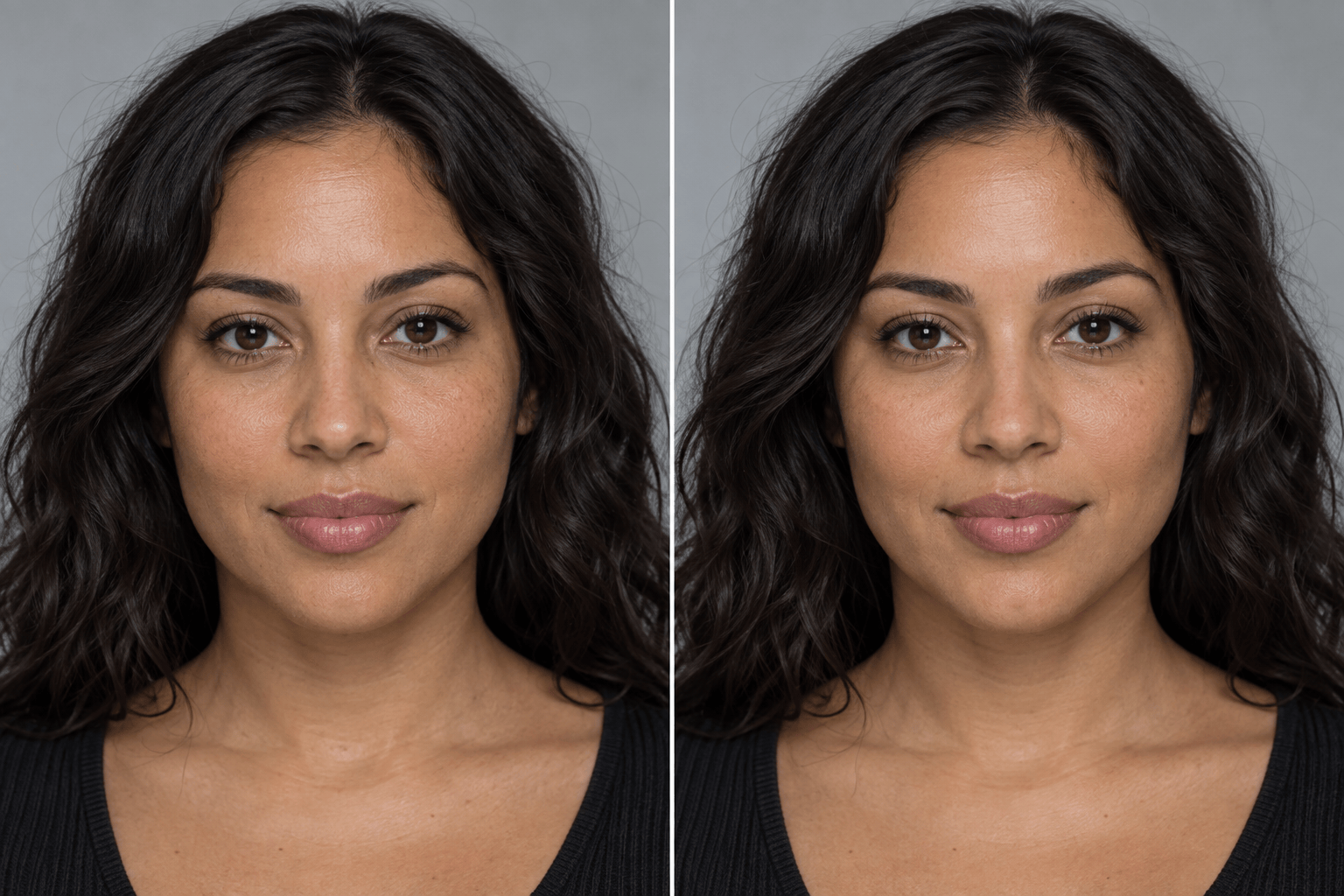
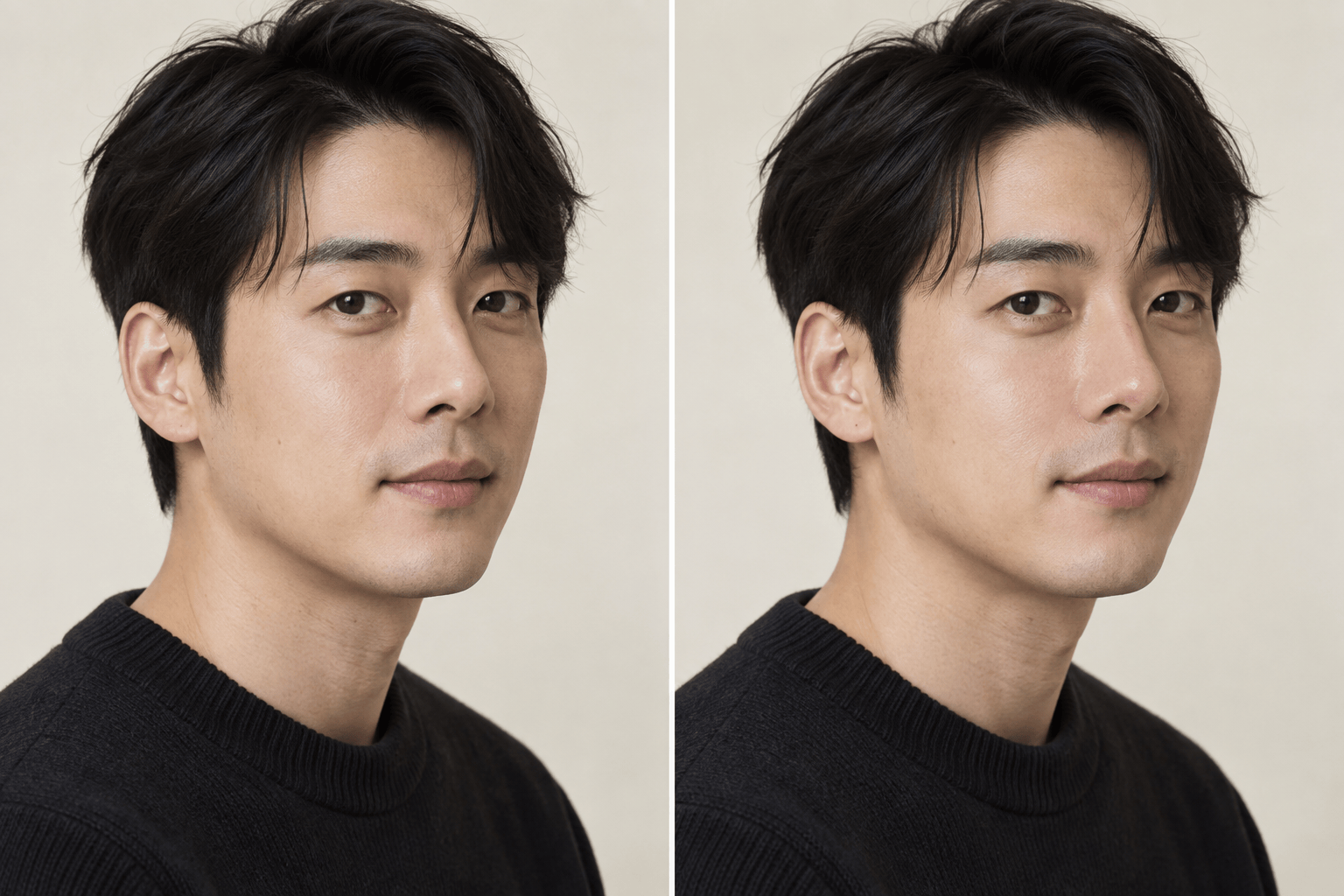
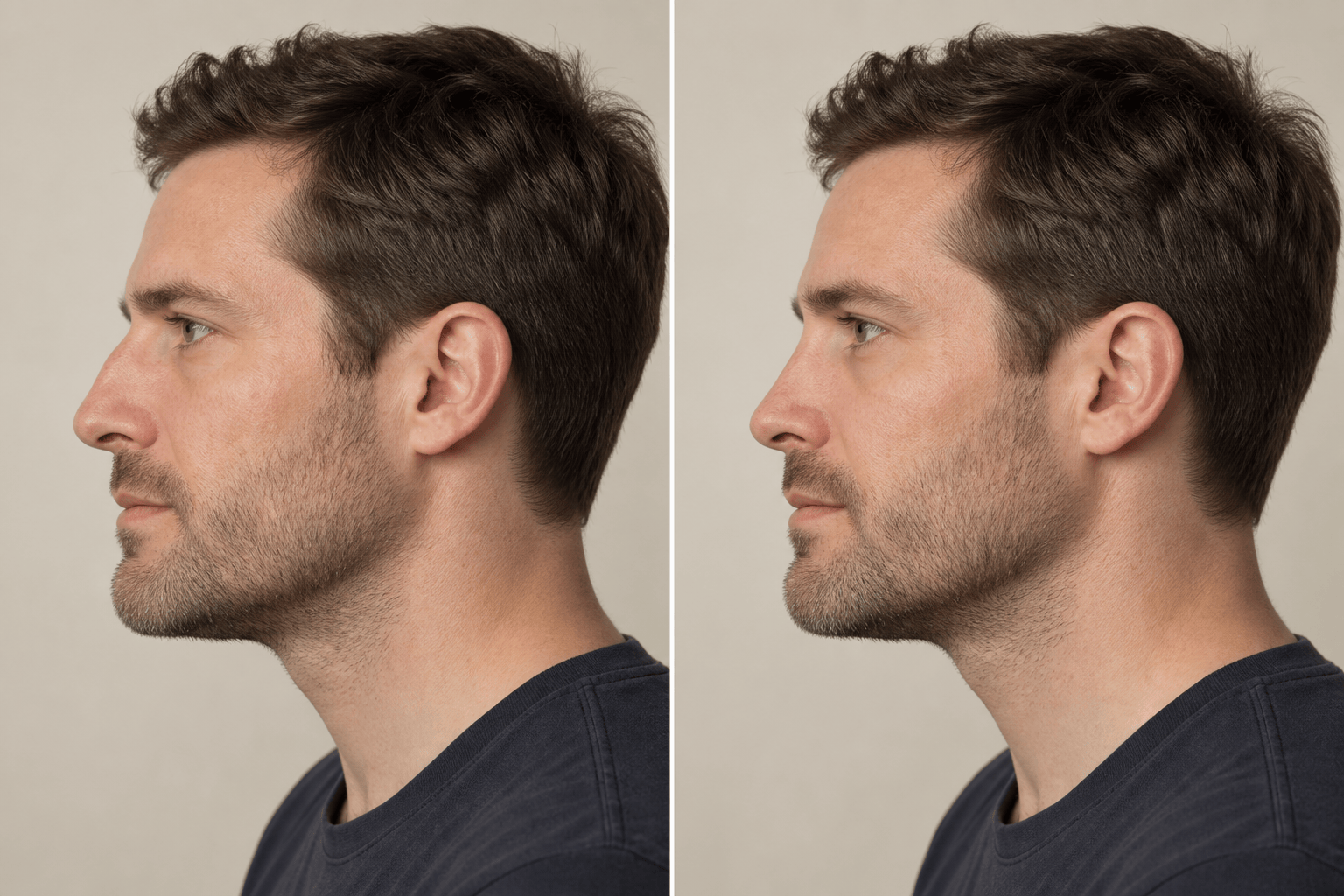
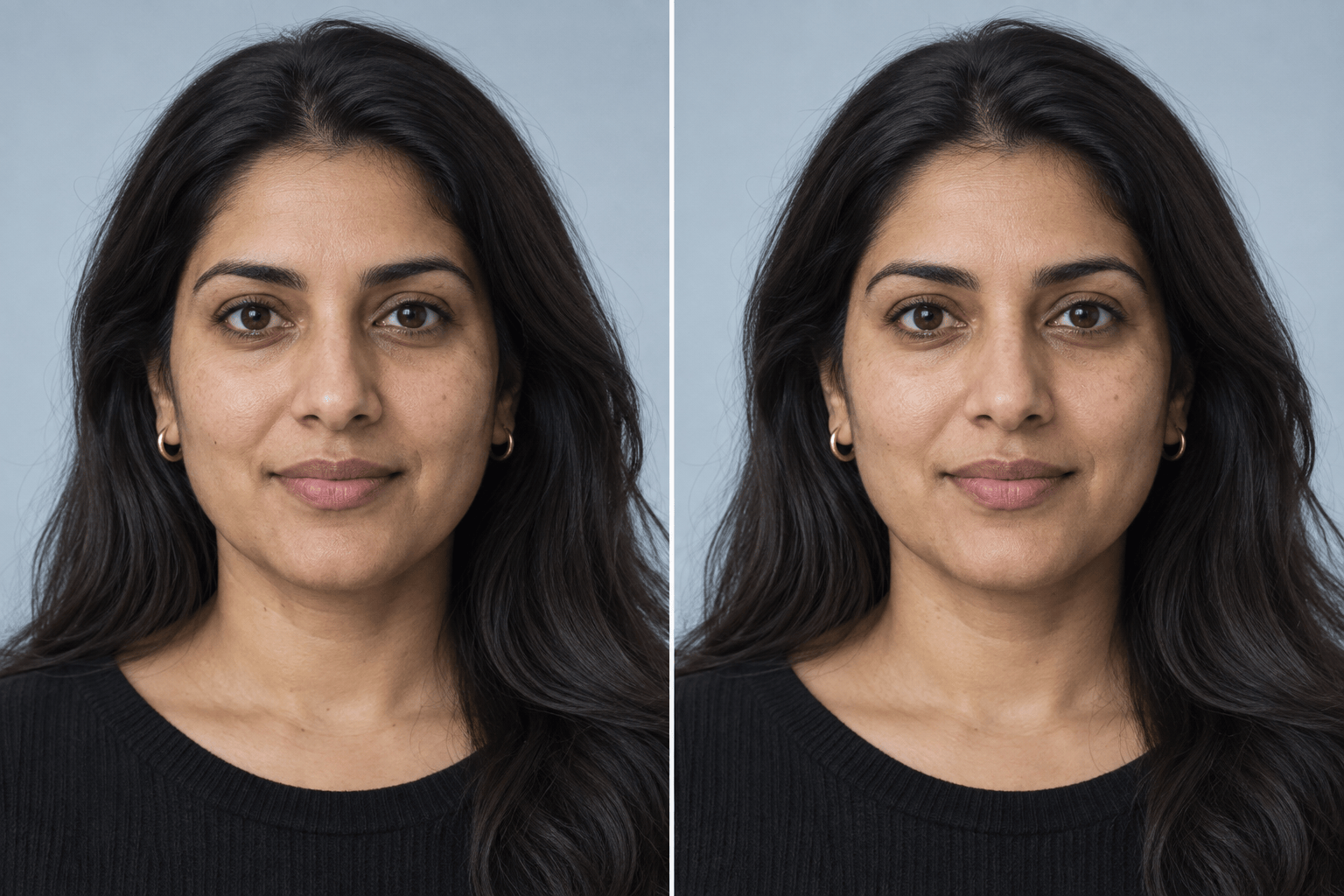
How to Edit Your Nose in a Photo with AI
Upload One Clear Portrait
Name the Exact Change
Generate and Compare
Refine and Export

A More Controlled Way to Reshape a Nose with AI
Edit by Describing the Change
Skip manual liquify tools. Tell Mew Design which part of the nose to adjust and how subtle the result should be in clear, everyday language.
Protect the Rest of the Face
Give the AI an explicit preservation list so the eyes, lips, jawline, hairstyle, expression, and recognizable identity remain the same while it focuses on the nose.
Keep Texture and Lighting Coherent
A useful nose edit needs more than a new outline. Ask this online nose shape editor to retain pores, skin tone, highlights, shadows, camera angle, and background for a more believable portrait.
Compare Subtle Variations
Request conservative, moderate, or profile-specific versions to see how a smaller change affects facial balance before choosing the result that still feels like you.
Guide Edits with a Reference
Upload a reference image when words are not enough, then ask Mew Design to borrow only the relevant bridge or tip direction without copying another person’s face.
Try It Free and Export Cleanly
Sign up for free AI credits, test the AI nose editor online, refine the result through chat, and export a watermark-free PNG or JPG when you are satisfied.
How to Get a Natural-Looking Nose Edit
- Start with a clean photo: Use one adult face in even light, with the nose visible and minimal motion blur, filters, shadows, hands, glasses, or hair crossing the edit area.
- Name the region and degree: Specify bridge, tip, nostrils, width, length, or profile and use restrained words such as slightly, subtly, or conservatively.
- Lock everything else: State that the AI must keep identity, other facial features, expression, skin texture, lighting, framing, and background unchanged.
- Inspect before exporting: Compare with the original and check nostril edges, symmetry, pores, shadows, glasses, hair, and the background for unintended changes.
AI Nose Editing Requests for Common Goals
Make the nose slightly smaller in this photo while keeping its natural proportions. Change only the nose; preserve identity, expression, eyes, lips, jawline, skin texture, lighting, and background.
Slim the nose bridge subtly from the front view. Keep the tip and nostrils balanced, and leave every other facial feature, the hairstyle, crop, and background unchanged.
Refine and lift the nose tip very slightly for a natural portrait edit. Do not smooth the skin or change the eyes, lips, face shape, expression, lighting, or camera angle.
Soften the visible bump along the nose bridge in this side-profile photo. Preserve the person’s recognizable profile, nostril shape, skin texture, hair, lighting, and background.
Narrow the nostrils slightly and keep the result symmetrical but realistic. Change only the nostril width; preserve the bridge, tip, face shape, identity, expression, and all surrounding details.
Create a conservative virtual nose job preview with a slightly straighter bridge and refined tip. Keep the edit realistic and localized to the nose; do not change the rest of the face. This is a visual concept, not a medical prediction.





