Free OnlineAI Neon Sign Text Generator
How to Create Neon Sign Text with AI
Enter the sign text
Choose a glow direction
Generate the first sign
Chat edit the details

Why Mew Design Works Well for Neon Text Effects
Readable glowing letters
The AI neon text generator focuses on legible words, balanced tube spacing, and clean highlights instead of random light streaks.
Wall and sign context
Create neon text on brick, acrylic, glass, storefront, stage, or bedroom-wall backgrounds so the design feels useful, not just decorative.
Fast color variations
Explore hot pink, electric blue, cyber green, warm amber, or mixed-color neon without rebuilding the whole sign prompt.
Editable with chat
If the sign is too busy, ask Mew Design to simplify the font, reduce glow, center the phrase, or make the logo text more premium.
Upload references
Bring in a logo, room photo, brand palette, or existing sign reference and generate a custom neon sign text mockup around it.
Export for real uses
Download PNG or JPG versions for social posts, event previews, mood boards, client proposals, or sign shop references.
What Makes a Strong Neon Text Prompt
- Name the lighting: Describe tube color, glow intensity, shadow depth, background darkness, and whether the sign should look photographed or graphic.
- Pick the lettering mood: Mention script, block, retro diner, futuristic, luxury, handwritten, or arcade-style text so the AI chooses the right shape.
- Add the placement: Tell Mew Design if the sign belongs on brick, glass, acrylic, stage, storefront, bedroom wall, or a transparent background.
- Revise after generation: Use Chat Edit for practical fixes such as cleaner spelling, less bloom, tighter spacing, or a brighter outline.
Neon Text Prompt Examples
Create a custom neon sign text mockup that says "Good Vibes" in warm pink script on a matte black wall, soft halo glow, square Instagram format.
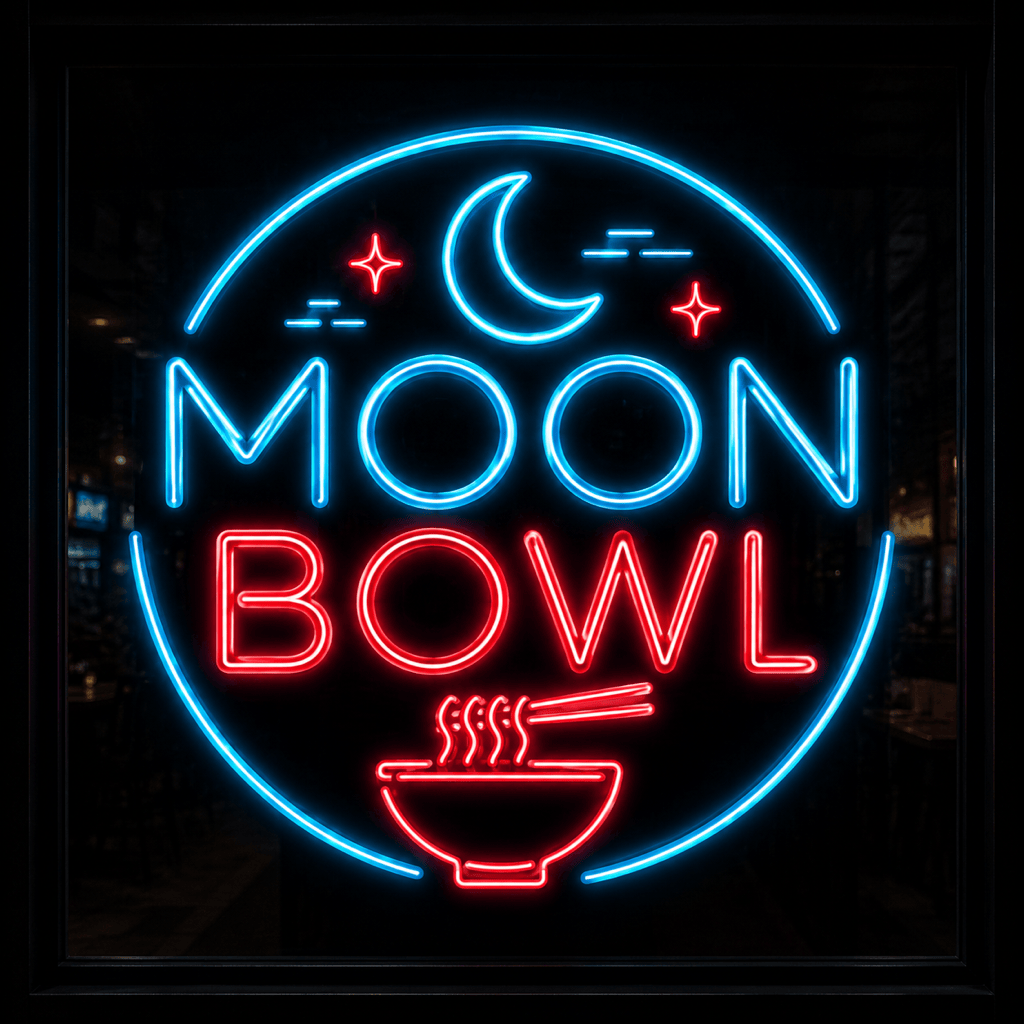
Design an AI neon logo text effect for a late-night ramen shop named "Moon Bowl", cyan and red tubes, subtle steam graphics, dark storefront background.
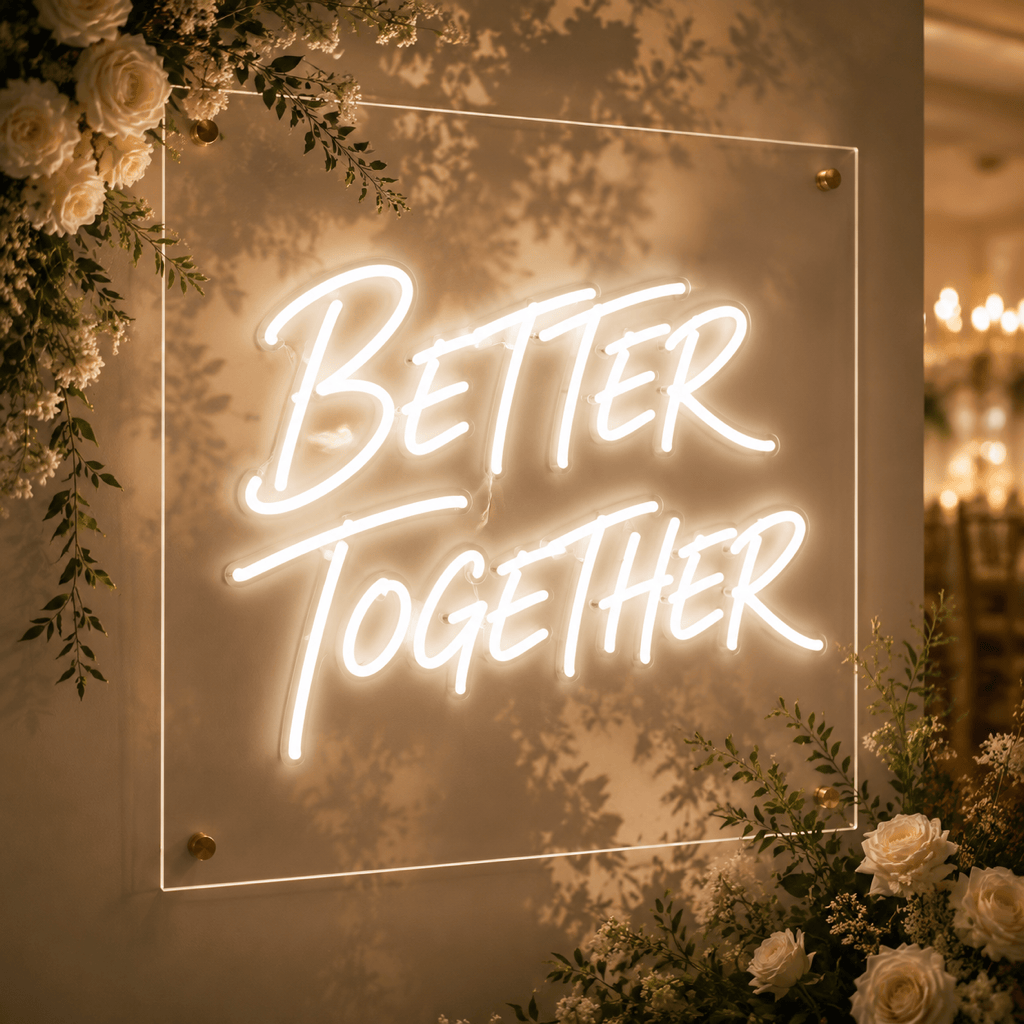
Make a wedding neon sign phrase "Better Together" in elegant white script, acrylic backboard, warm floral shadows, premium reception backdrop style.
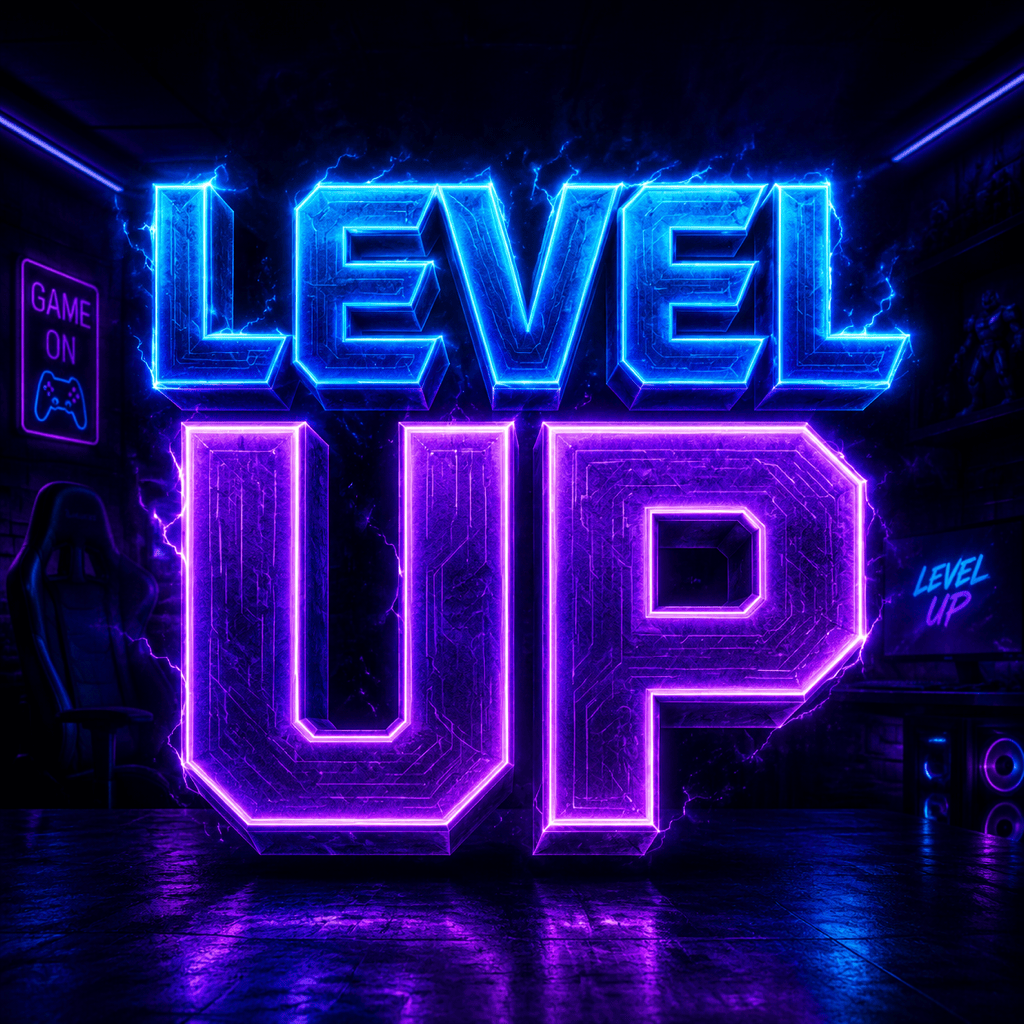
Generate streamer room neon text that says "Level Up", electric blue and violet glow, futuristic block lettering, 16:9 banner crop.
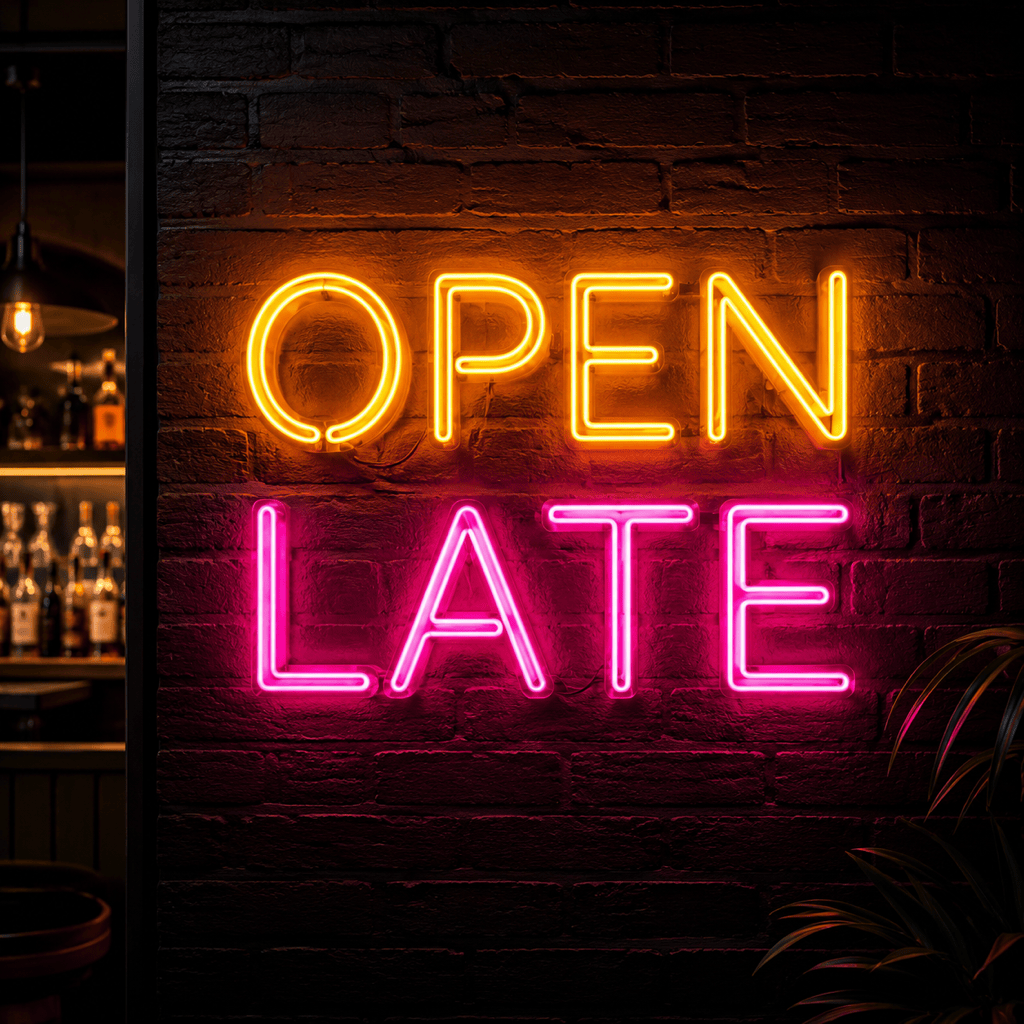
Create a bar wall neon sign reading "Open Late", amber tubing, vintage diner mood, brick wall texture, realistic light spill.
Make transparent-background neon text spelling "Neon Dreams", mixed magenta and teal tubes, clean edges for a poster title overlay.





