Free OnlineAI Neon Light Effect
How to Add a Neon Light Effect to a Photo with AI
Upload a Clear Photo
Describe the Neon Lighting
Generate and Review the Effect
Refine and Export

Scene-Aware Neon Lighting, Not a Flat Filter
Edit Your Photo, Not a Template
Upload the image you want to transform. This AI neon photo editor starts from your subject and composition, so the result stays connected to the original shot instead of replacing it with a random neon scene.
Place Glow Where It Belongs
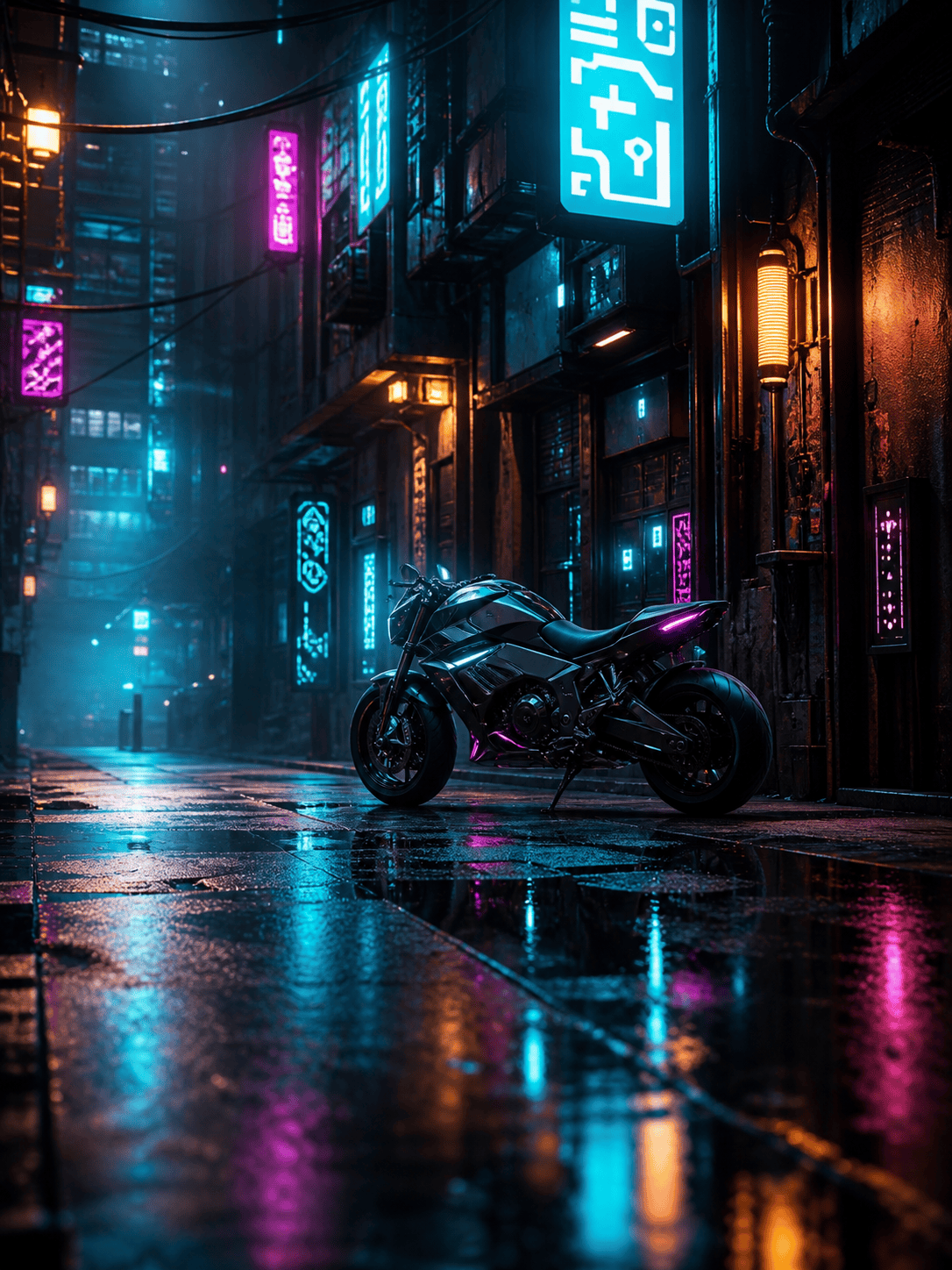
Ask for colored rim light around a silhouette, signage behind the subject, or reflections on metal, glass, and wet ground. The AI neon light effect follows scene context for a more believable result.
Control Color and Intensity
Create subtle violet bloom for a profile photo or intense cyan-and-magenta contrast for cyberpunk art. Specify the palette, light direction, atmosphere, and areas that should remain neutral.
Correct Overdone Glow in Chat
If the first result is too saturated or hides important details, use Chat Edit. Ask Mew Design to soften highlights, restore skin tones, sharpen the subject, or limit the effect to the background.
Guide the Look with References
Upload a reference image for its lighting direction, palette, or atmosphere. The online neon glow photo editor can use that visual direction while adapting it to your own image.
Explore Distinct Neon Styles
Start with free AI credits and explore Tokyo-night, retro synthwave, neon outline, holographic, or nightclub looks. Compare variations before exporting a watermark-free PNG or JPG.
How to Prompt AI for Realistic Neon Light
- Protect the Subject: State whether the face, pose, product shape, logo, clothing, background structure, or camera framing must remain unchanged.
- Place the Light: Specify background signs, edge lighting, foreground reflections, bokeh, glowing outlines, or a single light source from one direction.
- Choose a Palette and Strength: Name two or three colors and say whether the glow should be soft, cinematic, high-contrast, pastel, or intense.
- Describe the Final Use: Mention a square profile picture, vertical story, album cover, product ad, poster, or desktop wallpaper so the composition fits its destination.
AI Neon Light Effect Prompts for Photos
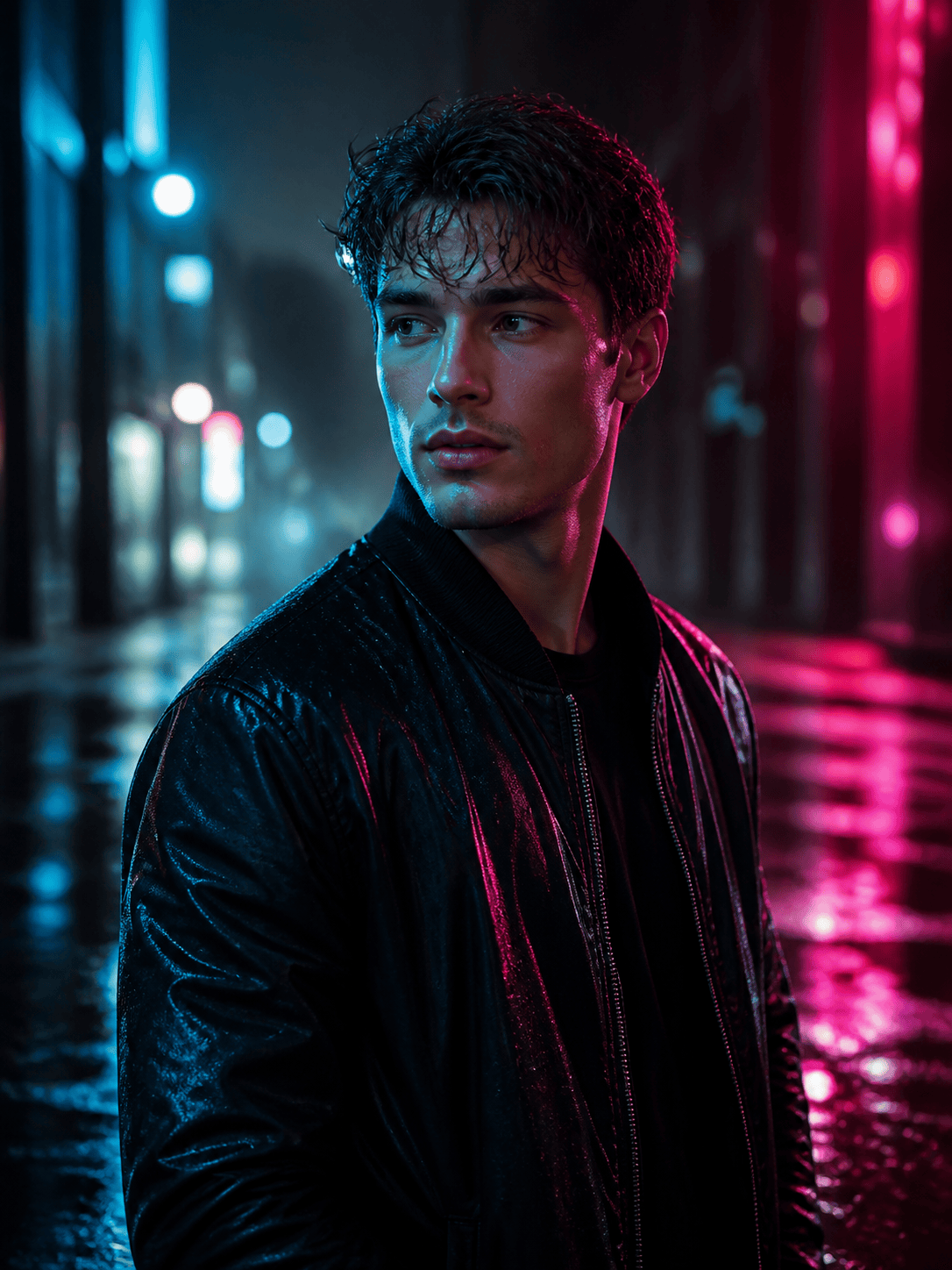
Cyberpunk Neon Portrait: Apply a cyberpunk neon photo effect to my uploaded portrait. Keep the face, hairstyle, pose, and jacket unchanged. Add cyan rim light on one side and hot-pink light on the other, with distant signs, soft rain, and realistic reflections. Preserve natural skin texture and avoid excessive glow.
Neon Profile Picture: Turn my headshot into a square neon portrait for a profile picture. Keep facial features and expression unchanged. Use a dark navy background, a thin violet outline around the shoulders, subtle blue bokeh, and a clean high-contrast finish with space around the head.
Retro Synthwave Car Photo: Restyle my car photo with an 80s synthwave mood. Keep the exact car model, paint, wheels, angle, and framing. Add a magenta sunset grid in the distance, electric-blue underglow, light haze, and reflections on the road without covering the body details.
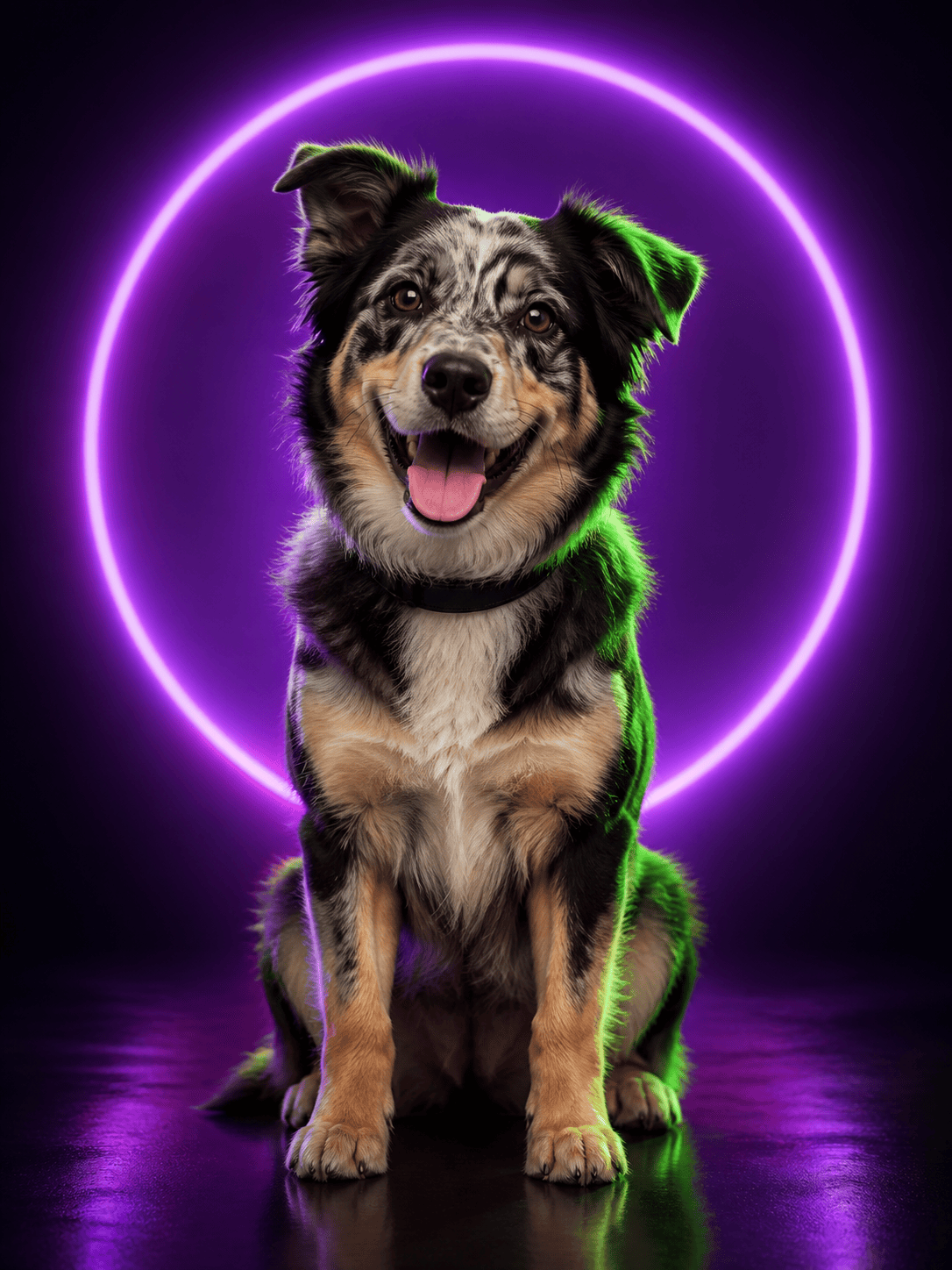
Neon Pet Photo: Add a playful neon glow to my dog portrait. Keep the dog’s face, fur pattern, collar, and pose unchanged. Use a dark studio background with lime and purple edge lighting, a soft glowing circle behind the head, and crisp fur edges.
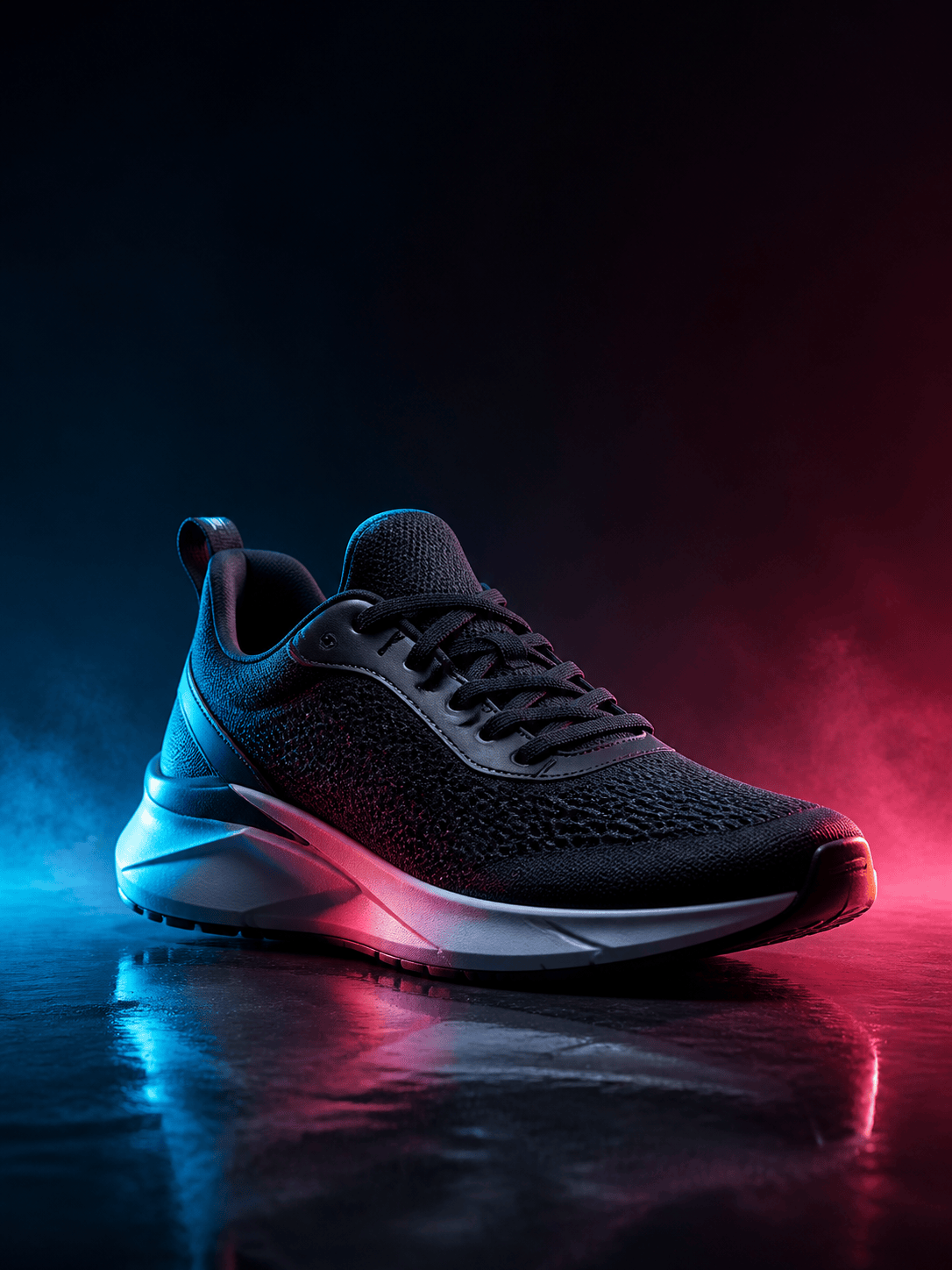
Neon Product Ad: Create a vertical social ad from my uploaded sneaker photo. Preserve the shoe shape, colors, materials, and logo. Add controlled cyan and coral edge lights, a glossy black floor reflection, subtle fog, and clean negative space for copy. Do not add text.
Neon Sign on a Wall: Add the exact text 'OPEN LATE' as a realistic warm-pink glass-tube neon sign on the brick wall in my photo. Keep the room and furniture unchanged. Cast soft pink light onto nearby bricks, include mounting clips and a power cable, render the words once, and add no extra text.





