Free OnlineAI Necklace Design
How to Create a Necklace Design with AI
Describe the Piece
Generate Necklace Concepts
Refine the Jewelry Details
Export and Review

A Smarter Way to Explore Necklace and Pendant Ideas
Brief the Design in Your Own Words
No CAD vocabulary is required to start. Describe the story, wearer, metal, stones, motif, and mood, and the free AI necklace design tool turns your idea into a visual direction you can react to.
Develop a Sketch or Reference Image
Upload your own sketch, heirloom photo, gemstone reference, or shape study. Mew Design can use that visual input to guide a new necklace concept while you explain which proportions or motifs to preserve.
Compare Controlled Variations
Explore the same pendant in yellow gold, rose gold, silver, or platinum; test alternative stone cuts and chain styles; or create a coordinated mini collection without rewriting the full brief.
See Materials in a Jewelry Context
This online AI pendant generator can visualize polished, brushed, hammered, engraved, enamel, pearl, and gemstone directions with macro lighting suited to early design review. Concept images are inspiration, not manufacturing specifications.
Create Product and On-Neck Views
Ask for a centered front view, flat lay, macro detail, dark luxury plinth, or a neckline preview. Multiple views help evaluate silhouette, scale, layering, and merchandising before a photoshoot or sample exists.
Refine and Export Without a Watermark
Start with free AI credits after signup, continue editing through chat, and export selected concept images without a watermark for private review, customer conversations, or a jewelry brand mood board.
How to Write a Useful AI Necklace Design Prompt
- Define the Necklace: Choose a pendant, station necklace, choker, lariat, tennis necklace, layered set, name necklace, or statement piece. Add the approximate length and intended wearer.
- Specify Materials and Setting: Name the metal and finish, gemstone type and cut, setting style, bail, chain type, clasp, enamel, engraving, or texture that should be visible.
- Describe Meaning and Style: Explain the story or use case, such as an anniversary gift, birthstone keepsake, bridal piece, men’s pendant, Art Deco design, or a minimal jewelry collection.
- Choose the View: Request a front view, side profile, back view, macro crop, flat lay, mannequin bust, or on-neck preview. Ask for a clean scale reference when proportion matters.
AI Necklace and Pendant Prompts to Try
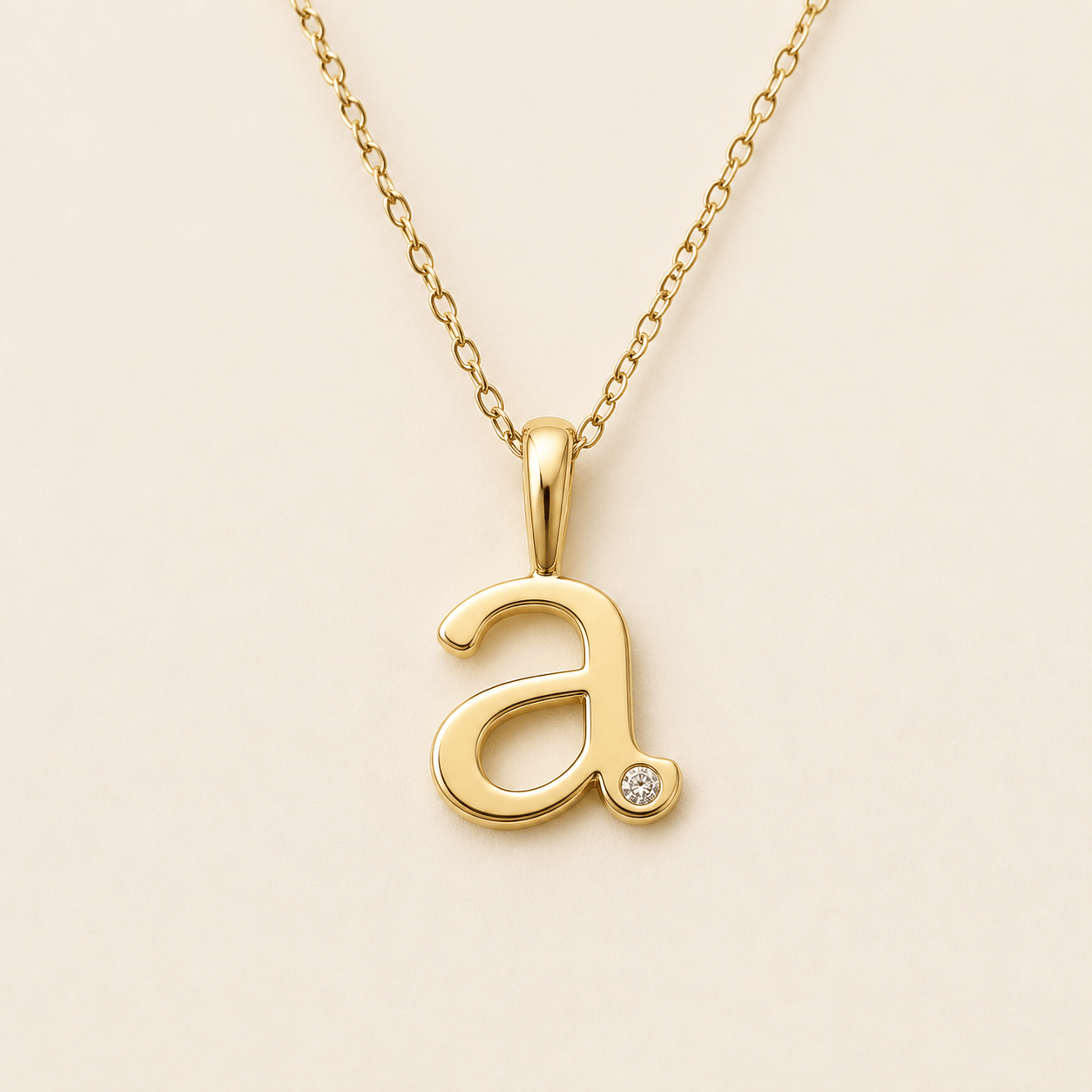
Personalized Initial Pendant: Design a small lowercase letter A pendant for everyday wear in polished 14k yellow gold. Use a soft serif shape with one flush-set round diamond, an integrated bail, and a delicate 16-inch cable chain. Show a centered macro product photo on matte ivory with realistic scale and no extra text.
Gemstone Anniversary Necklace: Create an elegant pear-cut emerald pendant in platinum with a fine diamond halo and a hidden bail. Pair it with an 18-inch box chain. Keep the setting low profile and wearable. Show front and slight side views on a charcoal jewelry plinth with controlled reflections.
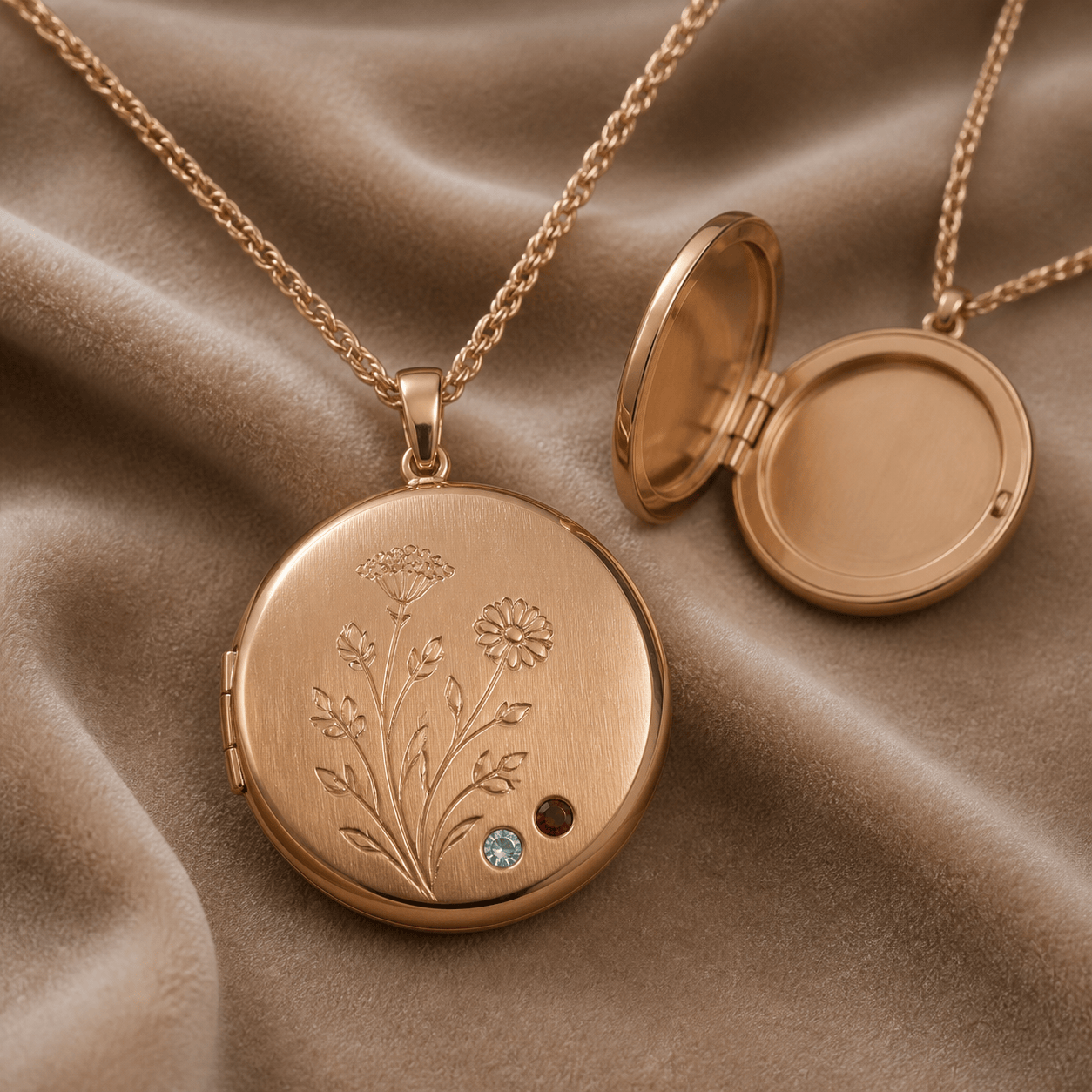
Birthstone Locket: Generate a round rose-gold keepsake locket with a subtle engraved wildflower motif and two tiny birthstones, aquamarine and garnet, set near the lower edge. Add a fine rope chain and show the closed front plus a simple open-lid concept on a warm neutral background.
Men’s Minimal Pendant: Design a slim sterling-silver dog-tag pendant with softened corners, a brushed face, polished beveled edge, and a small black onyx inlay. Use a 22-inch wheat chain and show a restrained on-neck preview with accurate, understated scale.
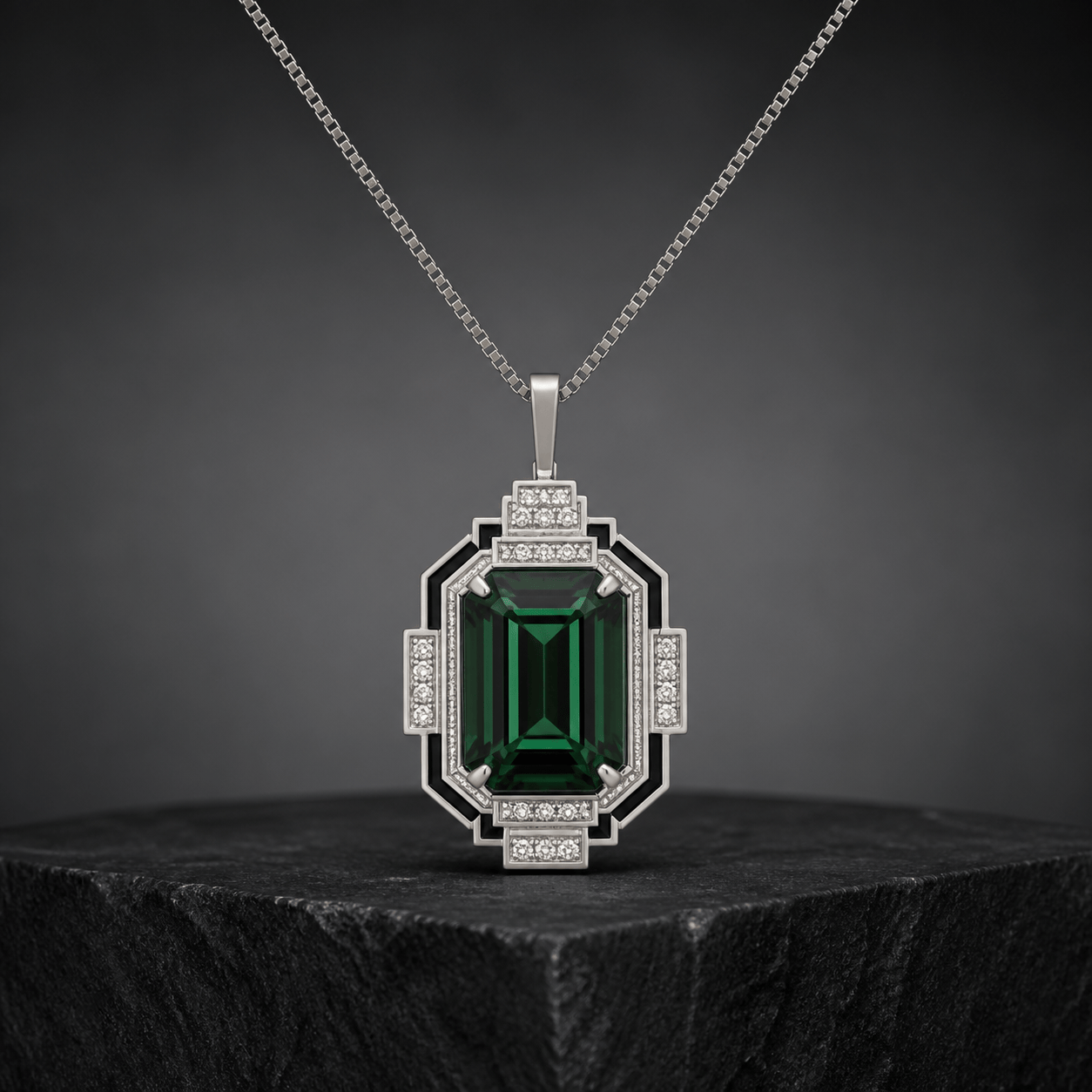
Art Deco Statement Pendant: Create a geometric pendant inspired by 1920s fan shapes, with an emerald-cut green tourmaline, stepped white-diamond accents, black enamel lines, and platinum. Use a simple bail so the motif remains dominant. Render it as a high-end front-view catalog image.
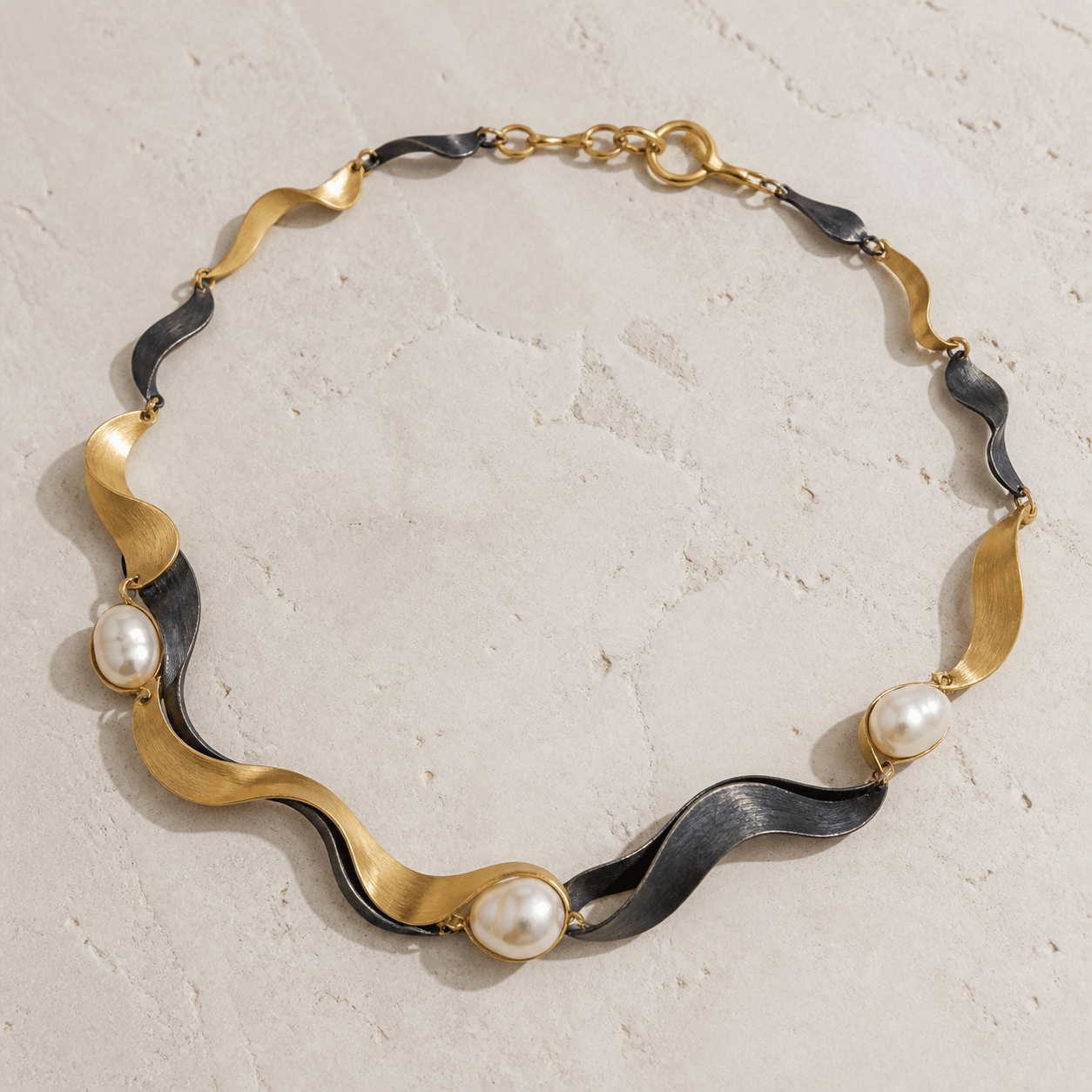
Jewelry Brand Capsule Collection: Create three coordinated necklaces for a modern coastal jewelry label: a sculptural wave pendant, a pearl station necklace, and a layered mixed-metal chain. Keep the same brushed gold and silver finish, organic curves, and premium flat-lay lighting across the set.





