Add Muscle to Your PhotoAI Muscle Woman Generator
How to Add Muscles to a Woman’s Photo with AI
Upload a Clear Photo
Describe the Muscle Effect
Refine Muscle Size and Details
Check and Download

Why Use Mew Design for Female Muscle Photo Edits
Define Your Own Level of Muscle
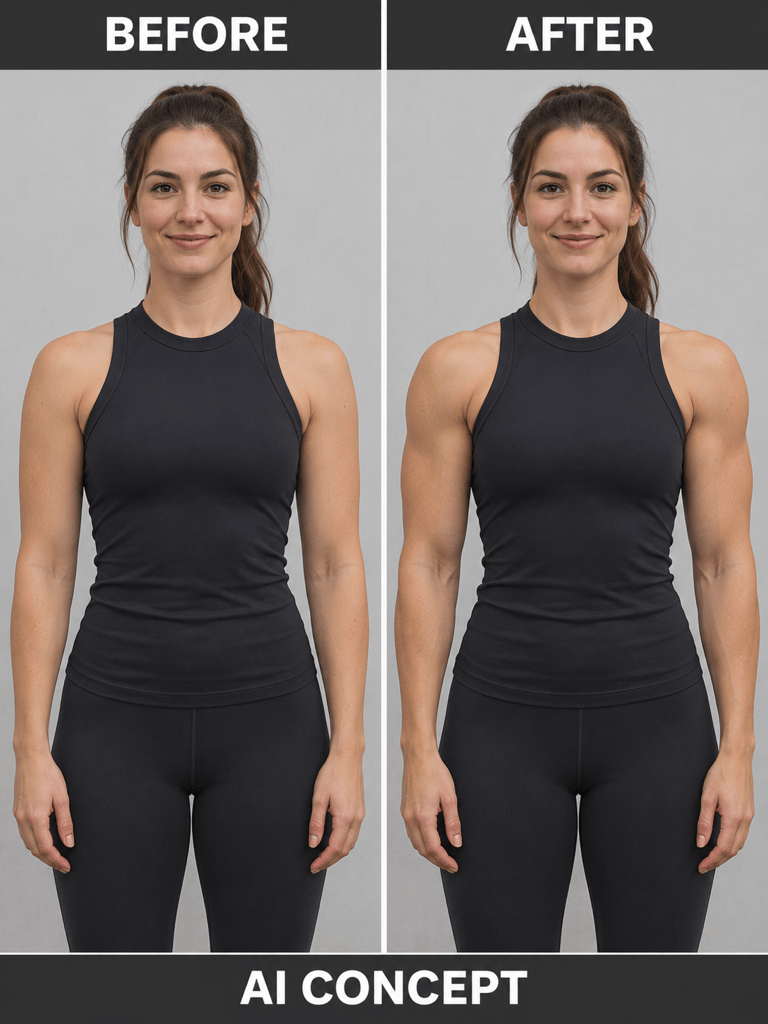
Describe subtle arm definition, broader shoulders, or a larger female bodybuilder look. Our AI muscle photo editor takes plain-language instructions, so you can specify both muscle size and definition.
Tell the Editor What to Preserve
Ask to retain your face, hairstyle, clothing, pose, and background while changing selected muscle areas. This guides the photo edit; AI can still alter details, so compare the result with your original.
Explore Realistic and Anime Styles
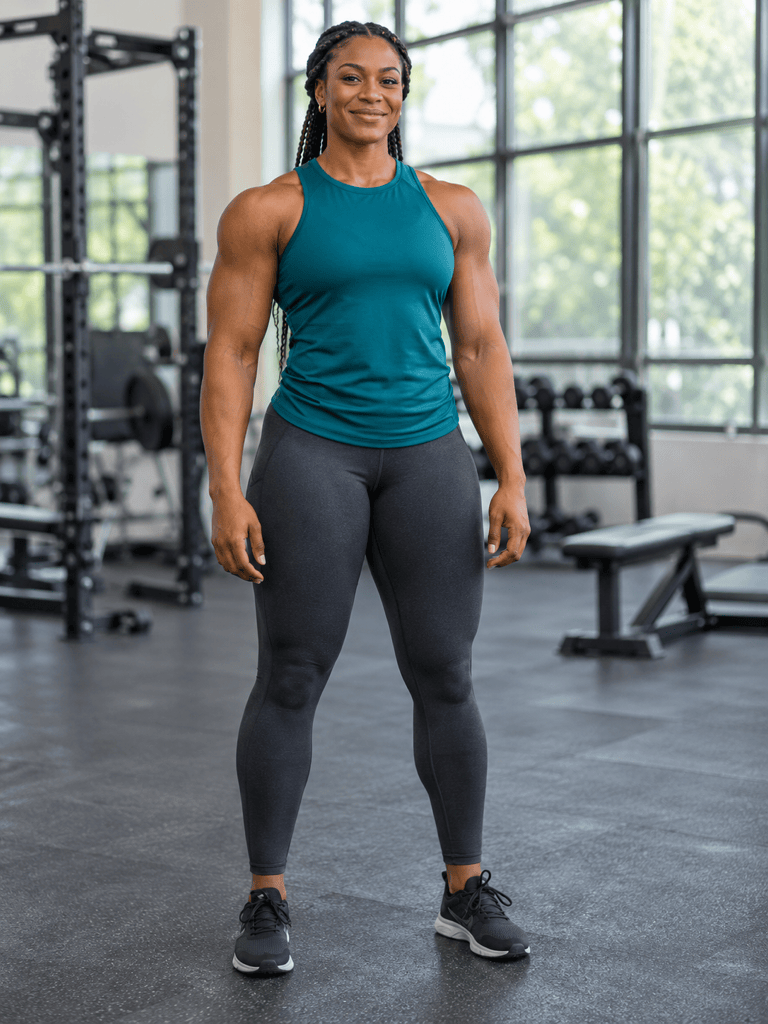
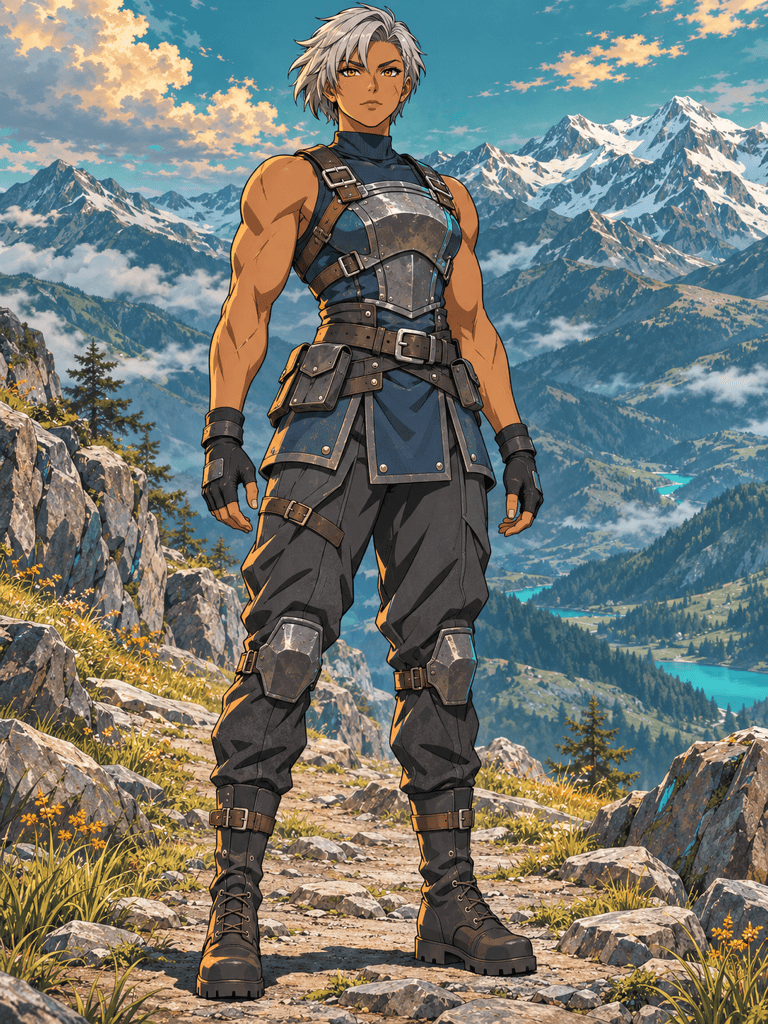
Use the AI muscular woman generator for gym portraits, female bodybuilding art, or illustrated warriors. Change the rendering style while carrying forward your character brief.
Choose a Model for Your Vision
Access the latest leading image models, with new releases added promptly. Select a model manually, or use Mew Auto to choose for realistic skin, stylized art, or reference-based edits.
Correct the Details in Chat
Ask Chat Edit to soften exaggerated muscles, improve a hand, or change a pose. Keep the revision specific and check that the rest of the character still matches your idea.
Download Your Edited Photo
Export the finished muscle photo edit as a watermark-free PNG or JPG for creative fitness posts or personal visual experiments. Free signup credits let you try the workflow; further generation uses credits.
How to Get a Natural-Looking Muscle Photo Edit
- Size and Definition: Name the build and areas to emphasize. “Moderately muscular with defined shoulders” gives a different direction from “large bodybuilder with thick arms.”
- Pose and Lighting: Keep the original pose and lighting for your first edit so you can compare the muscle effect clearly. Ask the editor to match existing skin texture and shadows before changing the setting.
- Photo References: Use a well-lit image with visible shoulders and arms. Name the face, hairstyle, clothing, and background details to retain. Avoid heavy filters and obscured limbs.
- Anatomy Review: Check fingers, elbows, shoulder connections, and left-right balance. Request a targeted correction if muscles look detached, uneven, or too large.
Female Muscle Photo Edits You Can Try
Edit this adult woman’s photo to add subtle definition to the shoulders and upper arms. Keep the muscle size moderate, match the original lighting, and preserve the face, outfit, pose, and background as closely as possible.
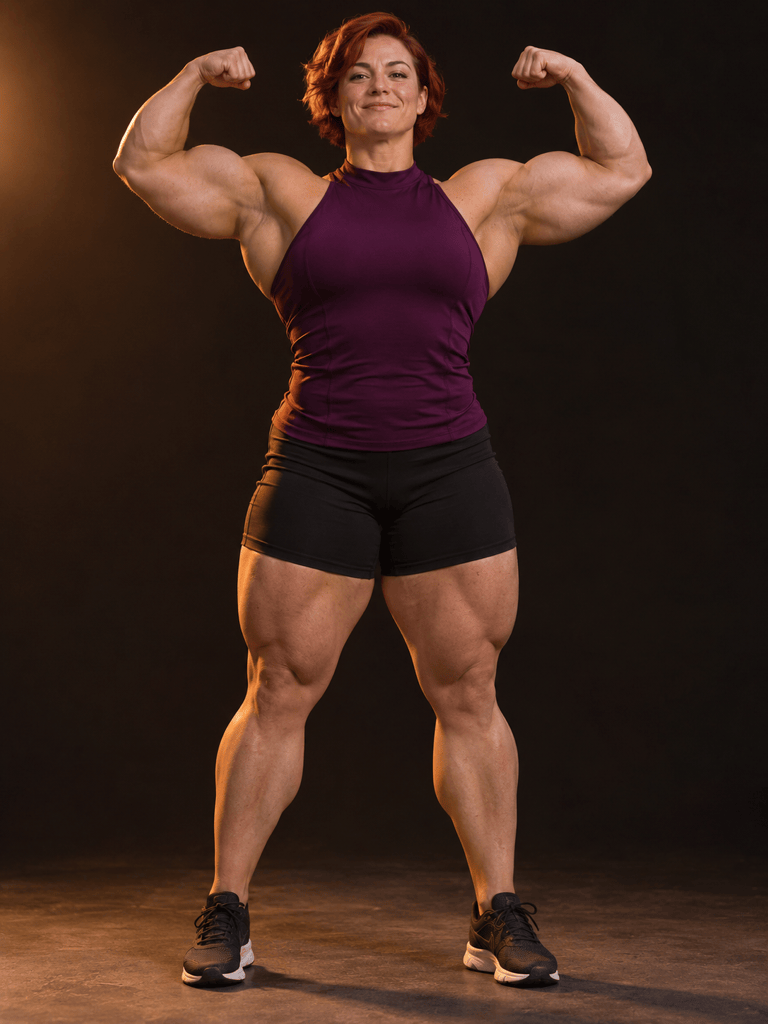
Give the adult woman in this photo a larger female bodybuilder physique, with broader shoulders, thicker arms, and balanced legs. Preserve her face and clothing coverage as closely as possible, and keep the anatomy coherent.
Add gentle abdominal definition to the already-visible midriff in this adult woman’s photo. Keep her clothing coverage unchanged, match the skin tone and light, and avoid overly deep or sharp muscle lines.
Use the original photo as a reference to bring the edited woman’s face and hairstyle closer to the source. Keep the current muscle definition and outfit, and avoid changing the background.
Make this muscle photo edit look less exaggerated. Reduce shoulder and arm size, soften overly sharp muscle lines, and bring the face, clothing, pose, and background closer to the original photo.
Correct the hands and elbow alignment in this muscular woman image. Use natural finger spacing and believable joints while preserving the intended physique, expression, clothing, and lighting.





